Nova ChatGPT
Productivity
2026-09-11
45.48MB
2.2.3
Android
140
Screenshots
Introduction
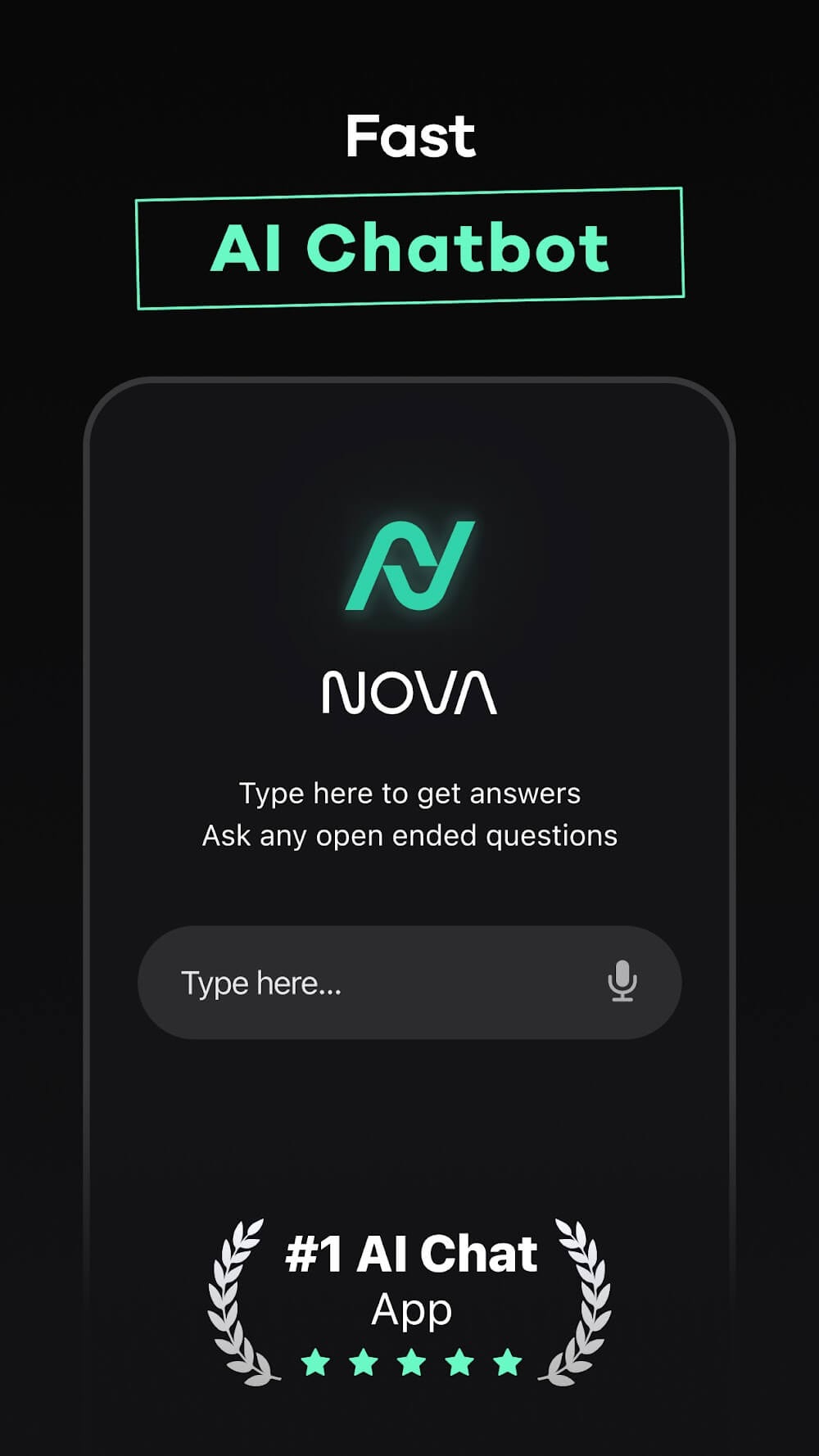
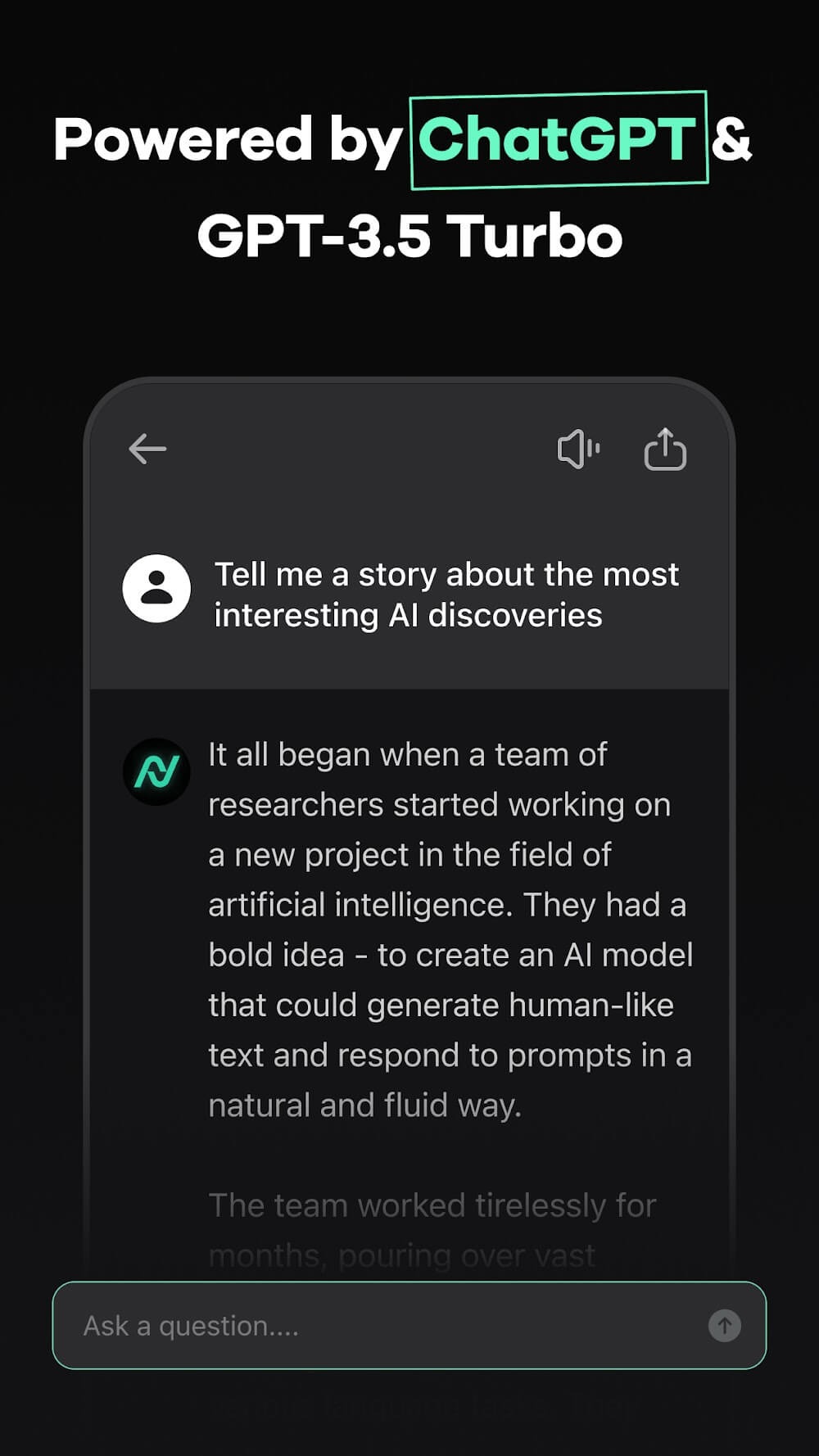
Nova ChatGPT is a personal assistant application for Android. This app allows users to ask questions or provide hints in a conversational format, receiving answers and feedback. It can also be used for writing and editing, making language clearer, more concise, and easier to read. Students can use this software to understand daily learning tasks, serving as a learning aid and a guide for practicing learning steps. Users can also generate images and creative ideas, helping them refine their thoughts into clearer prompts and create visual content.
Features
Answers questions in chat
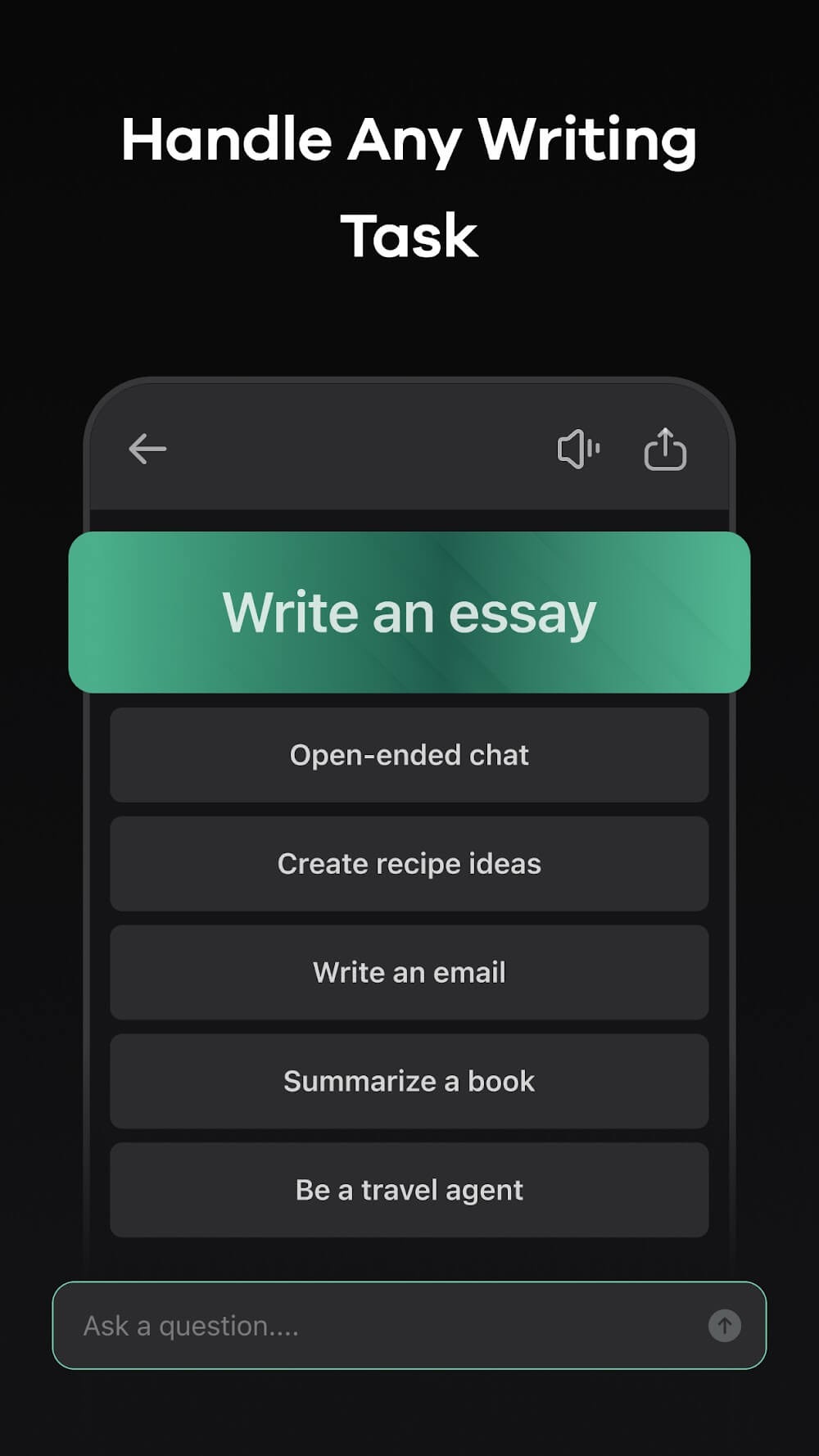
Nova ChatGPT lets you ask short questions, detailed prompts, or follow up questions in a conversational format. You can use it when you need a quick explanation, a comparison, or a simple suggestion. Since the app supports advanced AI models such as GPT, Gemini, Claude, xAI, and DeepSeek, it can handle different types of questions in one place.
Helps with writing and editing
You can use Nova ChatGPT to draft, rewrite, proofread, or adjust the tone of your text. This can be useful for essays, emails, social media captions, poems, business messages, and professional documents. After entering your text or request, you can ask the app to make the wording clearer, shorter, more formal, or easier to read.
Supports learning and homework tasks
Nova ChatGPT can help students understand topics, plan essays, work through compositions, and review documents. For math or scan to solve tasks, you can use the app as a study aid while still checking the final answer yourself. In this way, it works best as a guide for learning steps, explanations, and practice rather than a replacement for your own work.
Creates images and ideas
You can ask Nova ChatGPT to generate images or suggest ideas for personal projects, social posts, presentations, and creative planning. The app can also help you shape a rough idea into a clearer prompt before creating visual content. This makes it useful when you know the topic but need help turning it into something more specific.
Usage
Open Nova ChatGPT on your Android phone and choose the chat option that matches what you want to do.
Type or speak your question, request, or topic, then include details such as the goal, tone, language, or length.
Read the response and ask a follow up question if you need a shorter answer, a clearer explanation, or another version.
For writing or document tasks, paste your text or upload a supported file, then ask the app to review, rewrite, translate, or summarize it.
For creative work, describe the image, caption, idea, or plan you need, then adjust the prompt based on the result.
Pros and Cons
Pros
Remembers context for follow-up questions
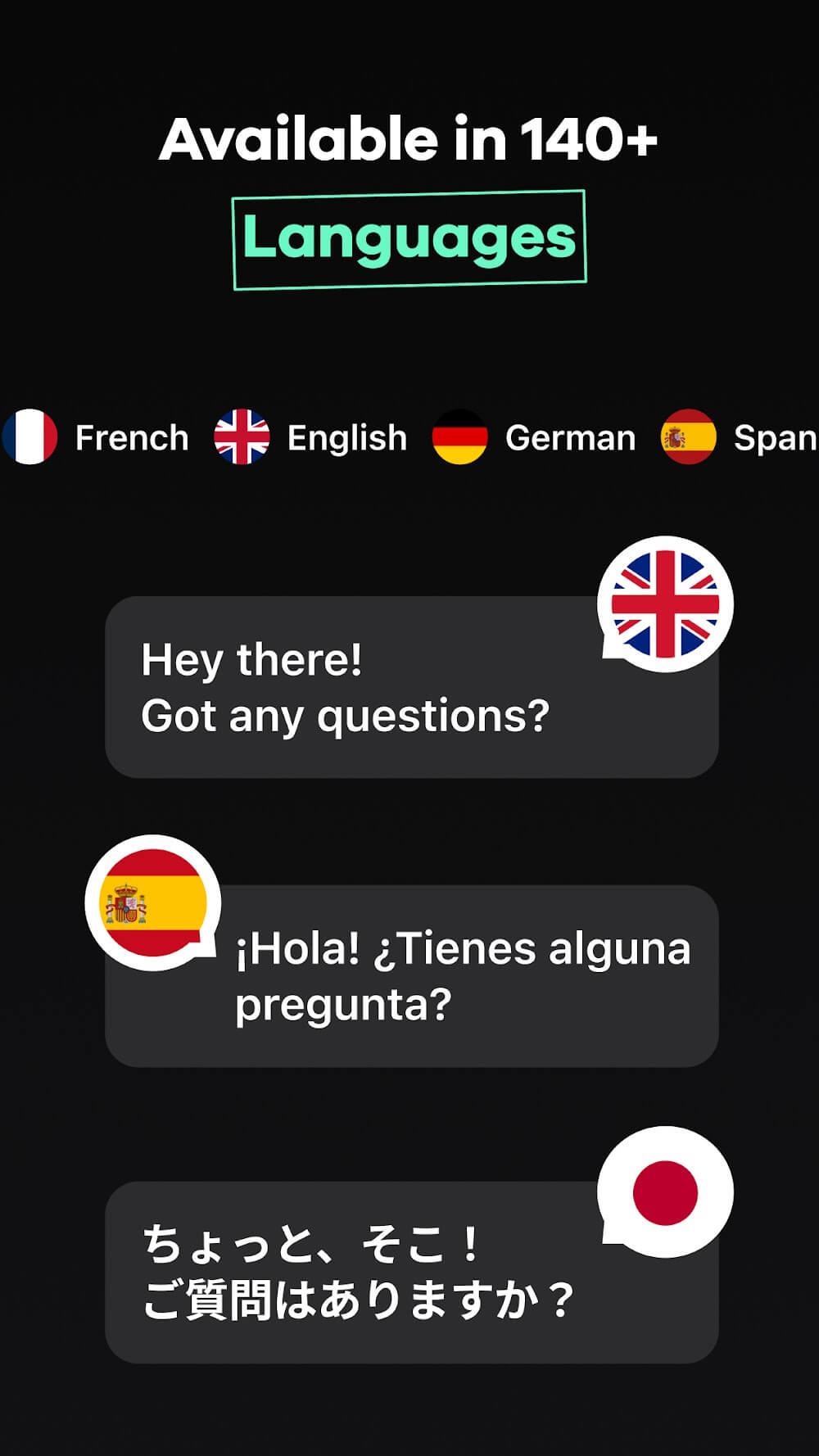
Supports more than 140 languages
Combines web search, voice, images, writing, coding, and file tools
Works across phones, tablets, and computers
Cons
Free chat is limited to three questions per day
Users report difficulty canceling subscriptions
Some reported responses are generic, dated, or glitchy
Conclusion
The application utilizes a deep neural network architecture, enabling it to understand and process language effectively. This allows Nova to maintain context during conversations, enhancing user experience. Its intuitive interface is designed for ease of use, making it accessible for a broad audience. Overall, Nova serves as a practical companion for those interested in harnessing AI for conversational purposes.





-
Latest Updates
-
Featured Apps