Taskito
Productivity
2026-08-13
12.65MB
1.2.6
Android
81
Screenshots
Introduction
Taskito is a practical application for Android that allows users to create daily schedules and to-do lists. With this app, users can clearly record what they need to do each day. The app displays the user's schedule in a view, and users can adjust the position and size of the view for better viewing. The app features multiple reminders to effectively remind users to complete tasks at the corresponding times. Users can also place the app as a widget on their home screen for easy access.
Features:
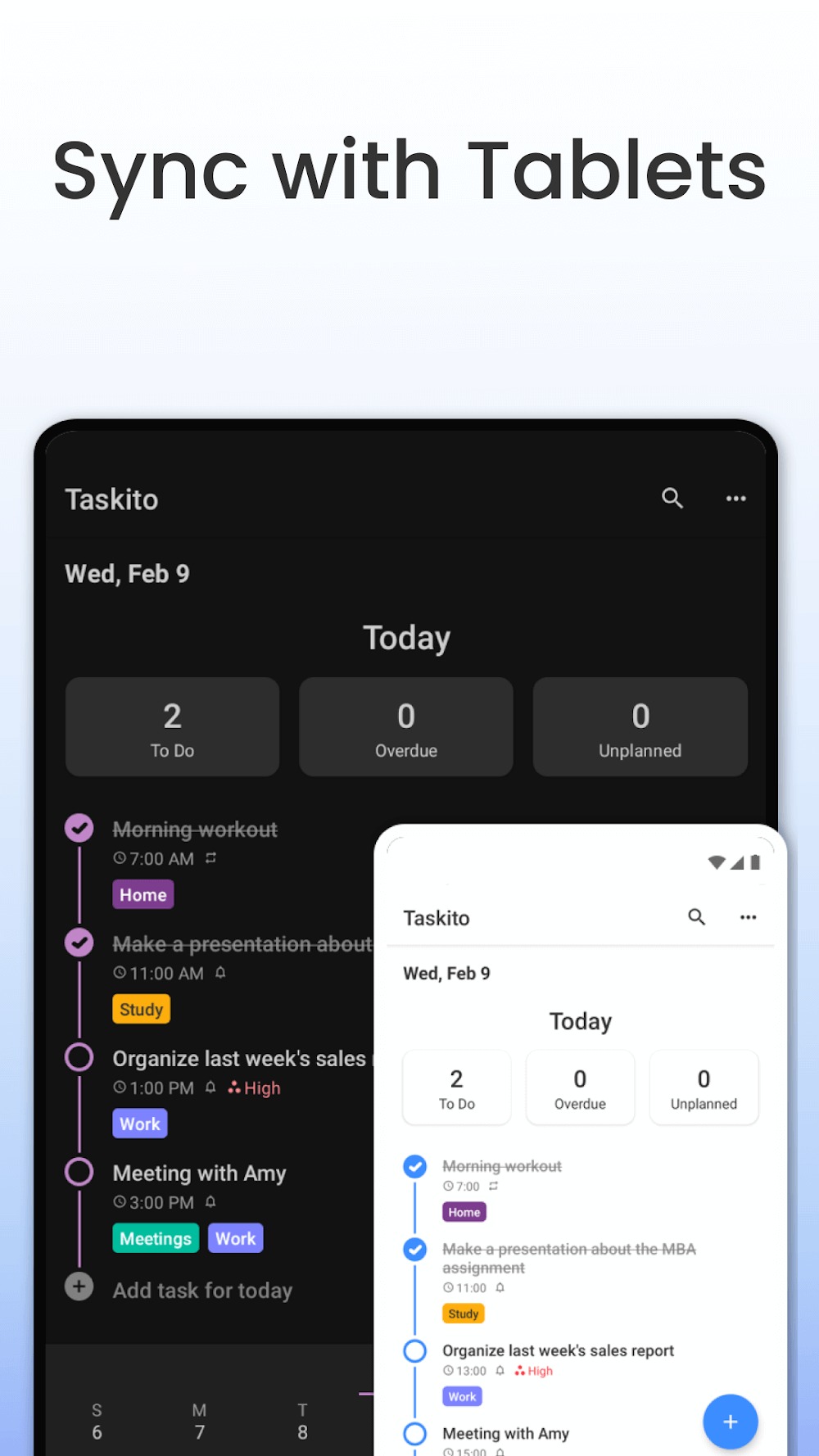
Timeline View: Bring your to-dos, calendar events, reminders, and notes into a single focused feed.
Agenda View: Implement TimeBlock techniques to avoid schedule conflicts. The daily agenda view lets you drag and resize your tasks to fit your way.
Google Calendar Integration: Sync your schedule for seamless event import and effective time-blocking.
Project Boards: Visualize long-term goals. Organize complex projects on a board and move tasks into your timeline when you’re ready to execute.
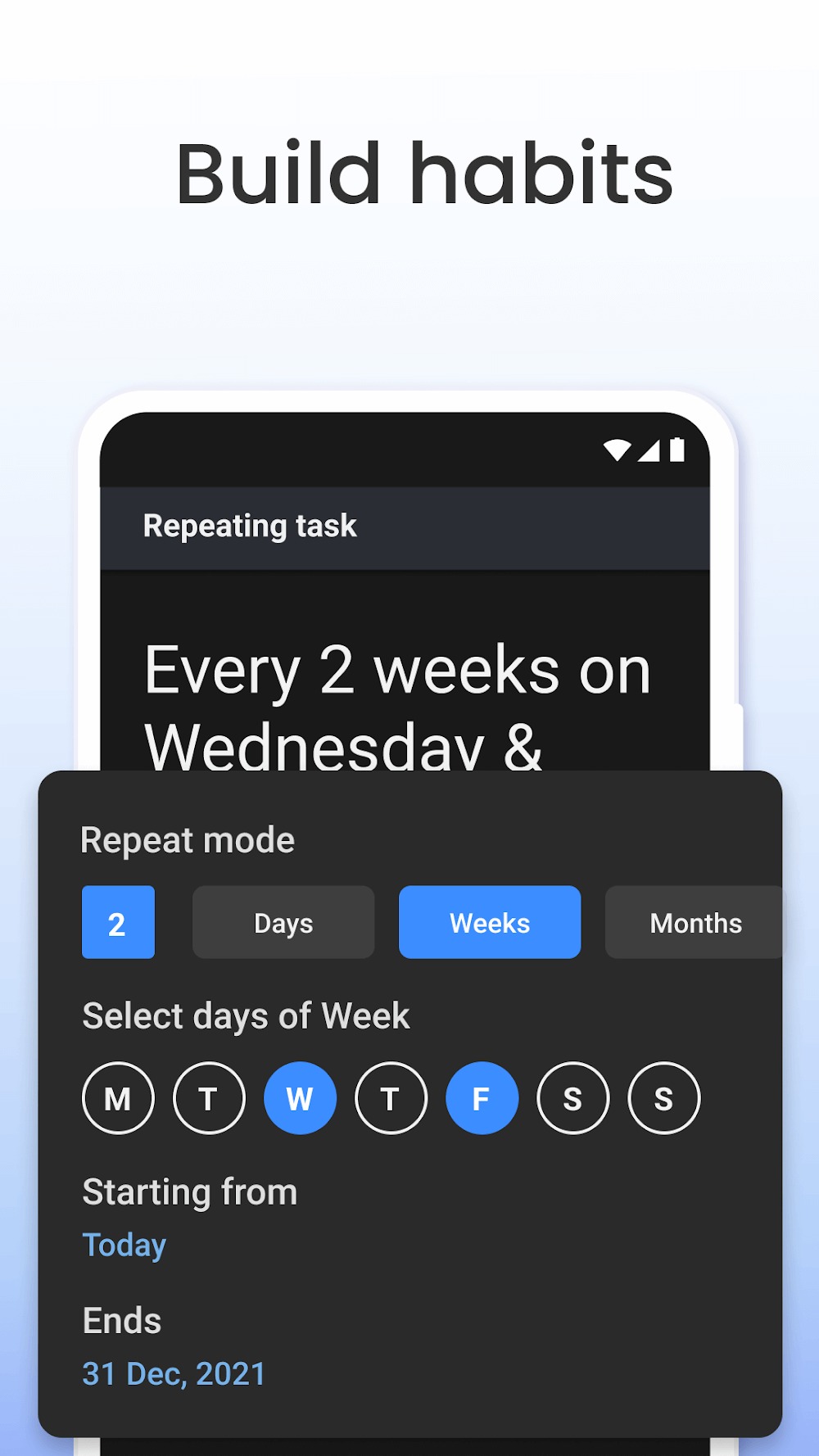
Habit Tracker & Recurring Tasks: Build lasting routines with multi-reminder support to keep your daily habits on track.
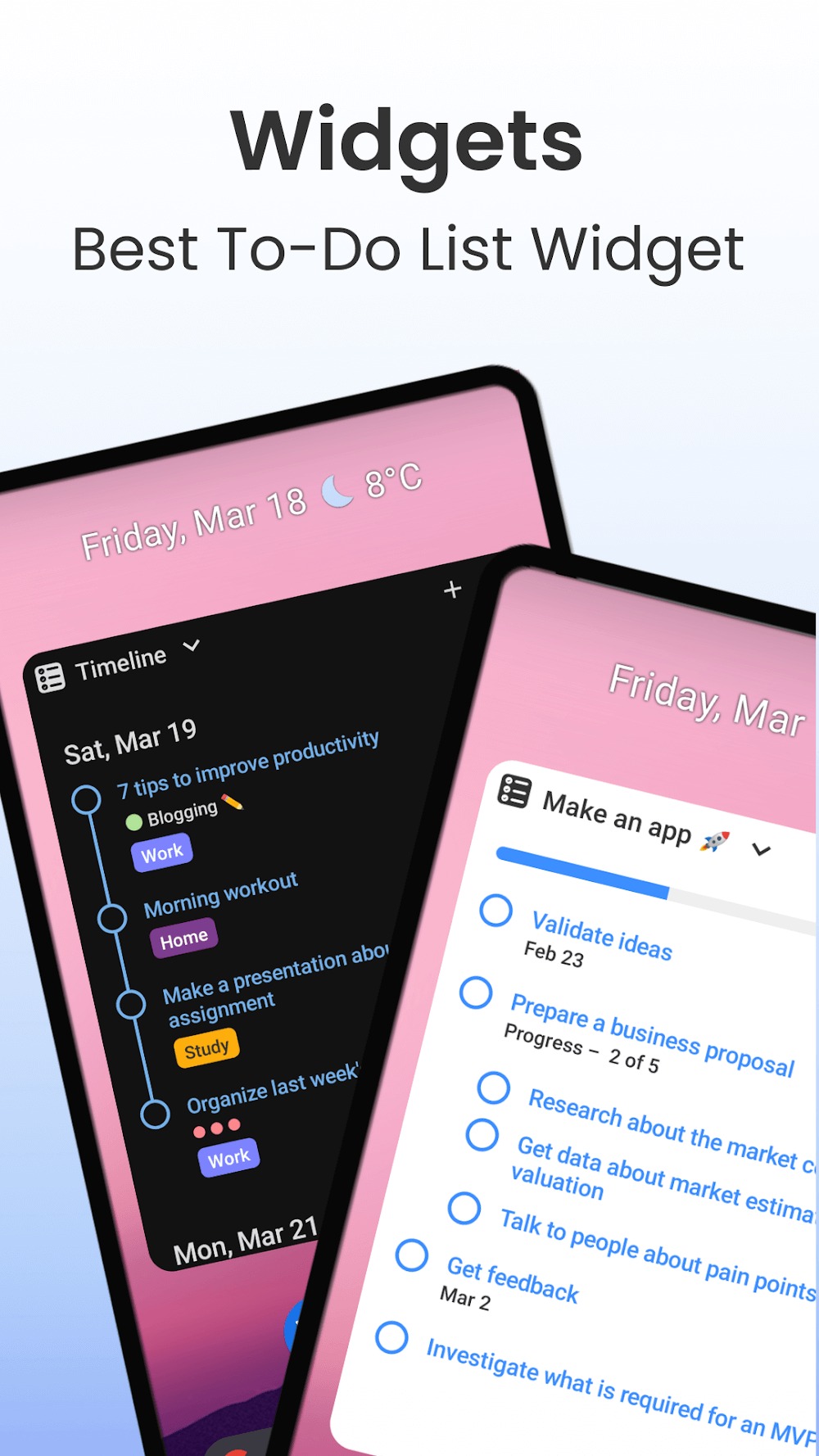
Powerful Widgets: Glance at your agenda and manage your to-do list directly from your home screen without opening the app.
Smart Organization: Use templates for recurring lists (like groceries or workouts), color-coded tags for categorization, and bulk actions to manage tasks en masse.
Function:
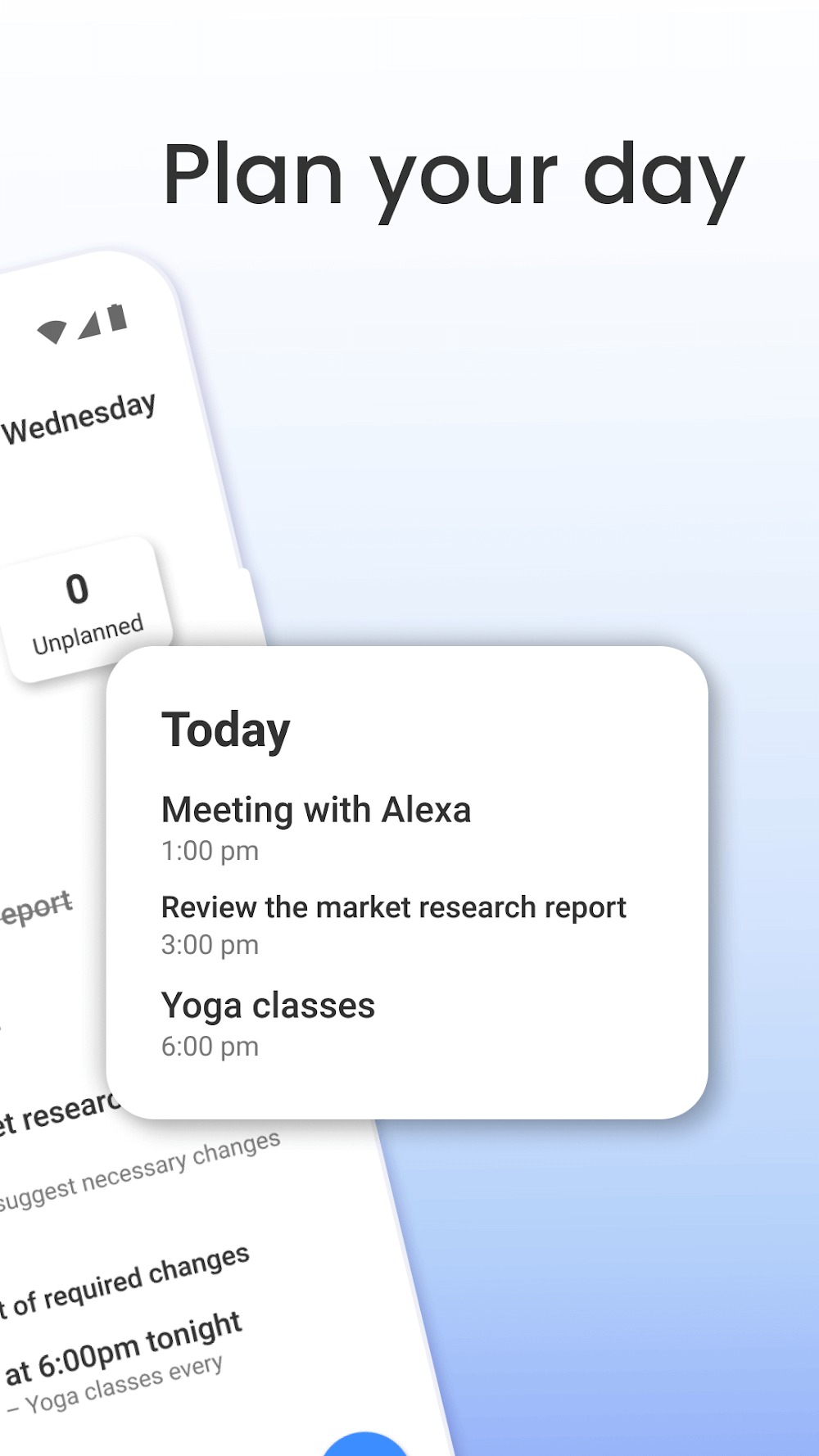
Plan your day
Get a better overview of your day and week with the Timeline
Create daily tasks & ToDo List to track your progress
Gain more control over your schedule by importing Google Calendar to merge your events in the Timeline
Create a grocery list, shopping list with checklist templates
Add tags to separate your work & personal space
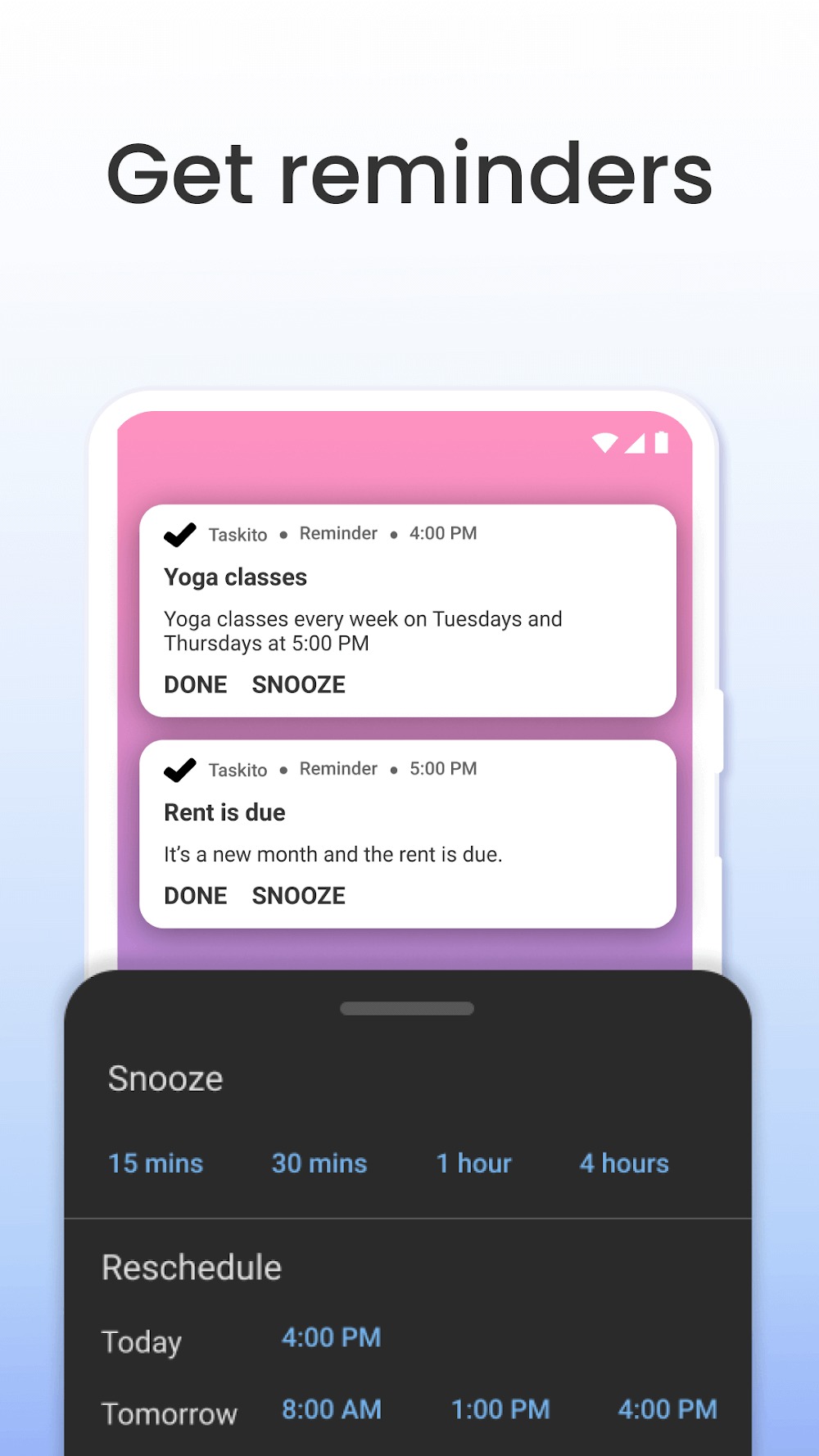
Remember essential dates with repeating reminders, such as Paying rent on the 1st of every month or watering my plants every other day
Build effective habits with recurring tasks like Workout every Monday, Wednesday & Friday
Manage your business, and track your hobby project with its Board. Create projects » Add plans & deadlines » Prioritize
Track your activities by adding notes
Full-Screen Notifications for Reminders
15+ themes with many light & dark variants
Home screen widget with super customization, themes & opacity
Supports 10+ languages
Tips and Tricks:
Easily organize tasks by time and easily observe them.
Match a variety of to-do and shopping lists.
Create yourself a mode to implement and maintain.
There are many ways to remind users to keep their work.
Changelog:
Version 1.2.6
Checklist: Convert to task.
Notification: Fixed issue with Samsung OneUI 6.1
Tags: Archive tags.
Fixed a lot of bugs!
Conclusion:
With its array of features and user-centric design, Taskito stands out as a reliable choice for individuals seeking a task management app on the Android platform. It offers a blend of organization, flexibility, and productivity enhancement tools that cater to various needs. Users can download Taskito to experience its functionalities and improve their task management strategies.
-
Latest Updates
-
Featured Apps