Dazz-Cam Vintage
Photography
2026-10-26
20.88MB
4.8.2
Android
436
Screenshots
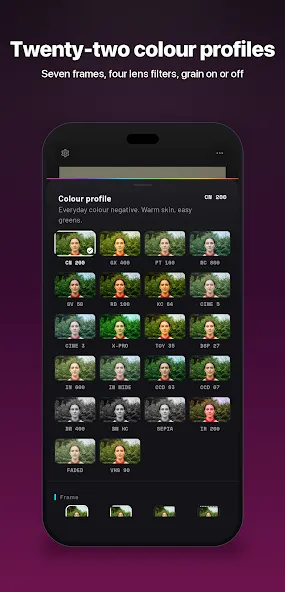
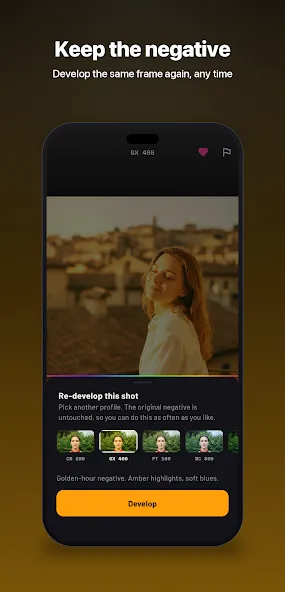
Introduction
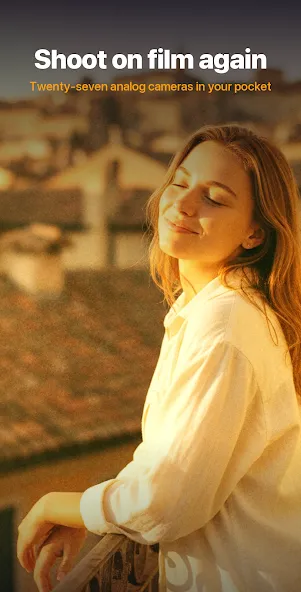
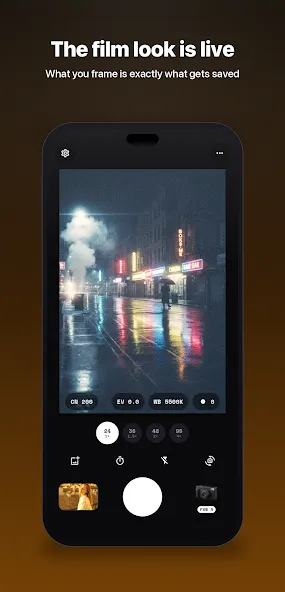
Dazz-Cam Vintage is a camera app designed for Android devices. It features manual exposure sliders, allowing for fine-tuning of brightness and contrast. The app also offers various flash options, including settings for ambient lighting and edge-accentuation effects—perfect for enhancing the "film-like" texture of photos taken in low-light conditions. Users can apply a vintage aesthetic to their images with a single tap. Additionally, the app supports features such as multiple exposure and a fisheye lens effect. With its simple, intuitive interface, it is easy to get started, while the fast editing process allows for instant sharing to social media platforms.
Features
Manual exposure sliders to fine-tune brightness and contrast
Colored flash options for stylized fringing and mood lighting
Fisheye and other lens-styled filters for strong visual distortion
Single-tap capture for fast, straightforward shooting
Countdown self-timer for hands-free shots
Double-exposure mode to blend two pictures into one artistic frame
On-screen grid to help compose and align your shots
Low-light flash behavior designed to add film-like texture
Advantages and disadvantages
Pros
One-button vintage film treatment
Convincing grain, texture, and light-leak effects
Double exposure, fisheye lens, and colored flash
Useful self-timer, grid, and exposure controls
Cons
Random freezes can interrupt photo capture
Some albums may not appear
How to Use
Open the Dazz-Cam Vintage App: Download and install it from our website, then launch it on your phone. After that, open it and enter the app’s main interface.
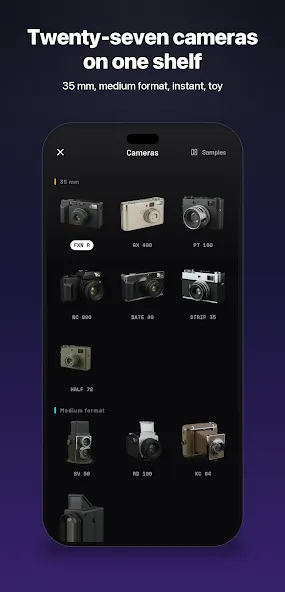
Browse various styles: You will see many old-fashioned effects and styles for a nostalgic look. Choose your favorite style to apply to your images.
Take pictures with a vintage lens: Now, say “cheese” and take your fresh picture, or import one from your gallery. Apply the selected vintage effect to that picture.
Export and share: You are now done. Export the image in high quality and share it with your friends. You can share the photos on your social account directly to get a bundle of likes and comments.
FAQS
What is Dazz-Cam Vintage?
Dazz-Cam Vintage is an advanced image editor that adds nostalgic charm to your images. You can edit your pictures using multiple old-style effects in this app to create vintage-style photos.
How to save photos on this app?
When you are done editing your images, confirm the changes and export them at high resolution.
How to edit pictures on this special image editor?
Editing images in this app is a breeze. Import images into the app, apply effects, manually adjust them, and export at the best resolutions.
Summarize
Built to make Android photos resemble 1980s film, Dazz-Cam Vintage is a free camera app centered on quick, convincing retro effects. Its distinctive idea is simple: one button applies the color shifts, grain, texture, and light leaks associated with aging film, without sending users through a stack of editing controls.
-
Latest Updates
-
Featured Apps