mcpro24fps
Photography
2026-10-07
1.79MB
038df
Android
258
Screenshots
Introduction
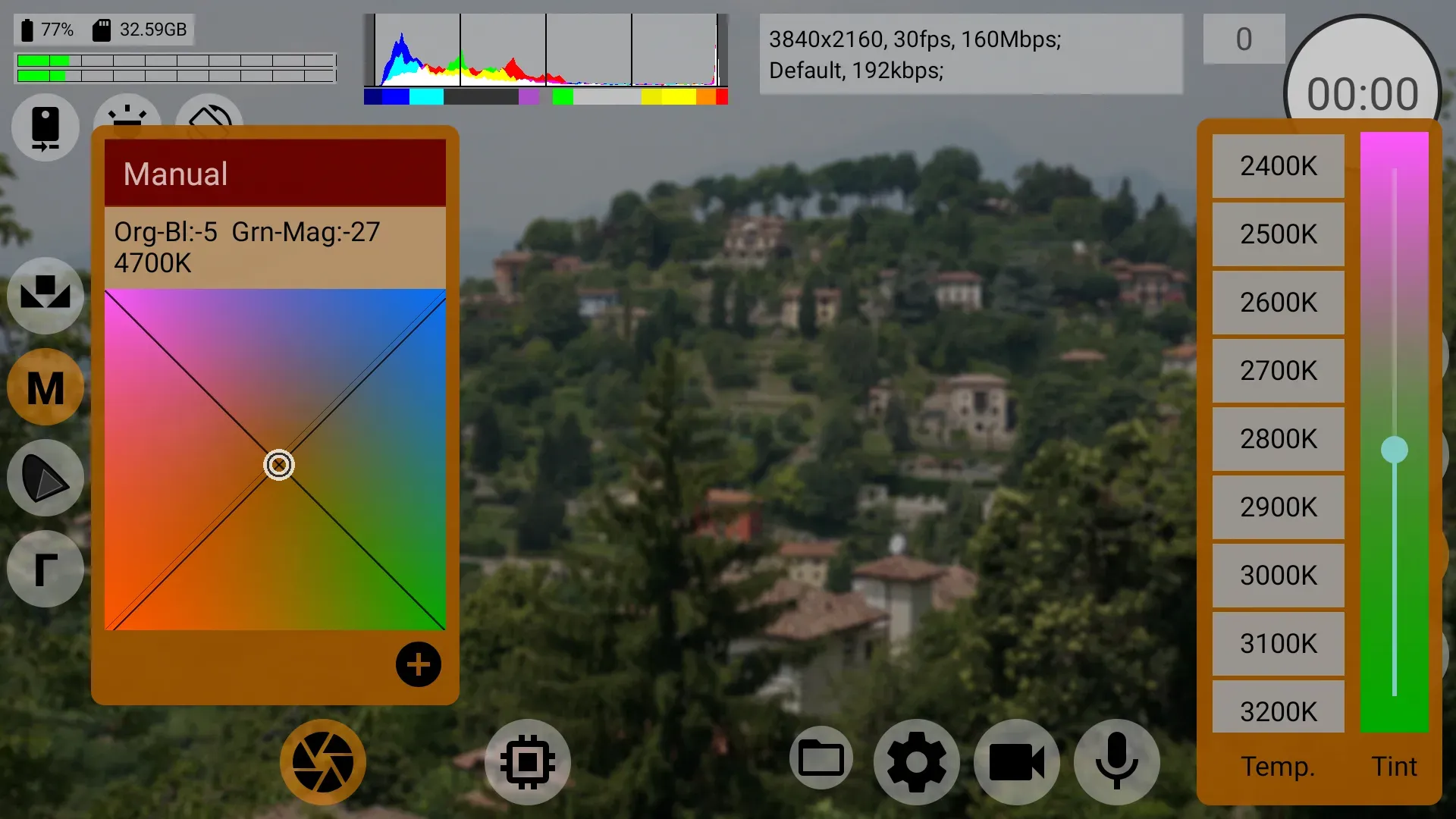
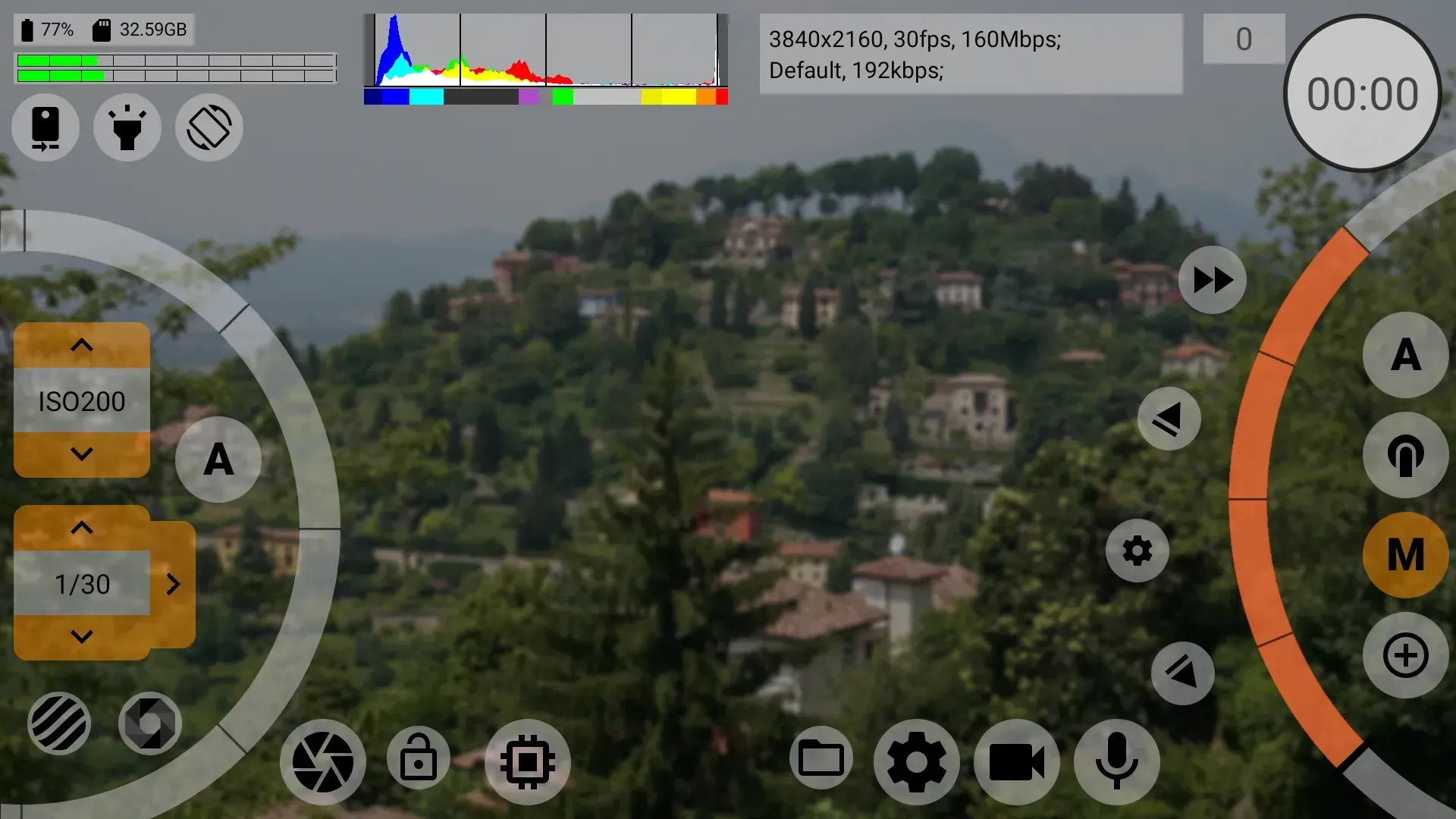
mcpro24fps is a videography tool for Android devices that transforms your mobile device into a professional-grade video camera. It supports recording at various frame rates to achieve a cinematic look and offers both manual control—such as shutter settings—and automatic adjustment options. The app optimizes compression to balance image quality with file size and features intuitive displays for histograms and audio level meters. With a user-friendly interface, it supports 60fps and 120fps recording and provides a wealth of video editing and animation capabilities, offering great convenience to users.
Features
App that transforms an Android mobile device into a professional video camera.
Recording at multiple fps (24, 25, 30, 60...) to achieve a cinematic aesthetic.
Manual control of ISO, shutter, focus, and white balance.
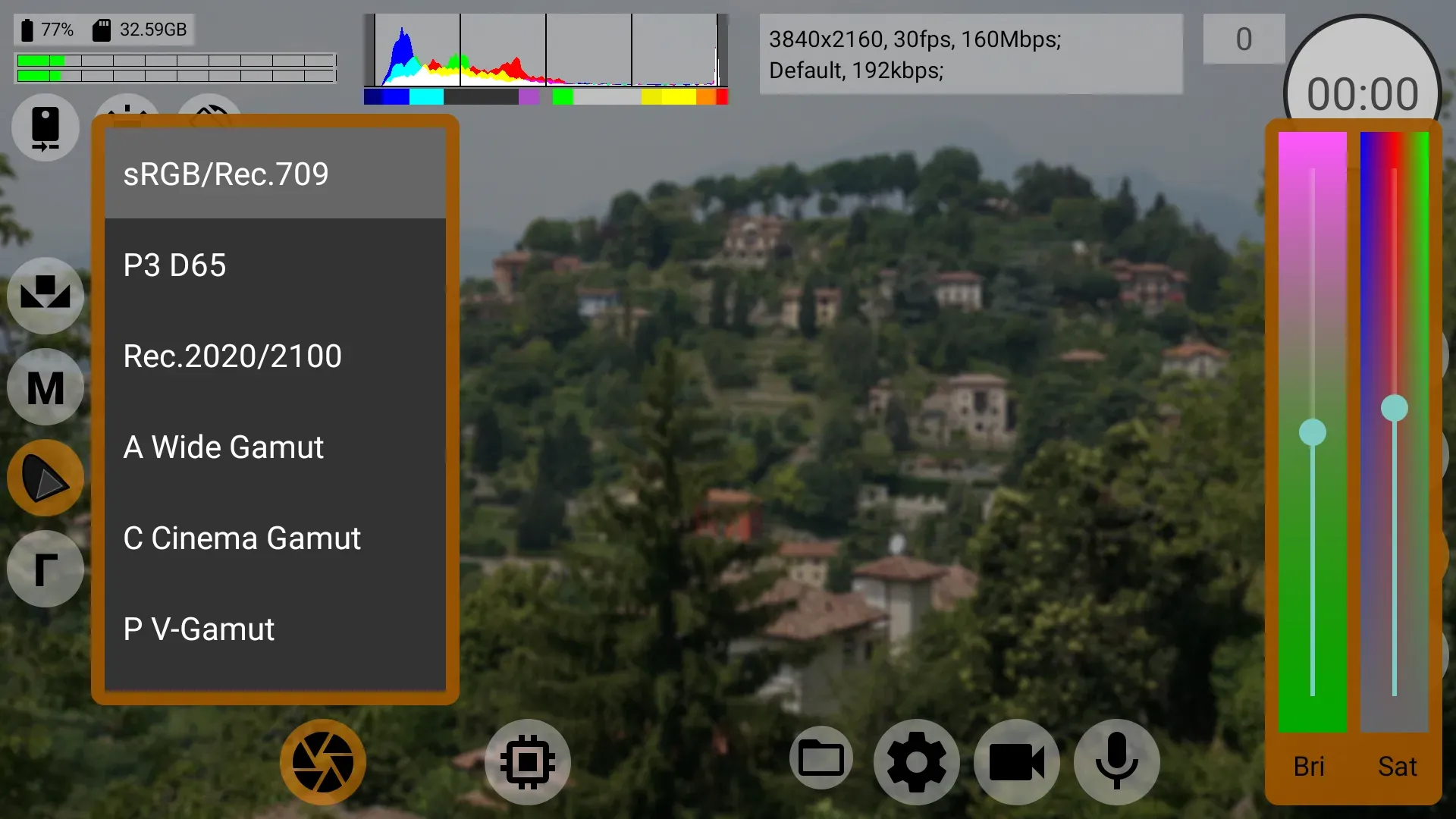
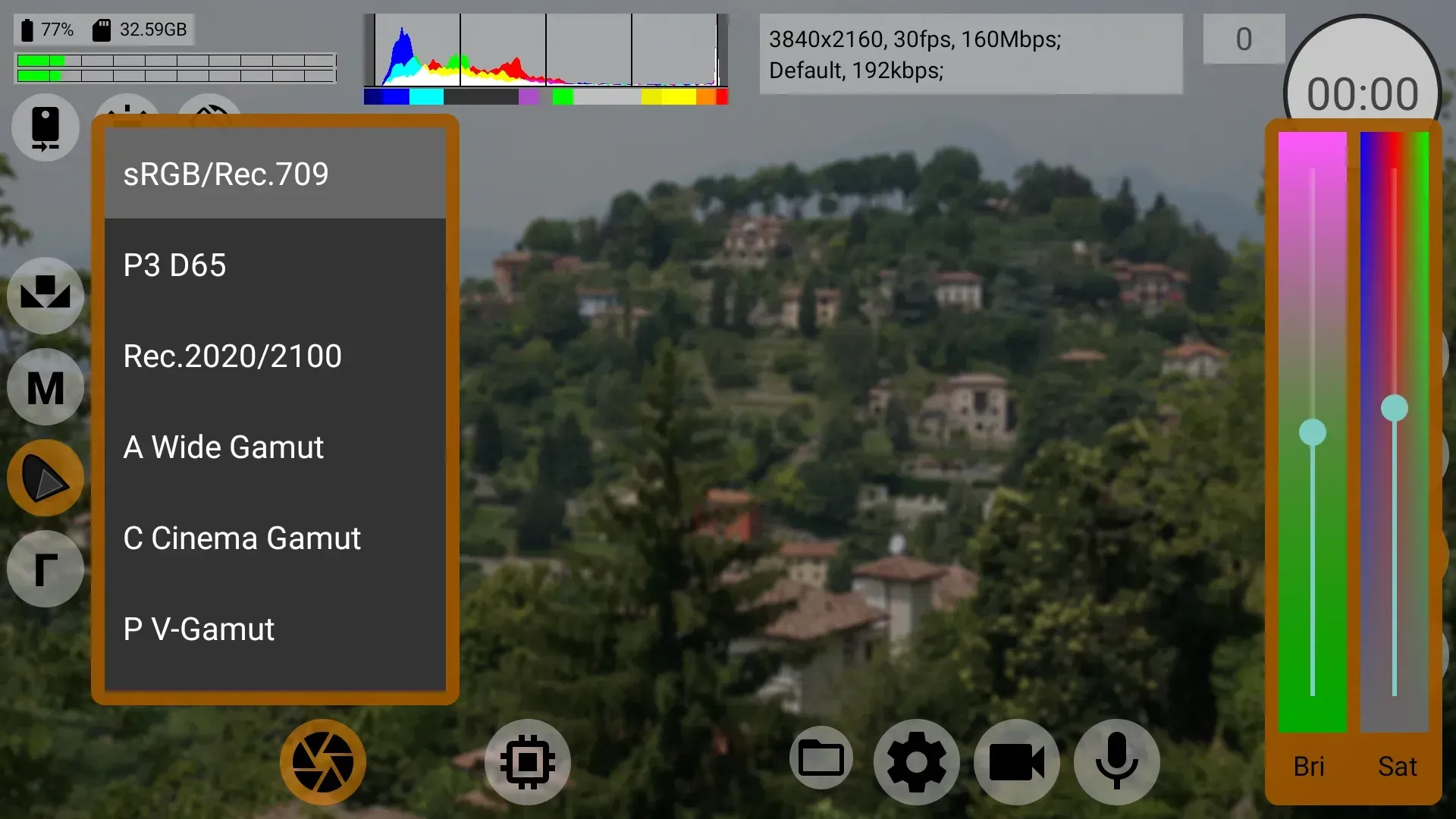
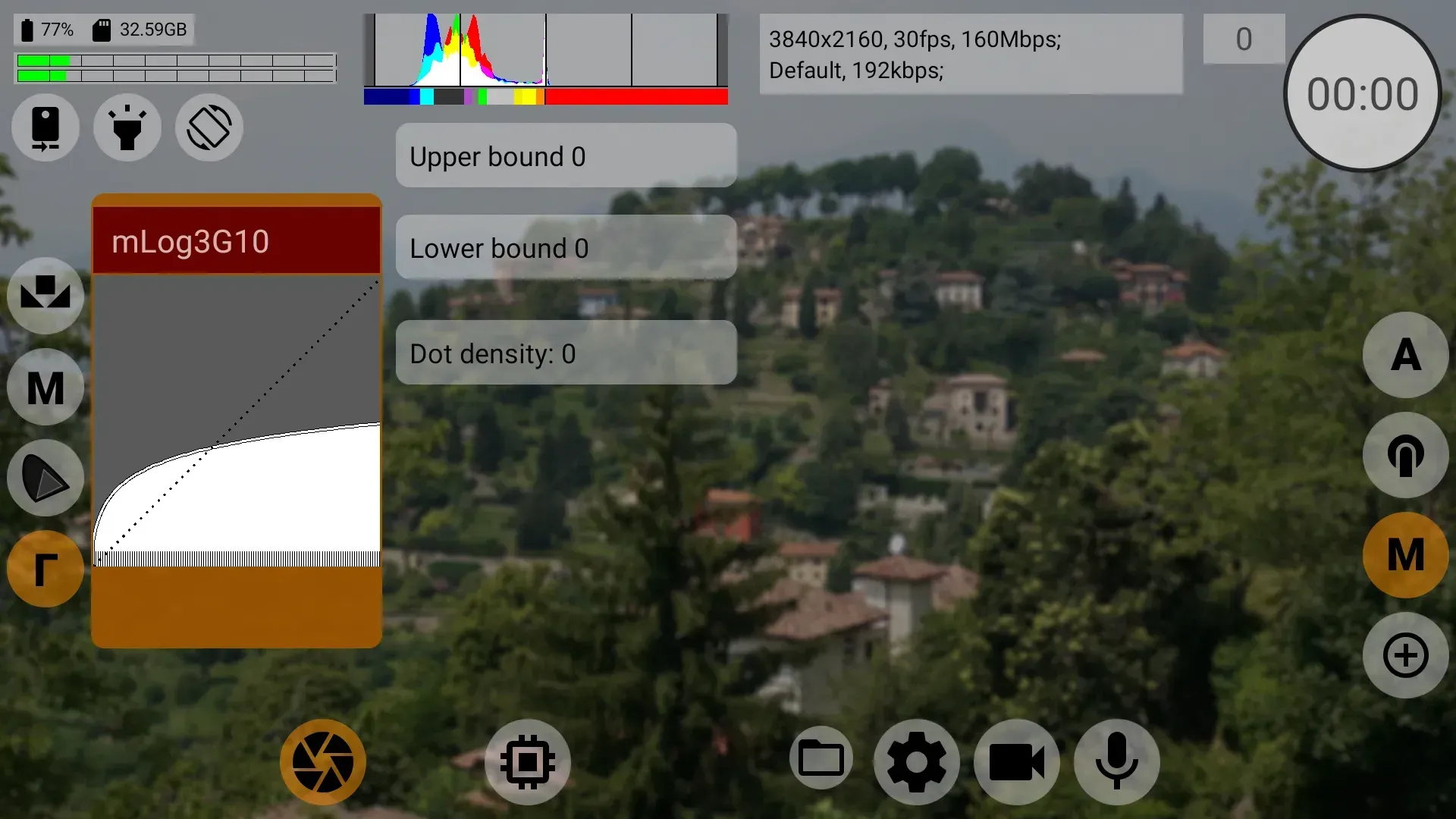
Compatibility with log recording and flat profiles for better color grading.
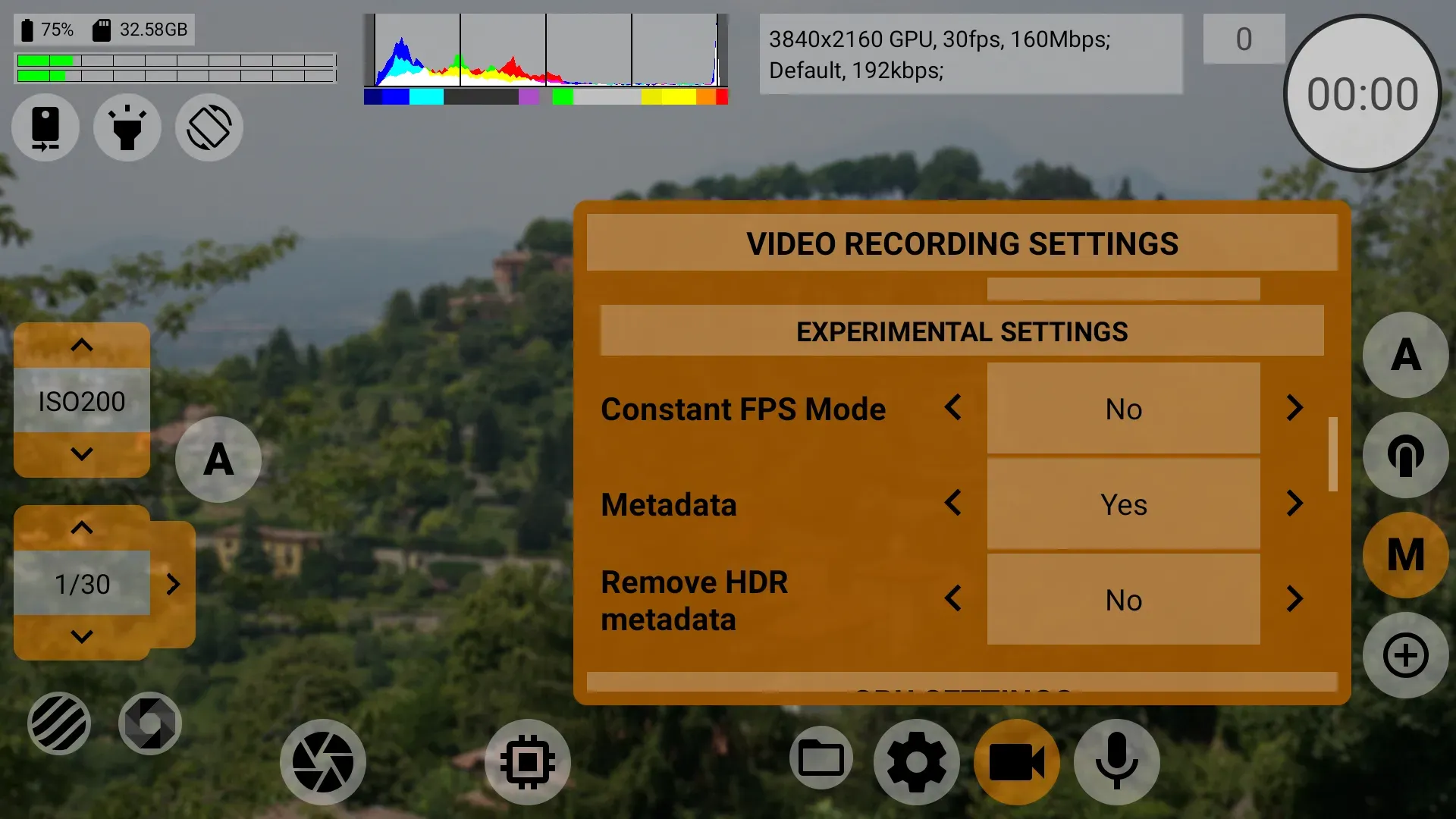
Ability to choose bitrate, codecs, and compression to adjust quality and size.
Support for 10-bit recording on compatible mobiles.
Histograms and meters on screen to control exposure and audio in real-time.
Professional interface geared towards experienced users.
Advantages and disadvantages
Pros
Easy to use user interface.
Offers a wide range of features for editing videos and creating animations.
Allows users to customize their own projects with ease.
Has an intuitive drag-and-drop feature which makes video creation fast and simple.
Cons
The app is not available on the Apple App Store.
It does not offer support for older Android versions, such as Gingerbread and Ice Cream Sandwich.
FAQS
Does this app support 60fps/120fps?
Yes, if your phone's hardware supports it. Go to Settings > Video > FPS to select your desired frame rate.
Why is the screen black?
This usually happens if you selected a camera ID or resolution not supported by your device. Clear the app data to reset settings.
What is LOG profile?
LOG is a flat color profile that preserves more detail in shadows and highlights, designed for color grading in post-production.
User comments
Hello developers, This is an amazing app, everything I want is here, except turning off OIS, I can turn off OIS in Filmic Pro and ProTake Application, I wonder why I cant turn it off, using a Samsung Galaxy S8 Snapdragon version
One of the most vast user function I've seen on a camera app. Allows you to control your camera in ways you haven't imagined. One thing I would like to see though is the option to recognise and switch to OTC usb plugin camera or usb microscope
S24 Ultra user here. At first the demo would crash within seconds of opening, but it works fine now. This app is very feature rich and it allows you to disable the dreaded "Samsung sharpening" completely as well as record at much higher bit rates (up to 500mb/s) versus up to 90mb/s on the native camera app. This is the best well rounded video app you can get. Better video quality than Filmic Pro without a subscription while not having the GIANT file size of recording in Cinema DNG in Motioncam.
Summarize
We are looking for a super product to help you have great footage, then mcpro24fps is the only choice. The application always focuses on quality and the results you get afterward. This photography application integrates modern camcorders that can help you create the perfect work. The application is always new, and you will find a series of essential features included in the application to serve the user’s needs.
-
Latest Updates
-
Featured Apps