Maximum Zoom
Photography
2026-10-13
16.71MB
1.0.18
Android 4.1 and up
270
Screenshots
Introduction
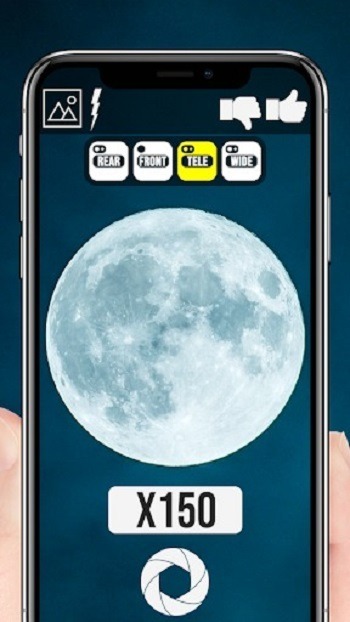
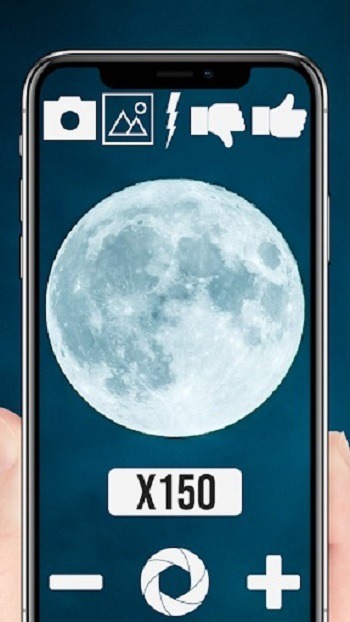
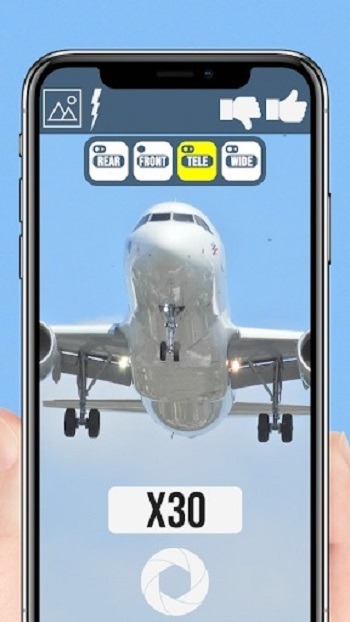
Maximum Zoom is a camera app for Android devices that overcomes standard hardware limitations, allowing you to zoom in on subjects with exceptional clarity. It features a user-friendly interface that is easy for anyone to master. The app supports telephoto and ultra-wide-angle shooting—boosting your phone's zoom capability up to 150x—as well as macro photography, all while ensuring the security of your device.
Features
Infinite Digital Zoom: Break free from your phone’s camera limitations. Zoom into distant subjects with clarity that will amaze you.
User-Friendly Interface: The app is designed with simplicity, making it easy for anyone to use.
High-Quality Images: Despite the high zoom levels, Maximum Zoom strives to maintain the quality of your photos.
Free to Download: You can get this incredible tool without spending a dime.
Advantages and disadvantages
Pros
Supports telephoto, ultrawide, and front-facing cameras
Simple, familiar camera controls
Subject thumbnail helps at high magnification
Cons
Image quality drops as digital zoom rises
Frequent, lengthy ads interrupt shooting
FAQS
What is Maximum Zoom?
Maximum Zoom is a photography-focused Android app that boosts your phone’s zoom abilities up to 150x, helping you capture super-detailed photos from a distance.
Does Maximum Zoom work on all Android phones?
It works on most devices, but phones with newer or higher-end cameras will see better performance and image clarity at higher zoom levels.
Can I use Maximum Zoom for macro photography?
Yes! There’s a built-in macro mode that makes it easy to snap sharp, close-up shots of tiny objects like plants, textures, or insects.
Is Maximum Zoom APK safe to install?
The app is developed by a known publisher and optimized for Android. As long as you’re downloading from a trusted source, it’s safe to install.
How can I improve my photos with Maximum Zoom?
Use a tripod or steady surface, shoot in good lighting, and experiment with manual focus and macro settings for sharper and more creative shots.
Tips
Stay put: Also, use a tripod or prop your phone against something stable as high zoom will bring out the smallest of movements.
Slowly: At 1000x magnification the tiniest of movements will count so take your time to get the focus right.
Use quality lighting: Also natural light does a better job at bringing out details which you’ll notice in photos taken from a distance.
Experiment: Check out textures, plants, and everyday objects for detail. You may be surprised by what you find.
Summarize
Built around extreme digital magnification, Maximum Zoom is a free Android camera app that pushes beyond the zoom ceiling imposed by many stock camera apps. Its distinctive appeal is simple: it keeps cropping into the live image long after a phone's default camera would stop.
-
Latest Updates
-
Featured Apps