VN Video Editor Maker VlogNow
Photography
2026-10-13
285.33MB
2.22.1
Android
152
Screenshots
Introduction
VN Video Editor Maker VlogNow is a powerful video editing tool. It features a user-friendly interface that allows users to get started quickly, with its core functions immediately apparent from the main screen. Users can enhance their videos with special effects such as filters and transitions. The software offers robust customization options, enabling users to add their own music and subtitles. It also boasts excellent compatibility, allowing finished videos to be exported to other platforms or shared easily with friends. Packed with a wide range of editing features—including various filters and keyframe capabilities—it empowers even casual users to create professional-quality videos with high-quality output.
Features:
Flexible Editing Tools
Create personalized videos. Unleash your creative potential with these feature-rich editing tools to produce high-quality videos and share them with the world.
Vogue Color Effects
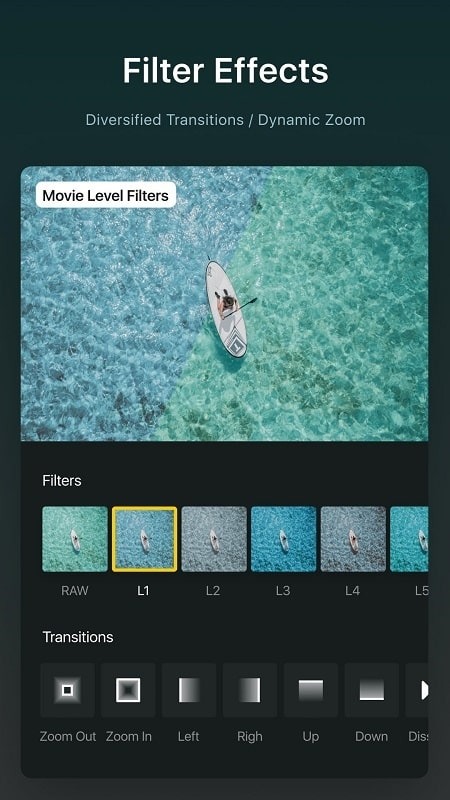
This app offers a unique collection of effects and filters, including a variety of color filters to experiment with. It also features special transitions—such as blur and overlay—to add energy and personality to your videos.
Professional Video Editor
Packed with practical features, this app includes a professional-grade editing toolkit that allows you to easily edit videos and apply a wide range of high-quality effects.
Highlights:
Precise Trimming & Merging: Supports frame-accurate trimming (down to 0.05 seconds) and up to 30x timeline zooming for effortless, detailed editing.
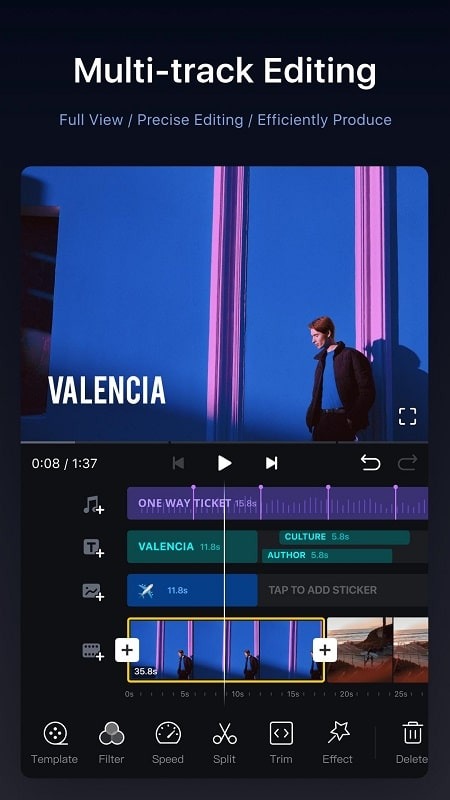
Multi-track Editing: Freely add videos, photos, text, stickers, and Picture-in-Picture (PiP) content.
Masking: Apply masks to layers to create richer, more creative visual effects.
Reverse, Zoom & Freeze: Easily create reverse playback, zoom-in/out, and freeze-frame effects.
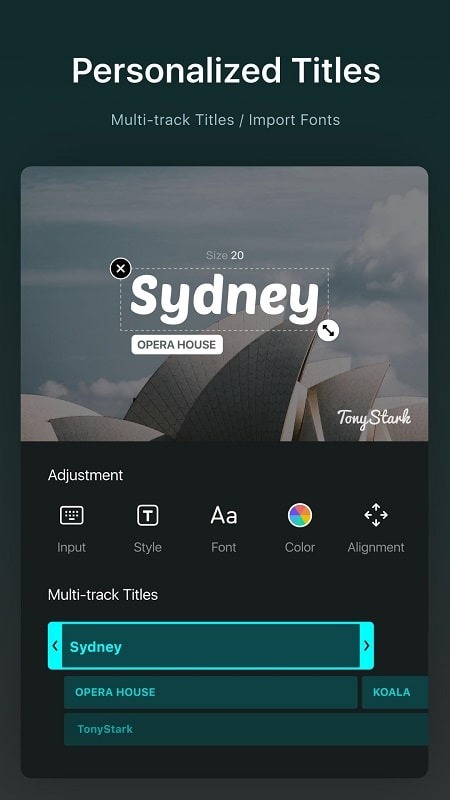
Text & Sticker Animation: Supports keyframe animation for full control over text and sticker effects.
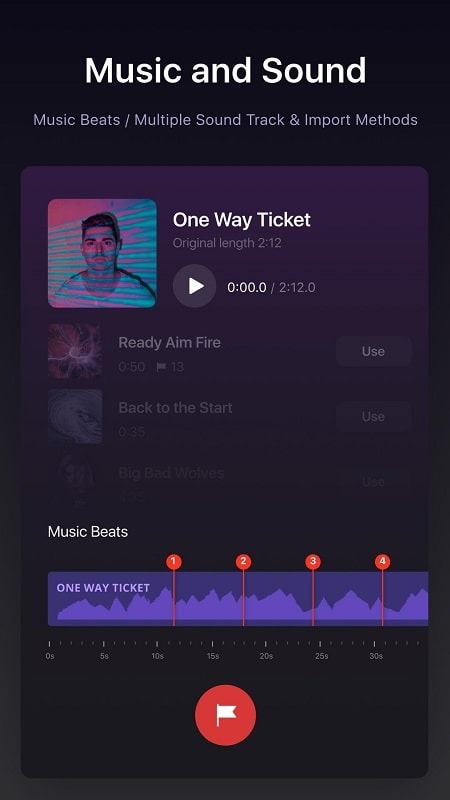
Music & Voiceover: Add background music and sound effects, with in-app voiceover recording capabilities.
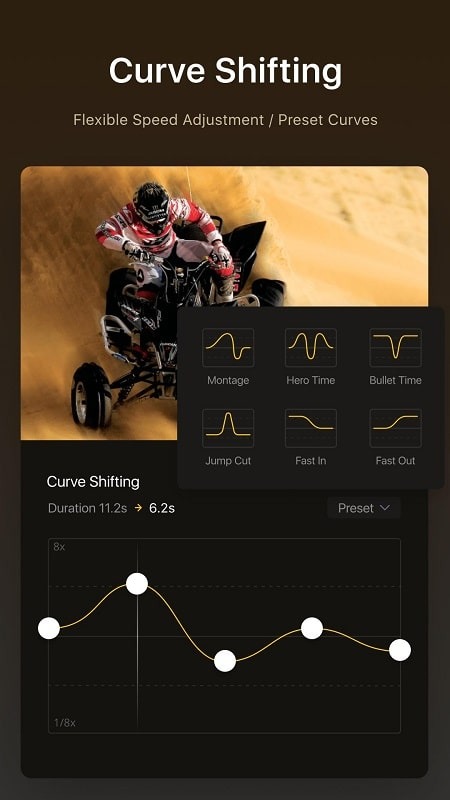
Speed Control: Supports preset speed adjustments and advanced curve-based speed ramping to fine-tune video pacing.
Keyframe Animation: Includes 19 built-in keyframe effects and supports custom easing curves for professional-grade animation control.
Beat Editing: Add beat markers to precisely sync visuals with the music rhythm.
Non-destructive Editing: Automatically saves drafts and fully supports undo and redo operations.
FAQs:
What is VN Video Editor Maker VlogNow?
It is a free, watermark-free video editing app that offers multi-track editing, AI-powered features (such as smart background removal and auto-generated captions from audio), precise keyframe animation with 19 built-in effects, and fully customizable export options supporting up to 4K resolution at 60 frames per second.
Does VN Video Editor Maker VlogNow feature AI-powered editing tools?
VN Video Editor Maker VlogNow includes smart background removal, automatic caption generation from audio, and text-to-speech capabilities with various AI voice options. These features automate repetitive editing tasks—such as creating captions and recording voiceovers—helping creators boost productivity without the need for manual transcription or complex recording setups.
Can I precisely edit keyframes and the timeline?
Yes, VN Video Editor Maker VlogNow supports keyframe adjustments with 0.05-second precision and includes 19 built-in keyframe animation effects applicable to text, photos, and stickers. You can also adjust playback speed using six preset speed curve options and add transitions, overlays, blur effects, and more to your video clips.
What export quality and resolution options does VN Video Editor Maker VlogNow support?
VN Video Editor Maker VlogNow supports exporting videos at up to 4K resolution and 60 frames per second, with adjustable resolution, frame rate, and bitrate settings. You can fully customize export parameters to meet your project's specific needs. On supported devices, you can also edit and export Dolby Vision HDR video.
Advantages and disadvantages:
Pros
Powerful editing tools
High-quality output
Trendy effects and filters
Music and audio tools
Cons
Limited free features
Conclusion:
Edit your videos using modern tools. VN Video Editor Maker VlogNow is the ideal choice for customizing your videos. It allows you to create engaging content and add audio, while a wide range of colors and special effects gives your videos a unique touch. Download VN Video Editor Maker VlogNow and build your own video portfolio.
-
Latest Updates
-
Featured Apps