Magisk Manager
Tools
2026-10-19
1.41MB
6.0.1
Android 4.2 and up
174
Screenshots
Introduction
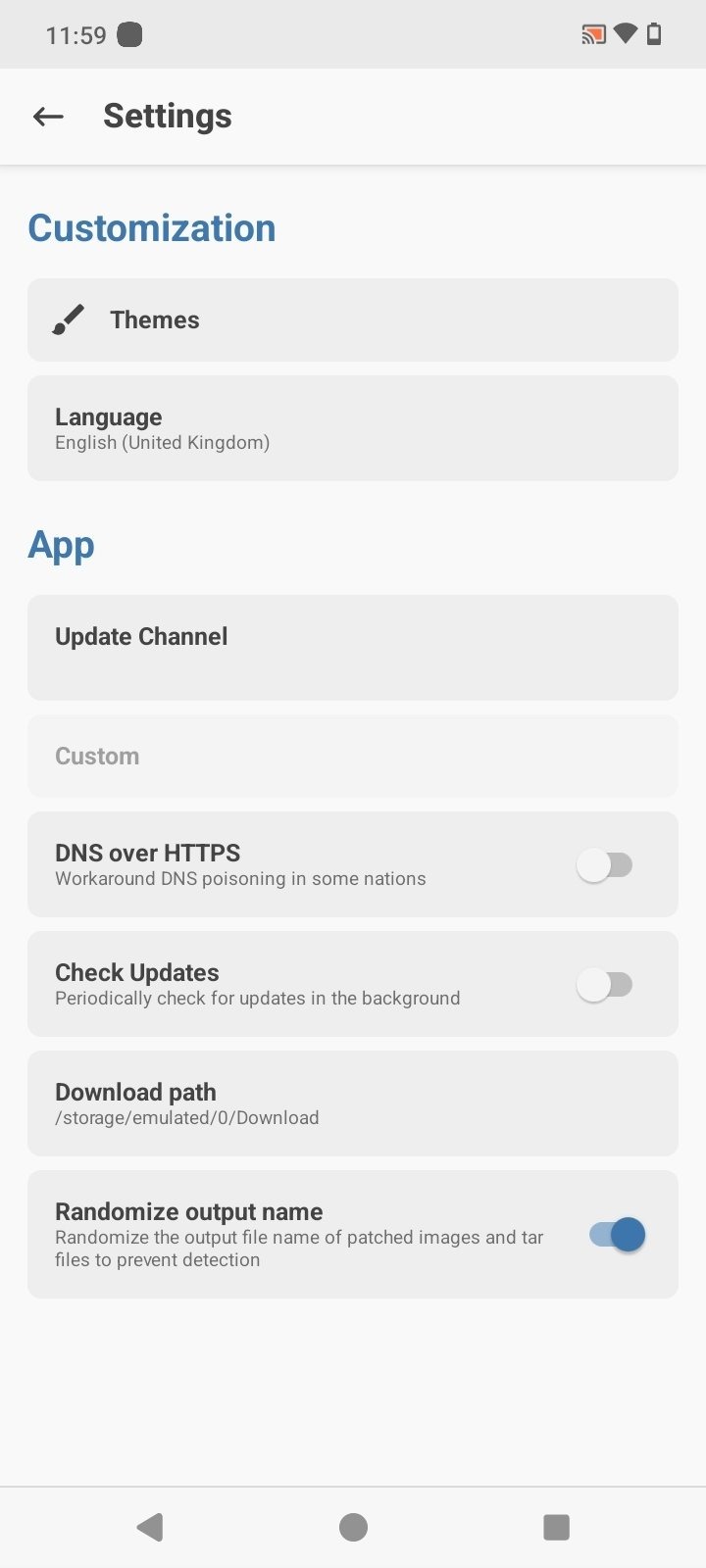
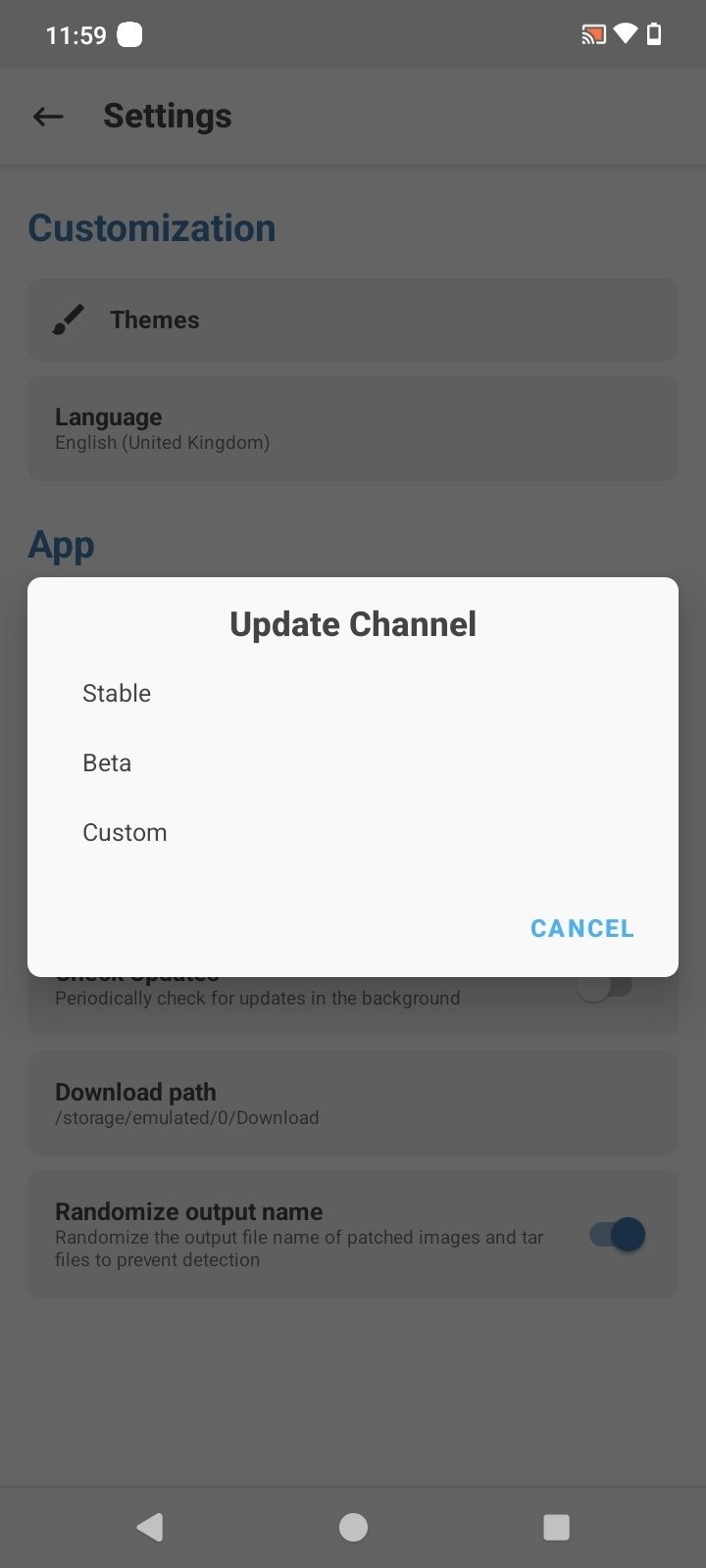
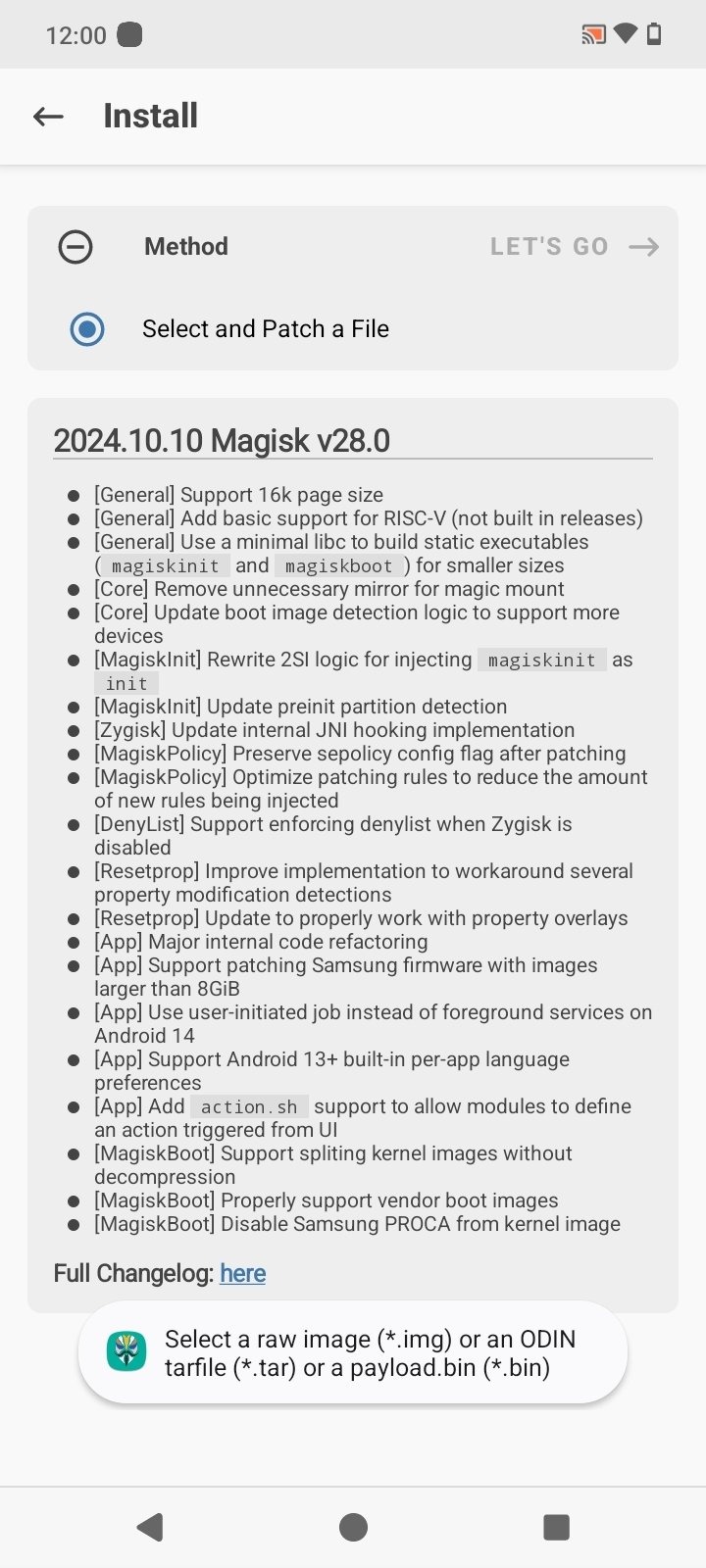
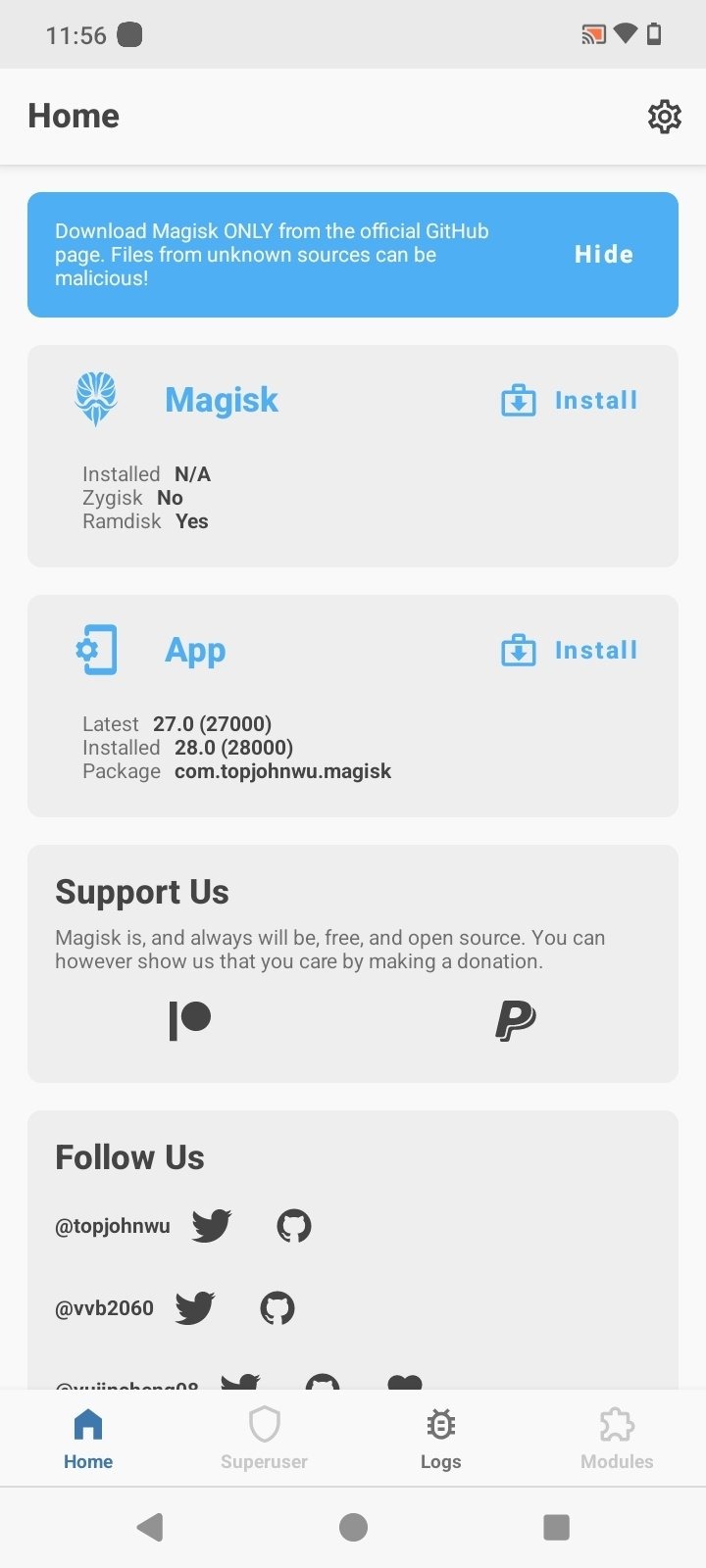
Magisk Manager is a root tool for Android devices that streamlines the installation and update process, including the patching of boot images. The software allows users to enable or disable root modules, view and diagnose logs, and perform security checks. It also includes features for data backup and restoration, manages the granting of root privileges—with support for authorizing superuser access via facial recognition or fingerprint—and enables the hiding of root status from specific applications. Additionally, it features an active user community where members can share tips and techniques.
Features
Guided install and update flows for Magisk and boot image patching
Module management with enable/disable, logs, and conflict diagnostics
Policy controls like app-based allowlists and configuration toggles
Integrated logs and safety checks to help pass integrity where feasible
Backup and restore conveniences to reduce risk during changes
Central dashboard for version status, environment info, and troubleshooting
Function
Root Management: Effortlessly manage and grant root permissions to applications that require it.
Biometric Security: Enhance security by enabling fingerprint or face detection for granting super-user permissions.
Module Installation: Install various root-related modules, including SafetyNet Fix, to hide the root status from specific apps.
Zygisk Support: Utilize Magisk with Zygisk for more efficient module creation through preloading resources into system memory.
Root Hiding: Select apps in which to hide the root to avoid restrictions encountered with games and banking applications.
Systemless Rooting: Experience root access without modifying the system partition, ensuring a less intrusive solution.
Advantages and disadvantages
Pros
Systemless rooting preserves core files
Can bypass security checks from apps
Easy to use
Active community with many modules
Cons
Conflicts with other rooting apps
Requires specific prerequisites to install
FAQS
Is Magisk Manager free of cost?
Yes, Magisk Manager is an absolutely free application. Not a single penny is to be spent to download, root your device, or manage the rooted device.
Is Android rooting legal?
Android rooting is now legal and secure all over the world. You can freely root your smartphone or tablet without any hesitation.
Why is my phone not supported in Magisk?
Magisk Manager currently doesn’t support Iz4 compressed boot image. If your phone has gzip compressed boot.img, it should work fine on your device.
Why is my phone losing root randomly?
If you enable BusyBox in the settings, some LineageOS ROM may face issues of losing the root. You can turn off that feature by going to Settings – Enable BusyBox.
Summarize
Magisk Manager is a powerful tool for rooting your Android device and managing root permissions. If you've unlocked the bootloader and flashed the correct file to gain superuser rights, this app helps you control which apps get elevated access. Magisk Manager supports biometric verification for added protection, so only your fingerprint or face can authorize root access.
-
Latest Updates
-
Featured Apps