AndroVid Pro Video Editor
Tools
2026-10-19
157.17MB
6.8.0.0
Android
577
Screenshots
Introduction
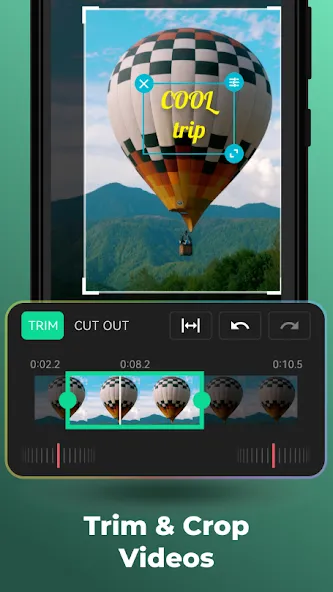
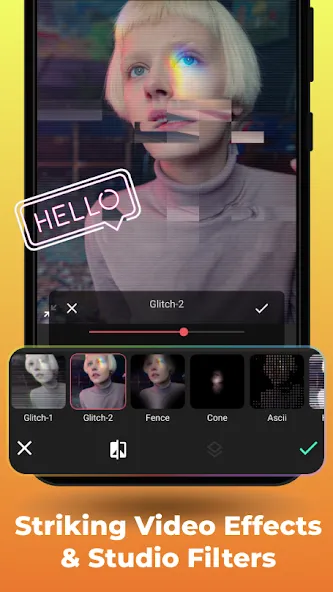
AndroVid Pro Video Editor is a powerful video and photo editing tool. It allows you to trim videos by removing unwanted segments, and offers a one-tap feature to play videos in reverse. You can merge multiple videos into a single file, add background music, or convert videos into animated GIFs. The app supports transcoding videos into various common formats, creating slideshows from photos, extracting individual frames, and removing unwanted sections from the middle of a video. It also provides a range of video special effects.
Features
Video Trimmer : Trim your videos to remove unwanted parts
Video Reverse : Reverse your video to make magic.
Video Joiner : Merge multiple video clips into one video. You can add music as well.
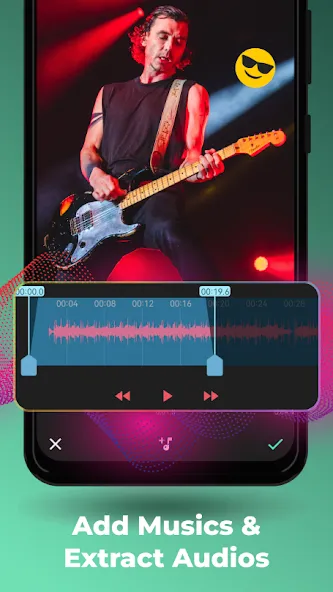
Video & Audio Mixer : Add music to your videos. Adjust video and music volumes.
Animated GIF : Convert your videos to animated GIF
Video Transcoder : Convert videos to other formats, change resolution to make your videos smaller. Supports conversion to GIF, 3GP, AVI, FLV, MP4, MPG, MOV, WMV and VOB formats.
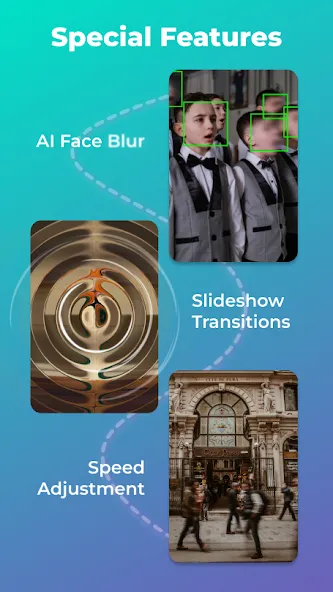
Slideshow Maker : Make slideshow from your images, add fading effect and music.
Frame Grabber : Extract video frame images at any moment of your video.
Video Toolbox : Enhance your video. Adjust brightness, constrast, saturation. Change audio volume
Video Rotate : Rotate videos (Quick Rotation without encoding or True Rotation with encoding)
Delete middle parts : Remove unwanted parts in the middle of your videos.
Update Log
Saved projects will open exactly as you left them, even after an update.
Fixed an issue where audio in exported videos would play too fast or at an unnaturally high pitch.
Gallery: Added "Select All/Deselect All" functionality, grid/list view options, and the ability to rename items in list view.
Reduced intrusive advertisements, provided clearer prompts for rewarded ads, and added a "Templates" tab to the text editor.
Toolbar buttons are no longer obscured by the front-facing camera cutout.
Resolved issues related to trimming, cropping, and compression; improved app stability (fewer crashes) and faster startup times.
FAQS
What tools do we get with the AndroVid Pro Video Editor app?
A handful of options include video trimming, merging two different clips, looping audio, and video segments, transforming a file into a GIF format, and playing a video backward.
What kind of videos can we upload and edit on this app?
You can upload any video stored on your device’s memory. Also use the app to insert subtitles in any part of the video, choose the size and color of the font, or even add effects and filters with a single touch.
What kind of video effects do we get with this app?
Apply video effects like fading, slow motion, and vignette. Combine videos with music. Mute video sound. Make slideshow videos from pictures.
Can we split videos easily?
Split your video files into two separate video clips. Extract video frame images at any moment of your video. Remove unwanted parts in the middle of your videos. Some apps like AndroVid Pro Video Editor are VideoShow.
Summarize
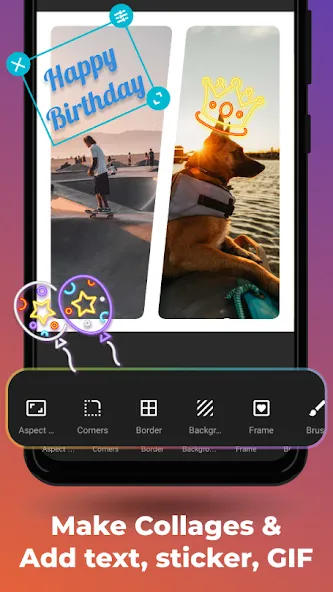
AndroVid Pro Video Editor is a full-version multimedia application designed for Android devices, offering a robust suite of editing features for video and photo content. Users can create engaging videos using media from their camera roll or gallery, making it a suitable tool for social media enthusiasts. The application provides a wide range of effects, backgrounds, stickers, and music options, allowing for personalized and creative video production.
-
Latest Updates
-
Featured Apps