Recuva
Tools
2026-10-19
4.31MB
1.5
Android 5.0 and up
548
Screenshots
Introduction
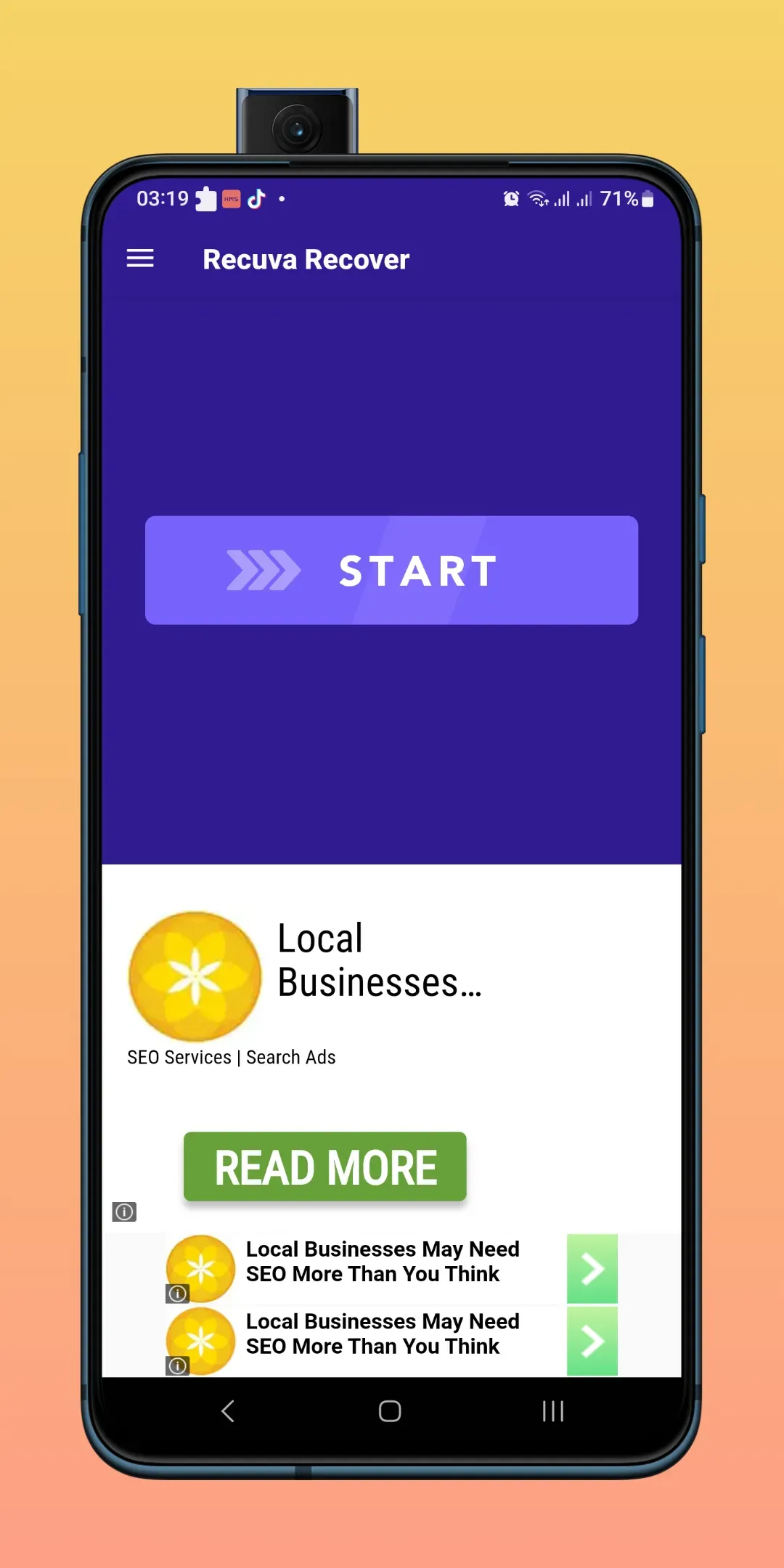
Recuva is a file management tool designed for Android devices. It utilizes deep-scanning technology to thoroughly examine your phone's storage space and categorize files by type. The tool can recover previously deleted or "shredded" files. Featuring a simple, user-friendly interface, it allows for file recovery with just a single tap. The software is 100% free and secure, offering a dual-mode quick scan. It also provides a preview feature for files before recovery and supports over 20 languages, as well as a wide variety of file formats.
Features
Deep Scan – Recuva’s latest version APK comes with the latest technology that scans your storage deeply for deleted files. If you want, then you can also filter your search by file type, date, size, and location. This makes it easier to find and recover the specific files you are looking for. ProtectData
Easy To Use – Recuva has a user-friendly interface that makes the recovery process easy and efficient. It has a simple design that allows you to easily navigate the app and recover your files in a few clicks. The app allows you to preview the file before restoring it. This ensures that you recover the right file and not a similar one.
100% Free & Safe – There are no charges to download and use the Recuva Android app, but it does have some paid features and ads in it. We will recommend you download Recuva latest version APK from this page as it comes without any ads and Google Drive or Dropbox support so you can upload the recovered files on the cloud.
Function
Recover Photos, Videos, Audio, and Documents: Retrieve deleted media and files effortlessly.
Dual Scanning Modes: Choose between Quick Scan for recent deletions and Deep Scan for older data.
File Preview Before Recovery: Preview files before restoring to ensure accurate recovery.
Organized Recovery: Restored files are saved in dedicated folders for better management.
Multilingual Interface: Supports 20 different languages for a user-friendly experience.
User-Friendly Interface: Simple and intuitive design for easy navigation.
Full Access to External Storage: Scans internal and external storage for thorough file recovery.
It supports Various File Formats, including JPEG, PNG, MP4, AVI, MP3, WAV, PDF, DOCX, and more.
Secure Recovery Process: This ensures data integrity while recovering lost files.
Fast and Efficient: Quickly retrieves lost files without compromising quality.
Advantages and disadvantages
Pros
Quick and deeper scan options for deleted photos and videos
Recovery Center includes categorization and previews
Developer says file processing remains on the device
Cons
Branding conflicts with the Smart File Recovery name used in its description
Requires broad All Files Access permission
FAQS
Q: Can I recover files deleted a long time ago?
A: Yes, the Deep Scan mode allows recovery of older deleted files.
Q: Does this app support all file types?
A: It supports standard formats like JPEG, PNG, MP4, AVI, MP3, WAV, PDF, and DOCX.
Q: Is root access required for file recovery?
A: Root access is not required, but it may improve recovery efficiency.
Q: Can I preview files before recovery?
A: Yes, the app allows you to preview photos, videos, and documents before restoring them.
Q: Is the app safe to use?
A: It ensures a secure and efficient recovery process without compromising your data.
Summarize
Recuva ensures that accidental file loss is no longer a permanent issue. Its advanced recovery capabilities, combined with user-friendly features like scan previews and folder customization, make it an invaluable tool for resolving data emergencies. Download the Recuva APK today to restore your files and regain peace of mind.
-
Latest Updates
-
Featured Apps