Kodi
Entertainment
2026-11-05
71.84MB
22.0-RC1
Android
276
Other versions

Screenshots
Introduction
Kodi is a powerful media player application. Its interface is highly intuitive, allowing users to quickly grasp its various functions. Upon opening the app, users are presented with an option to add media files; once imported from their device, these files can be played freely. Users can easily scrub through the timeline or play content at high speeds. The software also supports the playback of music files. Furthermore, a wide range of plugins can be added to enhance the application's functionality. It also supports playback on large screens.
Features
TV friendly interface
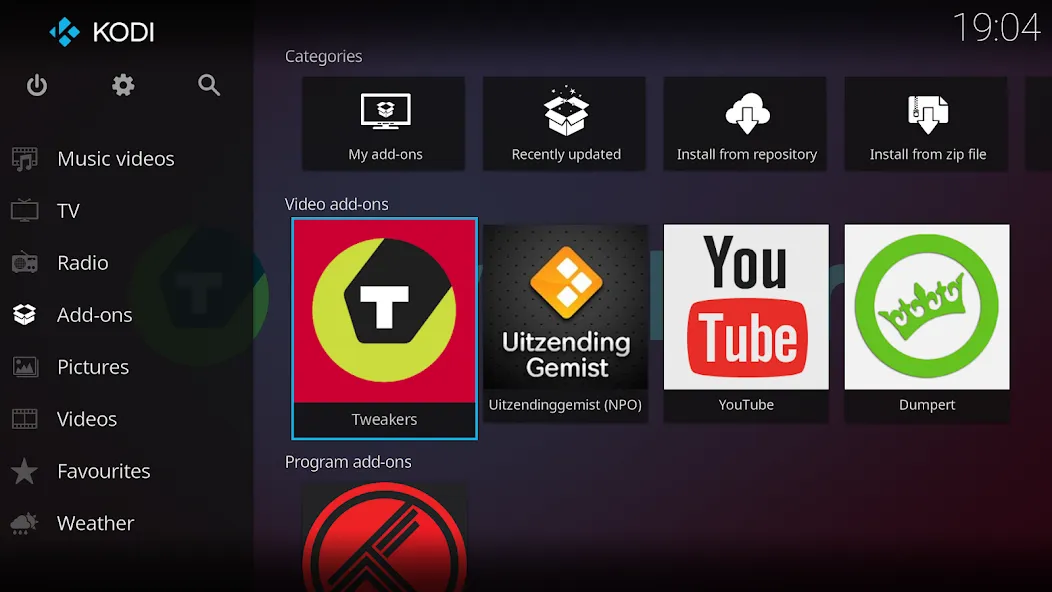
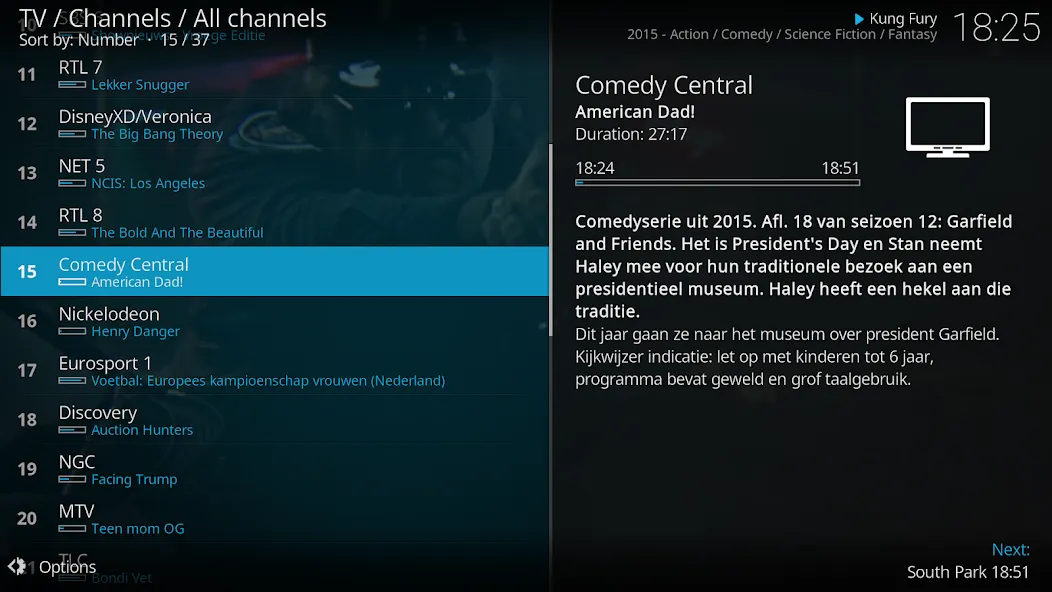
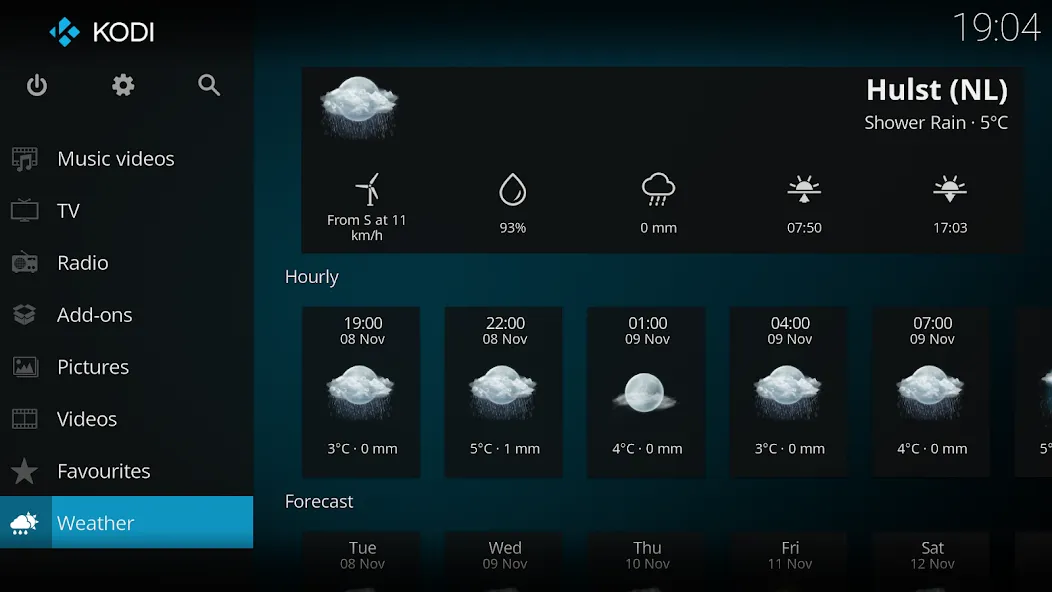
Kodi presents a clean 10 foot interface suited to TVs and remotes. The default Estuary skin lays out sections for videos, music, and pictures in large, readable tiles. On larger phones and tablets, the Estouchy skin offers bigger touch targets for easier navigation. This design helps you browse from across the room without constant tapping or typing.
Your media, your sources
You control where Kodi looks for content. Add folders from device storage, network shares like NAS and SMB, and approved online services you select. Kodi does not ship with any media or shortcuts to third party content. Instead, you add your own libraries or install official add-ons that connect to provider sites you trust.
Organized libraries with artwork
Kodi can scan your sources and match titles to fetch posters, fan art, and detailed info. It uses well known databases such as TheMovieDB for movies, TheTVDB for shows, and MusicBrainz for music. After scanning, you browse by genre, year, and other fields with clear thumbnails and metadata. This structure makes large collections easier to explore and manage.
Add-ons you control
Extend Kodi with add-ons from the official repositories to add features or connect to services. You can install video, audio, game, subtitle, and utility add-ons directly inside the app. Because you pick what to add, you keep control over what content and capabilities appear in your setup. If needs change later, you can update or remove add-ons at any time.
Advantages and disadvantages
Pros
Designed for Playback on Large Screens The interface is designed for living-room screens and remote-control input.
Access All Your Media in One Place Access media whenever and however you like.
Cons
Can be Tough to Configure There are many plug-ins that make connecting media to Kodi easy, but manually configuring the app can be a real pain.
How to Use
First off, grab yourself an Android device where you want to put Kodi.
Next step: download the apk file from our website hen click on install button.
Once installed, the Kodi welcome screen will pop up now ready to explore the vast universe of digital content at your fingertips.
User comments
Kodi is the most hassle-free option: the connection is stable, setup is simple, and there’s no need to deal with separate client-server architectures. You can access files directly without having to rename them to ensure they’re correctly identified by the scraper; adding subtitles is also very convenient—and, best of all, it’s completely free. It has only two real drawbacks: it doesn’t support portrait mode, and the progress bar is extremely unfriendly for touch-screen use.
It is the best movie management software on the Android platform. Beyond its excellent playback capabilities, its library management and metadata retrieval features are superb—making it the ideal choice for film enthusiasts with large collections of local video files.
For beginners, the setup process can be quite daunting; without a tutorial, it’s nearly impossible to figure out what everything does. It would be great if the developers could provide loadable templates or something similar, so that newcomers could get up and running right away.
Summarize
Kodi is one of the best (if not the best) media centers available for Android devices. You can enjoy virtually any multimedia content (images, videos, sounds) imaginably and do so from a simple, colorful, and fully configurable interface.