
Wavelet
Entertainment
2026-08-15
6.28MB
26.05
Android
581
Screenshots
Introduction
Wavelet is an audio enhancement tool for Android devices that helps users adjust various settings to improve music sound effects and audio quality. The app offers over 5,000 configuration profiles to help calibrate headphone frequency responses, and users can also import their own calibration data. It boasts excellent compatibility, delivering outstanding results whether used with your specific device or across a wide range of music players. Setup and usage are incredibly simple, making it easy for anyone to use, even without professional expertise.
Features:
AutoEq profiles and custom imports
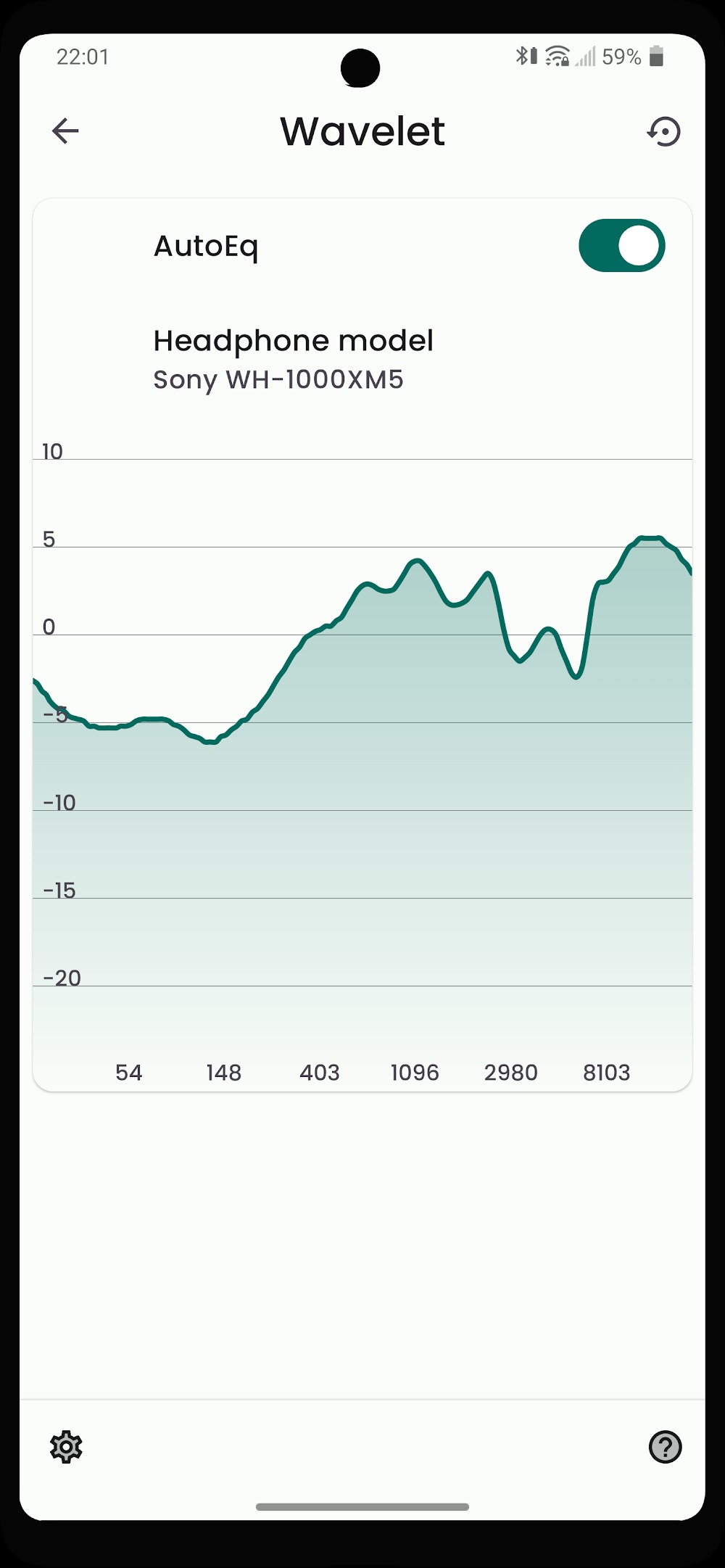
Wavelet offers more than five thousand AutoEq profiles based on the Harman target to help correct headphone response. Selecting a profile takes only a moment. You can also import your own calibration data to match personal preferences.
Adaptive to your setup
Beyond presets, Wavelet adjusts in real time to connected gear. Headphone specific controls appear when you connect wired, Bluetooth, or USB devices, and your saved profile loads automatically when you switch. Equal loudness compensation based on ISO 226 can adapt to your listening volume.
Works across apps
To keep listening consistent, Wavelet processes audio from many sources, so you get a stable sound whether you use streaming services or local players. This helps keep your tuning active without managing separate settings per app. It stays active while you listen. These options are available in the Wavelet latest version.
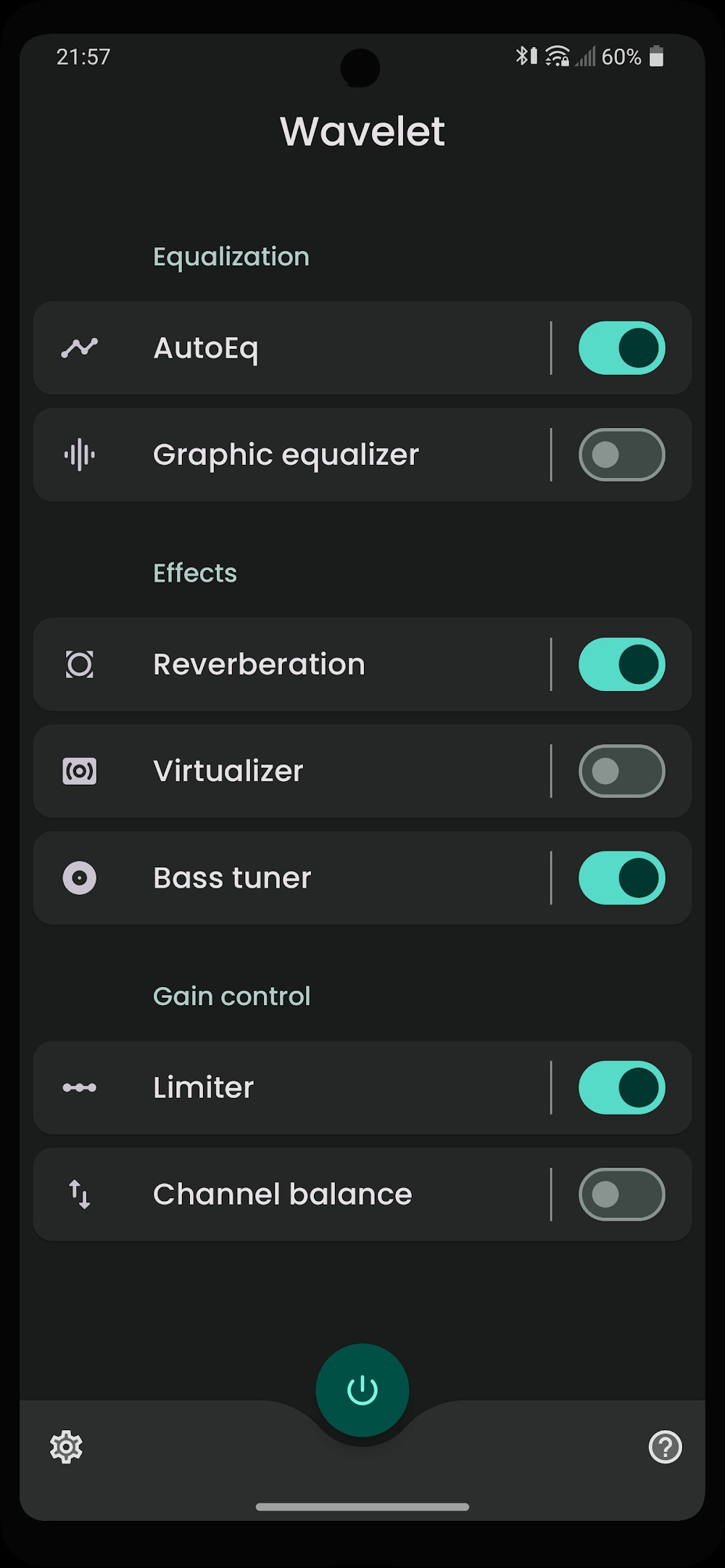
Bass tuner and audio tools
Bass tuner that adds subwoofer like presence
Limiter with automatic preamp adjustment to prevent clipping
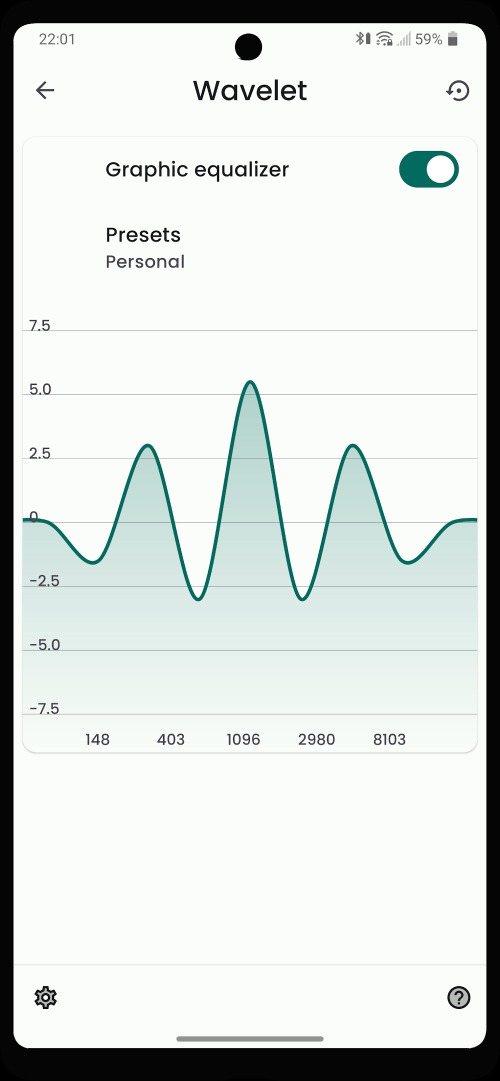
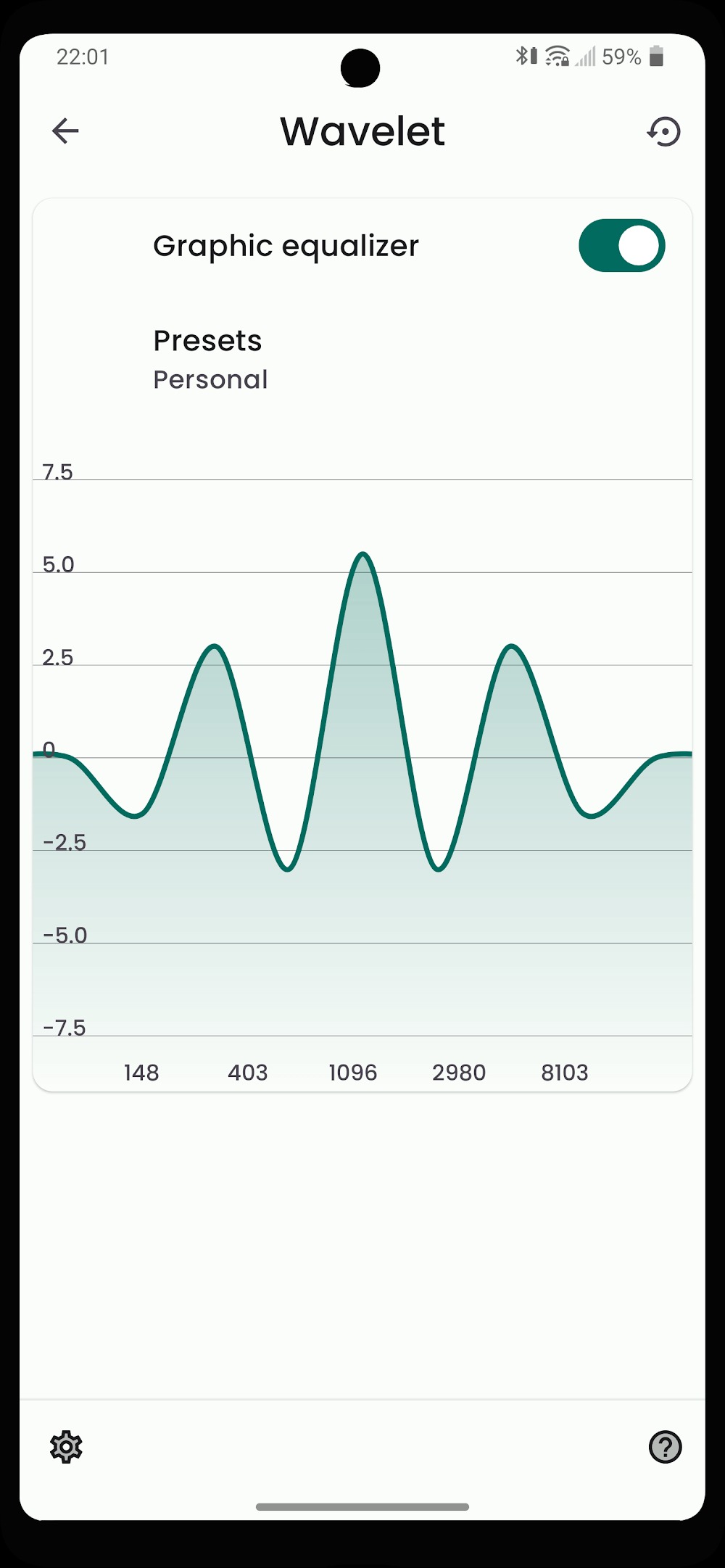
Graphic equalizer for manual fine tuning
Channel balance for left and right level correction
Virtualizer for a wider soundstage
Reverberation for room simulation
No root required
Highlights:
IN ADDITION TO CREATIVE TUNING, THERE IS AN AUTOMATIC SOUND MEASUREMENT MODE.
The 3400 optimizations are painstakingly calculated to meet the requirements of a diverse range of headphones currently on the market. The Wavelet application performs automatic sound measurement and individualized tuning based on your screen settings. Its adaptability and intelligence completely astounded me. The application uses cutting-edge technology to analyze the audio stream already present on the device and then modify it to be compatible with your selected audio frequency. Every one can add new fixed and optional modes to the library daily to better suit their preferences. You can listen to the news, talk on the phone, and watch movies with the sound quality that is most comfortable for you.
NINE EQUALIZER BANDS TO SIMULATE REVERBERATION
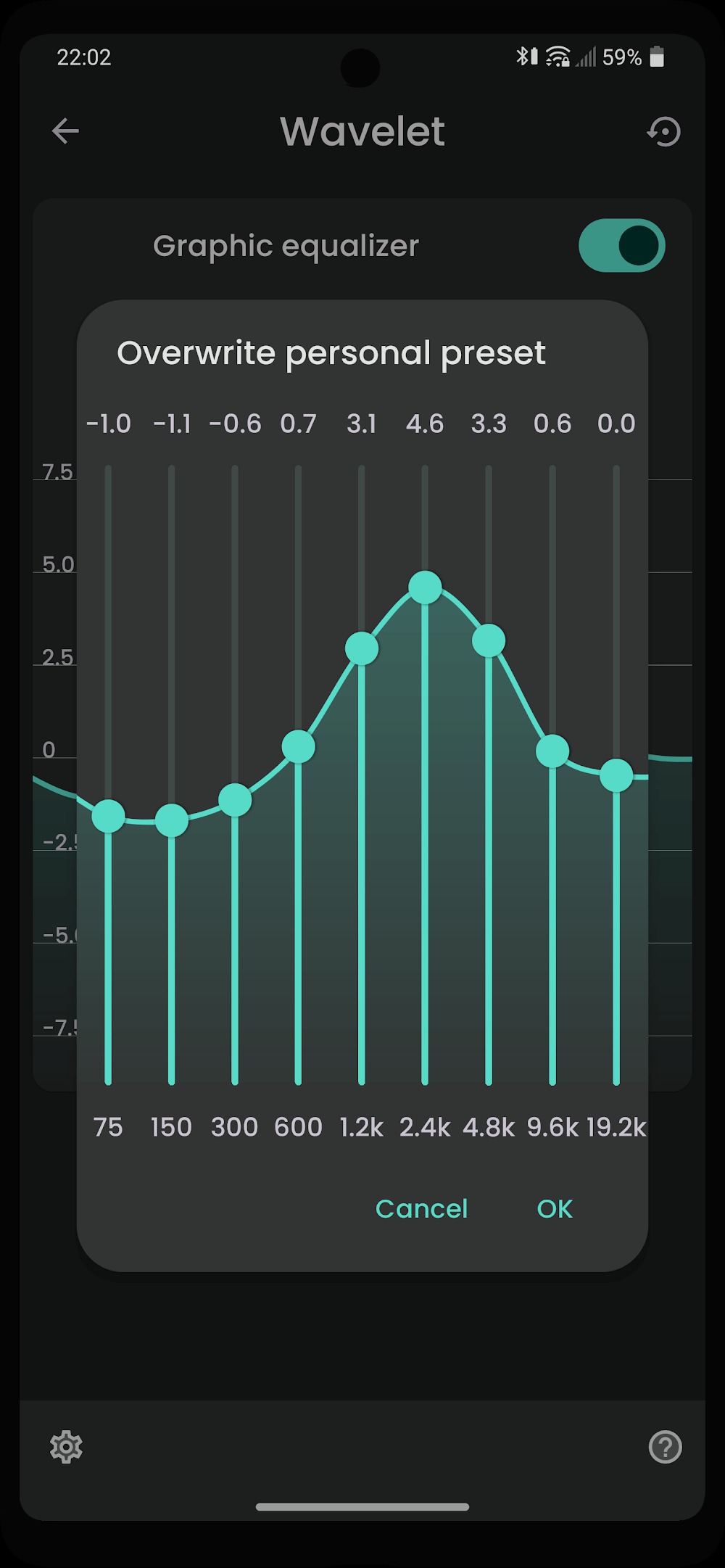
Wavelet’s sound quality, which includes 9 bands of exceptional balance, provides the highest quality in any application in which it is used. Furthermore, we can simulate the reverberation of voices, ocean waves, or any other timbre you require. The reverberator has a lot of cool formulas that can be easily changed to provide the best simulation possible. We recommend many delectable recipes for you to try, providing you with a wider range of options that you can combine with various applications without researching. The perfect frequencies of the nine equalizer bands allow you to personalize any volume. Do people still get frustrated when the sound quality is poor when playing video games or watching movies? Don’t worry; Wavelet will assist you in completing all of your tasks.
Function:
AutoEq
9-band Graphic equalizer
Bass booster
Reverberation
Virtualizer
Bass tuner
Limiter: Remove unwanted volume peaks
Channel balance
Pros and Cons:
Pros
Intuitive to use
Novel AutoEQ
Pro version features are worth considering
Cons
Would randomly stop working at times
Conclusion:
Wavelet is a tool that you can use to noticeably improve the sound quality in your earphones. Through the settings that are specific to a range of models, it only takes a few seconds to equalize the parameters to get a cleaner audio that adapts to the quality of your hardware. Wavelet has a range of options that let you easily boost sound quality. Without a doubt, this is a fantastic tool that helps you to get the most out of any earphone model you use.
-
Latest Updates
-
Featured Apps









