Canva Photo Maker
Entertainment
2026-11-05
106.64MB
1.3
Android
348
Screenshots
Introduction
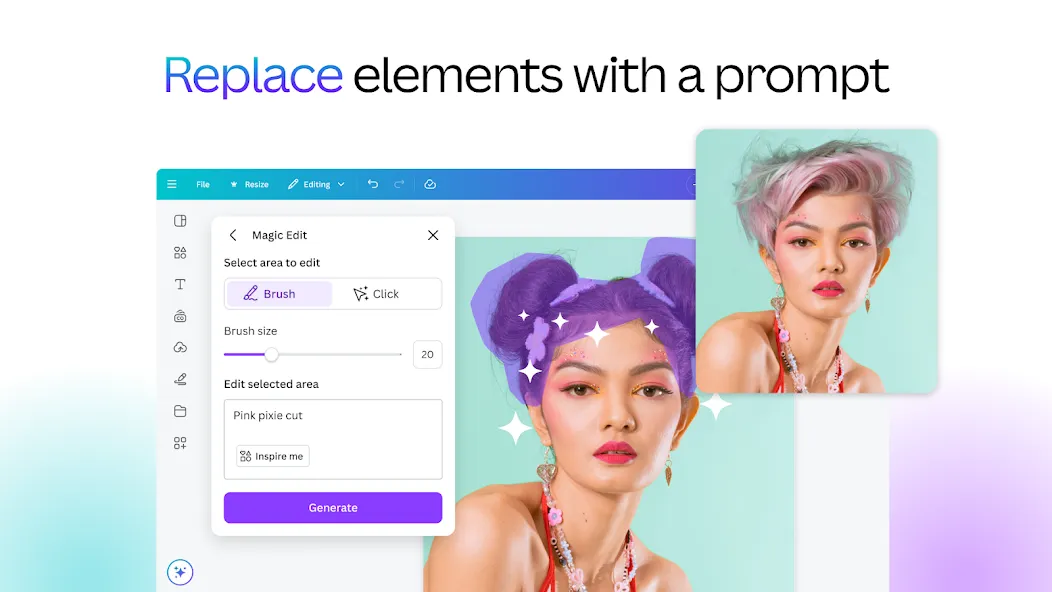
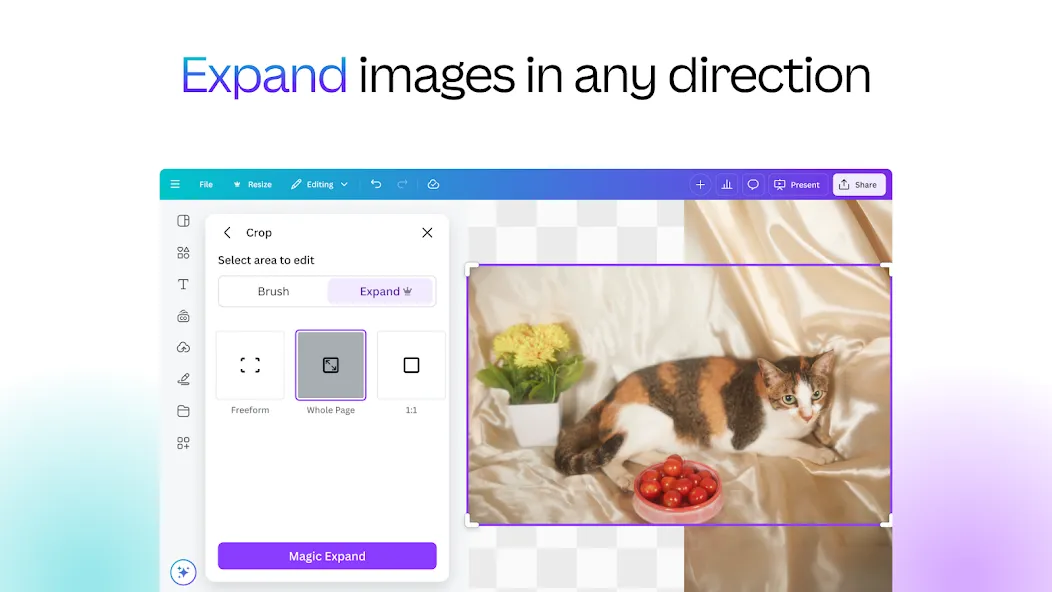
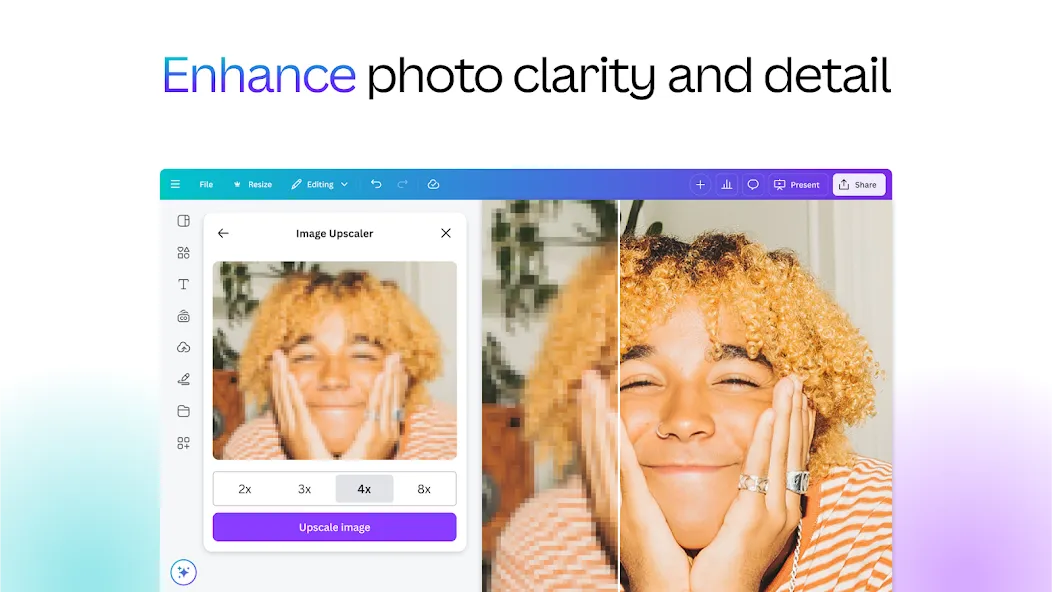
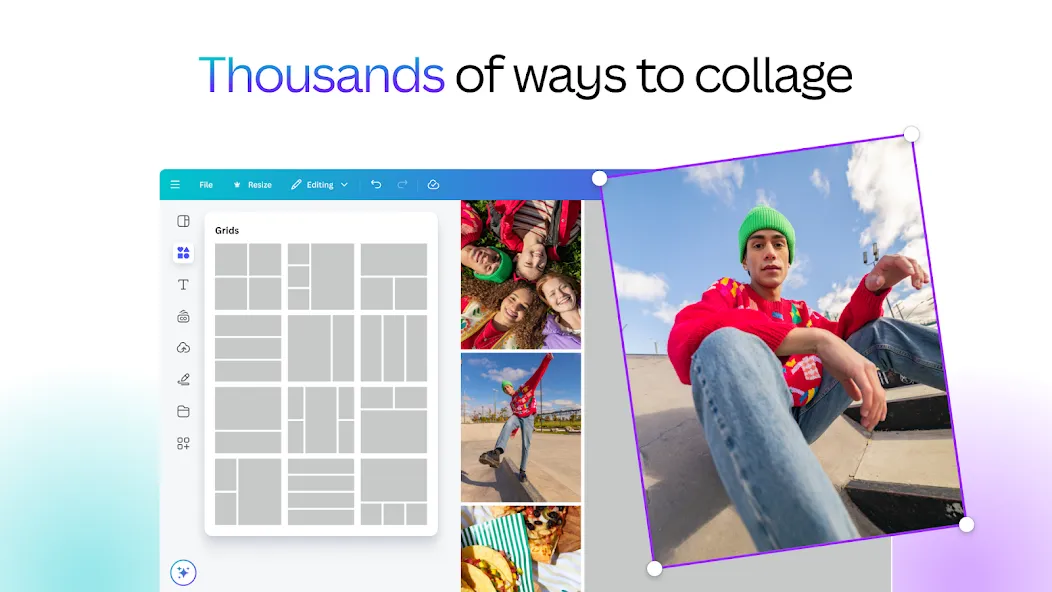
Canva Photo Maker is an image-editing application designed for the Android operating system. This tool offers an extensive collection of features and templates; users can search for and select the templates that best suit their needs. The app boasts excellent compatibility, supporting a wide range of file formats and allowing users to share their creations directly to various social media platforms. Most of the available resources are free to use. Users can enhance the quality of their images with a variety of filters and special effects, or add suitable music to their videos. Even beginners can produce professional-quality work. By logging into an account, users can save their projects and quickly access them from their personal library to continue creating.
Features:
Neon Lights and Drip Effects
Canva Photo Maker allows you to add colorful neon outlines and fluid drip effects to your subjects. You can choose from a palette ranging from soft pastels to vibrant, bold colors, and adjust their size and intensity to achieve a balanced look. For profile pictures, a thinner outline often creates a cleaner, more refined appearance than a heavy, glowing halo effect.
Background Removal and DSLR-Style Blur
Use the cutout tool to isolate people or products, creating clean, standalone images—perfect for thumbnails. In complex scenes, the DSLR-style blur feature softens the background, refocusing attention on your subject. Zoom in to refine the edges, and gradually increase the blur intensity to ensure a natural look without unwanted halos.
Filters, Curves, and Black & White
Canva Photo Maker includes built-in preset filters and dedicated black-and-white styles to help you quickly set the right mood. Once you’ve chosen a style, use the "Curves" tool to recover highlights or deepen shadows. Since the software does not support RAW files, apply adjustments carefully to minimize digital noise.
Stickers, Text, and Essential Tools
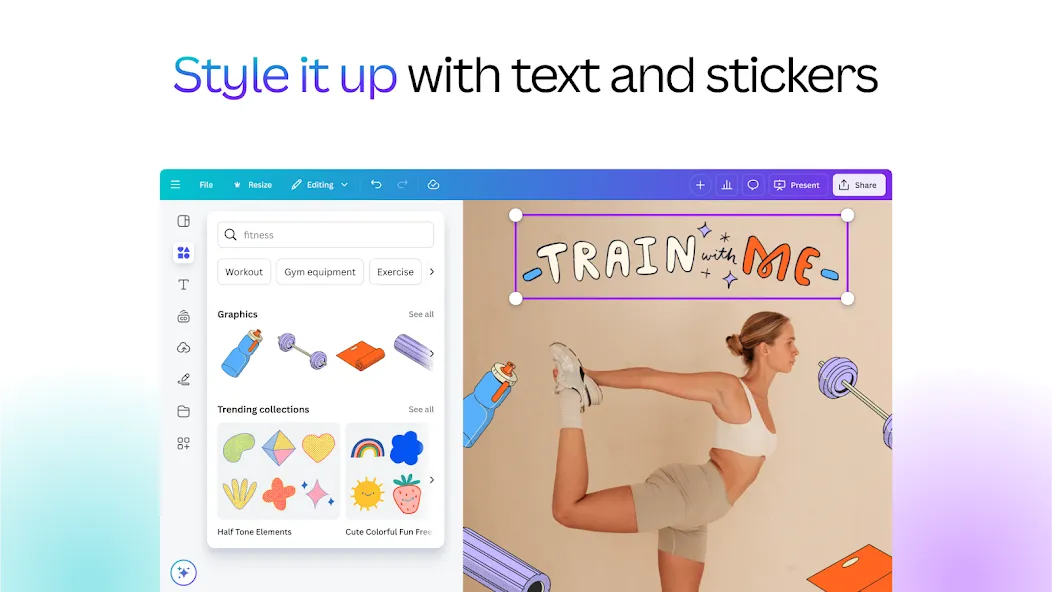
Crop, rotate, and resize your images to fit various social media formats. Once you’ve installed the Canva Photo Maker APK, you can easily import photos from your camera or gallery with a single tap. Enhance your posters or social media stories by adding borders, stickers, illustrations, and text. Save your creations to your gallery, set them as wallpapers, or share them directly to other apps.
Highlights:
Adjust parameters such as brightness, contrast, and saturation to meet your everyday photo-editing needs.
Utilize autofocus to sharpen the main subject while blurring the background, with AI-powered enhancements to elevate your edits.
Access a wide range of filters and special effects, allowing you to switch between diverse styles with ease.
Add text and icons to your images to create professional, creative layouts.
Explore video layouts and audio, and unlock new creative inspiration with the help of AI.
Layer multiple audio tracks, sound effects, and background music to craft more engaging promotional content.
Use the beat-sync feature to intelligently align your content with the music.
FAQS:
Is the Canva Photo Maker app free to download?
Yes! Canva Photo Maker is a powerful tool with a full suite of video editing features, and it’s completely free for everyone to use. Start creating and editing videos on your phone today with our easy-to-use video editor!
How do I edit videos using Canva Photo Maker?
Simply create a video project and choose the format that best suits your audience. From there, you can explore our templates, media library, and AI-powered features to craft your masterpiece.
Can I upload videos featuring popular music to social media?
You are welcome to upload videos containing popular music to social media for personal use. Please be aware, however, that the record labels holding the rights to the music may monetize your content, or your video could potentially be blocked.
Advantages and disadvantages:
Pros
Features virtually unlimited templates
Integrates high-quality printing
Supports advanced editing tools
Intuitive for beginner designers
Cons
Doesn’t have pen tool or vector editing
Conclusion:
Download Canva Photo Maker for Android and experience a graphic design tool that has taken the world by storm. With its extensive library of assets, you can use photos stored on your smartphone to create stunning posters, invitations, business cards, or simple montages—all in just a few minutes. Plus, you can access the desktop version at any time to easily retrieve all the projects you’ve created on other devices.