Kodi
Entertainment
2026-07-17
76.3MB
22.0-BETA1
Android
153
Other versions
Screenshots
Introduction
Kodi is a media player that allows users to enjoy virtually any multimedia content imaginable. Kodi is free; users don't need to spend any money—just download it and start watching. Kodi also offers user-customizable interfaces, allowing users to choose their favorite themes or add plugins. Kodi is very easy to use; users simply add files from their device or the network to the player, download the plugins provided by the application, and can enjoy videos, pictures, and music from their device.
Features:
TV friendly interface
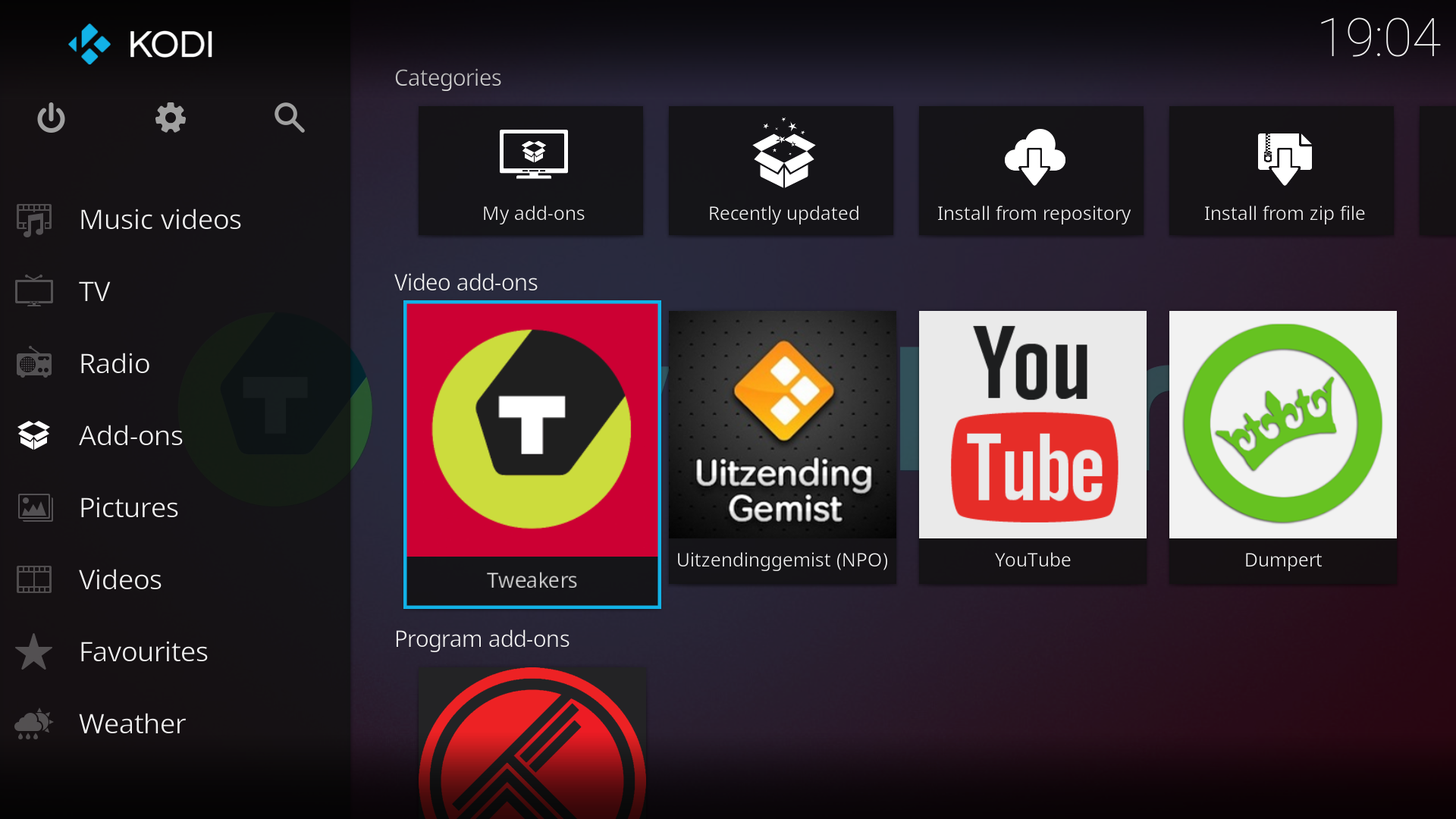
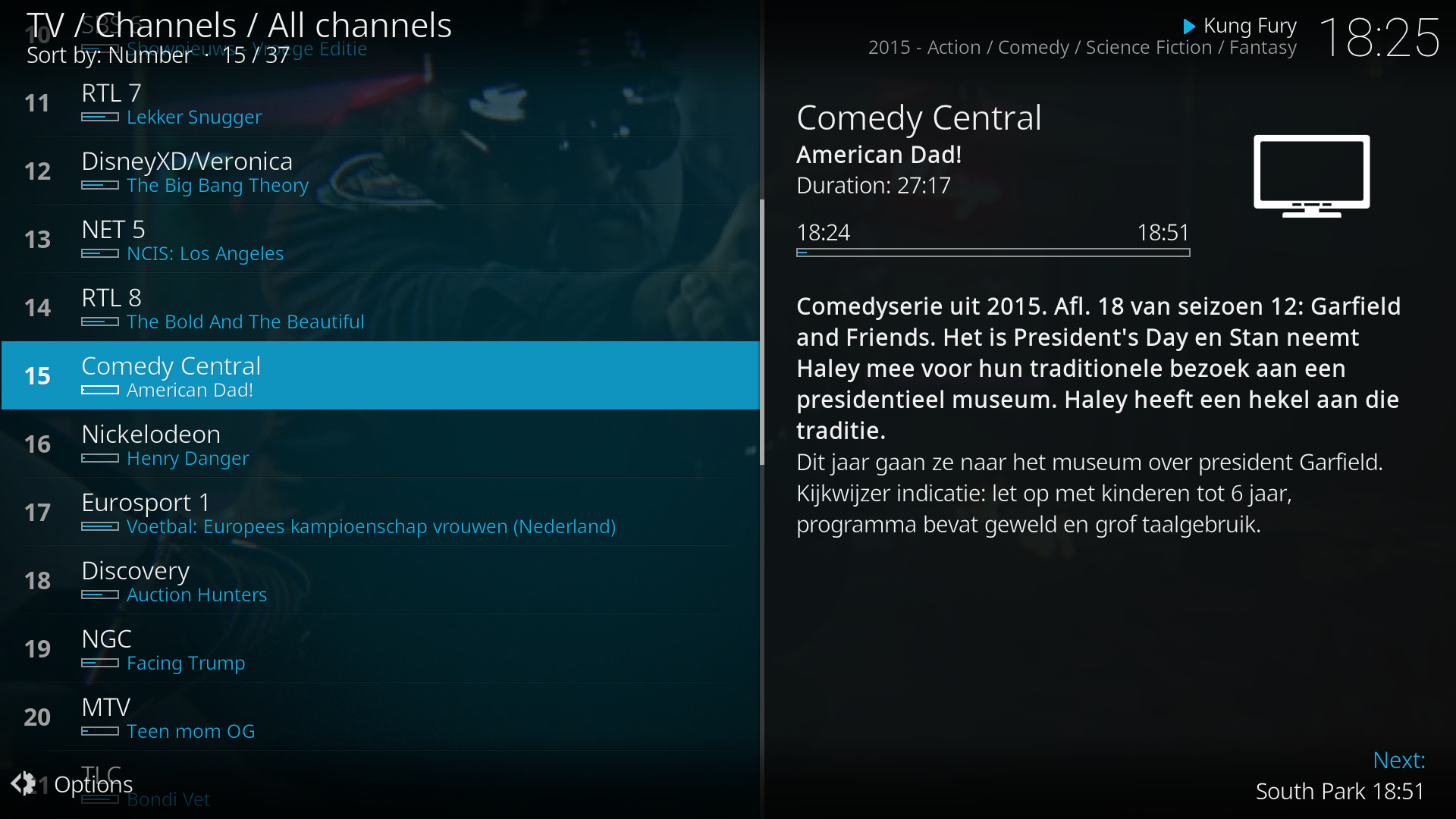
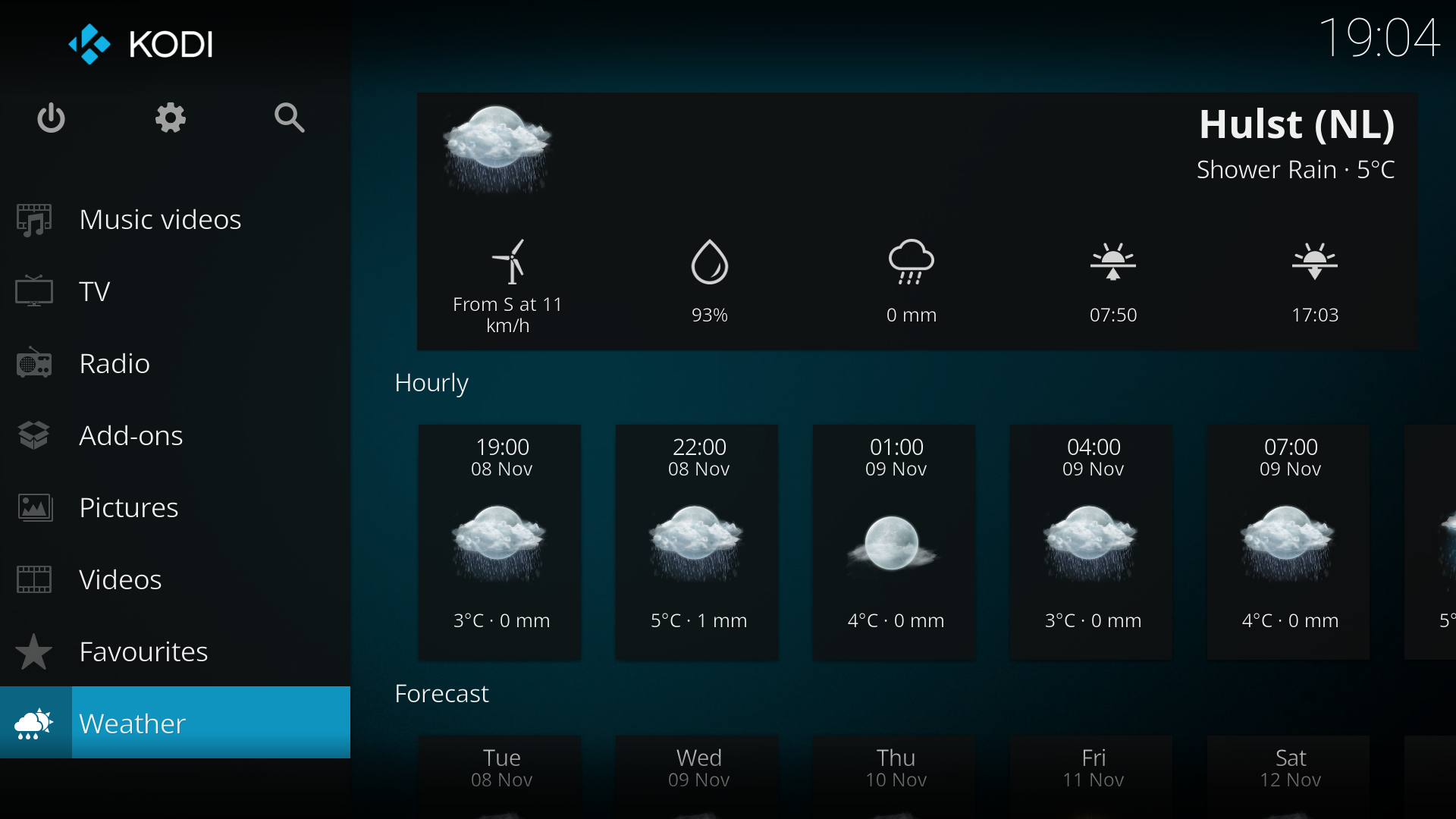
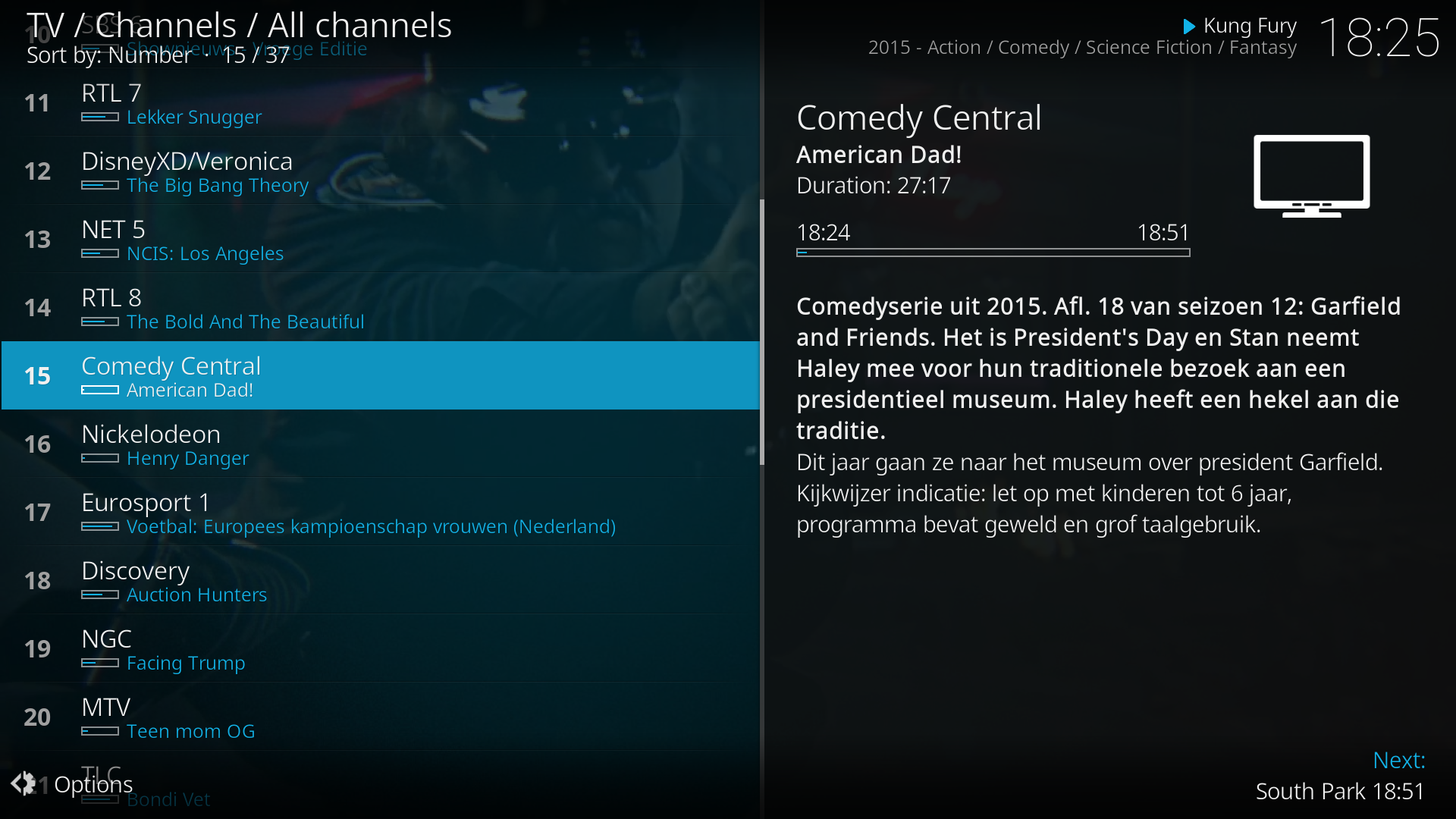
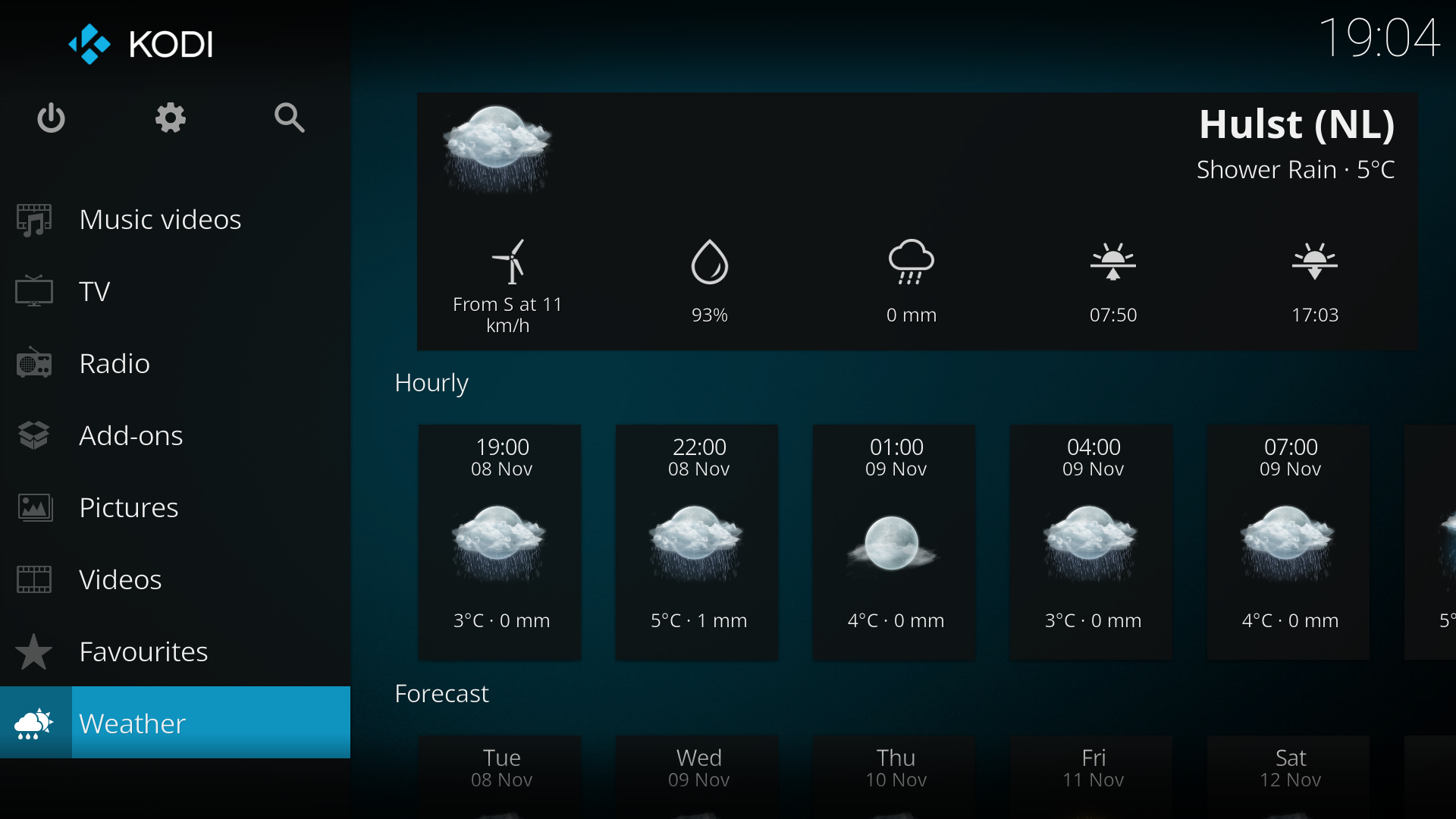
Kodi presents a clean 10 foot interface suited to TVs and remotes. The default Estuary skin lays out sections for videos, music, and pictures in large, readable tiles. On larger phones and tablets, the Estouchy skin offers bigger touch targets for easier navigation. This design helps you browse from across the room without constant tapping or typing.
Your media, your sources
You control where Kodi looks for content. Add folders from device storage, network shares like NAS and SMB, and approved online services you select. Kodi does not ship with any media or shortcuts to third party content. Instead, you add your own libraries or install official add-ons that connect to provider sites you trust.
Organized libraries with artwork
Kodi can scan your sources and match titles to fetch posters, fan art, and detailed info. It uses well known databases such as TheMovieDB for movies, TheTVDB for shows, and MusicBrainz for music. After scanning, you browse by genre, year, and other fields with clear thumbnails and metadata. This structure makes large collections easier to explore and manage.
Add-ons you control
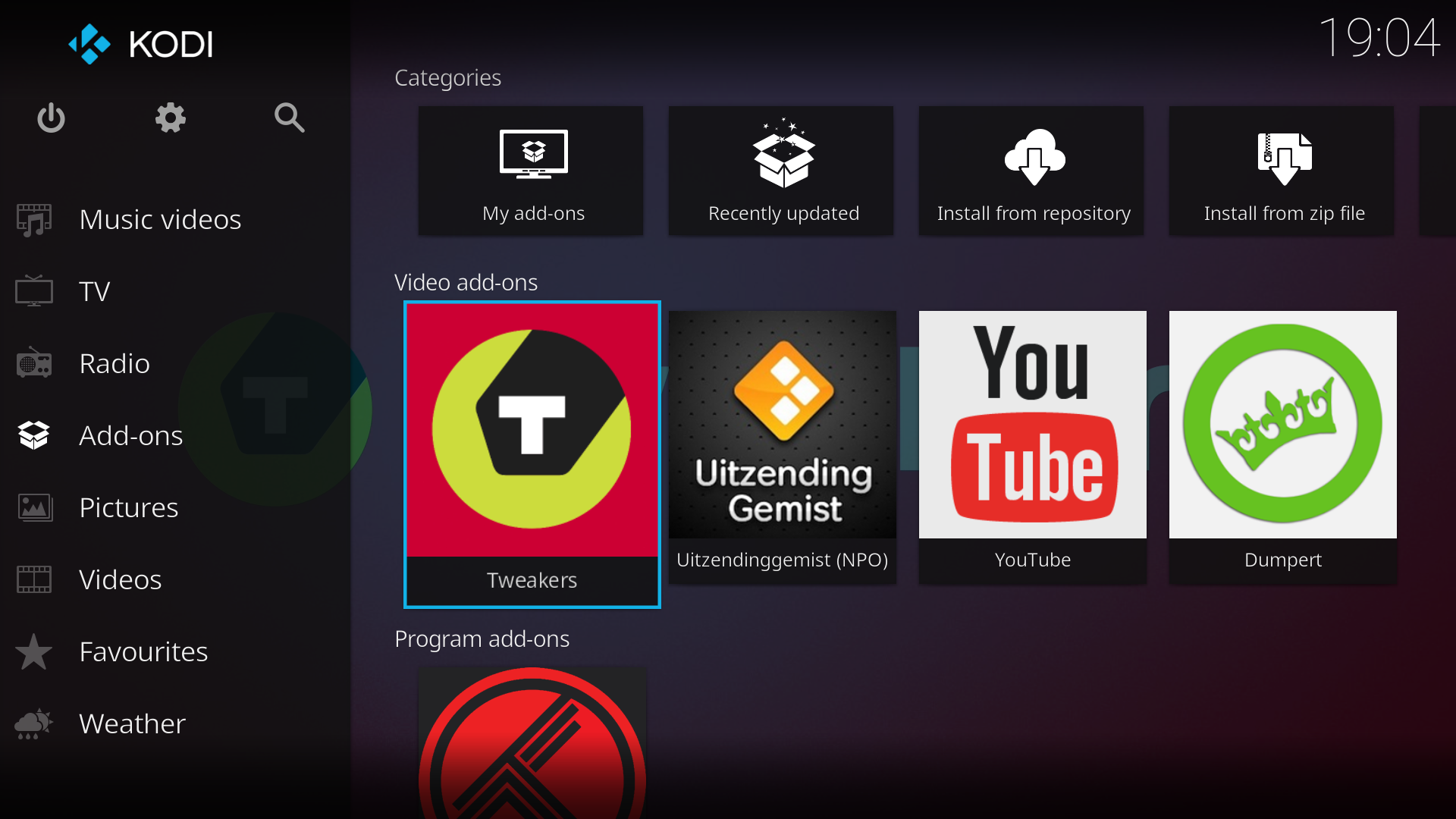
Extend Kodi with add-ons from the official repositories to add features or connect to services. You can install video, audio, game, subtitle, and utility add-ons directly inside the app. Because you pick what to add, you keep control over what content and capabilities appear in your setup. If needs change later, you can update or remove add-ons at any time.
Cross platform and remote control
Kodi keeps a consistent experience across Android, Windows, macOS, Linux, iOS, tvOS, Raspberry Pi, and webOS. This helps you use the same layout on TV, phone, and PC without relearning menus. For couch control, Kore on Android and the Official Kodi Remote on iOS let you navigate, launch items, and type searches from a phone. These remote apps reduce the need for extra hardware in the living room.
Highlights:
It's Free: You don't have to spend any money; just download it and start watching.
Customizable: Change how it looks with skins or add features with add-ons.
Versatile Media Player: Play almost any video or audio format. MediaPlayers
Organized Library: Keep all your media neatly arranged so you can find anything fast.
Streaming Services Galore: Access content from various sources online (with proper add-ons).
Usage:
Open Kodi, go to Settings, and confirm basic preferences like language and region.
Grant storage permission when prompted so Kodi can read media on your device.
Go to Videos or Music, choose Files, then Add videos or Add music, and select folders on your device or network.
Set the content type for each source, start a scan, and let Kodi fetch metadata and artwork for your library.
Open Add-ons, select Install from repository, and choose official add-ons you want, then configure Kore on your phone if you need remote control.
FAQs:
What is Kodi?
This application is what is commonly called a media centre application. It is software that provides a user friendly interface to access your digital media. Apps like this are particularly popular with those who have digitised a large film collection they had on DVD or VHS. It also streams video.
Is Kodi Legal?
This application is perfectly legal. As a stand alone application, it does nothing that could be considered breaking the law. However, there are a number of plugins and add ons for the app which add functionality that would be illegal. Such as streaming pirated TV shows, movies, and other content.
How to Download Kodi?
To download the app on a Windows or Mac machine, simply navigate to their website and hit the "Download" button. From there, select your platform. For Android, the app can be found in the Google Play Store. Things are a little trickier for iOS devices, but tutorials are easily found.
How to Update Kodi?
Updating Kodi can be tricky, depending on what platform you're using. Android is by far the easiest, with the app auto-updating like any regular app. Windows and Mac will require you to download the updated installation files yourself, and other platforms like Amazon Fire Stick need more in depth instructions.
Is Kodi Free?
This is an open source application. Open source means that, yes, it is free. It is free to download, free to use, and, should you wish to, it is free to grab the source code under the hood and do with it what you will (as long as you share!).
Conclusion:
Kodi is one of the best (if not the best) media centers available for Android devices. You can enjoy virtually any multimedia content (images, videos, sounds) imaginably and do so from a simple, colorful, and fully configurable interface.This version of Kodi for Android includes lots of add-ons that allow you to download videos from different websites directly to your terminal, search for images on Google and add them to your library, and listen to streaming music.