IP Webcam
Entertainment
2026-10-27
32.69MB
1.19.0.913multia
Android
139
Screenshots
Introduction
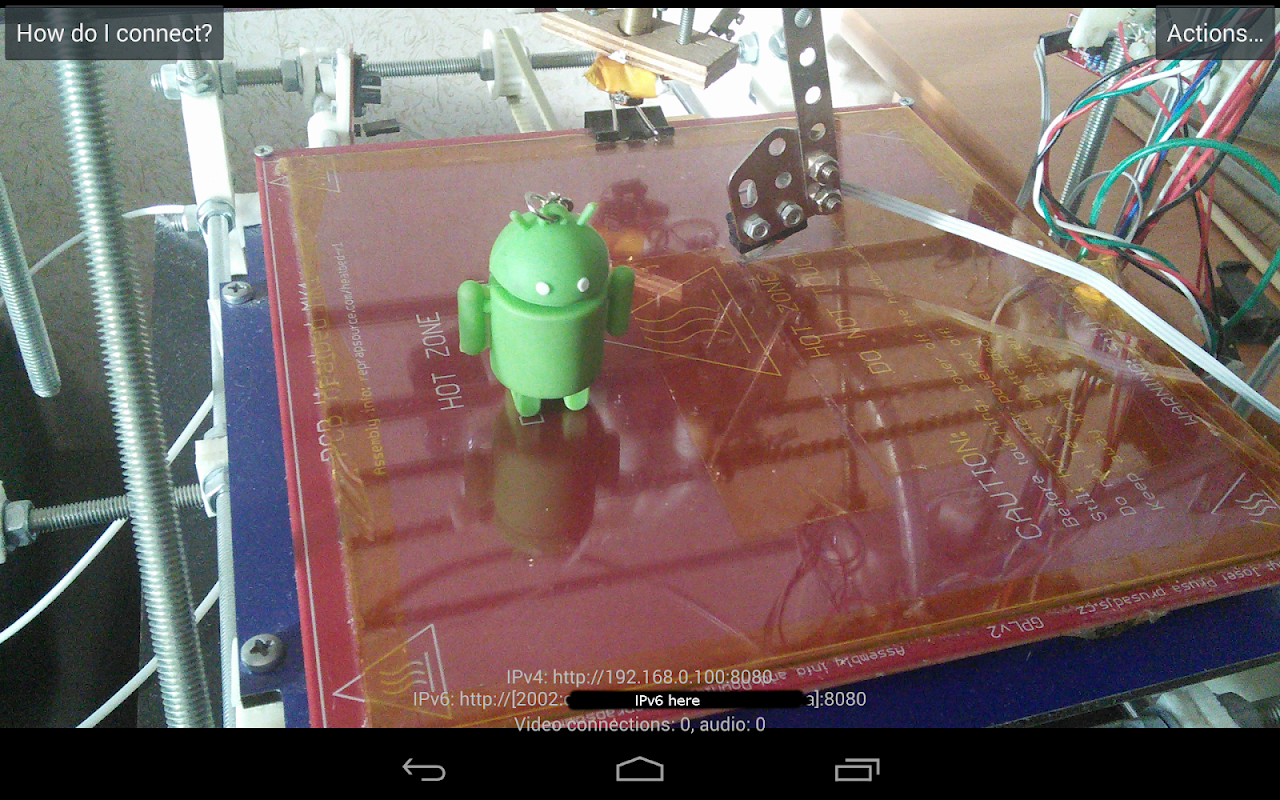
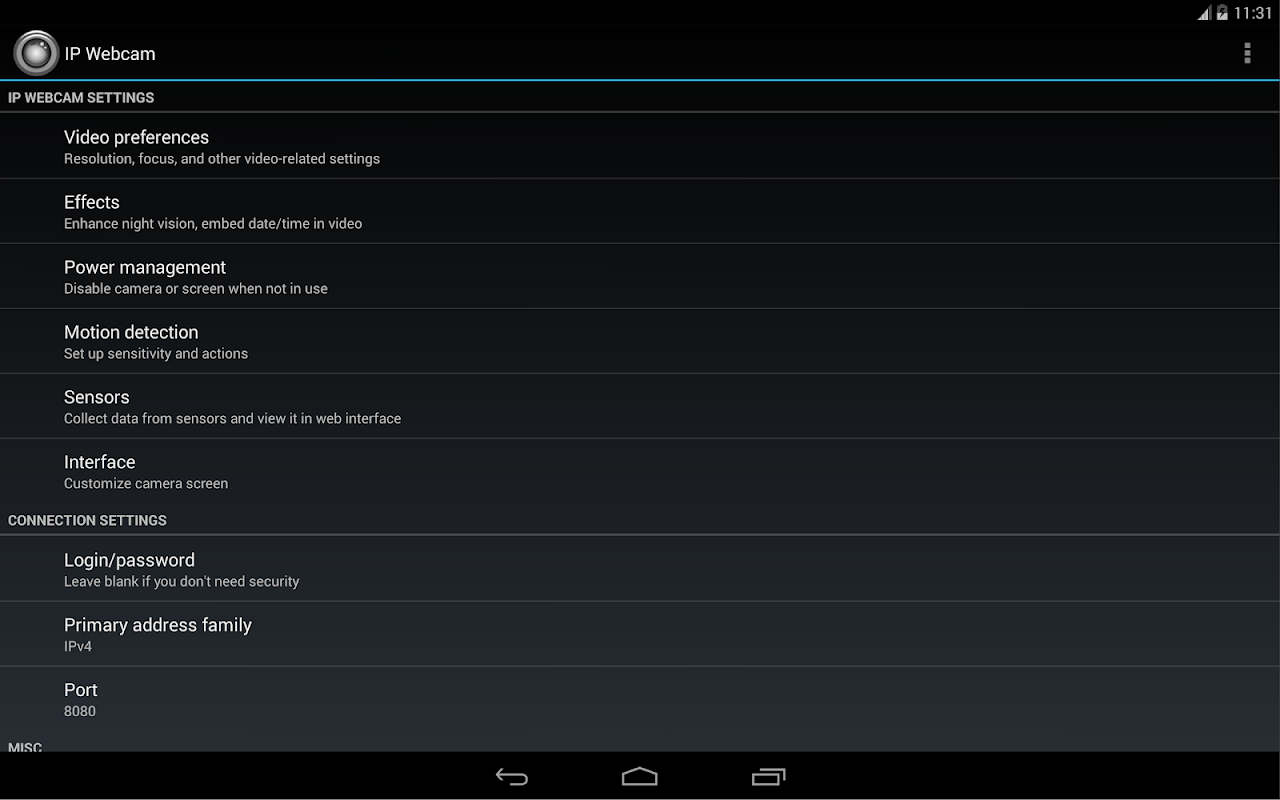
IP Webcam is a comprehensive Android application that turns your phone’s camera into a network camera. It enables features such as motion detection and sound-triggered monitoring. A night mode is also available, making it ideal for keeping an eye on your baby or pets. The app provides a remote control interface, allowing you to adjust various camera settings directly. It also offers a high level of security, with support for username and password protection. Furthermore, the setup process is extremely simple, ensuring an easy user experience.
Features:
Video upload to Dropbox, SFTP, FTP and Email using Filoader plugin
Several web renderers to choose from: Flash, Javascript or built-in
Video recording in WebM, MOV, MKV or MPEG4 (on Android 4.1+)
Audio streaming in wav, opus and AAC (AAC requires Android 4.1+)
Motion detection with sound trigger, Tasker integration.
Date, time and battery level video overlay.
Sensor data acquisition with online web graphing.
Videochat support
Cloud push notifications on motion and sound, cloud recording for motion-triggered records, online video broadcasting powered by Ivideon.
Useful features for baby and pet monitors: Night mode, motion detection, sound detection, two-way audio.
Highlights:
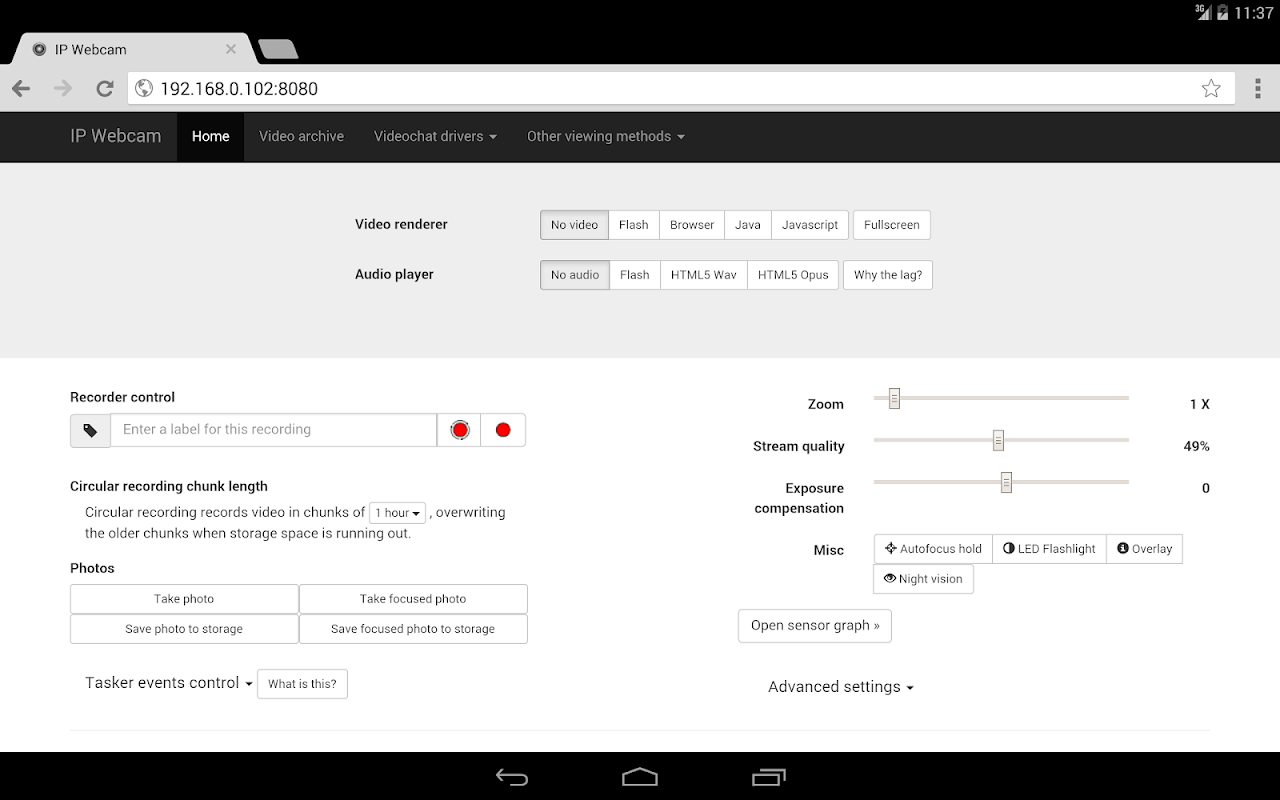
Built in server, just open the video stream in a web browser, video app or even set it as a camera for Frigate or a Home Assistant MJPEG IP Camera
Option to turn the display off while streaming
Switch between the main or selfie camera
Remote web interface with controls for camera section, image rotation, video recording, audio/video sync, flash light toggle, resolution, zoom, exposure and contrast
Choose between different image quality settings and frame rates (to help reduce phone over heating)
Username and password protection
Automatic TLS certificate support to protect stream and login details via HTTPS
Optional start on boot
Pros and Cons:
Pros
Easy to set up and use
HD streaming and recording
Compatible with many third-party apps
Cons
Can use up quite a bit of data
Drains battery quickly
FAQs:
Q: How do I set up the app on my Android device?
A: Download and install the app from the provided link, then follow the on-screen instructions to configure your device as a webcam.
Q: Can I access the camera feed remotely?
A: Using a web browser or compatible media player, you can view the camera feed from any device with internet access.
Q: Does the app support cloud storage?
A: The app allows you to save recorded videos directly to cloud storage services for easy access.
Q: Is my camera feed secure?
A: You can protect your camera feed with a password, ensuring only authorized users can view it.
Q: Can I use the app in low-light conditions?
A: The app supports night vision, allowing you to monitor your surroundings even in low light.
Conclusion:
This is a versatile application that can make full use of a smart phone's video camera. Its various features can utilised by both novices and beginners and more technically minded and advanced users. Whether you are trying to catch a criminal, record something specific or just want to keep a close eye on your baby, this App can do it all.