Android Accessibility Suite
Entertainment
2026-07-22
42.38MB
17.0.1.926549743
Android
75
Screenshots
Introduction
Android Accessibility Suite is a tool designed to help users better utilize their Android phones. Its most prominent feature is the TalkBack screen reader, which allows users to control their Android devices with gestures and provides voice feedback. TalkBack also includes a Braille keyboard, enabling people with disabilities to use their phones more effectively. Android Accessibility Suite also offers a range of other assistive tools, aiming to make smartphones easy for everyone to use.
Features:
Select to Speak
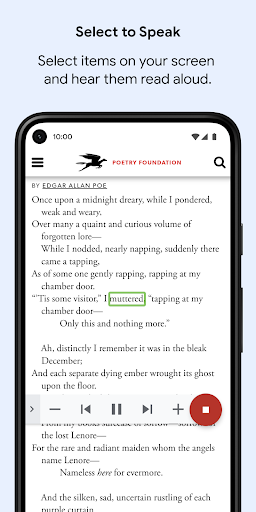
One of Android Accessibility Suite's most useful tools is the well-known Select to Speak. When this function is activated, a button will appear in the lower right corner of the screen. When you press this button, you will be able to hear all the text currently on the device's screen. You can also touch any area of the screen to hear any text in that precise area. This tool is particularly useful for users who have pronounced visual impairments.
Talkback screen reader
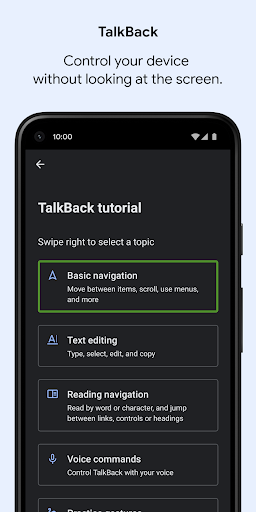
Another incredibly useful tool within Android Accessibility Suite is called Talkback. This feature allows you to get direct sound feedback every time you touch the screen. You will be able to hear everything you touch. As a result, you should note that when you use Talkback, the basic interaction for pressing a button changes: instead of a single tap you will need to double-tap. This allows users with severe vision difficulties to touch any element on the screen without fear.
Change the font size and more
Other interesting features of Android Accessibility Suite allow you to adjust the default font size on your Android device. You can also turn on a magnifying glass to see certain elements better, remove animations, use high-contrast text, activate color correction, or even activate subtitles by default for any sound. All this is available from the app's menu.
Highlights:
The TalkBack screen reader is a standout feature of the suite, providing comprehensive spoken feedback for various actions on the device. It allows users to control their device using gestures, making it easier to navigate through apps, settings, and other functionalities without relying on visual cues. TalkBack also includes an on-screen braille keyboard, enabling users who are familiar with braille to type and interact with their devices more effectively.
Accessibility Service is a critical aspect of how the Android Accessibility Suite functions. This service observes user actions, retrieves window content, and monitors typed text to provide tailored feedback and support. By utilizing this service, the suite can adapt to the user's needs and provide a more personalized experience while ensuring that accessibility features are readily available.
With the Android Accessibility Suite, users can create a more inclusive and manageable experience while using their Android devices. The features cater to a variety of needs, allowing individuals with different disabilities to navigate technology effectively. The suite is particularly beneficial for those who may face challenges with standard device navigation and interaction.
Pros and Cons:
Pros
Includes instructions on how to set up each function
Allows you to enable gesture controls and spoken feedback
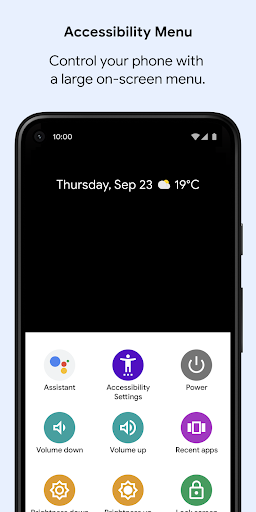
Features a Braille keyboard and an always-on-screen accessibility menu
Cons
Select to Speak has issues stopping after reading the selected text
Usage:
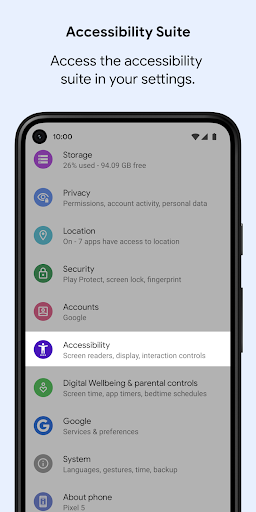
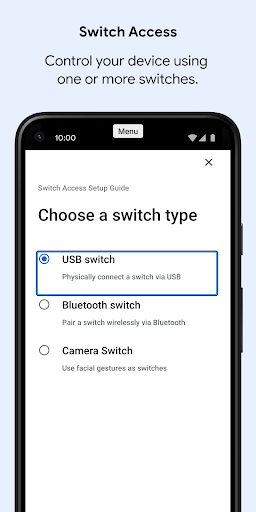
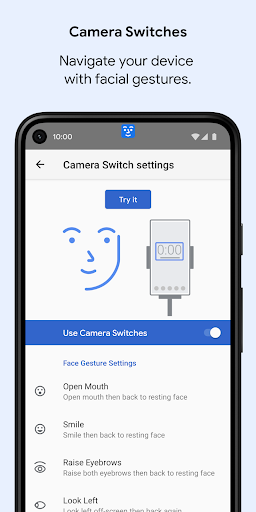
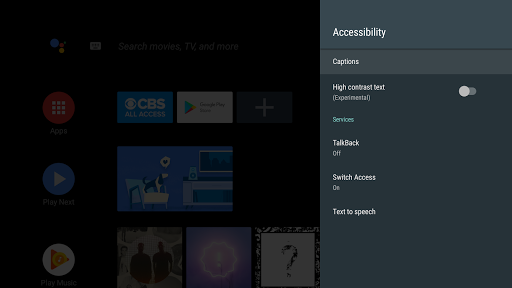
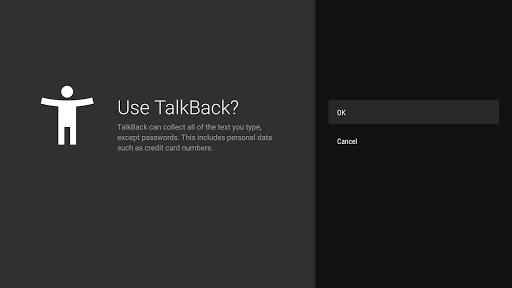
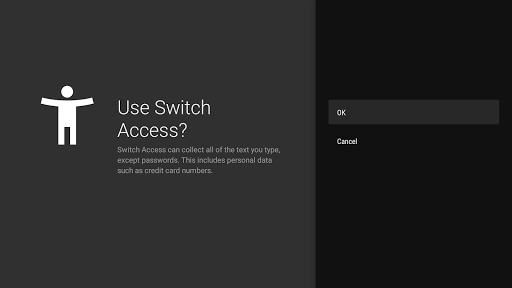
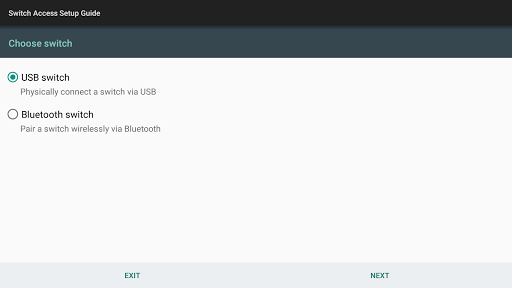
Open Settings on your device, then find Accessibility. Locate TalkBack, Select to Speak, Accessibility Menu, or Switch Access.
Choose the service you want, review the description, and toggle it on. Grant the requested permissions to allow speech, control, or switch input.
After that, customize settings such as speech rate, verbosity, braille keyboard, highlight style, scanning method, or menu layout to fit your workflow.
Then practice common actions. For TalkBack, try explore by touch and gestures. For Select to Speak, tap the floating button and highlight text to hear it read.
So you can refine your setup, open Accessibility settings anytime to adjust gestures, switch assignments, and shortcuts. Add the Accessibility shortcut for faster on and off.
Conclusion:
In conclusion, Android Accessibility Suite is an incredibly useful app for anyone who requires additional assistance when navigating their mobile phone. The suite offers numerous accessibility features like TalkBack, Magnification Gestures, and Switch Access that help people with different types of disabilities use smartphones effectively. Overall, this app represents Google’s commitment towards creating technology solutions that are inclusive and accessible for everyone irrespective of abilities or limitations.