
Smart Switch
Tools
2026-10-21
24.32MB
9.5.03.0
Android 4.0 and up
188
Screenshots
Introduction
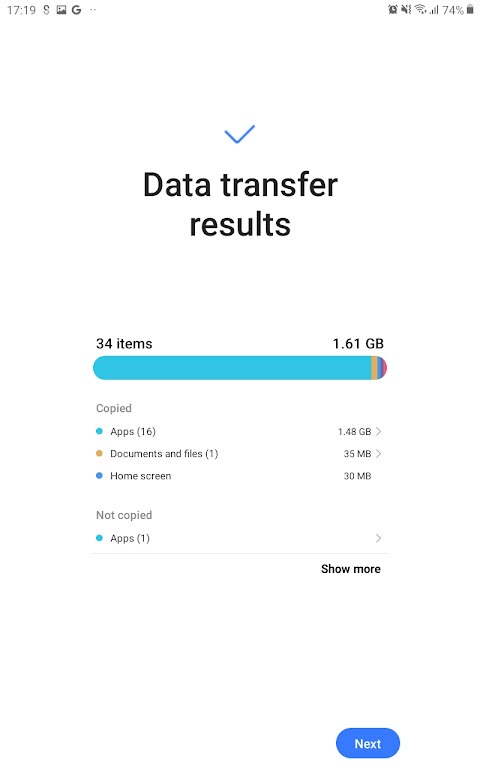
Smart Switch is a data transfer tool designed for Android devices. It features a user-friendly interface, allowing users to get started quickly and easily. The tool enables the transfer of all content and stored information from an old phone to a new device. The transfer process is exceptionally fast, secure, and stable. Users can also browse and view their files by category. The software offers excellent compatibility, facilitating quick connections between two devices over the same network. Additionally, it allows users to back up their files. With a strong focus on security, it ensures the protection of user privacy and data.
Features:
Copying Your Everyday Mobile Content
You can transfer contacts, text messages, photos, videos, music, documents, notes, calendar entries, call logs, wallpapers, and alarms. It can also copy certain settings, including saved Wi-Fi information. This helps you migrate your essential content to a new Galaxy device without having to move each item manually.
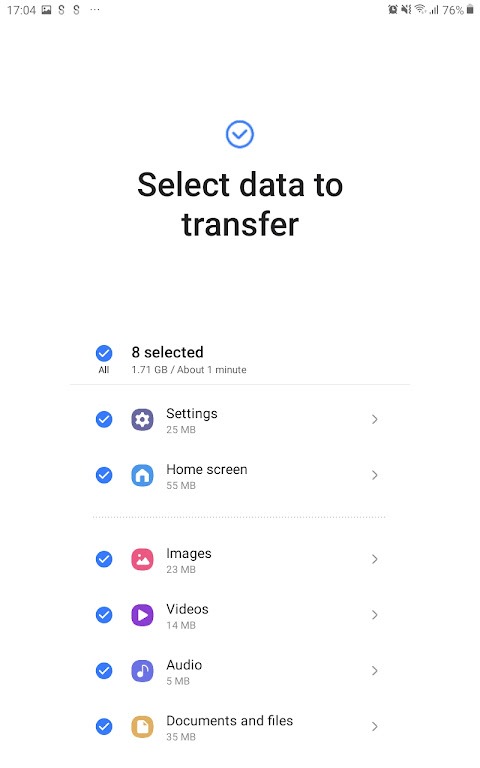
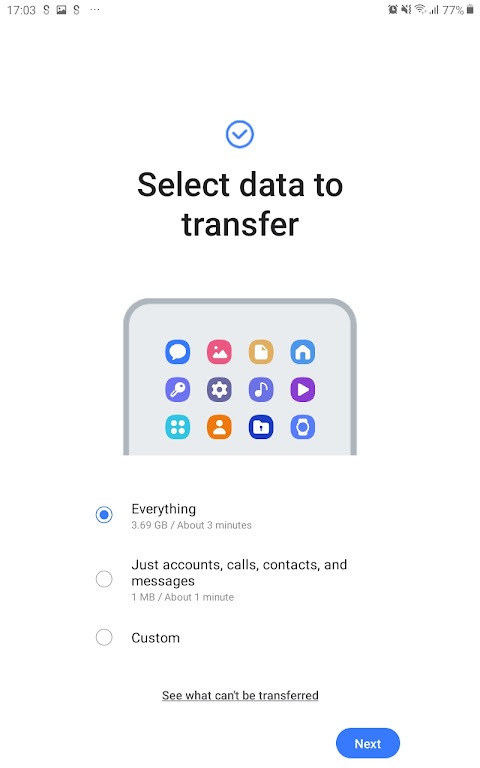
Selecting Content to Transfer
Before the transfer begins, you can review the available categories. This allows you to exclude files, old media, or settings that you no longer need on your new device. By doing so, the transfer process focuses only on the content you truly wish to keep.
Using Wireless or Wired Connections
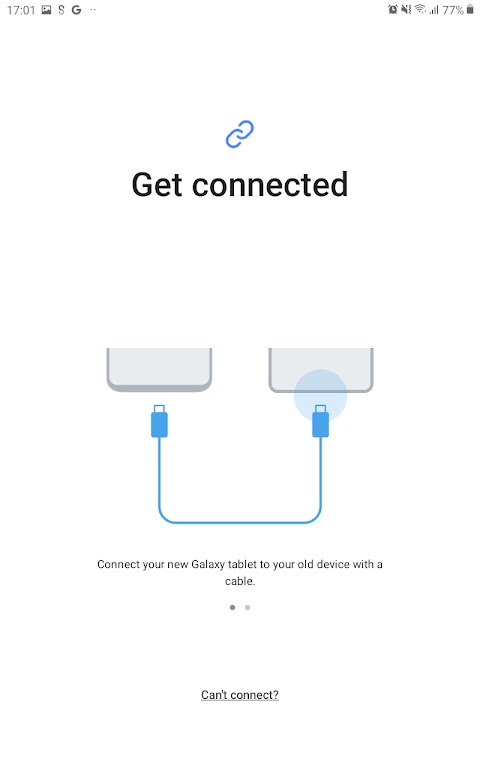
The system supports wireless transfers via Wi-Fi Direct. Alternatively, you can connect your devices using a USB cable—a method that may be better suited for transferring large photo or video libraries. The best option depends on the specific devices and accessories you have available.
Importing Content from an iPhone
You can transfer eligible content from an iPhone to a Galaxy device via iCloud. This option is useful if you are unable to connect the two devices directly. You may need to sign in to your iCloud account before selecting the content you wish to import.
Retaining Galaxy Settings
When migrating from one Galaxy device to another, you can transfer supported app data and your home screen layout. This helps preserve many of your existing settings from your previous Galaxy device on your new one.
Highlights:
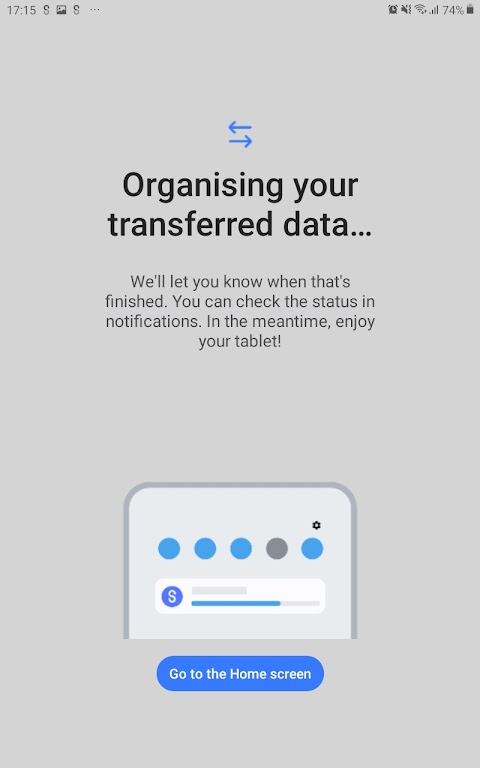
Content Transfer: After purchasing a new Samsung device, transferring all your data from your old device can be very time-consuming.
Wireless Transfer: If you do not have a USB cable to connect your mobile devices, you can use wireless sharing options. You can share and receive data over a Wi-Fi network. For a quick connection, you can use a QR code.
USB Cable Transfer: If you have a data cable, you can connect the two devices and then select the content you wish to share.
Manual Content Transfer: You can also use this application to share individual items (such as folders), as it supports high-speed data transfer between Samsung devices.
Import from iCloud: You can also use the Smart Switch app to import data directly from iCloud to your Samsung phone.
Secure Backup: You can use this app to securely save all your backups. It also allows users to easily restore backups to any device.
FAQS:
What kind of data can be transferred using this service?
This service allows you to migrate contacts, music, photos, calendar events, text messages, and even device settings. Samsung Smart Switch ensures a comprehensive transfer of your data to your new phone.
Is there a cost for using this transfer solution?
No, this data transfer solution is provided by Samsung at no charge. It is a free service designed to make the transition to a new device as easy and cost-free as possible for users.
Is Smart Switch compatible with all Android devices?
While primarily designed for Galaxy devices, it also supports data transfers from Android phones running Android 5.0 or later.
Advantages and disadvantages:
Pros:
Easy to set up and use
Can suggest similar apps on Google Play
Lightweight app
Cons:
Requires a Galaxy destination device
Conclusion:
If you are a loyal user of the Samsung Galaxy series, you can now use Smart Switch to transfer all your information to a new device—no cables required. All your data will be moved to your new device, preserving the exact same settings you had on your original one. What are you waiting for? Download it now!



-
Latest Updates
-
Featured Apps






