Ivy Draw
Tools
2026-11-04
4.76MB
1.35
Android
124
Screenshots
Introduction
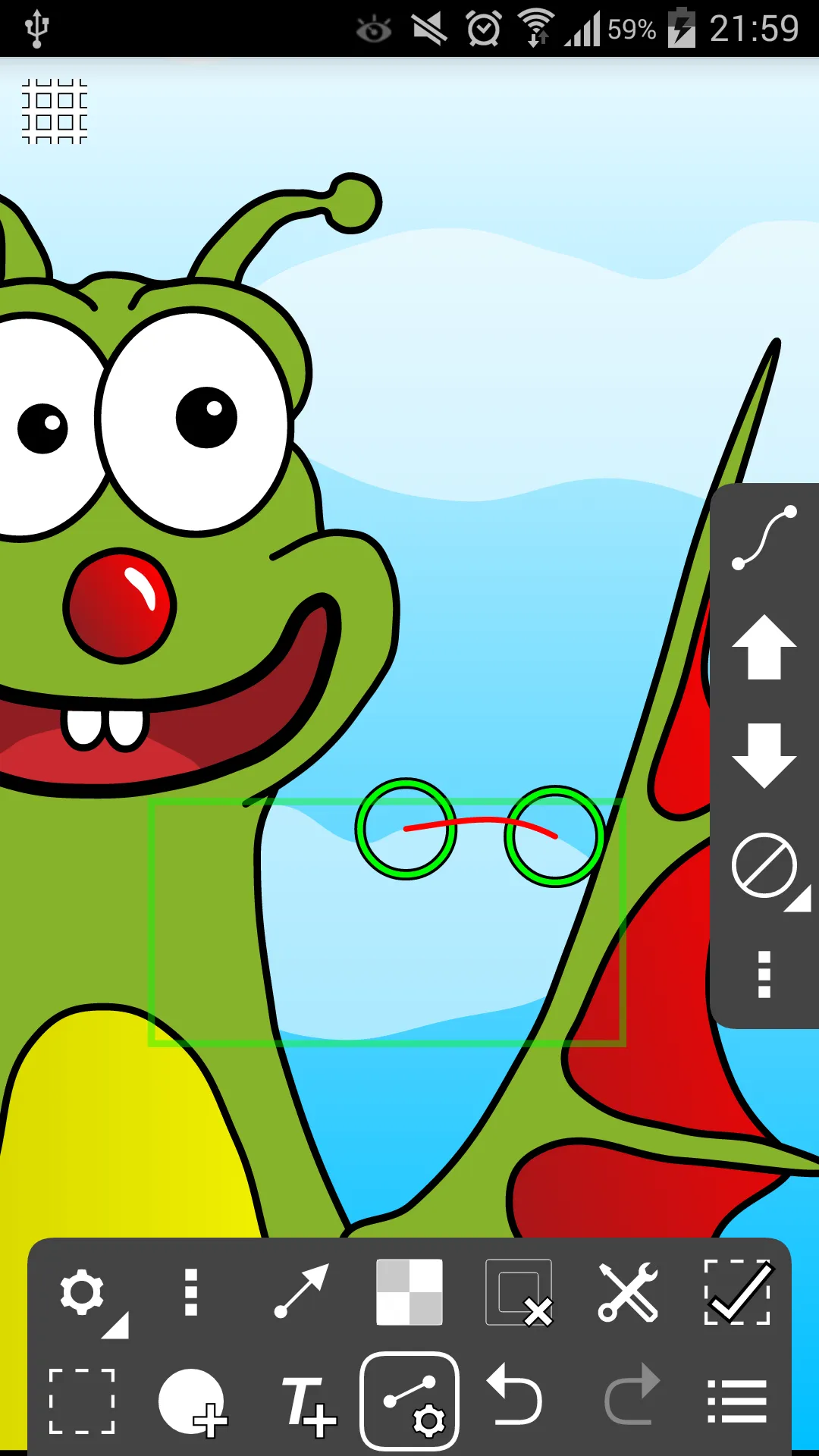
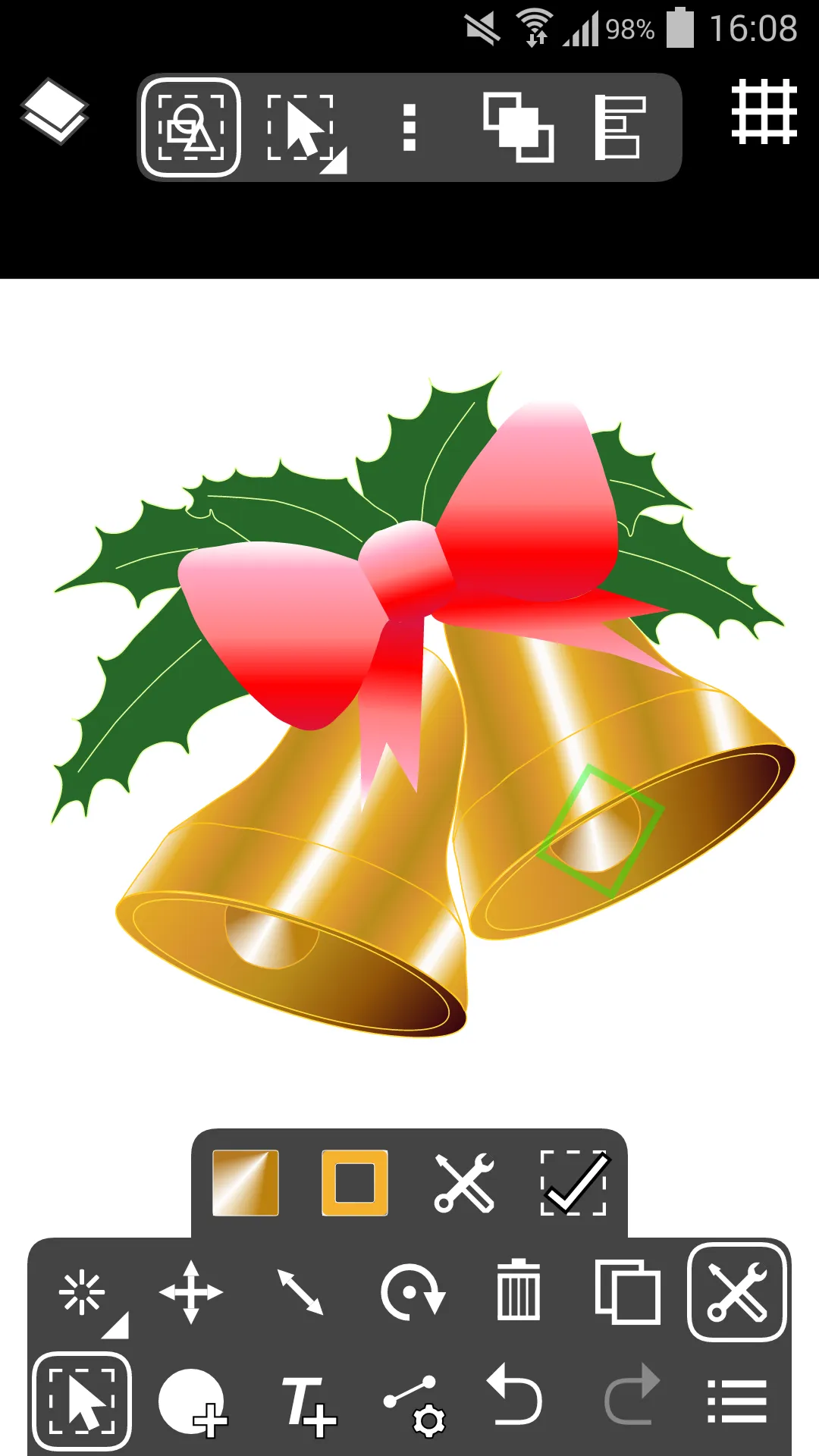
Ivy Draw is an artistic creation tool designed for Android devices. It offers a variety of measurement units, supports quick undo/redo operations, and features multi-layer functionality. The app includes tools for creating and transforming various shapes, a built-in text tool with support for multiple fonts, and path tools that allow for complex, custom combinations. An advanced color picker enables users to select colors using RGB or hexadecimal values. With its intuitive user interface, the app is easy to pick up and start using right away.
Function
Sizes and Units: Supports Centimetres, Millimetres, Inches and Points with three decimal places. Select from a list of common page sizes or define your own.
Actions: Undo and Redo, Move, Resize, Rotate, Ordering (Send backwards etc.), Alignment, Copy and Paste, Horizontal and Vertical flipping.
Layers: support for multiple layers, reordering, opacity and visibility.
Shape Tool: Select from a range of icons and shapes including circles and rectangles, many with customisation such as the number of points of a star. You can convert geometric shapes to editable Paths.
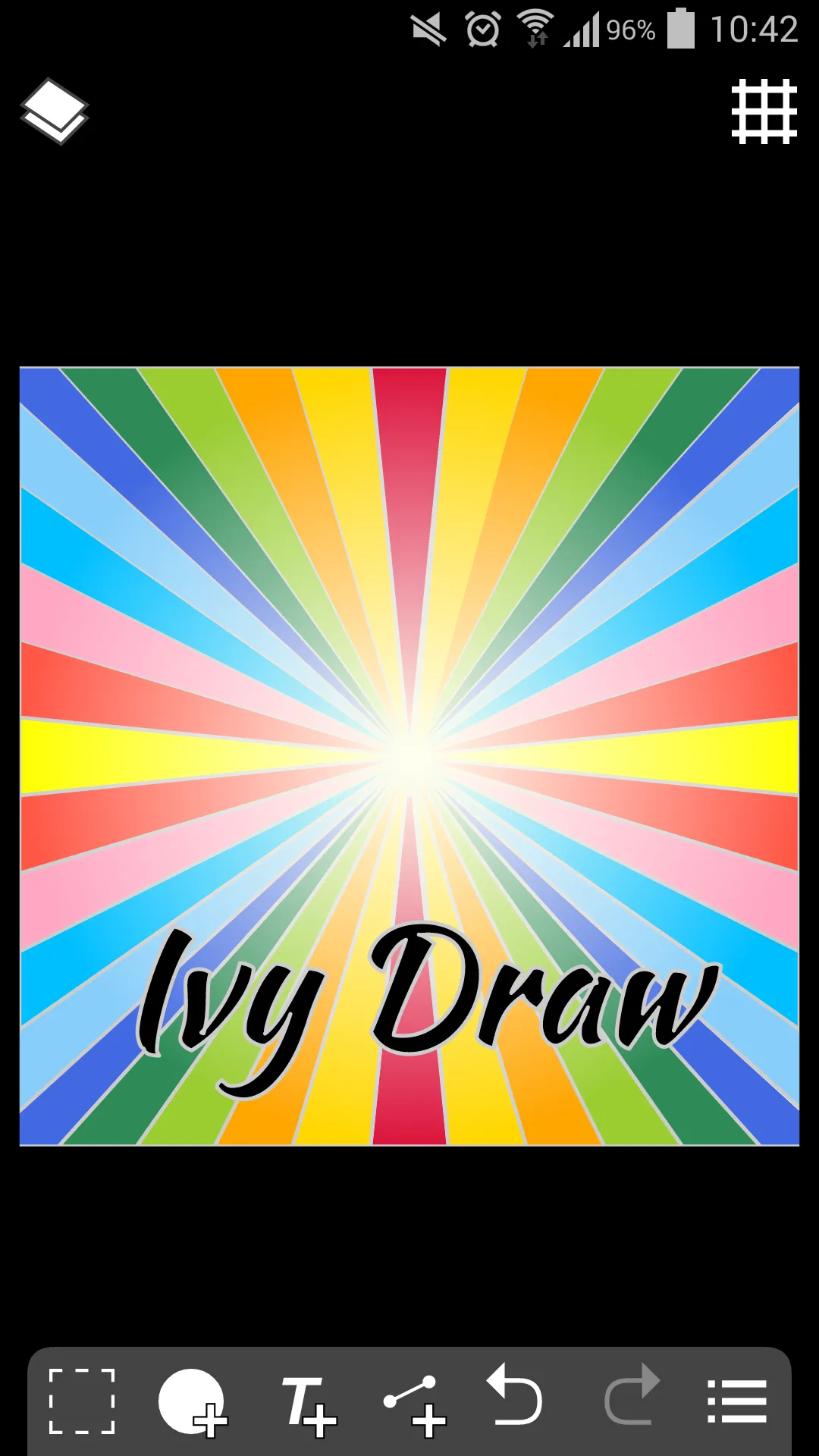
Text Tool: Place text using a number of included fonts (or with your own custom fonts) using Bold, Italic and Underline styles with vertical and horizontal alignments including full justification.
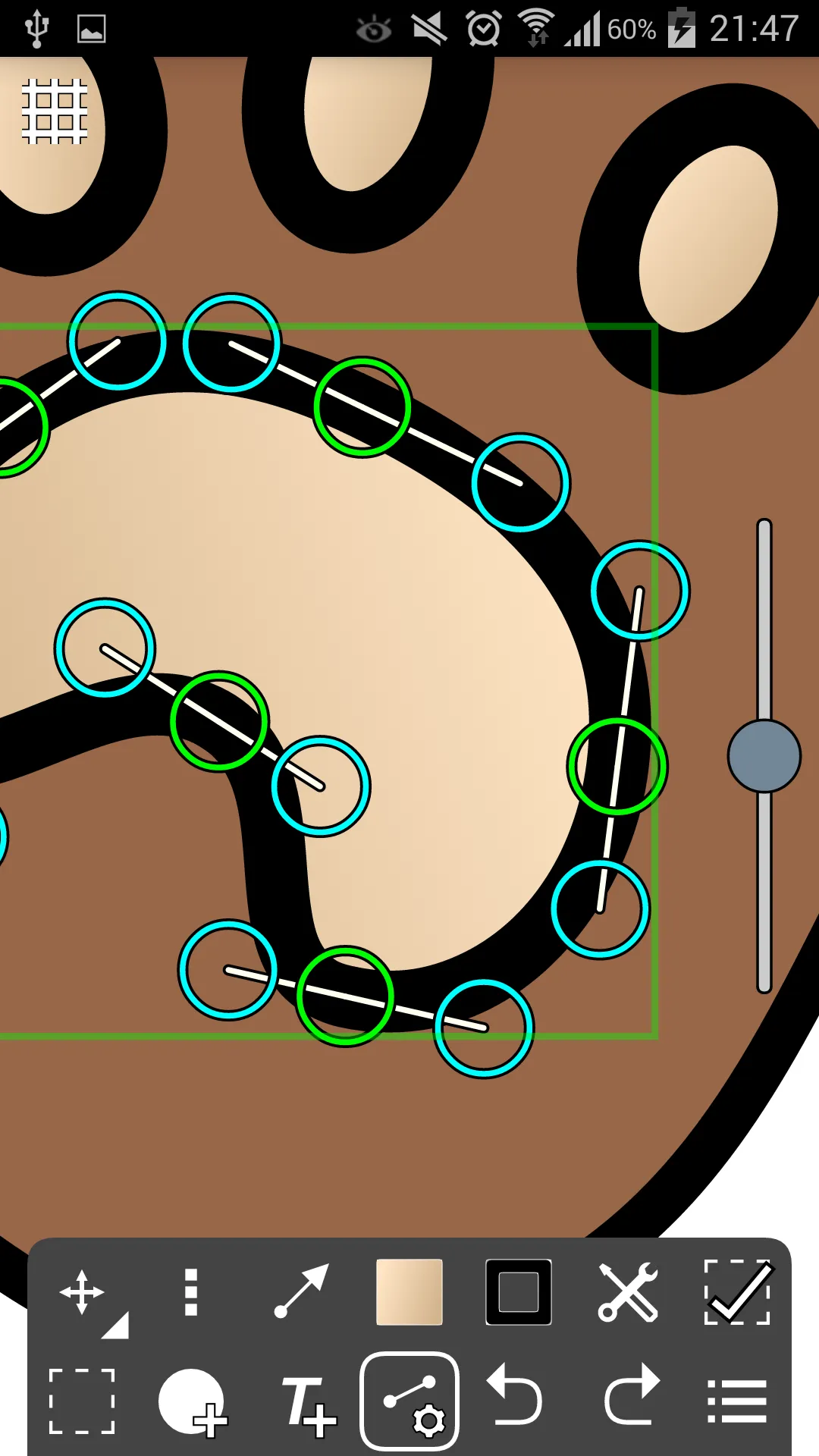
Path Tool: Draw paths to create custom shapes or arrows using any combination of straight lines and Bezier curves. Not just for experts; automatically fitted curves and freehand mode make it simple and easy to use. Turn on control points to take direct control and design the exact curve you want.
Features
Import Drawings: Allows you to import previously saved Ivy Draw drawings into your current project.
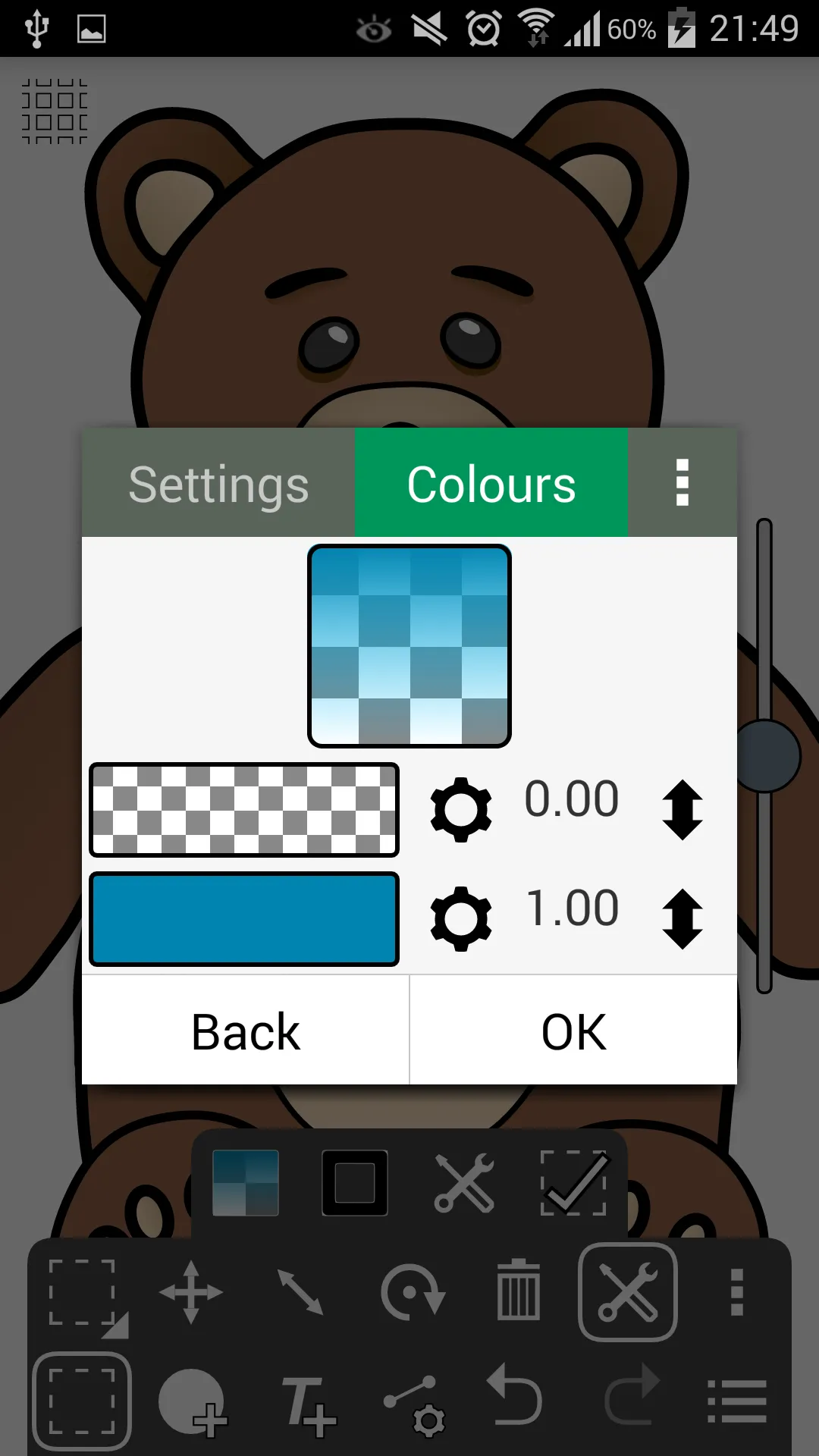
Multi-color Gradients: Choose two or more colors—up to 20 in total—to create unique multi-color gradients, rainbow effects, and more.
Advanced Color Picker: Unlocks an advanced color picker, enabling you to select colors using RGB, HSV, or hexadecimal values.
Grid Tool: A fully customizable grid that supports object snapping and rotational alignment.
Stamp Tool: Add stamps of shapes and text with a single click, with options for randomized sizing and rotation.
Object Properties Dialog: Directly enter and update an object’s size, position, and rotation angle.
Update Log
General UI fixes and improvements.
Added support Pending Transactions, this gives users in certain regions, the option to pay for the Premium Upgrade with cash, e.g. in a local convenience store.
Updates for Google Play Services.
Migrated to AndroidX
Summarize
Ivy Draw is a comprehensive tool favored by digital artists. The application offers a range of features designed to streamline the vector creation process, helping users bring their artistic visions to life. With a strong focus on user experience and a suite of practical tools for drawing, editing, and sharing, it is an essential asset for any artist’s toolkit. Whether you are sketching casually or working on professional commercial designs, Ivy Draw serves as a reliable platform for artistic creation.





-
Latest Updates
-
Featured Apps