iVCam Webcam
Tools
2026-09-17
7.39MB
7.4.0
Android
102
Screenshots
Introduction
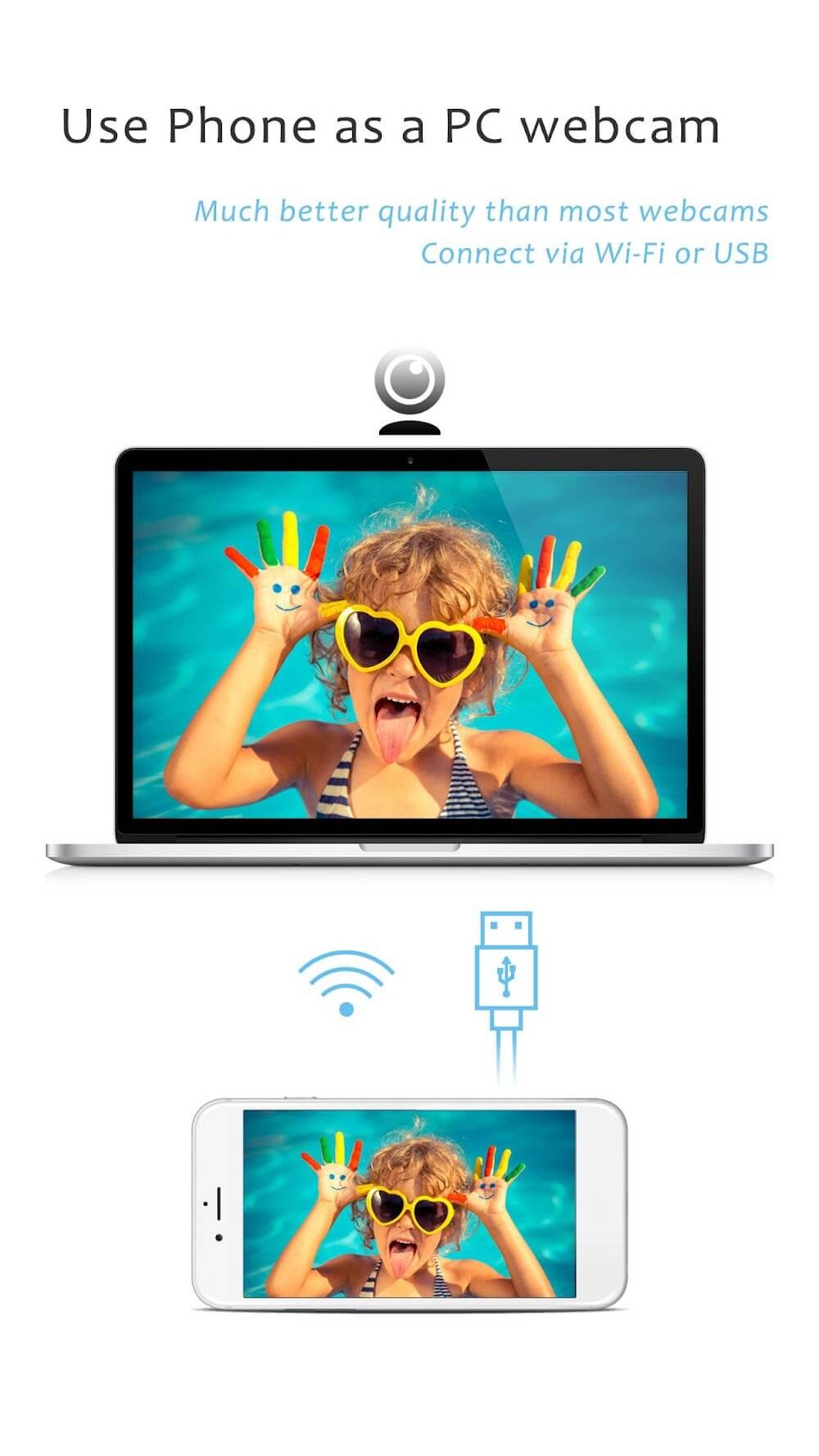
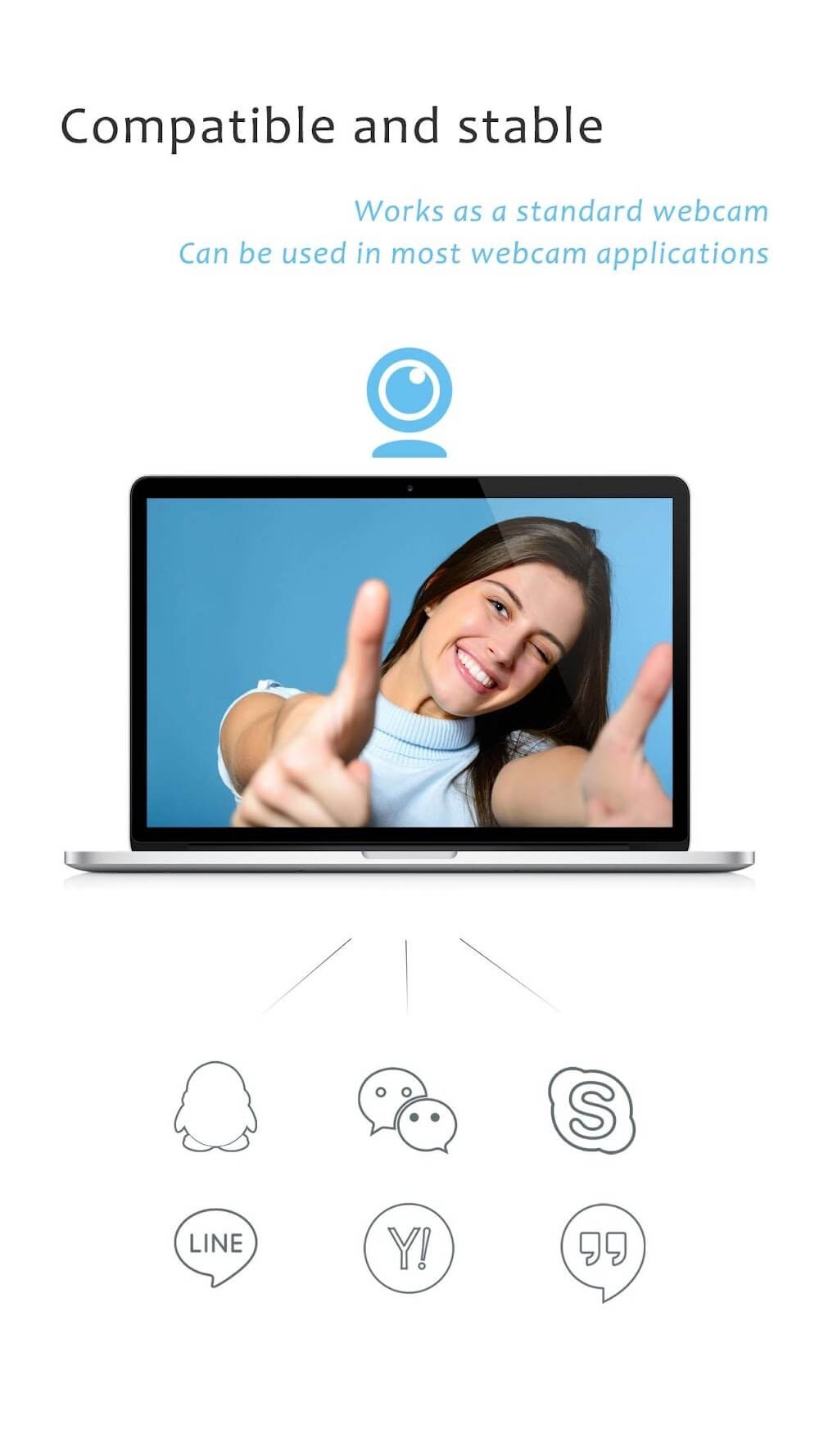
iVCam Webcam is an excellent webcam utility that allows you to use your smartphone's camera as a webcam, supporting resolutions up to 4K for superior image detail. It offers flexible connectivity options via Wi-Fi or USB, making it suitable for a wide range of use cases. The app also features background removal, enabling you to customize your camera background. Additionally, it supports multi-device setups, allowing you to connect multiple Android phones to a single computer, with each device recognized as an independent camera source.
Features:
Up to 4K Video Quality
Stream and record at resolutions up to 4K (3840×2160) at 60 frames per second — far beyond what most USB webcams can offer. Your phone's camera sensor produces sharper detail, better low-light performance, and more accurate color than any budget webcam. Choose from 4K, 2K, 1080p, 720p, 480p, or 360p depending on your bandwidth and use case.
Wi-Fi & USB Connection
Connect wirelessly over Wi-Fi for total placement flexibility — position your phone anywhere in the room. Or plug in a USB cable for a wired connection with maximum stability and near-zero latency, ideal for professional streaming or recording sessions. Both connection modes are automatic; no manual IP configuration is ever required.
Background Removal & Effects
Remove or replace your background in real time with no green screen required. Choose from blur, bokeh, mosaic, or custom image and video backgrounds. Effects process entirely on-device and work seamlessly in Zoom, Microsoft Teams, OBS Studio, and any other app that uses the iVCam webcam source — no extra plugins needed.
Wireless Microphone
iVCam transmits high-quality audio from your phone's microphone directly to your PC alongside the video stream. Use your smartphone as a wireless microphone for video calls, podcasts, and recordings. Echo cancellation is supported on compatible devices, keeping your voice clear and free from feedback or background noise.
Multi-Camera Support
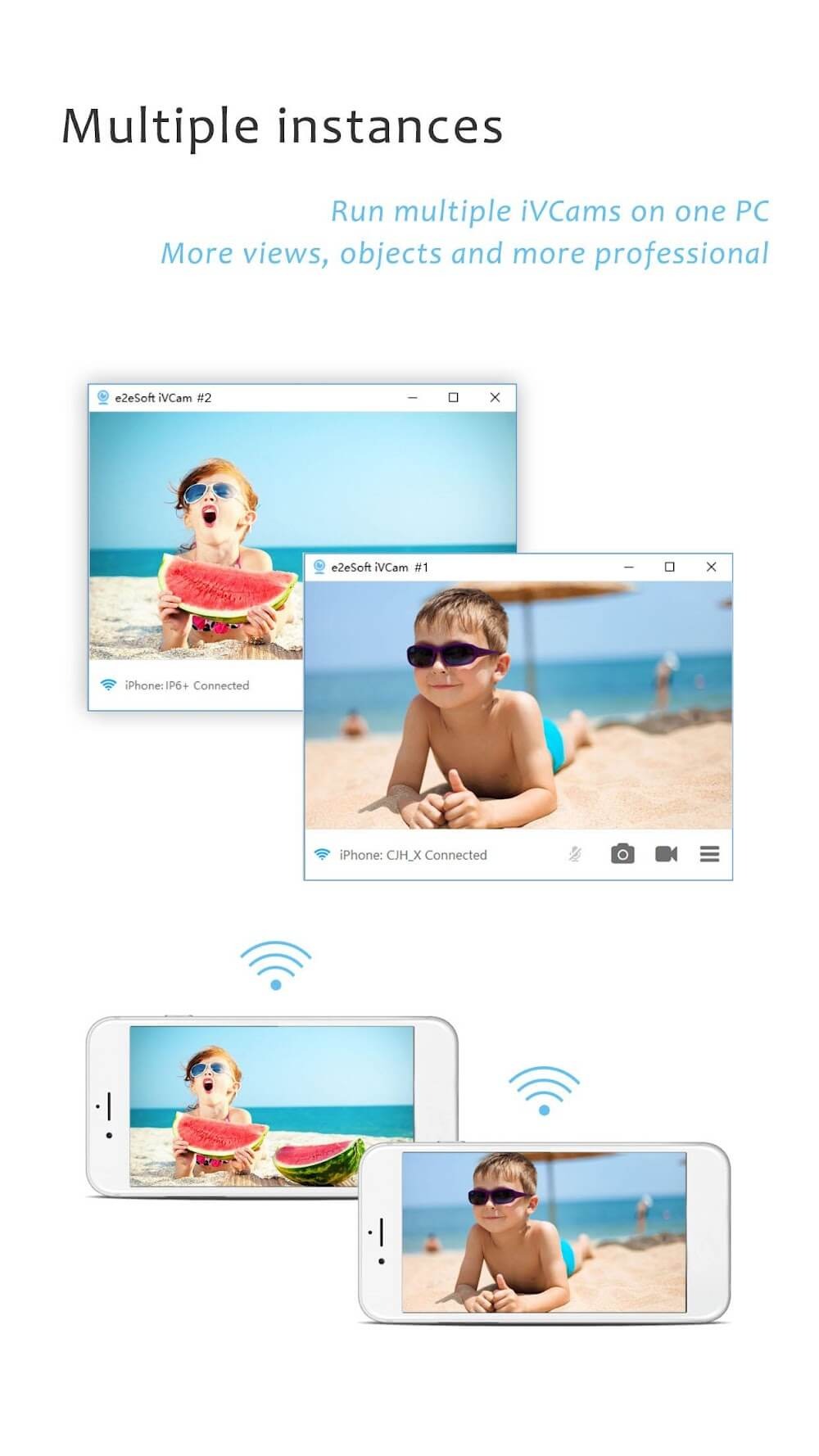
Connect multiple iPhones or Android phones to a single Windows PC at the same time. Each device registers as a separate webcam source, giving you independent control over every camera in OBS Studio, vMix, or any multi-source streaming setup. Perfect for streamers, event broadcasters, and content creators who need multiple angles without dedicated hardware.
Advanced Camera Controls
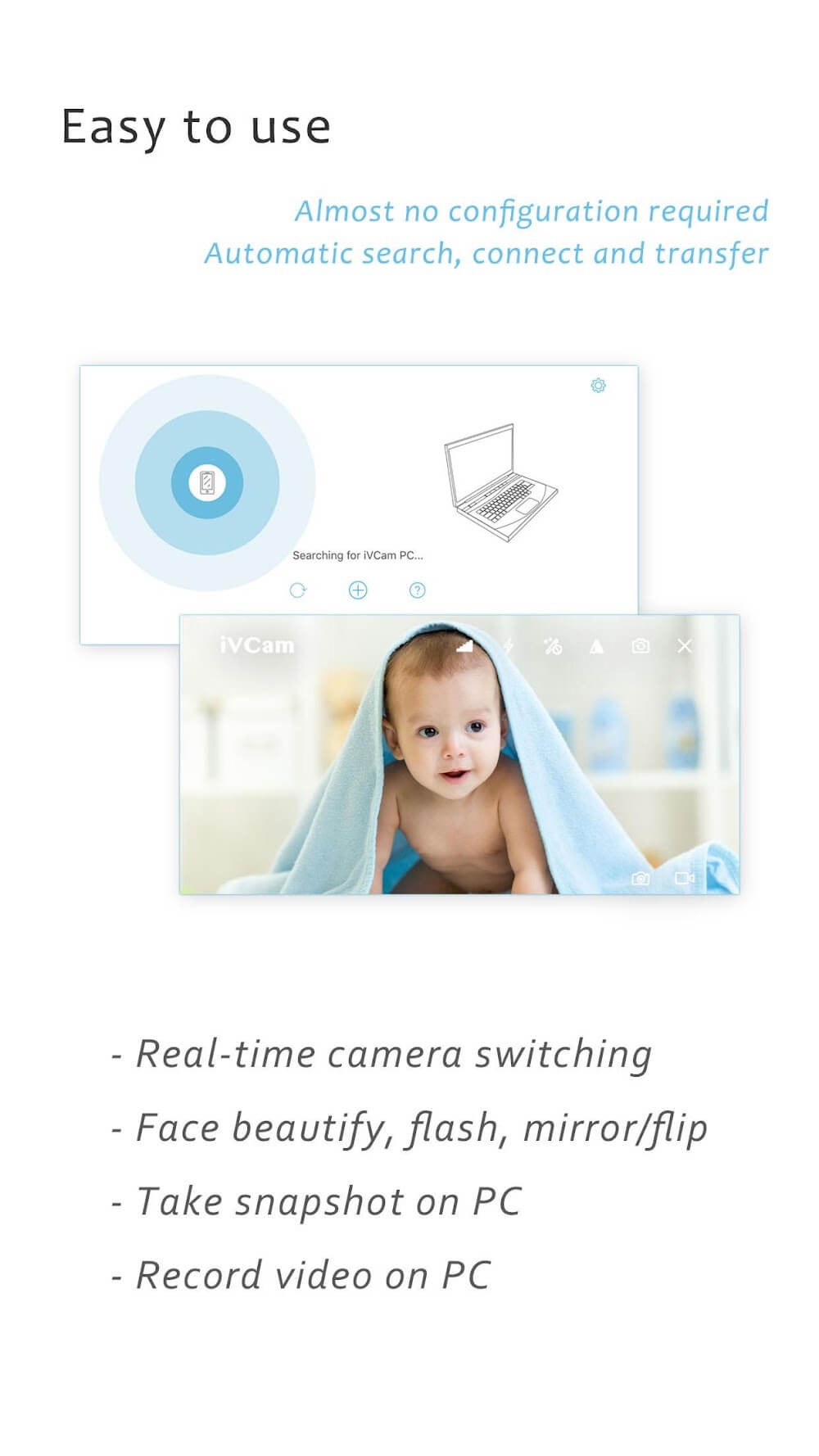
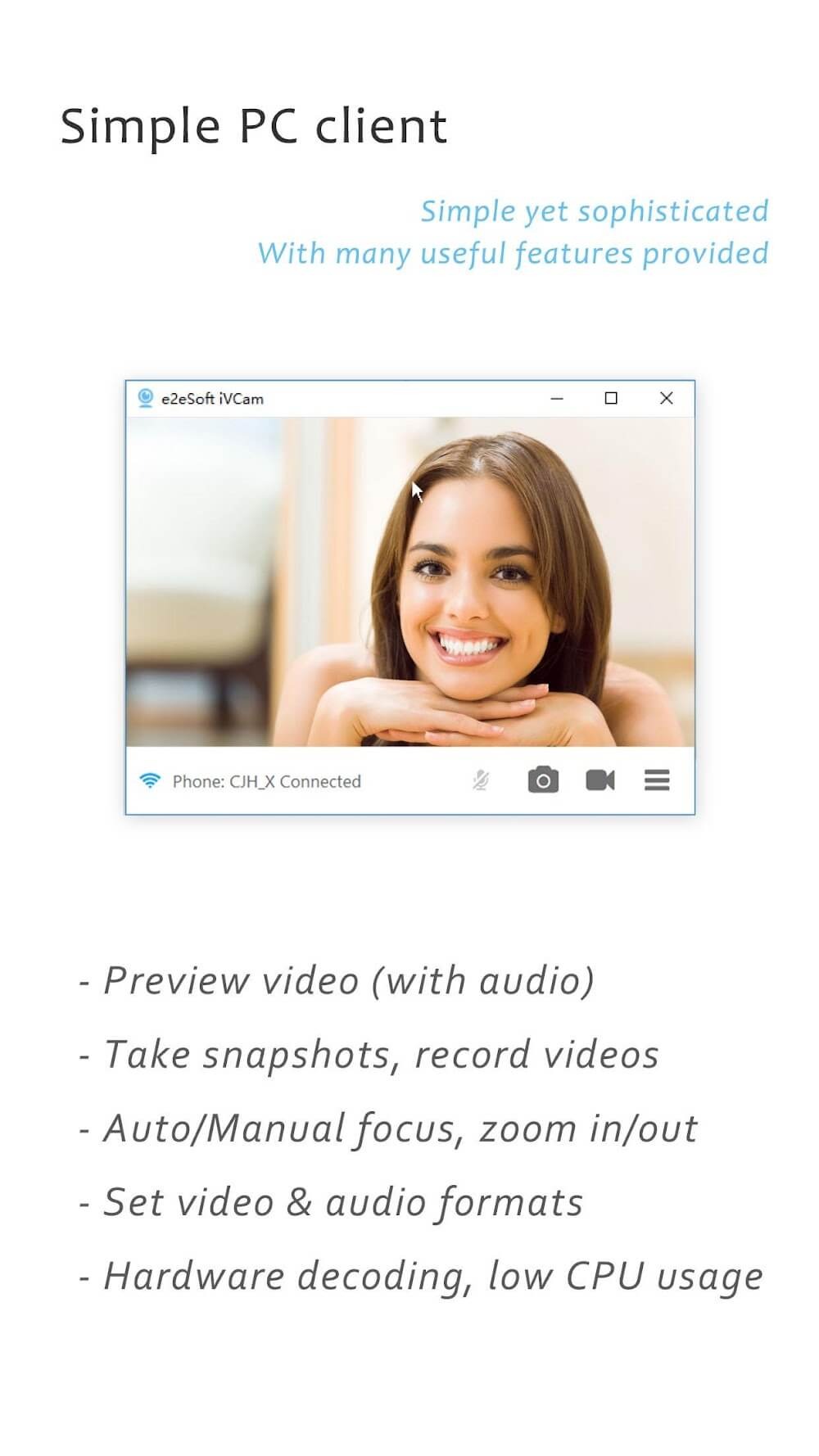
Take full manual control over your camera just like a DSLR: adjust exposure, ISO, white balance, shutter speed, and zoom with precision sliders. Switch between front and rear cameras, enable face beautify, toggle flash, and lock focus or exposure for consistent results across changing light conditions. All controls are accessible from the PC client as well as the mobile app.
Highlights:
Smooth HD Stream: The application with impressive HD mode will help your images, when viewed, become smoother and more professional. Even your review is guaranteed to increase the efficiency when viewing.
Pro Camera Controls: The application allows you to access parameters to view or adjust the camera to increase realism, serving your viewing process to take place best.
Lens Flexibility Options: Users are allowed to customize the lens flexibly to ensure the best quality of videos and images. The application wants you to explore the typical features in customizing the viewing lens.
Auto Quick Connect: The application has an automatic connection feature to ensure the most effective viewing process. At the same time, you will also find the interface easy to use and modern in every operation to meet the needs of modern users.
Background App Friendly: The application supports many different settings and is friendly with modern background mode. Users are allowed to customize the focus, ISO, white balance, or screen speed in a new way.
Direct PC Recording: The application allows direct recording to PC and saves files to the computer for use in many different purposes. The application saves phone capacity and ensures an effective viewing process.
Pros and Cons:
Pros
Supports Wi-Fi and USB connections
Uses front, rear, wide-angle, and telephoto cameras
Offers resolutions up to 4K
Includes manual image controls and background effects
Cons
Requires a separate Windows client
Users report persistent purchase prompts
Wi-Fi performance depends on network stability
User Reviews:
After trying out other webcam programs, I found the features and quality on iVCam to be the best. I use an iPhone 11 clamped to my monitor with a Smartrig multifunctional clamp, smartphone mount and ring light and it blows away my Logitech C922 in image quality. I get up to 4K 60 frames video with excellent low light performance. You can use iVCam with multiple devices which EpocCam will charge you extra for and I’ve found the latency to be much better than NDI HX Camera which is a $20 app. It is also the only app I found that allows you to use the mouse wheel or keyboard keys to control zoom in/out. This is a great convenience when you want to size yourself in a screen or crop out edges of a green screen without having to reach around a mounted iPhone to pinch and zoom on a tiny screen that is facing away from you when using the better rear camera lenses. I tried a lot of demos of these apps and finally bought the full version of iVCam and feel it’s maybe the best $10 I’ve spent on an app. If you’re a Windows user with an iPhone that you can spare during web calls then you already have a better webcam than most of the dedicated ones out there that are scarce and/or over-priced during these work-from-home times. This is frankly a no-brainer.
Conclusion:
Upgrade your video setup with the iVCam Webcam app, which not only supports various cameras and real-time switching but also complements other applications utilized for webcams. With video frame rate, quality adjustments, and comprehensive video settings, it offers a distinctive and adaptable solution for enhanced video communication on your Android.



-
Latest Updates
-
Featured Apps