
Galaxy Store
Tools
2026-09-04
82.02MB
6.6.16.2
Android 6.0 and up
451
Screenshots
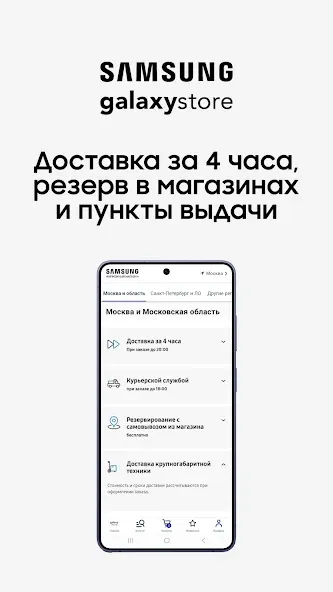
Introduction
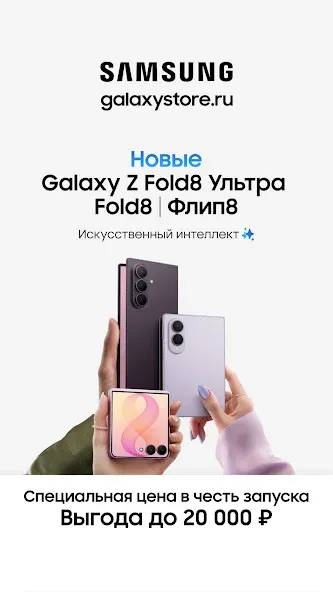
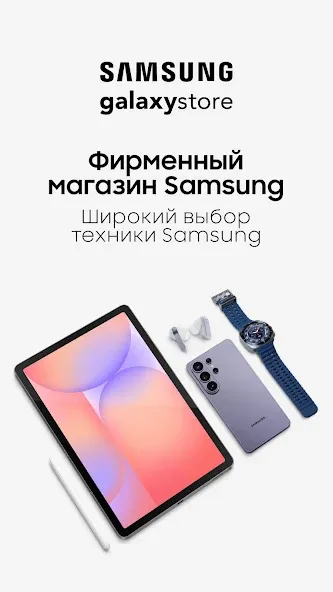
Galaxy Store is a smart app store software. It boasts a super-simple page design, allowing users to quickly get started. Users can customize settings according to categories, receive update notifications, and close unnecessary programs. Users can earn free points daily upon logging in, which can be accumulated and used to purchase points-based promotions and various themes within the app store. The software automatically adjusts font color and size to suit different user preferences. Enjoy premium application and software features.
Usage Tips
Enable Automatic Updates over Wi-Fi: Open Samsung App Store settings and select "Automatically update over Wi-Fi only." This prevents accidental mobile data consumption and ensures all installed utilities remain updated in the background.
Claim Daily Free Reward Points: Visit the Rewards Zone daily to view reward point opportunities and promotions. Accumulating these free reward points can reduce the overall cost of future premium themes and game items.
Customize Notification Categories: Adjust notification settings to only receive alerts for major promotions and important app updates. Turn off unnecessary marketing notifications to keep your phone's status bar clean and uncluttered.
Utilize the Wishlist Tracking Feature: Add your favorite paid themes and tools to your personal wishlist to easily track their usage. When items on your wishlist go on sale, the platform will send you price drop notifications to remind you.
Regularly Clear Cache: Go to App Store settings every few weeks and clear temporary cache files. Clearing old cache data frees up valuable device storage space and keeps menu navigation fast. Enable Game Launcher Acceleration: Before launching graphics-intensive games on your smartphone, enable dedicated game tools. These settings reallocate processing memory, resulting in smoother frame rates and preventing annoying call interruptions.
Highlights:
Exclusive Apps: Access apps developed specifically for Samsung devices.
Performance Optimization: Enjoy apps that run seamlessly, tailored to your device.
Themes and Customization: Personalize your phone with unique themes and fonts.
Special Offers: Enjoy premium app discounts and deals.
Fast Updates: Keep your Samsung apps up to date.
FAQs:
How do I change the display font on my device?
Browse the font categories in the app store and choose your preferred font style. Download your chosen font style and then go to your device's display settings. Finally, select the new font from the list to instantly update the system text.
Can I buy games with reward points?
Yes, you can directly redeem eligible games and items using your accumulated reward points at checkout.
Advantages and disadvantages:
Pros
A wealth of apps and games tailored specifically for Samsung devices.
No Google account required, simplifying the download process.
Exclusive offers and promotions enhance user value.
An intuitive interface improves the user experience.
Cons
Requires a Samsung user account.
Conclusion:
In short, if you own a supported Samsung smartphone or tablet, the Samsung Galaxy Store app is an absolute must-have—an essential resource for smartphone users seeking top-notch customized services and professional, practical tools. We highly recommend installing it as soon as possible. It can enhance your device experience in numerous ways and is definitely not to be missed. Try it now and experience it for yourself! Highly recommended.





-
Latest Updates
-
Featured Apps






