Backup and Restore
Tools
2026-07-30
9.79MB
7.7.2
Android
457
Screenshots
Introduction
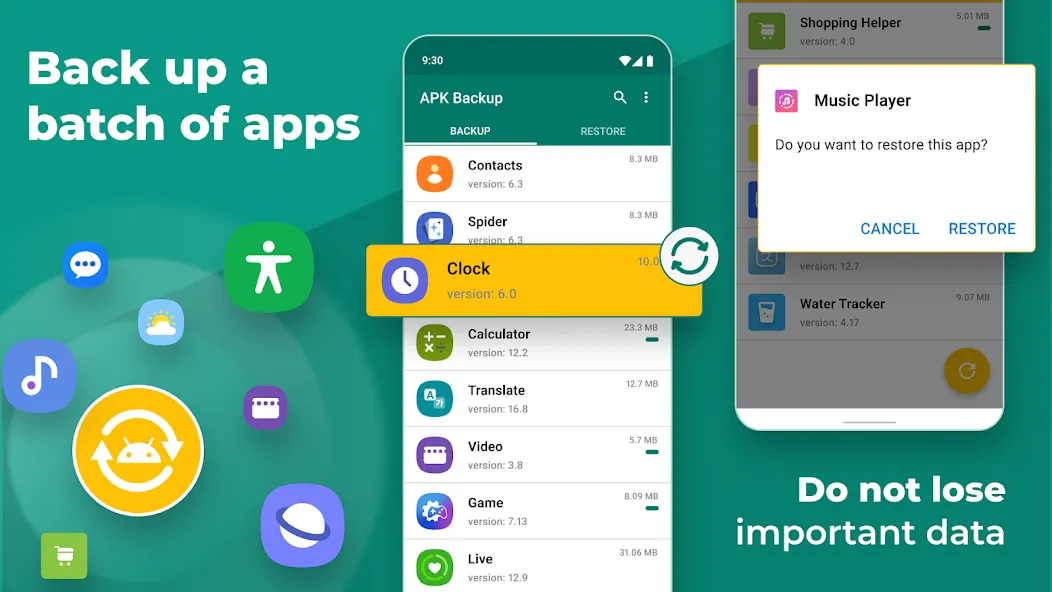
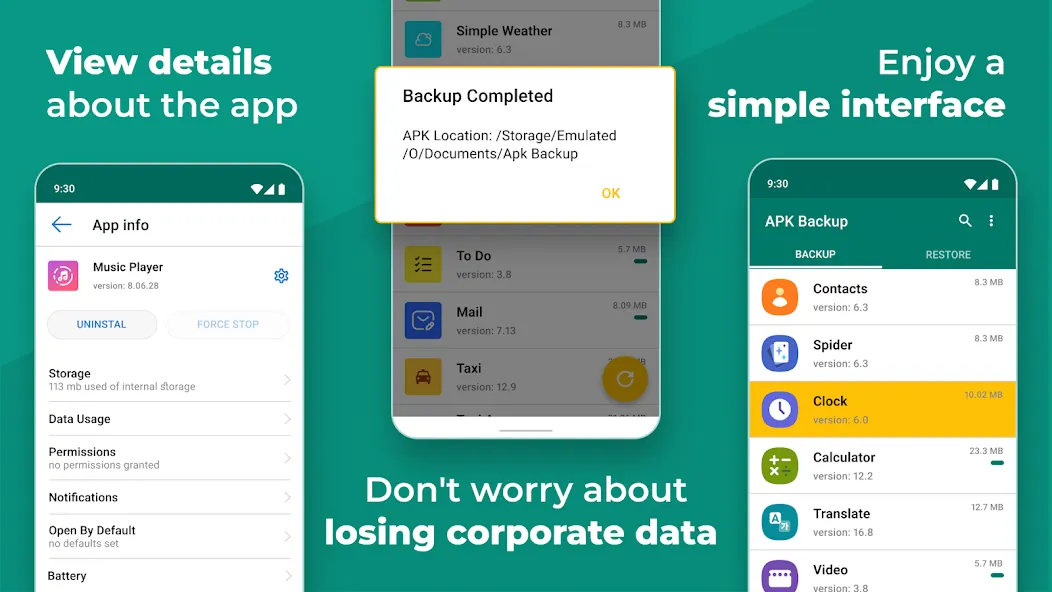
Backup and Restore is an app recovery tool for Android devices that allows users to batch back up and restore apps. This app is very easy to use; anyone can easily back up and restore apps. It offers flexible storage options, allowing users to manage more content more conveniently. Users can also share files between Android devices through this app, and it also supports batch operations, saving users time.
Features:
Diverse Backup Options: Anyone can easily backup and restore APK files of available apps. However, this process also extends to media files or documents that you often use.
Flexible Storage Choices: Instead of having to back up each option, synchronization is often triggered in bulk. This makes it more convenient for you to control more things than before.
Version Management: In many cases, APK files can be reinstalled simply. This is also one of the ways if you want to downgrade a certain version.
Effortless File Sharing: The system allows transferring and sharing APK files alongside other normal files. At the same time, synchronization between Android devices is the main mechanism.
Batch Operations: Similar to batch backup, batch sharing also becomes simple. The system has identified the target and your job is just to check before transferring.
Automated Processes: In all cases, the backup and restore processes often go hand in hand. All processes are usually not difficult because they use automatic mode.
Highlights:
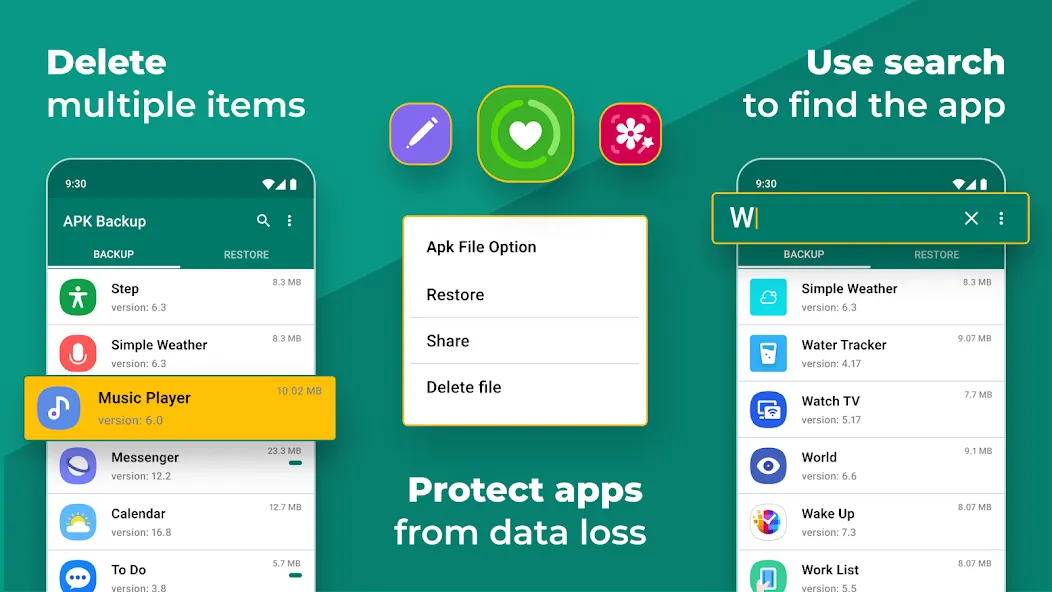
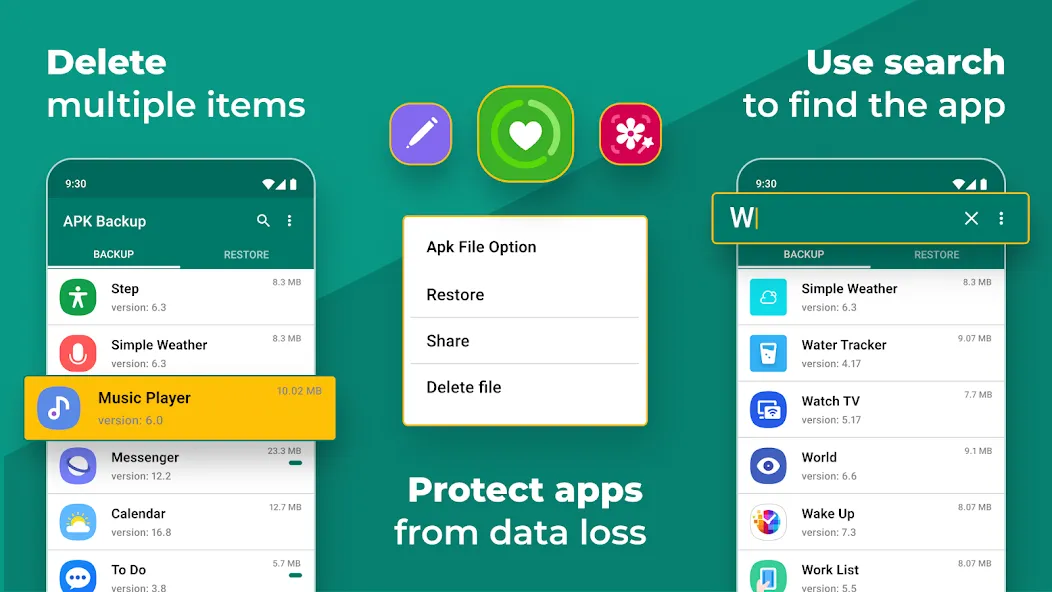
The app lets you store, archive, or delete backups (without leaving a single trace) by simply selecting them from the main interface. Once they're archived, you can even send the APK file by email, allowing you to easily store it on any disk drive. Of course, you can also restore any app.
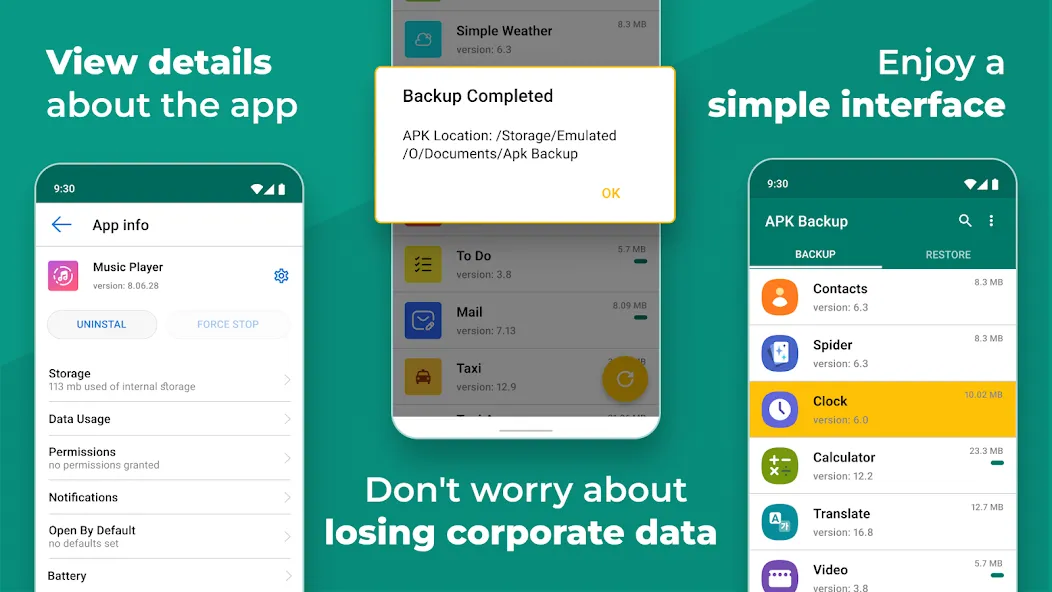
The app interface is really intuitive, so regardless of how much experience you have with Android it probably won't take you more than a minute to fully understand how all its features work.
Notice:
Backup and Restore cannot back-up, restore, transfer data or settings of apps, it only batch backup & restore apk files to save storage of phone.
Backup and Restore can only restore app files that have been backed up before.
Backup and Restore cannot auto back up personal data, auto back-up apks only.
Backup and Restore can only auto back-up to RAM & SD card, auto backup to cloud cannot be achieved .
Please back up to sd card or cloud before factory reset, or all backups will be deleted due to system restriction.
For Android 4.4 and above, Google reserved the permission to write in SD card. It is now granted only to Google and cell phone manufacturers.
FAQs:
How much storage space do I need to install Backup and Restore ?
The download APK file is 9.8 MB, and you'll need additional free space to install the app and store temporary files, updates, and cache data. If the installation fails, free up some storage and try again.
How long does Backup and Restore take to download?
Backup and Restore is 9.8 MB. On a stable 4G, 5G, or Wi-Fi connection, the download may take anywhere from a few seconds to several minutes, depending on your network speed.
Why do I fail to download or install?
Common causes include insufficient storage, an incompatible Android version, an unstable network connection, a corrupted download, or missing installation permissions.
What are the system requirements for Backup and Restore ?
The latest version of Backup and Restore requires Android 6.0+ or later. If your device runs an earlier Android version, check whether a compatible older version of the app is available.
Conclusion:
In the realm of Android backup applications, Backup and Restore stands out for its specific focus on APK management. Its ability to batch back up and restore applications, alongside its user-friendly interface, makes it a practical choice for users seeking to streamline their app management processes. The combination of local and cloud backup options, along with efficient transfer capabilities, positions this application as a reliable tool for Android users looking to optimize their device's storage and manage their applications effectively.
-
Latest Updates
-
Featured Apps