AppKiller: force stop apps
Tools
2026-10-14
4.76MB
5.3
Android
356
Screenshots
Introduction
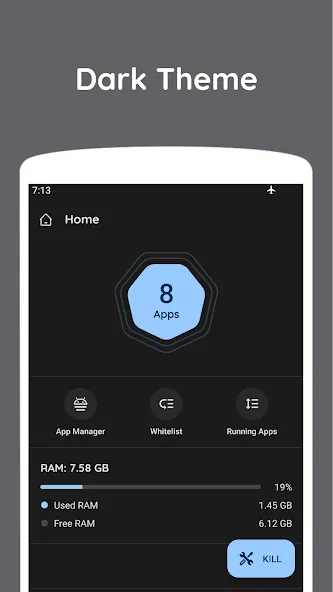
AppKiller: Force Stop Apps is a powerful system utility. It allows you to close background applications, free up memory, and conserve battery life. You can also set up scheduled tasks for automated operations and add important apps to a whitelist. It features a built-in app manager for quick system app oversight. The app is secure and collects no personal information; its simple interface ensures ease of use, effectively addressing common user needs and providing a convenient experience.
Features
Close background apps
AppKiller: Force Stop Apps closes background apps to free memory and save battery power. You can close all at once or focus on selected apps. This helps improve overall performance.
Force stop and scheduling
You can force stop apps and set a schedule to kill selected apps. This keeps performance consistent without repeated manual steps. The app uses Accessibility Service to press the force stop button in system settings. It can assist users with physical disabilities by automating tasks that are hard to perform one by one.
Whitelist and history
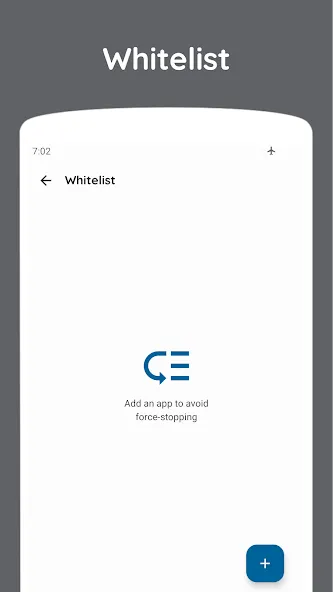
Add important apps to a whitelist so they are not killed.
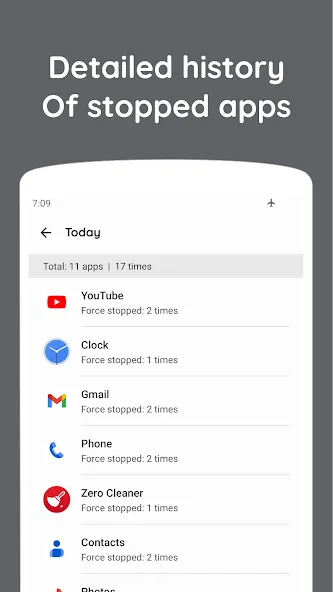
Review detailed history to see which apps were killed and when.
Task manager and premium options
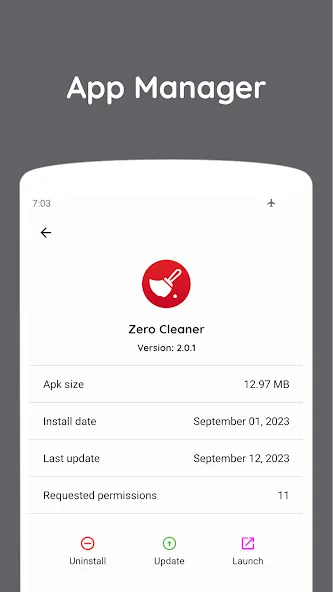
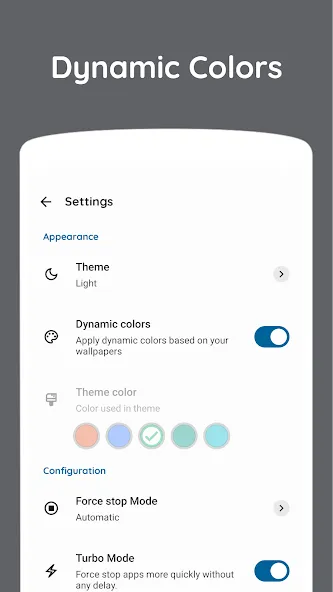
AppKiller includes an app manager to view running tasks and manage them in one place. The interface is simple and supports custom colors, and the app does not collect personal information. Widgets and force stopping system apps are available as premium options. For the most current capabilities, check the AppKiller latest version.
Advantages and disadvantages
Pros
Shows RAM use for user and system apps
Stops all or selected processes
Supports scheduled daily auto-closing
Whitelist protects chosen apps
Cons
Duplicates many tools already built into Android
Offers limited value without the scheduling feature
User comments
when i selected one item from the apps list , i can not select the last item because STOP widows appear on that area. thanks for new update. you solved that issue very well.
thank you very much now my phone is faster after updating to one ui8.5 my samsung was laggy but now after downloading the app is faster and I deleted your app and my phone was slow and now I installed it again and now is fast
working with one ui 8.5 now but earlier this same app was available but then you removed it from playstore and relaunched this same app again. this makes anyone who wanna buy the app, not buy it because what is just after purchasing you again do the same thing as remove this app only to relaunch it again thus refresh all purchases
Summarize
AppKiller: force stop apps is a powerful tool designed to enhance your device's performance by forcefully terminating active applications. This utility allows you to manually select apps for closure or automate the process for increased convenience. Beneficial features such as a Whitelist, which exempts chosen apps from being stopped, and a History log that tracks your app closure activity, are included to personalize your experience.
-
Latest Updates
-
Featured Apps