AI Equalizer: Bass Booster EQ
Entertainment
2026-10-08
11.42MB
5.0.4
Android
105
Screenshots


Introduction
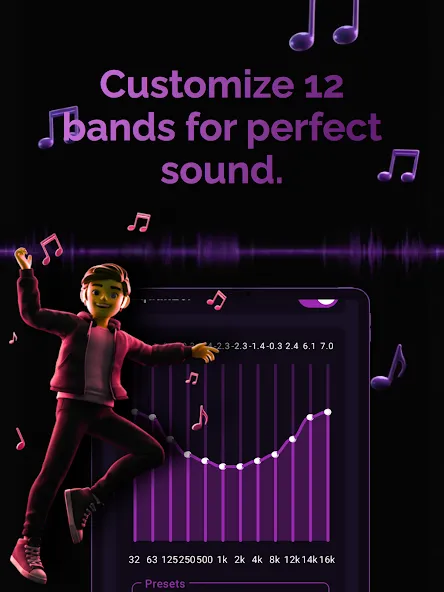
AI Equalizer: Bass Booster EQ is an audio tool designed for Android devices. It features a built-in AI engine that optimizes audio balance and adjusts frequency settings. Users can utilize the bass boost function—ideal for various genres of popular music—or create custom equalizer presets with automatic adjustment capabilities. The app boasts a user-friendly, stylish interface that allows both new and experienced users to get started quickly. It also offers dynamic audio effects, including 3D surround sound, and supports switching between dark and light modes to protect the user's eyes. Additionally, it supports playback via connected external media devices.
Features
AI-Powered Equalizer – Experience smart audio optimization powered by AI. Automatically enhance your music based on genre, mood, or personal preference for crystal-clear sound.
Bass Booster – Feel every beat with deep, powerful bass. Perfect for hip-hop, EDM, pop, and more. Adjust bass intensity to match your style and environment.
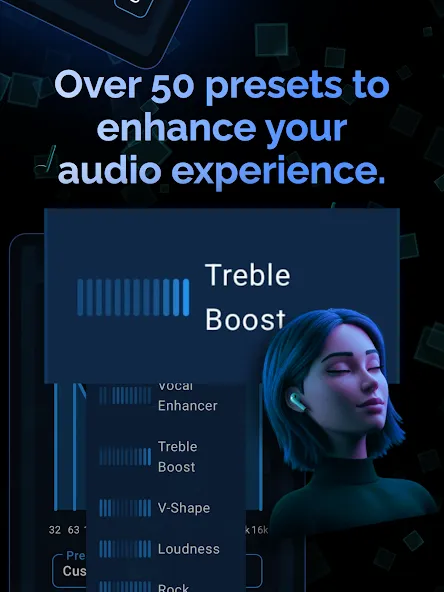
Custom EQ Presets – Choose from a wide range of presets or create your own personalized equalizer settings. Tailor sound frequencies to suit your headphones, speakers, or car audio system.
Music Genre Enhancer – AI Equalizer automatically detects your music genre and optimizes the audio for the best listening experience. Rock, jazz, classical, or electronic – every genre sounds amazing.
User-Friendly Interface – Sleek, intuitive, and easy-to-use design lets you adjust sound settings quickly. Perfect for beginners and audio experts alike.
Dynamic Sound Effects – Add reverb, echo, or 3D surround effects to your music. Create immersive soundscapes that make every song feel alive.
Dark & Light Modes – Enjoy a visually comfortable experience while adjusting your music in any lighting environment.
Universal Compatibility – Works seamlessly with headphones, Bluetooth speakers, car audio, and mobile devices.
Real-Time Audio Analysis – Watch your music come alive with real-time visualizers. See how AI Equalizer fine-tunes your audio for maximum impact.
Advantages and disadvantages
Pros
Selectable equalizers ranging from 5 to 31 bands
AI-based adjustment alongside manual frequency controls
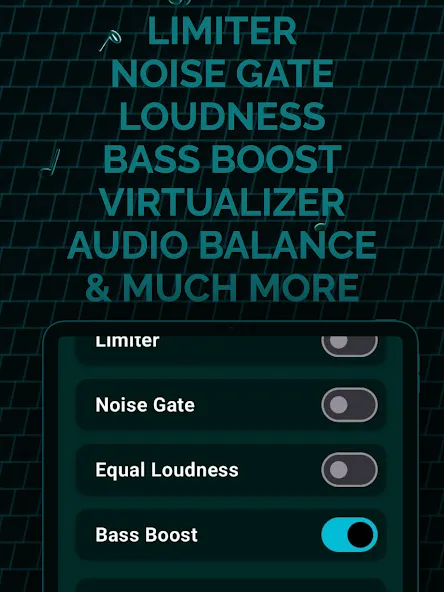
Limiter, bass boost, virtualizer, reverb, and noise reduction
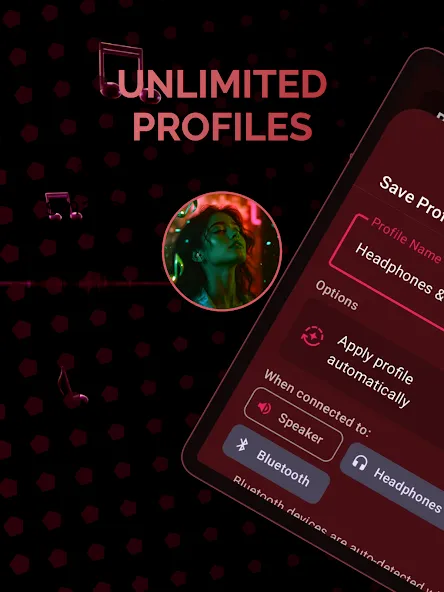
Profiles for headphones, speakers, Bluetooth devices, and car audio
Cons
Users report that only one custom preset can be saved
A pop-up ad may appear when reopening the app
User comments
It's working well for me so far on my Nothing 3a. I used to use another Equalizer, but it suddenly stopped working. This one seems to work without issue. There also doesn't seem to be that speaker "pop" when toggling the EQ like others have. Very nice. Also a tip, make sure to turn on the "Single Band Equalizer Adjustment" toggle in settings otherwise adjusting the EQ could be a real pain. Should've been enabled by default.
My phone suddenly had noise reduction. Calls and the ringtone worked fine, but the sound from the speakers was very low while watching movies and videos, even with the headphones. I went to the store to get it fixed, but they told me it would be expensive and without a warranty. I was really frustrated and upset. Luckily, I found this app, which was a lifesaver and solved my problem, improving my movie experience. I would like give a minor feedback is:- the setting I apply doesn't last all time.
Amazing Apps 5 star for this but expensive monthly subscription, maybe the management can make that monthly payment more less coz can make anybody have this awesome eqo & Bass Booster music entertainment.
Summarize
AI Equalizer: Bass Booster EQ has a strong set of Android audio tools, particularly for listeners who want anything from a quick genre preset to a 31-band correction curve. Automatic optimization, broad output support, and effects add useful flexibility. But the single custom-preset restriction and reported reduction in deep-bass control keep it from fully serving the meticulous listeners its interface otherwise courts. It is worth considering for broad, system-level sound shaping, provided those limitations do not conflict with how you build and save EQ profiles.