Avast Cleanup
Tools
2026-09-20
82.30MB
26.16.1
Android
177
Screenshots
Introduction
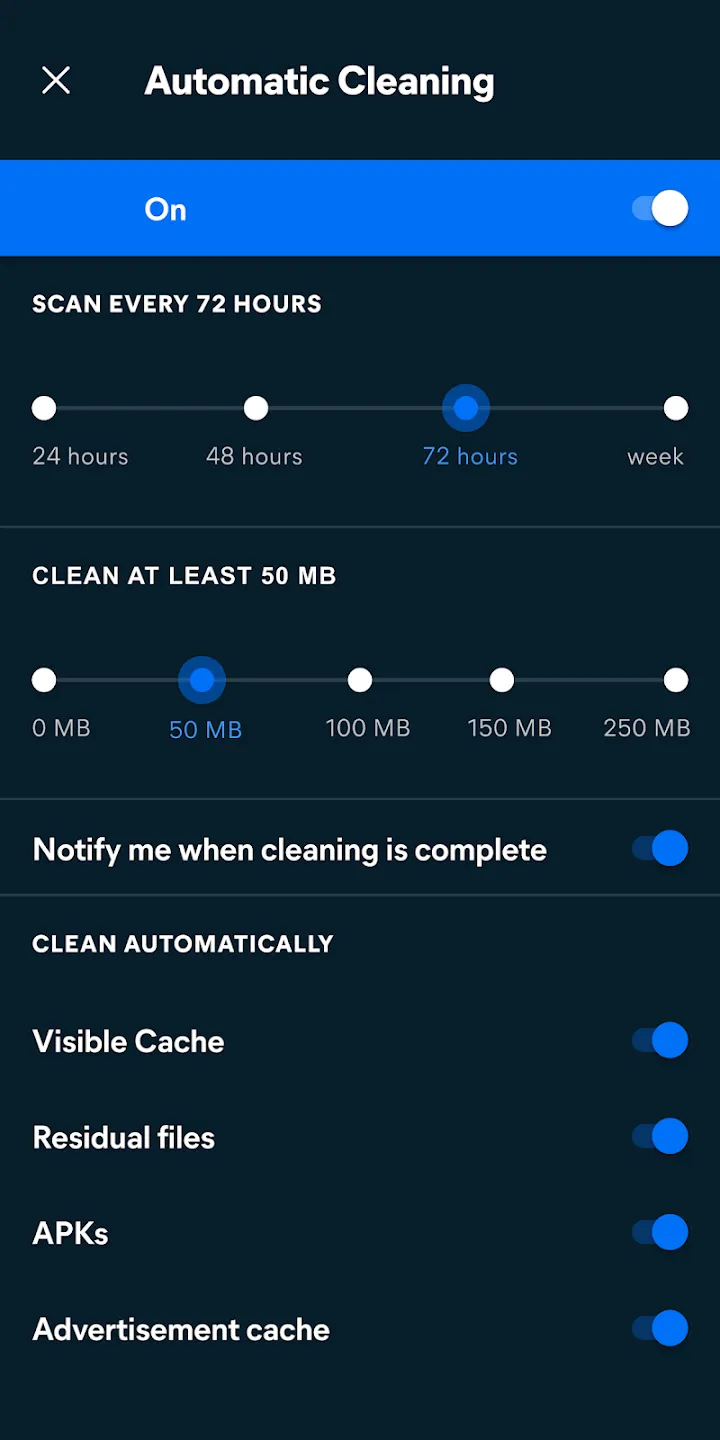
Avast Cleanup is a mobile cleaning tool for Android. It features a user-friendly interface that makes it easy to get started. A quick scan lasting just a few seconds identifies residual files on the device, and a one-tap cleanup function rapidly frees up memory. Using this app helps conserve battery life and mobile data. It boasts powerful features and excellent compatibility across a wide range of Android devices, helping to prevent performance degradation caused by overheating. Users can customize settings such as screen brightness and monitoring preferences. The app displays detailed information on power consumption and the risk levels of installed applications, effectively safeguarding user privacy and preventing data leaks. It is a highly capable utility tool for Android systems.
Features:
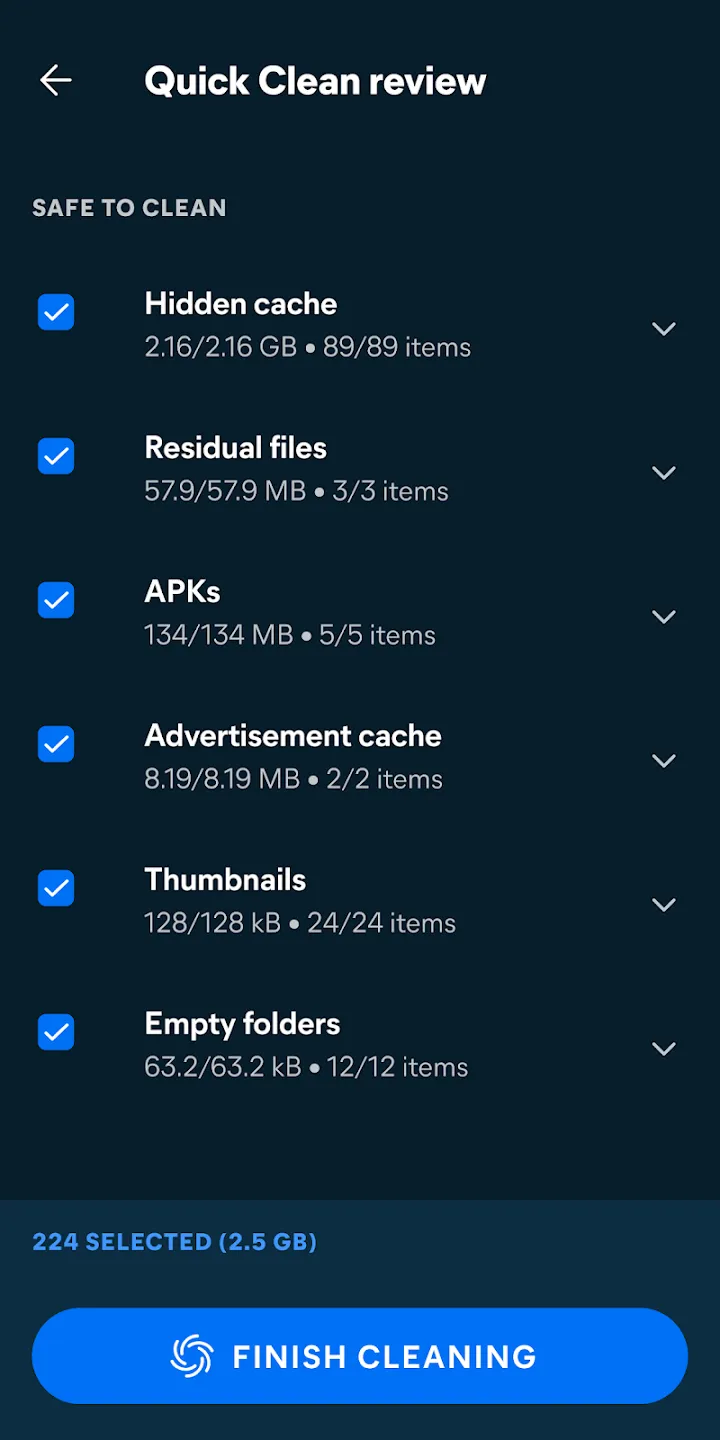
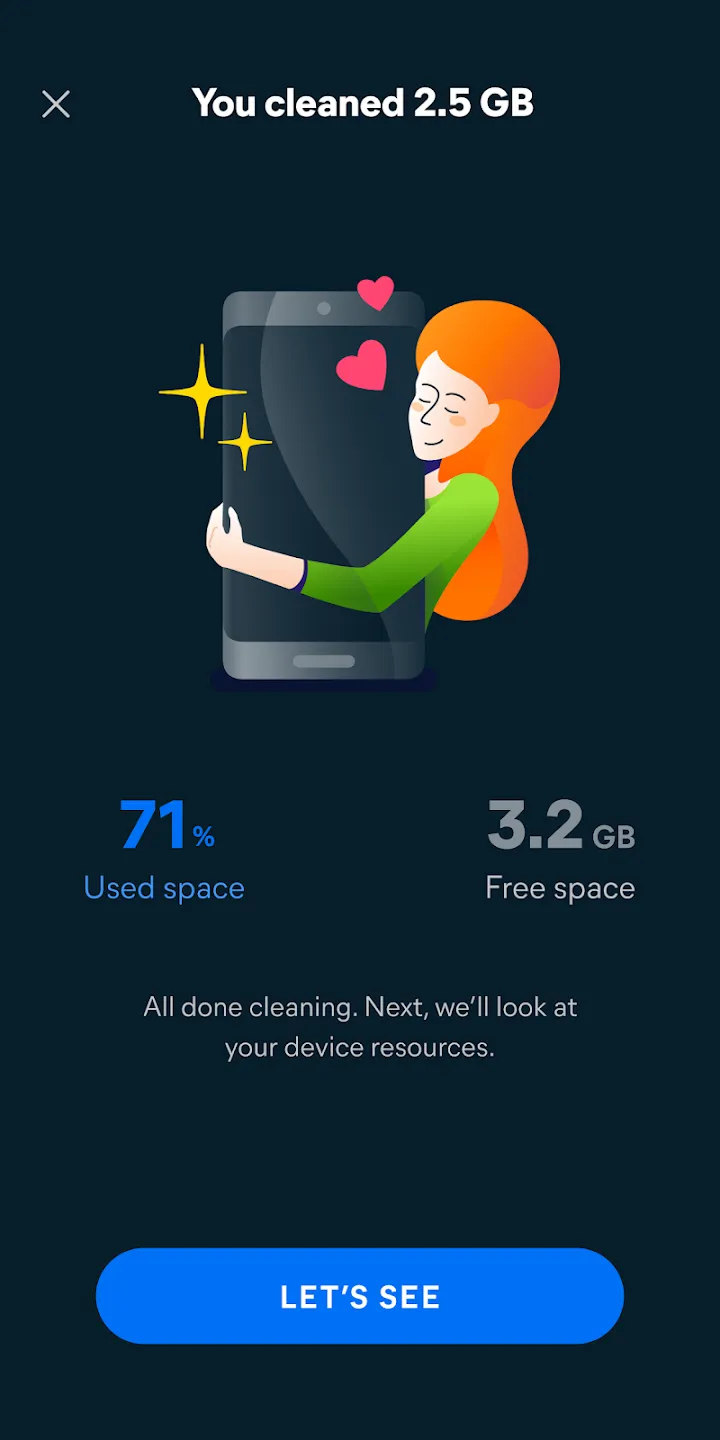
Avast Cleanup scans your phone’s storage space in seconds and deletes any superfluous stuff.
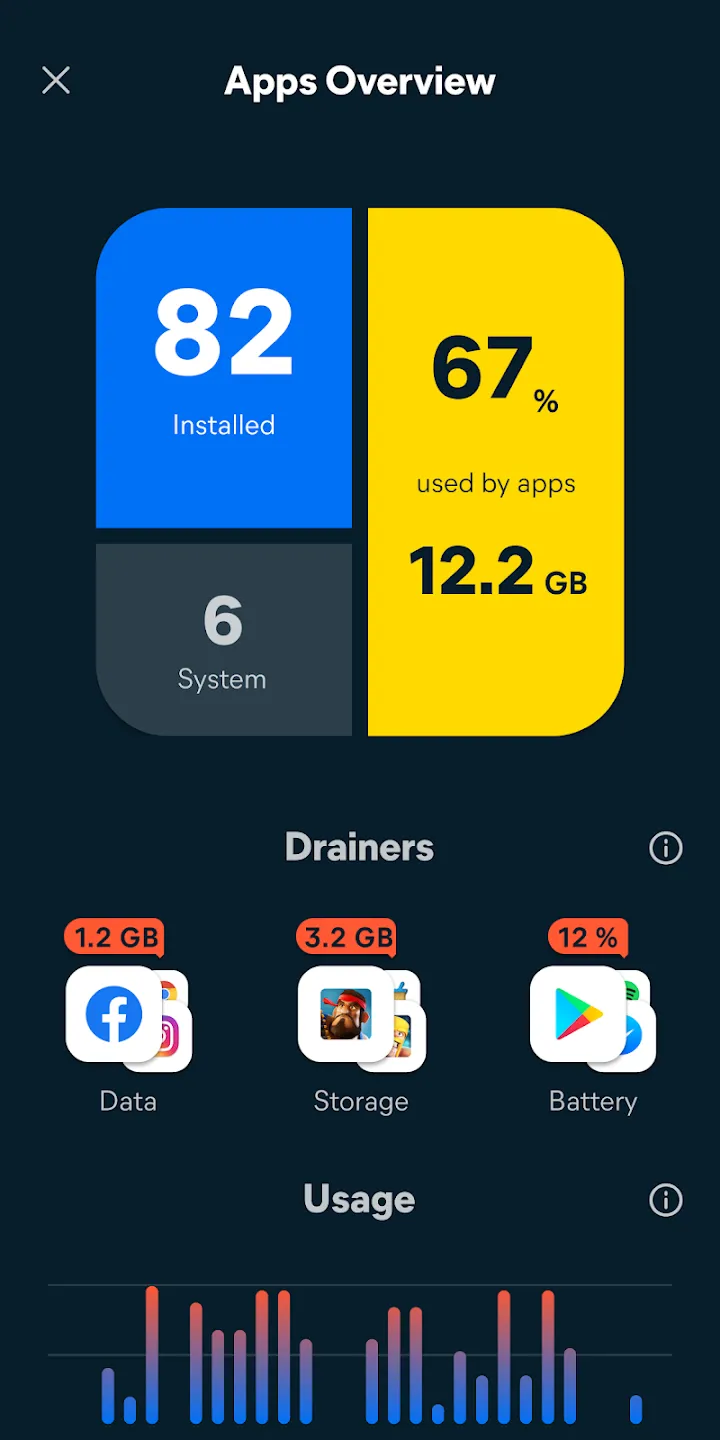
On one screen, you can see all of the crucial information about your device.
App Hibernation suspends applications for a short period of time to preserve battery life, save mobile data, clear memory (RAM Cleaner), and enhance device performance.
Safe Clean removes unnecessary data, system caches, gallery thumbnails, residual or unused files, and APKs in an instant. You may effortlessly remove collected data that serves no function with a single swipe.
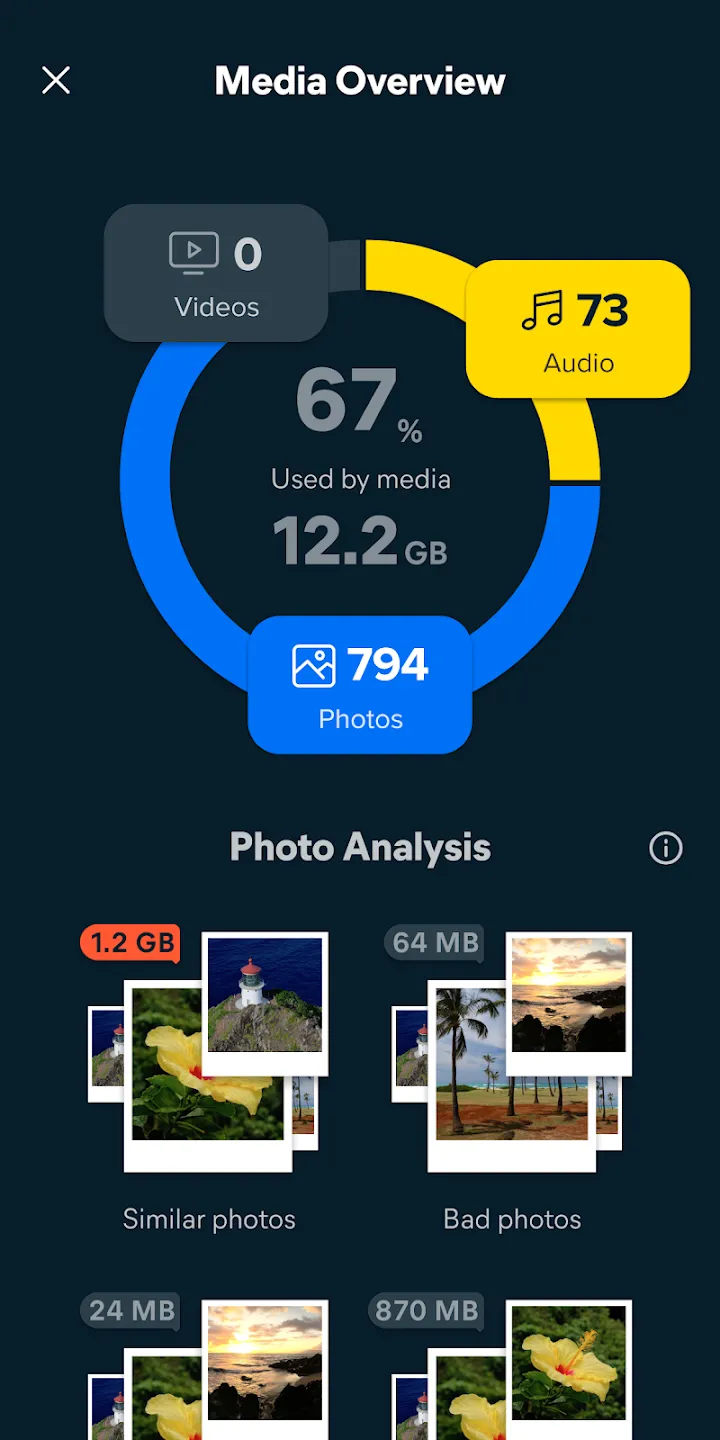
The Cleaning Adviser feature provides a complete overview of all of your phone’s data.
To clear up space, speed up your smartphone, and eliminate Android delays, just uninstall programs with a single swipe.
Replace preinstalled bloatware programs you don’t use with factory versions and clean up all their data by uninstalling updates for preloaded apps.
Phone Cleaner locates and deletes your device’s biggest files, movies, programs, and garbage.
Make the most of your storage space by optimizing and speeding up your Android smartphone.
Highlights:
Adjusts screen brightness: The screen and applications will cause your device to consume a lot of battery. You can enable restricted mode to save your device’s battery life.
Shows estimated remaining battery time: The application can display the remaining battery capacity to facilitate the checking and use process.
Customize power saving modes: The application will optimize battery life by changing power saving settings.
Uses up-to-date threat definitions: The application always updates relevant warnings, and you can monitor them to report them promptly.
Prevents unauthorized access: You can put important information into a category and then set each security level, or you can activate automatic 2-layer security mode.
Keeps your private content safe: The application also protects other data in storage areas and when logging in, there will be an approval notification.
Obscures private images: Users select important photos, and the application quickly encrypts them.
FAQs:
What else can Avast Cleanup do besides the features mentioned above?
Beyond just removing junk files, Avast allows you to delete various types of files from your device's memory. Similar to the Norton Security app, it offers cleanup suggestions while you are cleaning your phone.
Can I recover deleted files?
Don't worry if you accidentally delete important files during the cleanup process. Avast Cleanup features a built-in Recycle Bin, allowing you to review files before permanently deleting them.
Can I use this cleanup app to free up space on my phone?
Avast is an excellent tool, especially for Android phones running low on memory. It offers powerful cleanup, optimization, and battery-saving features for your smartphone.
How do I clear unwanted app data?
One of its most useful features is the ability to delete extra app files without uninstalling the app itself. To learn more about Avast Cleanup...
Summarize:
If you want your phone to maintain peak performance at all times, download Avast Cleanup right away. This smart, powerful cleaning app keeps your Android device clutter-free by removing junk files, managing storage space, and performing thorough cleanups.





-
Latest Updates
-
Featured Apps