Google Account Manager
Tools
2026-10-20
6.25MB
7.1.2
Android 6.0 and up
352
Screenshots
Introduction
Google Account Manager is an account management tool designed for Android devices. It manages Google sessions and links them to authorized applications, allowing you to add multiple Google accounts in one place. The tool utilizes secure tokens—which are automatically refreshed—to enhance security and mitigate risks. It features a built-in system verification mechanism and provides quick access to your password manager and privacy settings. Acting as a one-stop solution for mobile security, it encompasses a wide range of functional settings.
Features
Unified sign in and session upkeep
Google Account Manager centralizes sign in across your device so approved apps can connect to the same account session. You see fewer repeated password prompts, and your selected Google apps can continue to access your account after you confirm your identity. This reduces interruptions while you move between apps that rely on the same account.
Multiple account handling
You can add, remove, and switch between multiple Google accounts from one place. This helps separate work and personal data while keeping access easy. Switching accounts in supported apps becomes faster because the account list is already known to the system.
Secure token management
Google Account Manager issues time limited access tokens so apps can sync in the background without storing your password. These tokens expire and refresh to lower exposure if a device or app session becomes outdated. As a result, your password stays out of most app traffic during daily use.
Verification and alerts
Built in verification works with 2 Step Verification and device prompts when you sign in. If something looks unusual, you can see prompts that help confirm it is really you. From there, Google Account Manager provides quick entry points to Password Manager, privacy settings, recovery options, and activity controls so you can adjust your security in one visit.
Factory Reset Protection participation
After a reset, Google Account Manager takes part in Factory Reset Protection checks to confirm device ownership. This helps ensure that only the rightful owner can set up the device with a Google account. It is not designed for any bypass purpose, and users who cannot access their account should follow official recovery steps.
Advantages and disadvantages
Pros
Manages multiple Google accounts with separate settings
Centralizes privacy, security, sync, and activity controls
Includes payment, subscription, contact, and blocking options
Cons
Requires at least one Gmail account
Usually hidden from the standard installed-app list
How to Use
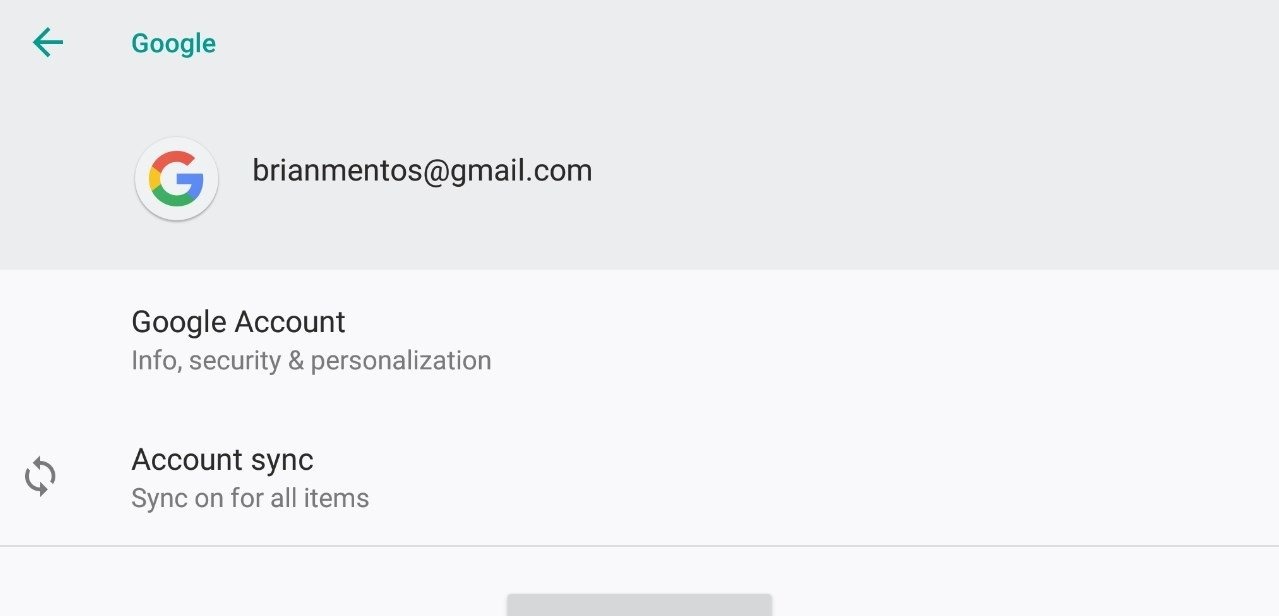
Access and Verification: Start by logging in with your Gmail account. This is your key to accessing and adjusting settings for other Google services.
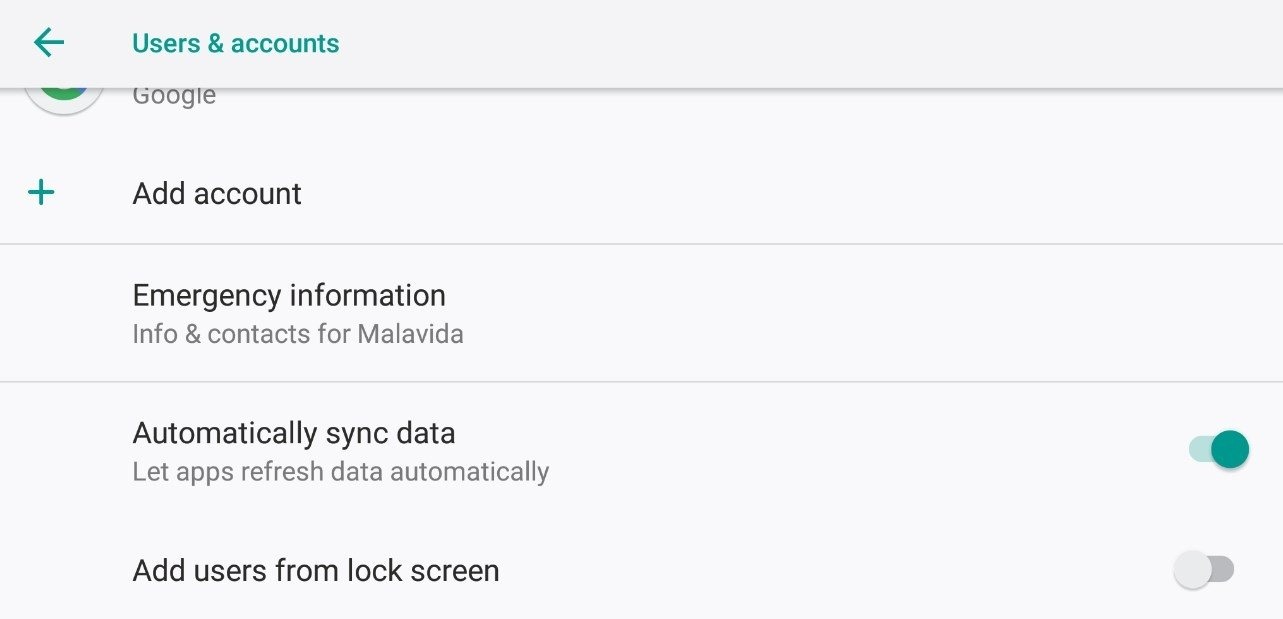
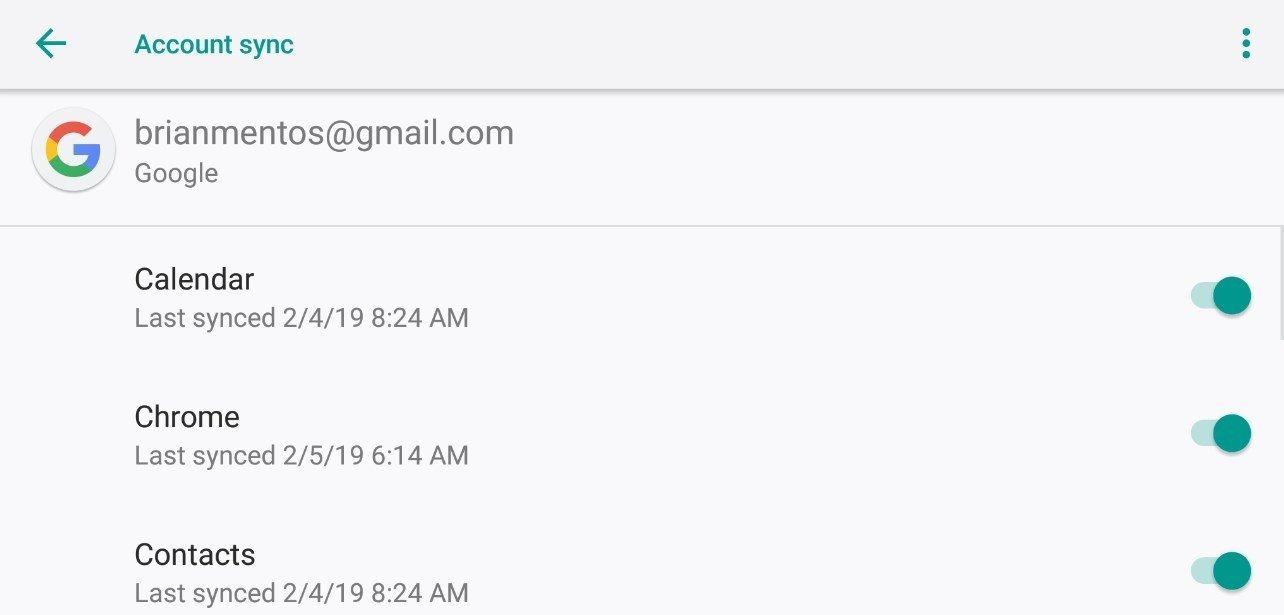
Data Synchronization: The tool keeps your app data up to date across all devices, so you always have the latest information wherever you log in.
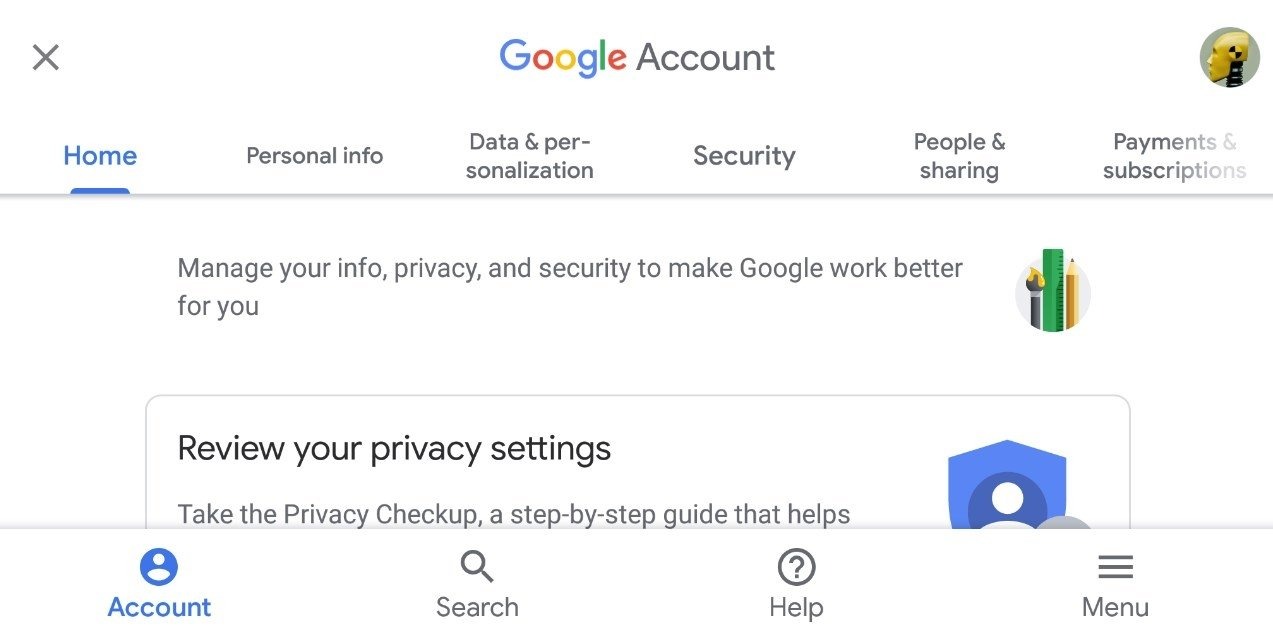
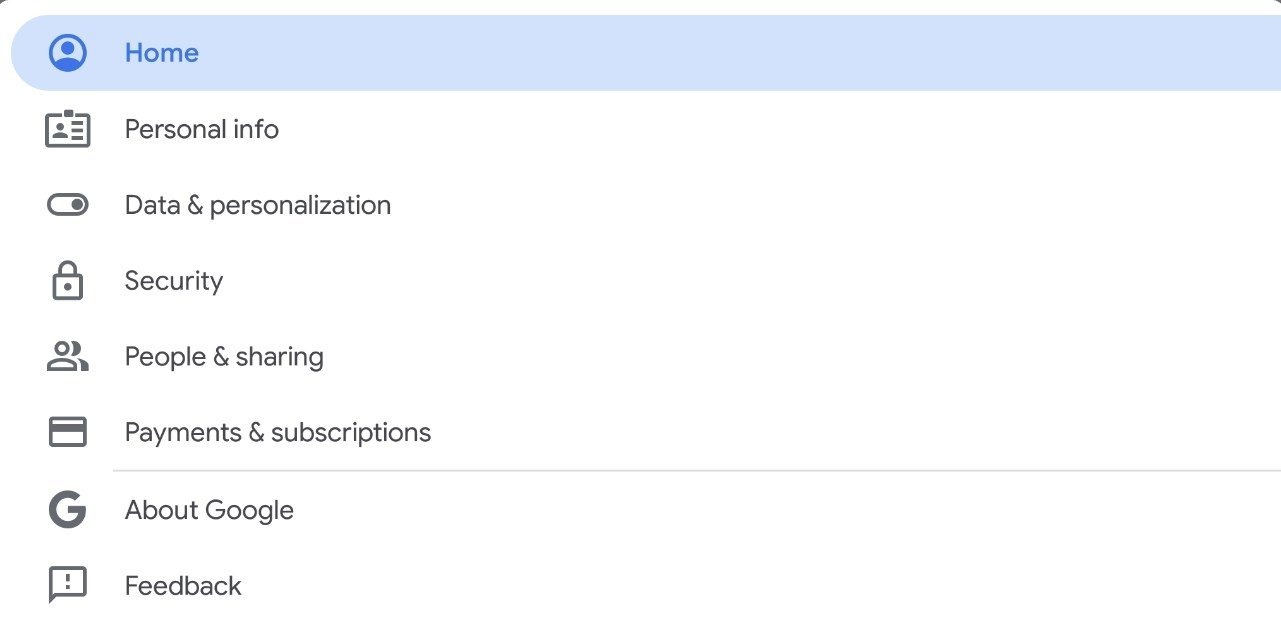
Privacy and Security Settings: You can tweak settings to keep your Google account secure and private.
Manage Payments and Subscriptions: Google services and related apps make it easy to handle payments and track subscriptions.
Contact Management and Sharing Preferences: You can decide how to share content and manage your Google contacts to better connect with people through Google services.
Summarize
Built into most Android phones, Google Account Manager handles the accounts used across Google services. Its distinctive role is broad but mostly invisible: it coordinates account access and verification while gathering privacy, synchronization, payment, and sharing controls in one place.
-
Latest Updates
-
Featured Apps