18+ Video Downloader
Tools
2026-11-04
45.18MB
1.2.7
Android
448
Screenshots

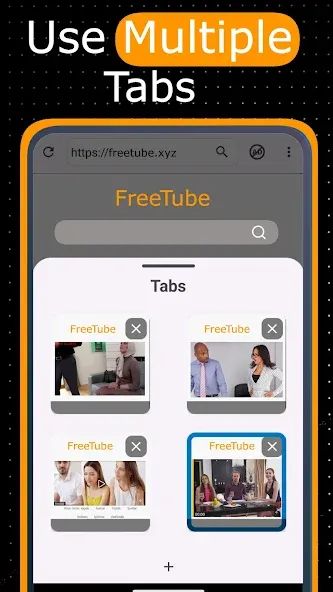
Introduction
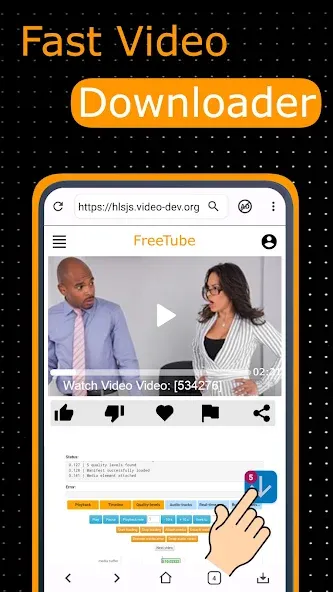
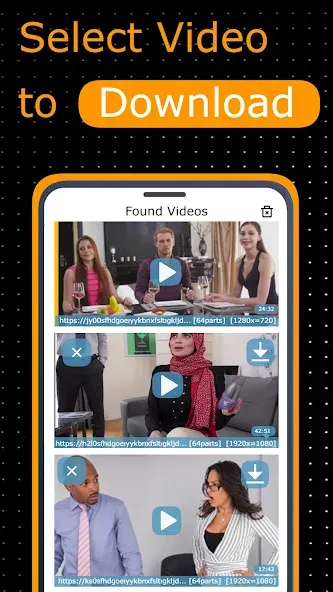
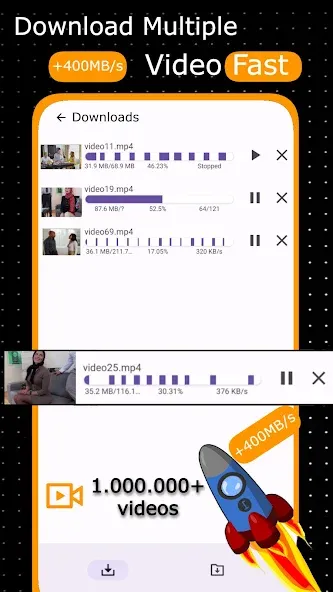
18+ Video Downloader is a video downloading tool for Android devices. It offers broad compatibility, supports a variety of modern streaming protocols, and allows you to save content in several common file formats. Videos downloaded using this tool can be played back in other media players. The app features a built-in browser that lets you bookmark your favorite websites and access them in desktop mode. It also provides real-time download progress tracking and allows you to switch between different high-definition resolutions.
Features
Broad Compatibility: Supports downloading videos from most websites and social media platforms.
Support for Advanced Streaming Protocols: Comprehensive support for modern streaming protocols, including HLS (.m3u8) and DASH (.mpd) formats, as well as standard MP4 video streams and live broadcasts.
Standard Output Format: All downloaded videos are saved in the universal .mp4 format, ensuring optimal compatibility with any media player.
Client-Side Processing: All downloading and parsing operations take place locally on your device; no data is sent to external servers, ensuring your activity remains completely private.
Function
Download videos using Wi-Fi or 4G mobile data
Bookmark your favorite websites
Review your browser history
Open websites in desktop mode
Pause, resume, or cancel video downloads
Monitor download progress via the download bar
Download an unlimited number of videos
Large file downloads supported
Advantages and disadvantages
Pros
Supports multiple formats
Supports HD video downloads
Offers fast download speeds
User-friendly interface
Cons
Requires permission and access to the network
Summarize
18+ Video Downloader is an outstanding browser that lets you download videos directly to your smartphone. To use it, just browse as you would normally. Then, whenever you see a video on a website you're visiting, you can tap a button to download it. That said, you can't download videos from YouTube, but you can download any video found on any other platform or website.





-
Latest Updates
-
Featured Apps