XVPN
Tools
2026-11-06
12.51MB
1.0.1
Android
181
Screenshots
Introduction
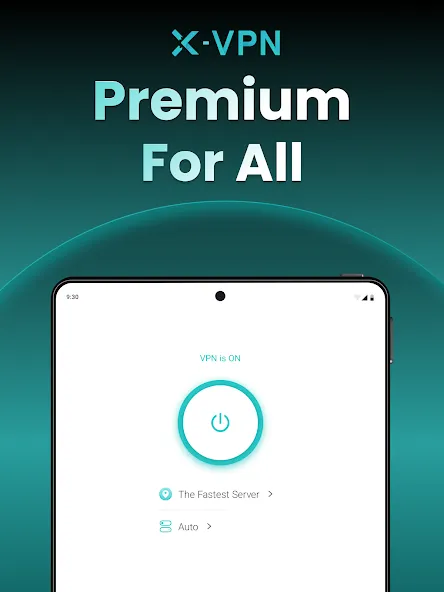
XVPN is a VPN tool designed for the Android operating system. It features a clean, minimalist interface, allowing users to get started quickly and easily. With just a few taps, you can activate the service to connect to a server, ensuring a fast and seamless internet connection. The app offers robust security, safeguarding user privacy by encrypting browser data—including personal information and passwords—and allowing you to browse the internet anonymously by masking your IP address. Furthermore, it boasts excellent compatibility, making it suitable for a wide range of Android devices.
Features:
Lightning-Fast Browsing
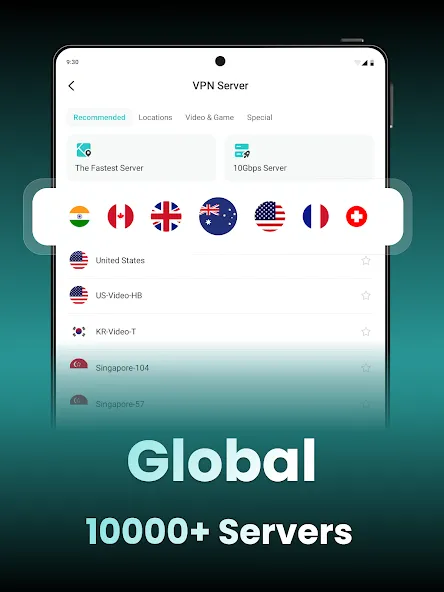
Supporting 11 different protocols and available across numerous countries, our service operates around the clock with approximately 8,000 servers in over 50 locations. It automatically connects you to the nearest server, ensuring the fastest possible online experience. You can connect up to 5 devices simultaneously. Enjoy lightning-fast speeds while your privacy remains protected by a strict user privacy policy.
Easy Access to Your Favorite Content
Break through geographical restrictions to access your preferred TV shows and websites. Simply use the VPN to change your IP address, bypass access denied errors, and enjoy your favorite programs, channels, and more.
Robust Security Technology
Your online data is safeguarded by top-tier security technology, featuring 256-bit, bank-grade, multi-layered encryption and a choice of 11 different protocols. Even when using public Wi-Fi, you don’t have to worry about your personal information being exposed. The service also supports P2P file sharing for legitimate purposes.
Kill Switch
A kill switch (disconnection protection) feature is available, which automatically cuts off your internet connection if the VPN drops. This ensures your online security remains uncompromised—a particularly useful feature if you are using a slow network or older hardware prone to unexpected disconnections. This option is available exclusively in the Pro version.
Seamless Location Switching
As you browse, your IP address updates instantly whenever you move to a different virtual location. Enjoy a secure, encrypted, and private browsing experience, free from the risk of being blocked by websites, countries, or even your own government.
Highlights:
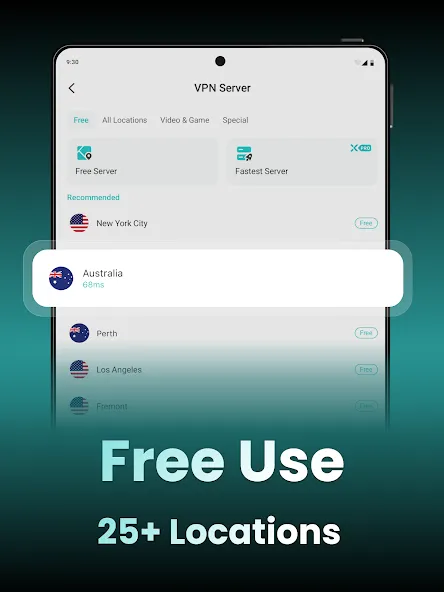
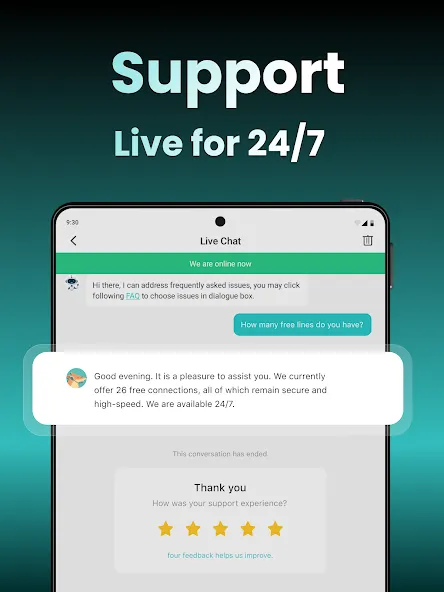
26 free locations available for manual selection
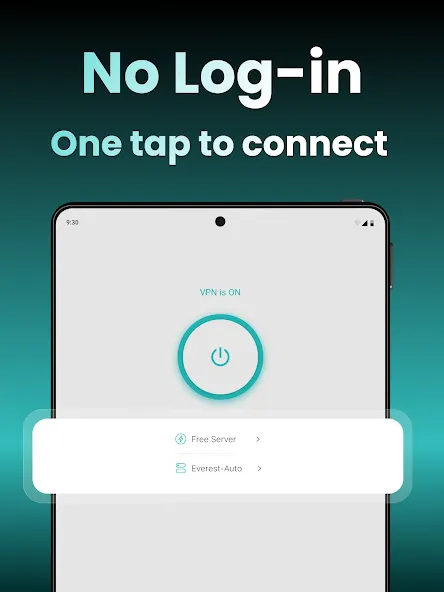
No registration required — connect instantly without sharing any personal information
Truly unlimited — no speed restrictions, no data caps
Strict zero-logs policy — no tracking, no storage of any information
11 VPN protocols — including Talaria, Everest, WireGuard®, OpenVPN, QUIC, and more, suitable for various network environments
Kill switch — automatically blocks traffic if the VPN connection drops
Robust encryption — helps protect your online activities on both public and private networks
FAQS:
Can I use the app on multiple devices?
It supports cross-platform use, allowing you to protect multiple devices with a single account.
How can I connect to different servers within the app?
The app interface lets you select different servers from a list, enabling you to access content from various regions.
Is my data safe when using this app?
It employs advanced encryption protocols and strictly enforces a no-logs policy to ensure the privacy and security of your data.
Advantages and disadvantages:
Pros
Unblocks US Netflix, Amazon Prime Video, and BBC iPlayer
Split tunneling
Easy to connect to servers
More than 5,000 servers available
Cons
Lacks transparency
Conclusion:
If you are looking for a VPN that offers top-tier service and fast download speeds, you’ve come to the right place. The XVPN app allows you to connect to high-speed servers that provide secure VPN services. Download the XVPN app and start enjoying the convenient service it offers.





-
Latest Updates
-
Featured Apps