Mv Video Maker
Entertainment
2026-11-05
79.71MB
3.8
Android
386
Screenshots
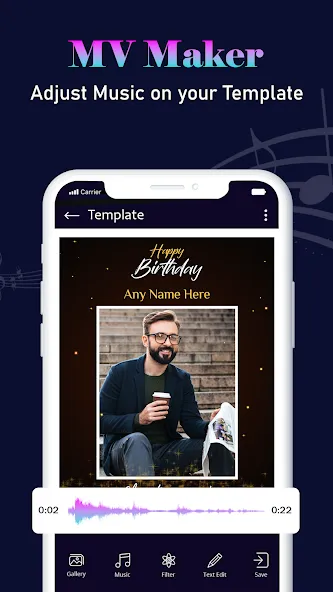
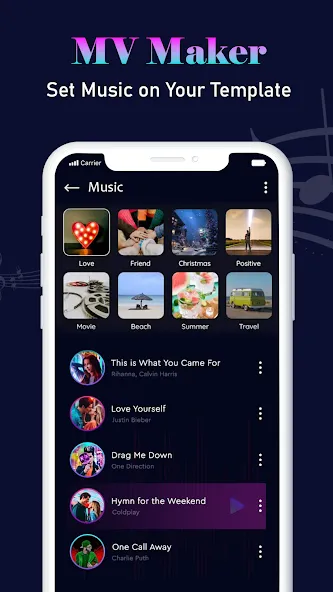
Introduction
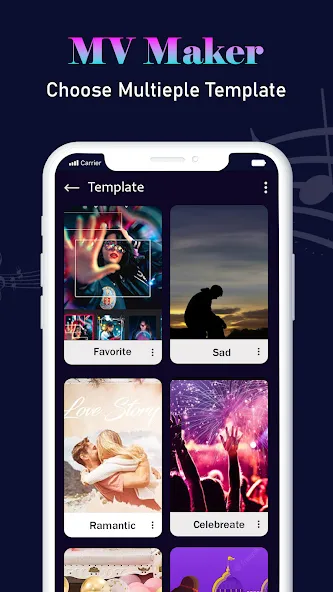
MV Video Maker is a powerful editing tool. Users begin by registering an account and importing their photos—such as snapshots from their daily life—into the app. They can then select from a library of templates that suit their chosen theme, incorporate various background music tracks, and enhance their photos or videos. Users can also add custom text, apply a wide range of special effects and filters, and create polished, high-quality media files. With its simple, intuitive interface, the app is easy for anyone to pick up and start using right away.
Features
Template Library: Choose from 100+ to 1,000+ pre-made templates for birthdays, anniversaries, magical effects, festivals, and lyrical music videos.
Photo & Image Import: Select multiple images from your mobile gallery (often up to 30 or more photos) to sequence into a dynamic clip.
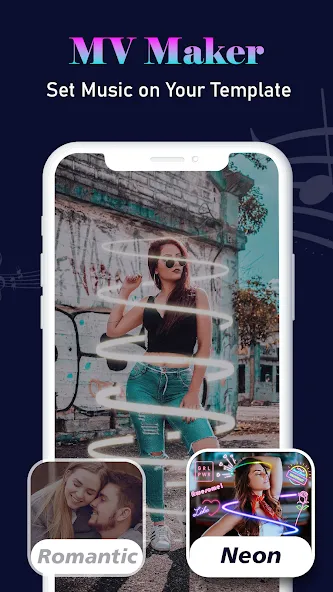
Music & Beat Sync: Add background tracks, custom songs, or beat-wise particle effects that synchronize visual transitions to the rhythm of the music.
Lyrical & Text Integration: Automatically or manually add animated lyrics, captions, and personalized text styles onto your video clips.
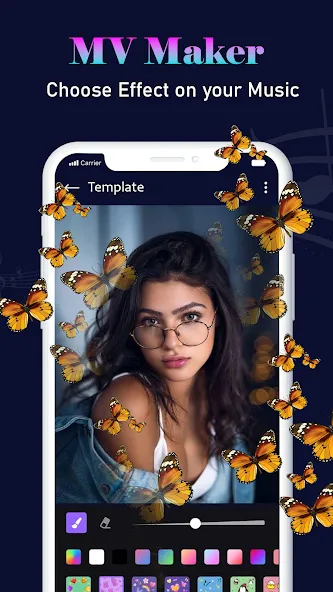
Special Effects & Filters: Apply magical visual effects, particle overlays, theme transitions, and color filters with minimal editing experience.
How to Use
Choose any Amazing video templates!
Magical, anniversary, birthday, lyrical and festival special videos!
Add your own images!
Preview and Export videos!
Easy to Save and Share icons!
Add your Special music in background.
Advantages and disadvantages
Pros
Free to use and download
Easy to set up the program and use it
Editing features are highly intuitive and easy to understand
Comes with numerous preset filters
Cons
Won't have enough options for more advanced users
Cannot create your own effects
User comments
Really nice video editor and reel, status video maker with lots of templates, designs and graphics for creating the best videos ever. Highly recommended to all.
Very nice editor, really smooth and easy to use video editing tools, so many templates and tols to design and create videos
Best editor for creating whatsapp and facebook reels insta reels within few minutes with songs and music added.
Summarize
Therefore, Mv Video Maker will be a suitable option to improve our content with professional and striking filters/effects to show off in our Instagram Stories and or share them in other social networks such as Facebook or Whatsapp.