iClock
Tools
2026-11-05
112.63MB
2.1.5
Android
553
Screenshots
Introduction
iClock is a powerful clock application that allows users to set up world clocks, accounting for time differences across various countries and enabling the addition of cities from anywhere in the world. The app supports recurring alarms that can be scheduled for any specific time. It also features a stopwatch, allowing users to track lap times and total duration with a simple tap, as well as a timer for everyday tasks. A dark mode is available to enhance the visual experience, and users can create widgets for quick and convenient access directly from their home screen.
Features
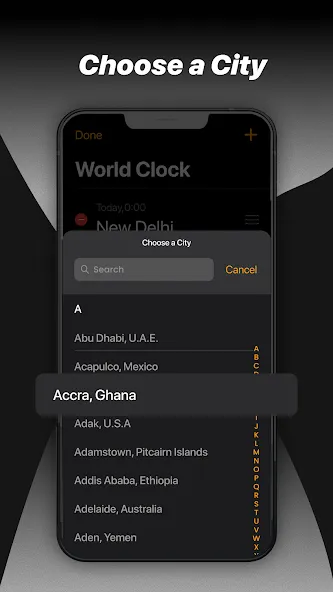
World Clock
iClock allows you to set up world clocks to track the time in different countries across the world. Whether you are a traveller, a businessperson, or someone with family abroad, our app provides a functioning world clock that you can set up and add as many cities as you need.
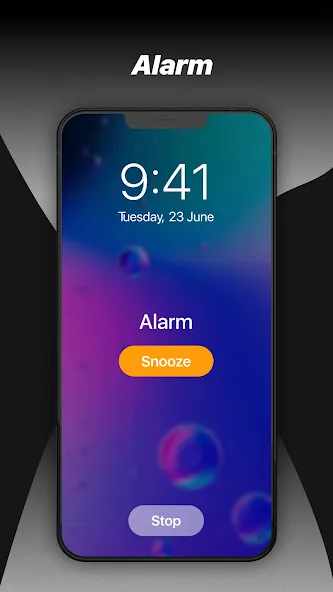
Alarms
Set up recurring alarms for any time of day. You can set them to repeat on specified days, give them a label, and select the sound that goes with each. When your alarm goes off, you can choose from a selection of sounds.
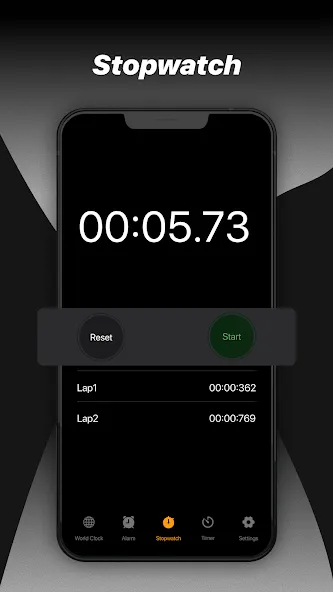
Stopwatch
Use our easy and reliable stopwatch to keep track of split/lap time and total time down to 1/100 of a second.
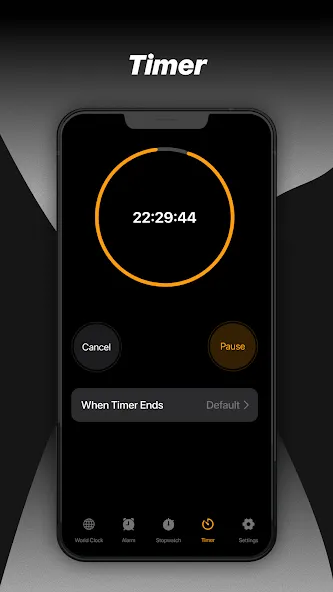
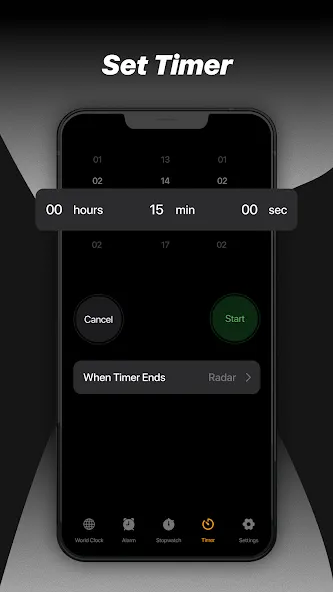
Timer
Enter the correct time and start the timer. You can set timers for any kind of activity, including exercise, sports, fitness exercises, games, cooking, and the gym.
Dark Mode
Enhance your viewing experience and save battery life, with the stylish dark mode.
Update Log
World Clock: Track time across cities around the globe
Alarms: Set, snooze, and customize alarms with multiple sounds
Stopwatch: Precise timing with lap support
Timer: Quick countdown timer with custom sounds
FAQS
Q: Can I set multiple alarms?
A: Yes, you can set multiple alarms with custom labels and repeat schedules.
Q: Does the app support widgets?
A: Yes, it includes several beautiful clock and calendar widgets that you can add to your home screen.
Q: Is there a night mode or battery saver?
A: Yes, you can choose a black theme, which helps save battery and makes it easy to read at night.
Q: Can I track time in different cities?
A: Absolutely! The world clock feature allows you to add and view times from multiple cities around the world.
Conclusion
iClock is more than just a clock app—it's your complete time and productivity companion. From alarms and countdowns to elegant widgets and relaxing white noise, it has everything you need to stay organized and stress-free. Its customizable design and practicality make it ideal for daily use, both at home and on the go.





-
Latest Updates
-
Featured Apps