
Xingtu
Photography
2026-08-31
351.63MB
15.1.0
Android
229
Screenshots
Introduction
Xingtu is a powerful image editing application. Users can achieve one-click beautification effects. If not satisfied, the built-in AI-assisted editing tools allow for image repair and intelligent retouching. The application offers a rich selection of filters and effects to help users create their own unique style. This application provides excellent control over professional-level features, allowing users to fine-tune parameters and quickly correct errors for more detailed editing. Most features are free to use, so users don't need to worry about a diminished experience.
Features
One-tap beautify with textured skin
Xingtu provides a one-tap beautify option that aims for natural skin tone and detail. It focuses on clean results that avoid an overly white look, keeping texture visible. This helps portraits appear refined while staying true to the original image.
AI-assisted editing tools
With AI support, Xingtu can guide image fixes and smart retouching to save time. These tools help you address common photo issues more efficiently and keep adjustments consistent. This approach reduces manual work while maintaining control over visible changes.
Professional basic controls
Xingtu includes precise sliders for brightness, contrast, and exposure. You can adapt photos to different lighting and match the tone you prefer. Fine control over these parameters supports both quick corrections and more careful editing sessions.
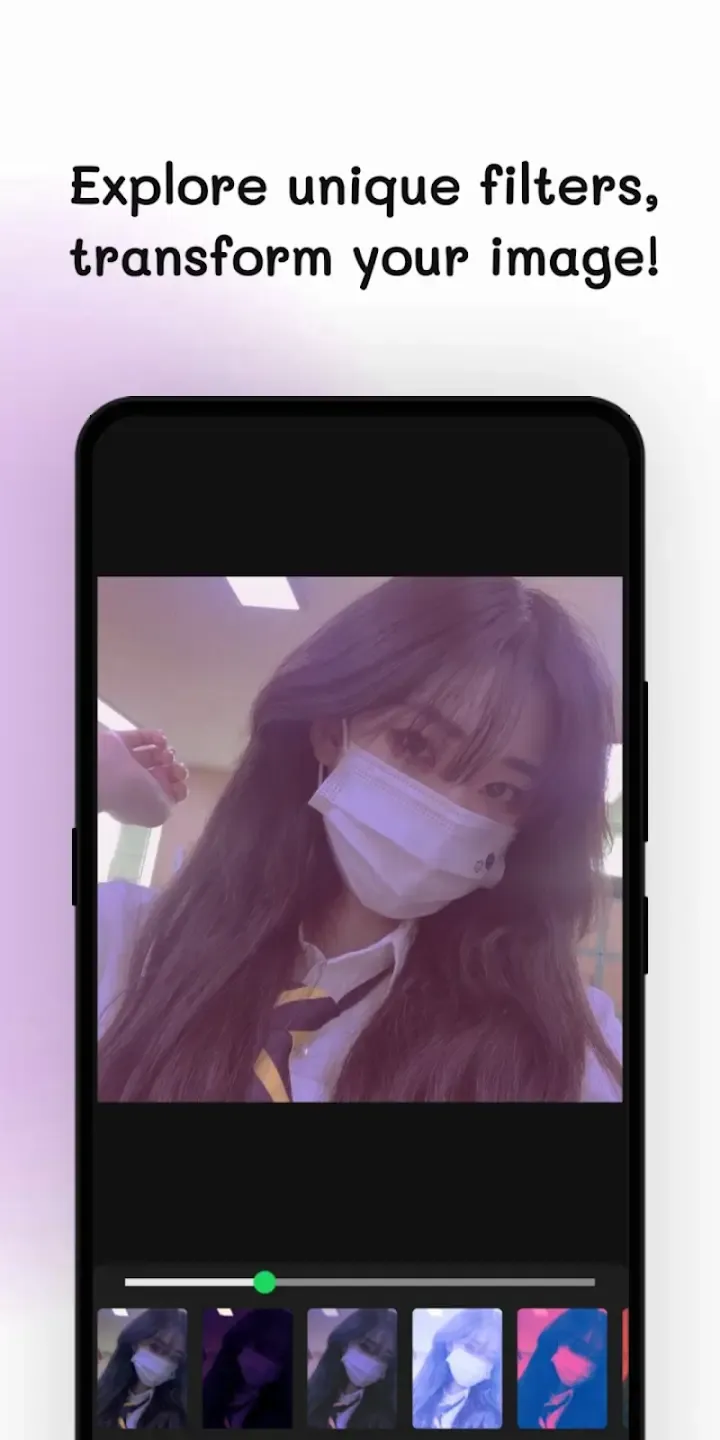
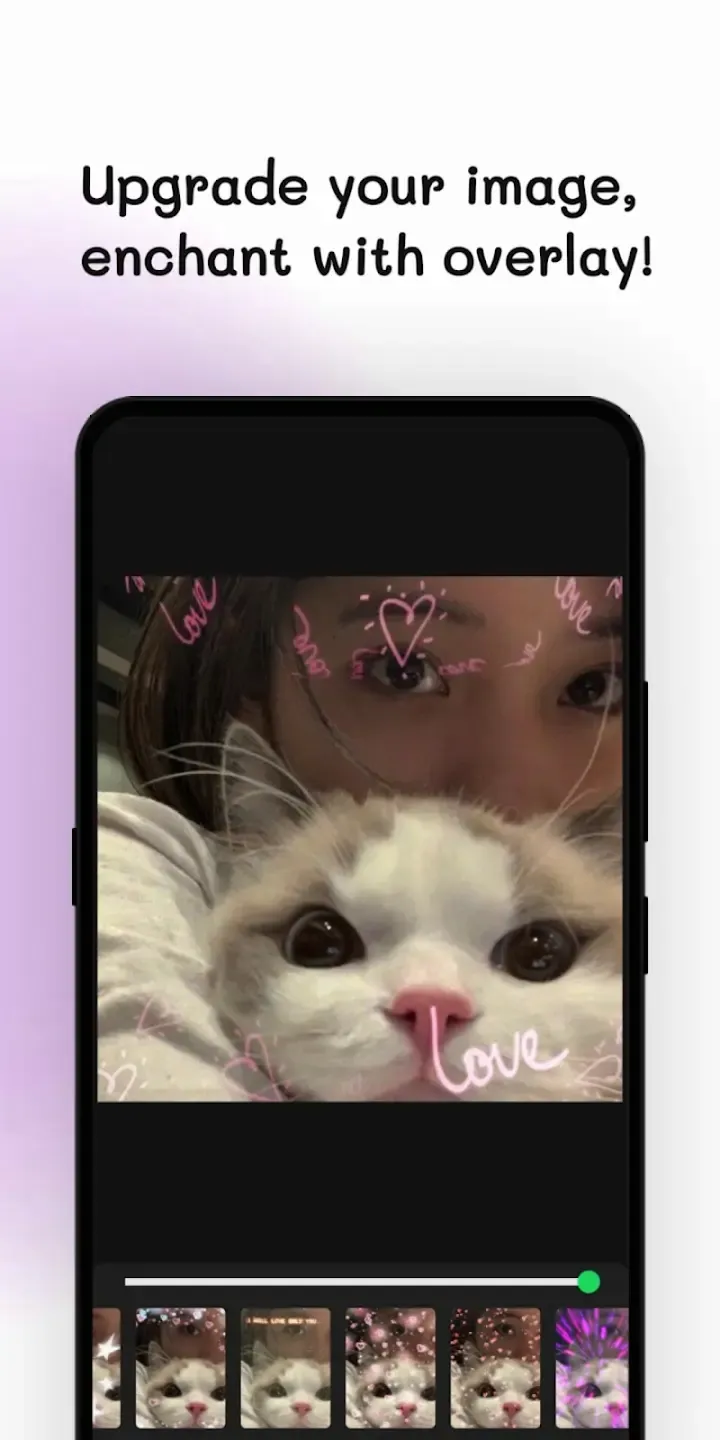
Creative filters and effects
You can apply a variety of filters and effects to shape a distinct style. Xingtu lets you preview changes and adjust intensity to fit each photo. This makes it easier to produce a cohesive look across multiple images.
Free access to core tools
Many core features in Xingtu are available to use at no cost on Android. You can explore beautify, AI assistance, and essential adjustments without barriers. This setup helps users test and refine workflows before considering extra options.
Highlight
Among its notable features are the One-Click-Beauty and Delicate Skin Texture options, which allow users to achieve smooth, even skin tones. Additionally, the app supports three-dimensional image adjustments, enhancing light and shadow for a more dynamic appearance. While the basic editing tools cover essential adjustments like brightness and saturation, users can explore a wide range of creative filters. However, the presence of regular ads may interrupt the editing experience, and the lack of tooltips could be a challenge for new users.
Usage
Open Xingtu and allow storage permissions when prompted so the app can access your photos.
Tap Album to import an existing picture, or tap Camera to capture a new one, then wait for the image to load.
Select Beautify to apply a one-tap skin adjustment, review the change, and accept it if the result looks natural.
Adjust brightness, contrast, and exposure using the sliders, making small moves at first, then fine-tuning for the scene.
Add a filter or effect to set the style, apply AI tools for targeted fixes where needed, compare before and after, then save to your gallery.
Pros and Cons
Pros
Filled with beauty enhancements, creative filters, magical effects
Basic but powerful editing adjustments
Full version is completely free
Good for TikTok contents
Cons
Needs to be manually updated
Conclusion
Xingtu has become a popular photo editor, and with good reason. After getting learning the controls and its features, you’d appreciate it better, especially its efforts to introduce one-touch buttons. It has a good range of capabilities, whether you want to do things automatically or manually alter details yourself. Aside from the regular ads, the app functions as promised.
-
Latest Updates
-
Featured Apps









