Bazaart
Photography
2026-10-08
102.56MB
4.6.4
Android
563
Screenshots
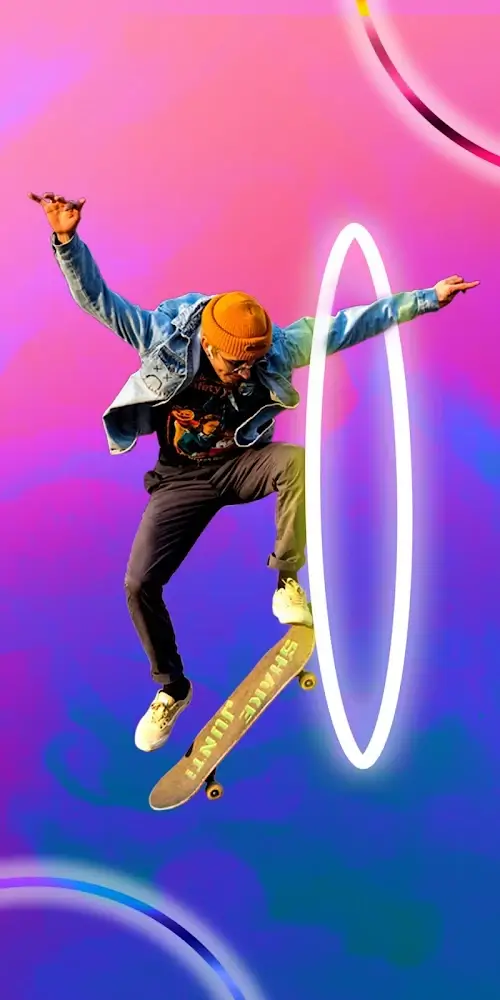
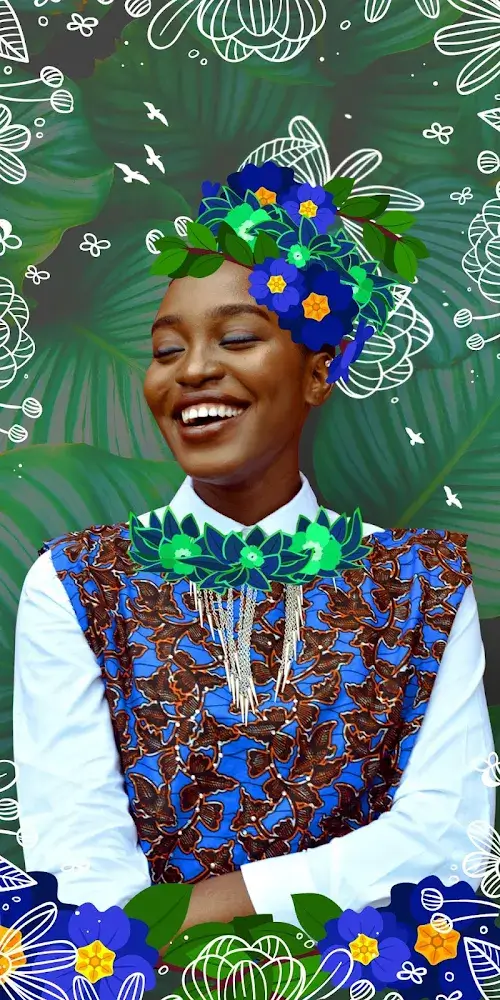

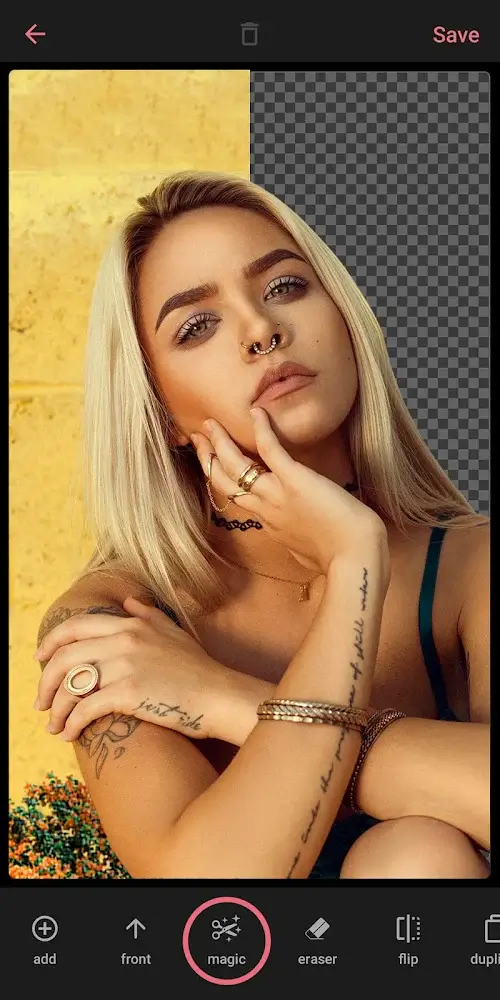
Introduction
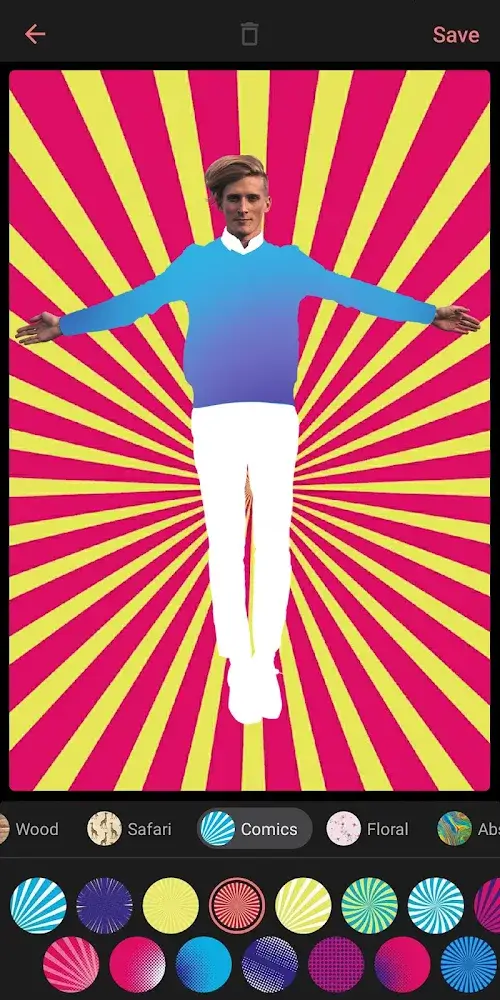
Bazaart is an incredibly powerful photo editing tool that offers a wide range of essential editing features, allowing users to enhance their photos and make them look stunning. The app boasts an extensive library of assets—including tens of thousands of wallpapers, stickers, and shapes—that users can freely incorporate into their images. It also features a background eraser tool that lets users remove photo backgrounds with a single tap. Powered by AI, Bazaart makes the editing process both precise and effortless, enabling users to execute many functions with just a simple tap.
Features:
Using the magic background eraser, you can effortlessly eliminate the backdrop from any photograph.
Using the eraser tool, creatively cut out shapes from images.
Consequential modifications to your photographs may be made to improve them, such as exposure, contrast, saturation, vibrance, warmth, color, shadows, highlights, and sharpness.
Include tens of thousands of breathtaking wallpapers, stickers, and shapes.
You may add text by choosing from a wide variety of lovely fonts.
You may add some unique picture filters to your shot.
Simple touch movements allow users to choose photographs, then resize, rotate, position, duplicate, and flip them.
Use pictures from your collection, Google Photos, Dropbox, and other sources.
You may create designs in a broad selection of predefined sizes, or you can create designs in a size of your own.
You may save your picture as a JPG or a PNG file (transparent background)
You may share your works on Instagram, WhatsApp, Facebook, Twitter, text message, and email, in addition to any other platform you choose.
Highlights:
Instant removal: Previously, separating objects and people and removing the background was difficult, but now this process happens quickly with just one simple operation.
Time saver: The application will determine the background that needs to be cut and provide before and after comparisons to facilitate the user’s selection process.
Simple yet powerful: No need for you to have professional design or editing skills; the application will help provide professional photos after just a few seconds of editing.
Crispness boost: Blurred and unclear photos will be resolved to become an extremely sharp, clear photo.
Resolution increase: The photo is of low quality so things become blurry, don’t worry because the resolution increase feature is applied immediately to make the photo more beautiful.
One-click improvement: The quality improvement process happens quickly, and with just one click, the process is completed.
Seamless editing: Text prompts come in handy when reminding you to replace or add new graphics to your photos.
Object remover: Unnecessary objects that need to be deleted, the application supports quick deletion and only takes a few seconds for this operation.
AI power: AI supports your editing process and performs operations in a precise, professional manner.
Pros and Cons:
Pros
Strong manual and automatic background removal tools
Reversible layer editing with snapping and precise nudging
Useful typography, blending, drawing, and adjustment controls
Exports JPG, transparent PNG, and PDF files
Cons
One-tap background removal and complete tool access require Premium
An update-related photo-loading freeze has been reported, though the case was later resolved
FAQs:
Q: Can I use it offline?
A: It primarily operates online due to its cloud-based functionalities for accessing photos and design elements. However, some basic editing features might be available offline once the necessary resources are cached.
Q: Is it suitable for professional graphic design work?
A: It is a versatile tool catering to various design needs. While it provides an extensive range of editing and design features, its suitability for professional graphic design might depend on the specific requirements of the project. It’s ideal for quick design tasks and social media content creation.
Q: How secure is the app in terms of privacy and data usage?
A: It is committed to user privacy and data security. The app complies with industry-standard security measures and guidelines to safeguard user information. It may collect certain data for analytics and optimization purposes but maintains strict privacy policies.
Conclusion:
Bazaart is an awesome app that allow you to edit your photos in a much more creative way, adding a touch of fantasy and magic to your pictures. It's very easy to use and comes with a ton of new tools to try out. Plus, it's really easy to redo/undo any edits you've made so your photos will always end up picture perfect.
-
Latest Updates
-
Featured Apps