Winlator
Tools
2026-09-21
149.67MB
11.1
Android
551
Screenshots
Introduction
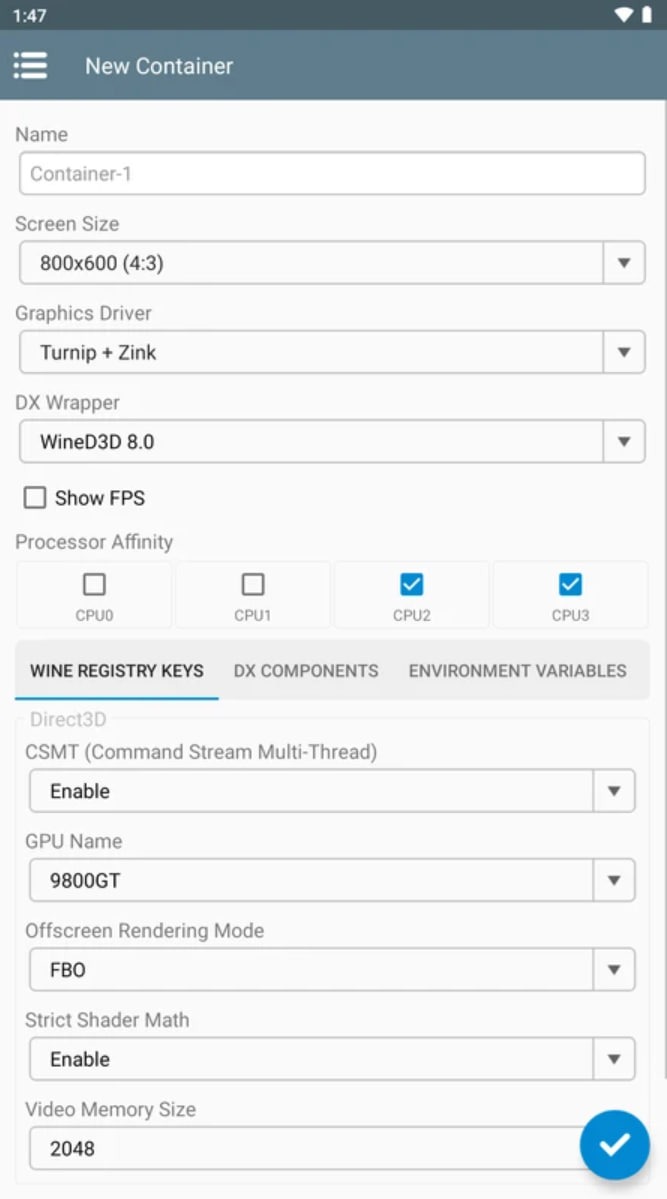
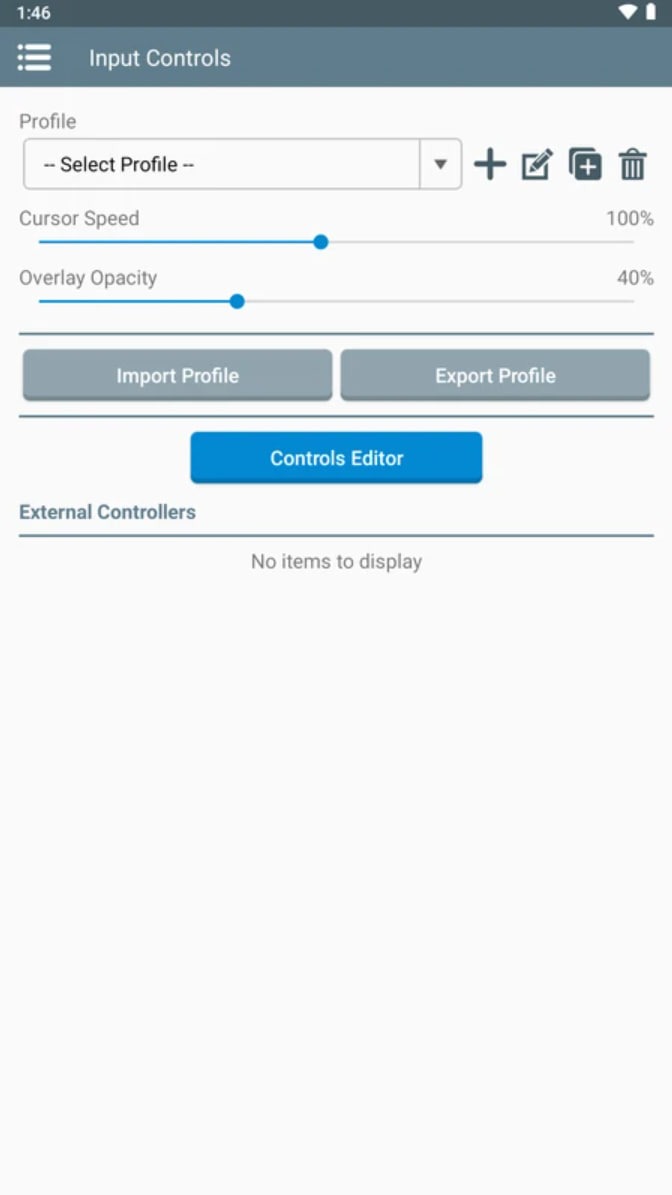
Winlator is a game emulator designed for Android systems. It boasts excellent compatibility, bridging the gap between PC and mobile applications. Thanks to a user-friendly interface, getting started is quick and easy—no prior experience is required, making it highly accessible. The software enhances game performance and fluidity, offering a more immersive gaming experience. Users can customize settings such as screen dimensions and key graphics parameters. It also allows for flexible control configurations, supporting both touchscreens and external peripherals. With its robust compatibility, users can fine-tune screen resolution, graphics, and input methods to optimize settings for the best possible performance. Overall, it is a highly practical utility for Android devices.
Features:
Box86 Operation: The application can provide support for its customers to convert x86 code to ARM to run Windows applications.
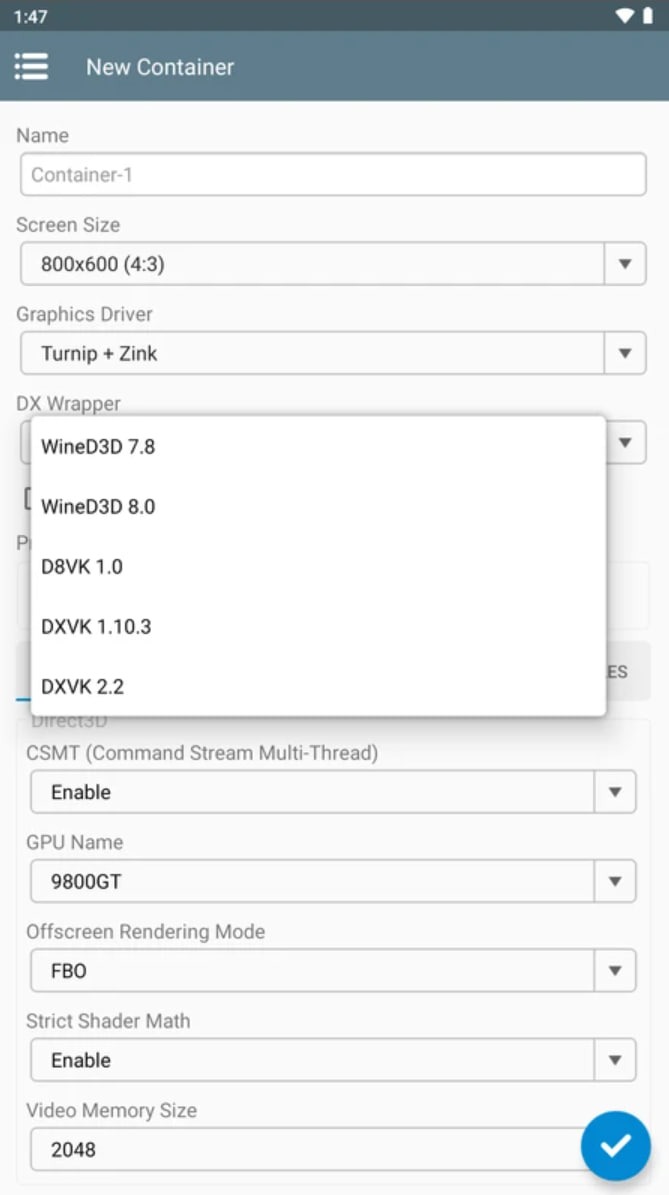
DXVK Design Changes: Customers will be able to make DirectX to Vulkan changes for full illustrations.
Wine Compatibility Layer: The framework will be able to provide compatibility layers to run Windows applications on Linux completely.
Box86 Back: This application can support customers at the highest level by supporting 32-bit Windows x86 programs through Box86.
Windows Compatibility: The framework is planned to be compatible with Windows XP and Windows 7 in an extremely useful way.
Popular Computer Program Support: The application will be able to support many popular computer programs.
Highlights:
Simplifies the setting up of Wine and Box on Android.
Runs Windows apps and games on a mobile device.
Enables us to set up various separate containers.
Variable performance depending on the technical features of the device.
Customization options.
Allows us to select screen size.
We can change the wallpaper of the emulated Windows version.
FAQs:
What is Winlator?
Winlator is an Android application that functions as an emulator, allowing users to run x86 and x64 Windows programs—including many PC games—directly on their mobile devices.
Can all PC games run on Winlator?
While Winlator supports a wide range of Windows PC games, not all of them will run perfectly—or at all—due to varying system requirements and the complexities of emulation. Game performance depends heavily on the specifications of your Android device.
Is Winlator difficult to set up?
The platform is designed to offer an intuitive setup process, though some initial configuration may be required to optimize performance for specific games. Its design focuses on making complex Windows emulation systems more accessible to mobile users.
Advantages and disadvantages:
Pros
Seamless performance delivery
Software compatibility
Intuitive user interface
Highly customizable
Cons
Contains ads
Conclusion:
For Android users who love Windows applications, the Winlator APK is a truly game-changing product. It is like having a mini Windows PC right inside your Android device. Capable of running a wide range of Windows programs, Winlator opens up a whole new world of possibilities. So, what are you waiting for? Download Winlator today and explore the limitless potential of Windows apps on your Android device! Stay tuned to this site for quick access to your favorite apps and games.
-
Latest Updates
-
Featured Apps