ClassPoint
Tools
2026-09-20
3.27MB
3.0
Android 5.0+
366
Screenshots
Introduction
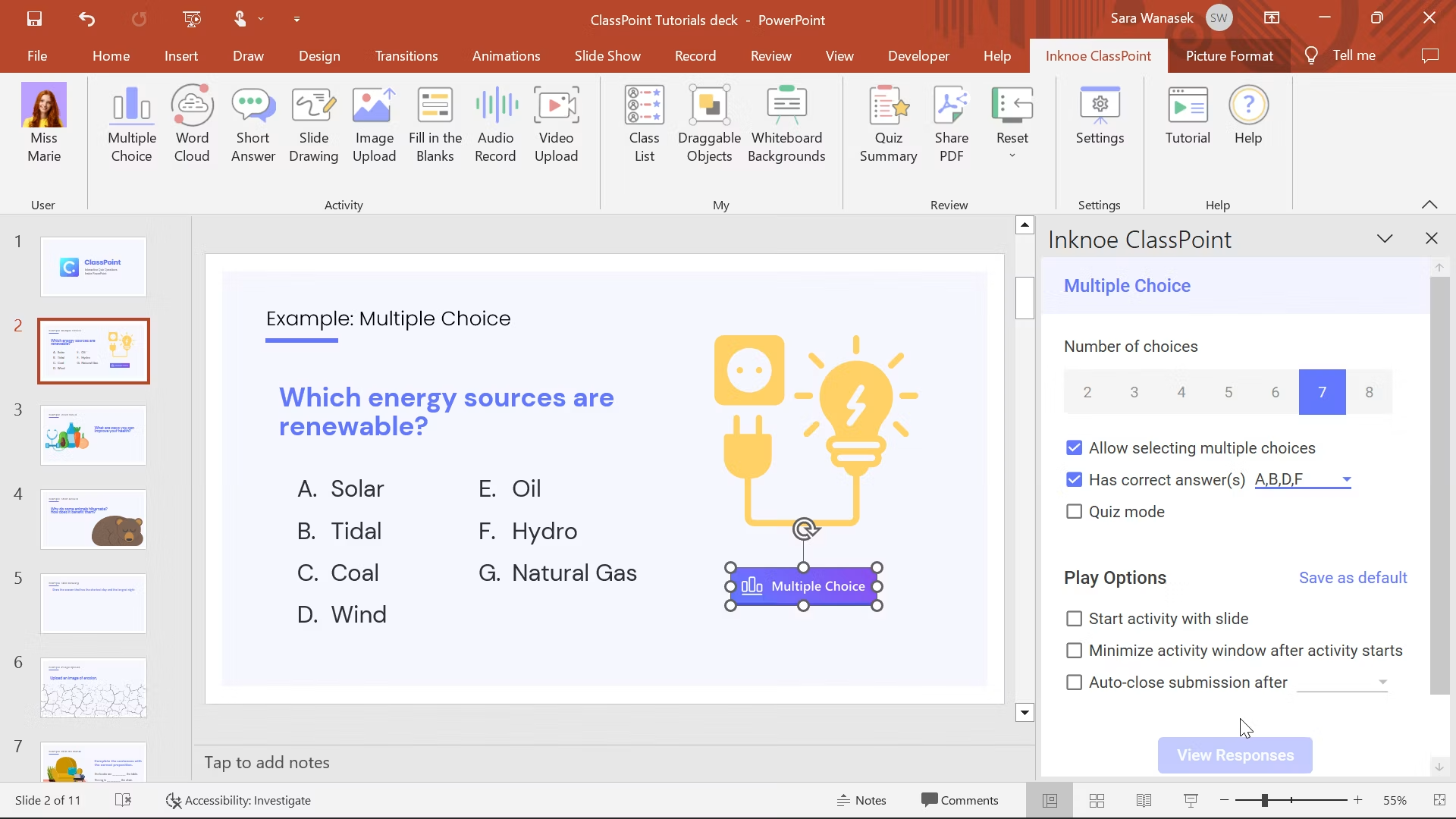
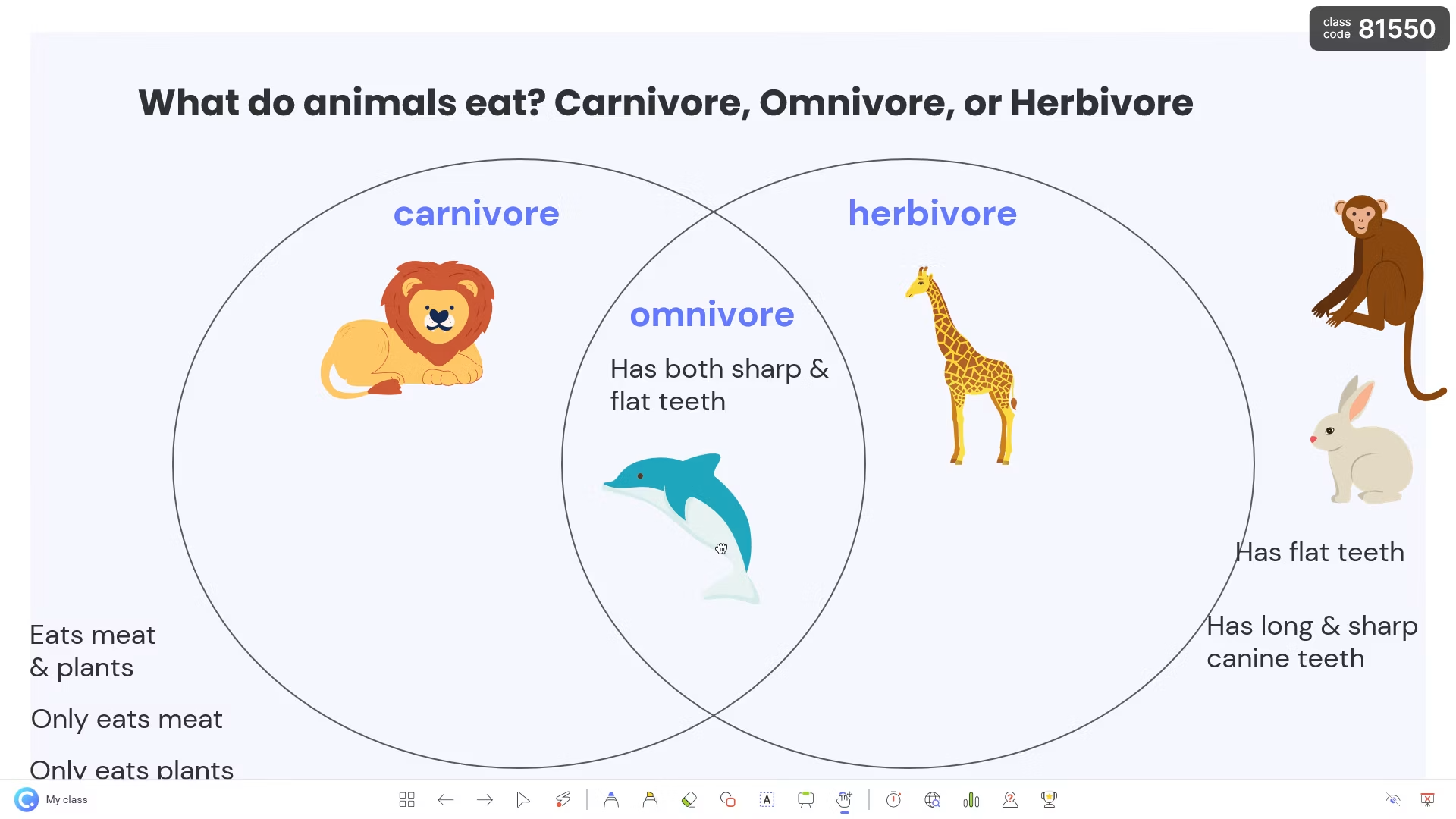
ClassPoint is an educational tool designed to enhance PowerPoint presentations. It features built-in annotation tools that allow teachers to freely write and draw diagrams directly on their slides. With a clean, user-friendly interface, the software integrates seamlessly into PowerPoint, enabling full functionality without the need to download or learn a new application. It fosters active student participation by connecting to students' devices, facilitating real-time interaction, and allowing for the assessment of student performance. Additionally, its built-in AI can analyze slide content to generate various types of questions and supports multiple languages.
Features
Interactive Teaching Features
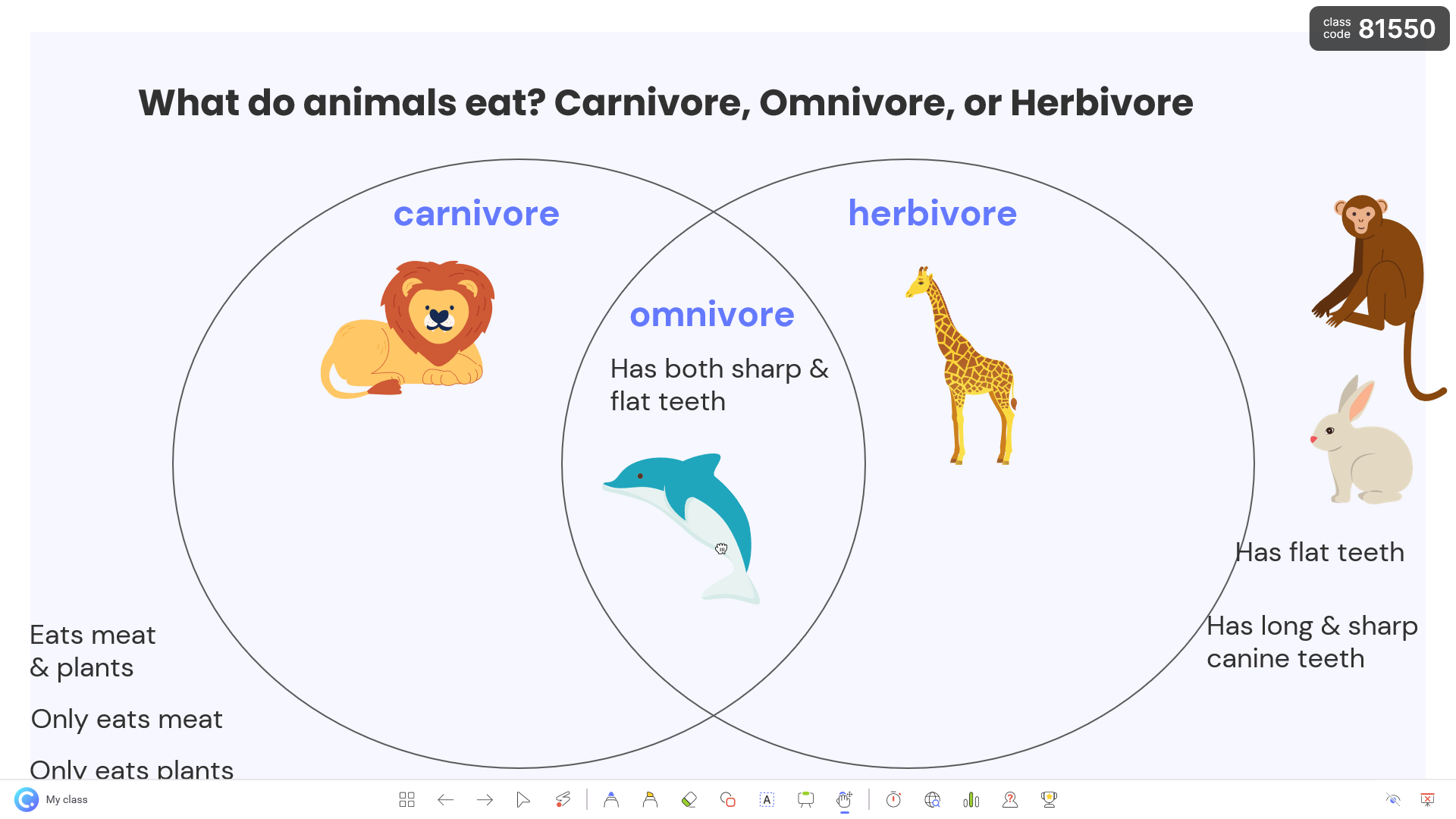
The tool offers a range of options to enhance the delivery of presentations. With annotation tools, presenters can write directly on slides, highlight important points, or draw diagrams. The live quiz function enables real-time student participation, keeping everyone engaged and attentive. Gamification elements, such as leaderboards and rewards, make learning more competitive and engaging.
Ease Of Use
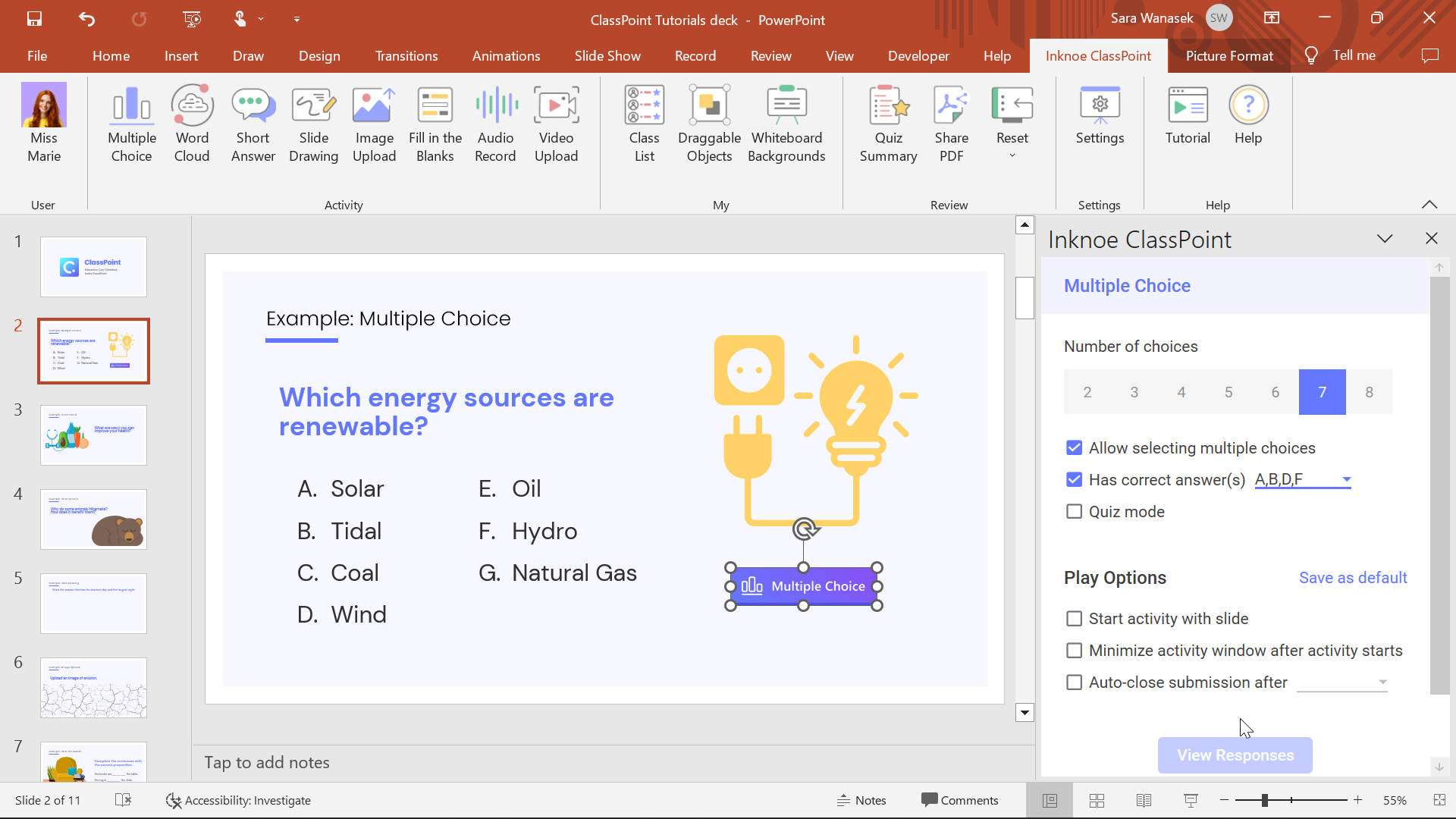
One of the best things about the software is its simplicity. It integrates directly into PowerPoint, eliminating the need to learn a new application. Educators can use the features directly within their existing slides. This saves time and avoids unnecessary complications, making it ideal for both classrooms and training sessions.
Engagement And Participation
Unlike traditional slide shows, this tool invites students to take part actively. Learners can answer questions using their devices, and the results can be displayed instantly. This not only encourages participation but also helps teachers quickly assess understanding levels. Such interactivity turns one-way presentations into dynamic discussions.
Customization Options
The software allows teachers to personalize their sessions. From creating custom quizzes to adjusting annotation styles, educators can adapt it to match their teaching style. These adjustments help create a more relatable and flexible teaching experience for different groups of learners.
Performance Tracking
Another valuable benefit is its ability to track responses and measure student performance. Teachers can save quiz results for later review, providing a clearer picture of class progress. This data-driven approach helps in identifying areas where students may need extra guidance.
Advantages
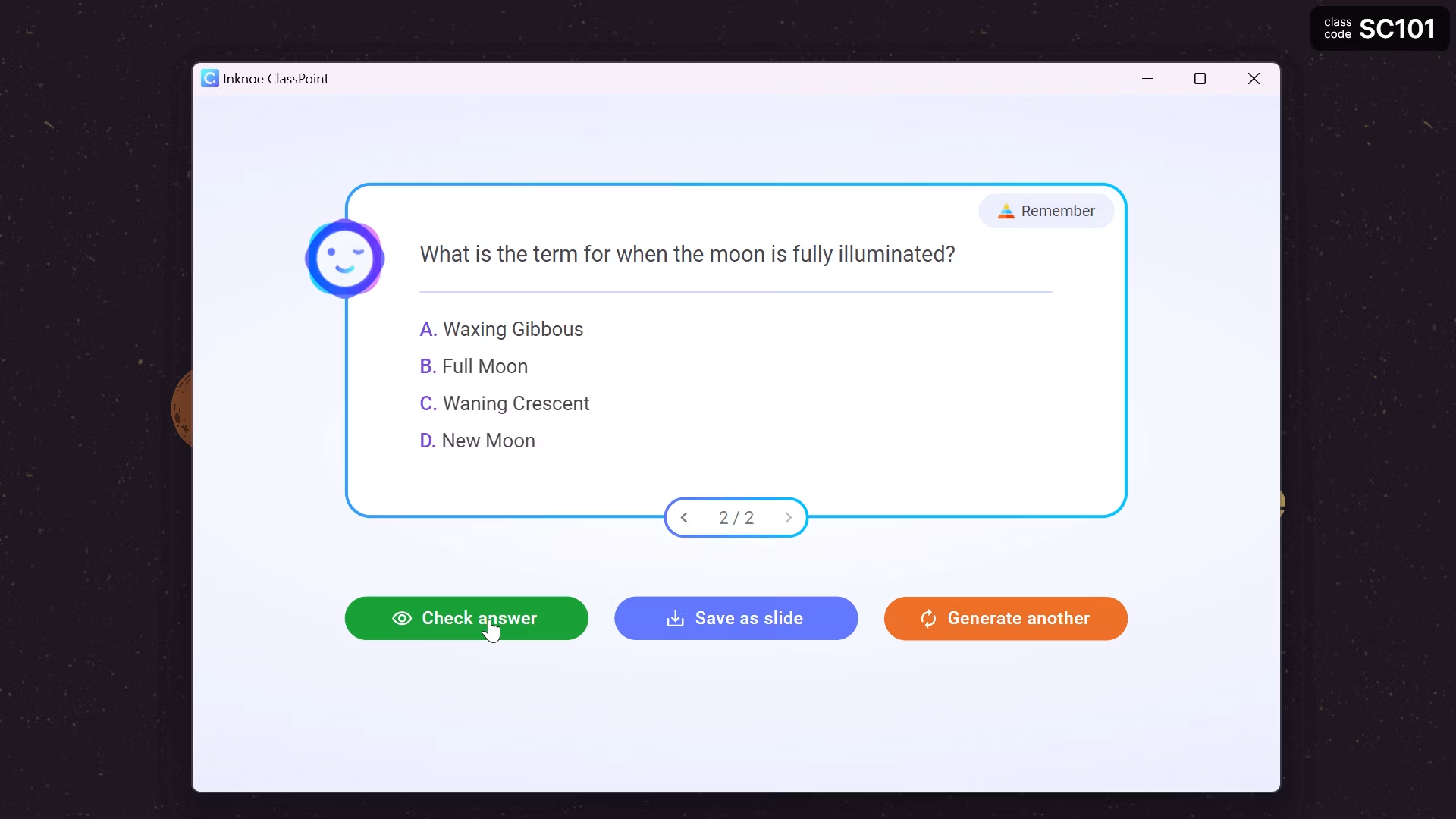
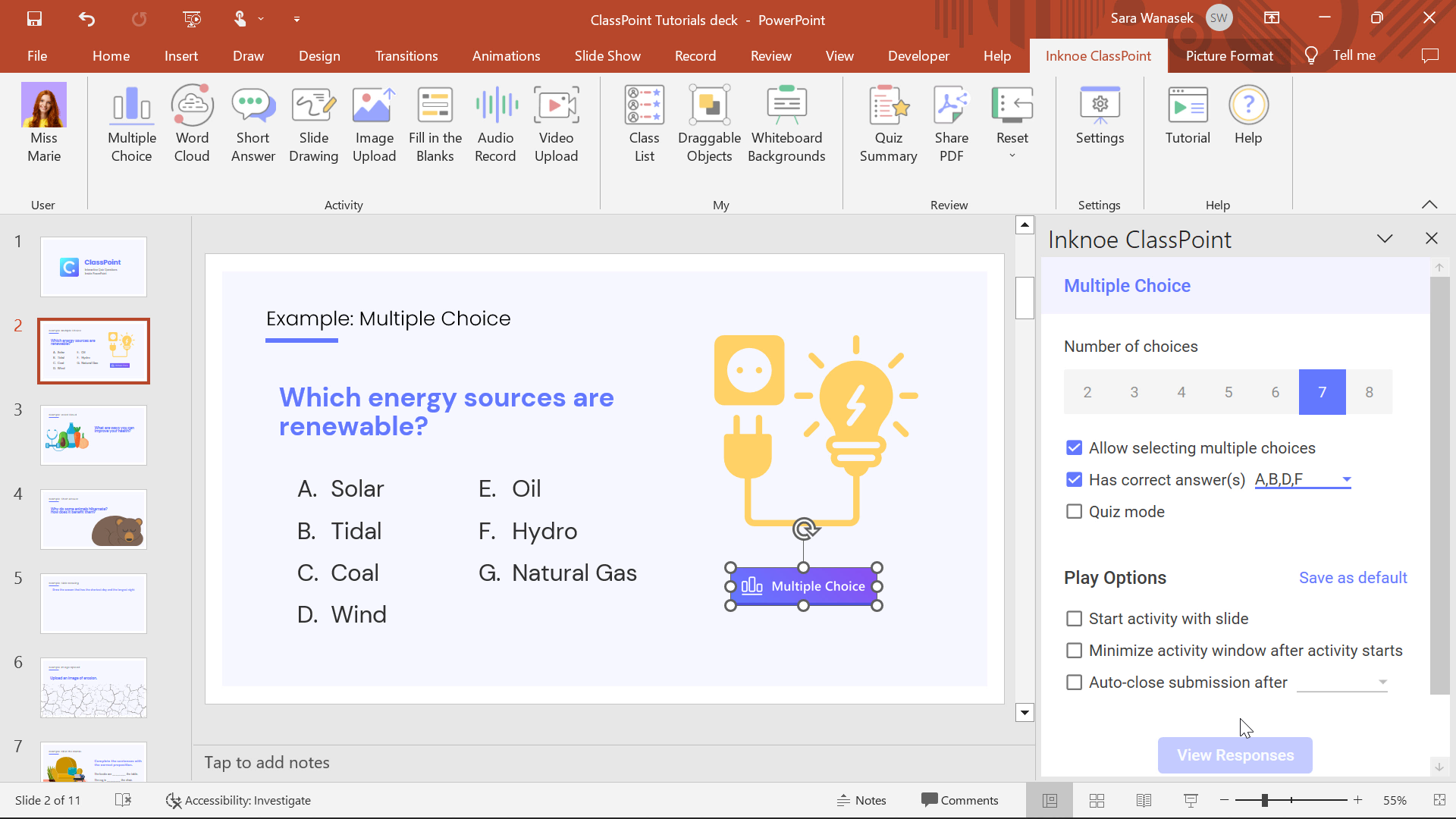
AI quiz on the go. ClassPoint AI will read your slides and generate different type of quiz questions on the go.
Bloom’s taxonomy levels. Customize the quizzes based on Bloom’s taxonomy levels.
Native language support. Powered by Open AI’s powerful model, you can generate questions using many different languages.
FAQS
What is ClassPoint?
ClassPoint is an Android mobile app that integrates with PowerPoint to make teaching more interactive with quizzes, annotations, and real-time feedback.
How do teachers use ClassPoint during lessons?
Teachers can insert quizzes, run live polls, and annotate slides directly in PowerPoint without switching apps or tools.
Does ClassPoint work offline?
Some features, like annotation and slide navigation, work offline, but real-time interactions like live quizzes need a stable internet connection.
Is ClassPoint suitable for online classes?
Yes, it supports screen sharing and collaboration tools that make it ideal for remote and hybrid learning environments.
Who benefits most from using ClassPoint?
Educators who use PowerPoint for teaching—whether in schools, universities, or corporate training—will find it especially useful for boosting student engagement.
Summarize
ClassPoint is a practical and powerful tool for educators who want to make their presentations more interactive and engaging. Combining annotation, quizzes, and gamification creates a learning experience that is enjoyable and productive. With its smooth PowerPoint integration, teachers can focus on delivering lessons without worrying about technical barriers.
-
Latest Updates
-
Featured Apps