Click Assistant - Auto Clicker
Tools
2026-09-20
39.44MB
1.22.7
Android
522
Screenshots
Introduction
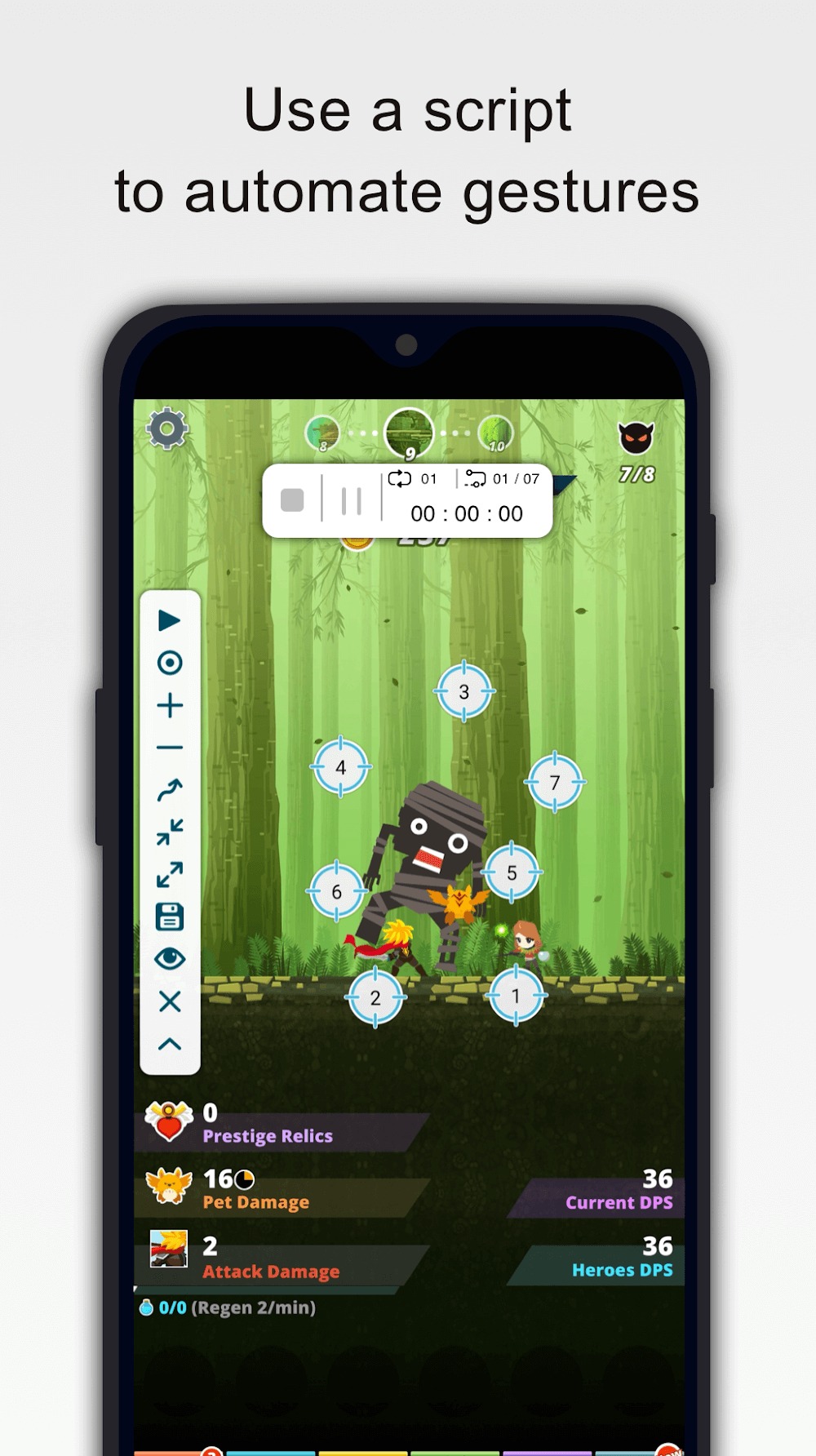
Click Assistant - Auto Clicker is a powerful automatic clicking tool that frees up your hands by handling repetitive tasks. It offers a wide range of functions, enabling actions such as tapping, swiping, and pinch-to-zoom gestures. Users can configure multiple touch points simultaneously to execute complex interactions. The app also supports gesture recording and playback controls, facilitating the creation of automated click sequences. Additionally, it features extensive customization options, allowing users to adjust the size and transparency of the interface elements to suit their preferences and ensure an optimal user experience.
Features:
Multi touch gestures and curve swipes
Click Assistant - Auto Clicker supports taps, curve swipes, and two finger pinch or spread. You can set several touch points to simulate complex interactions on the screen.
Gesture recording and playback control
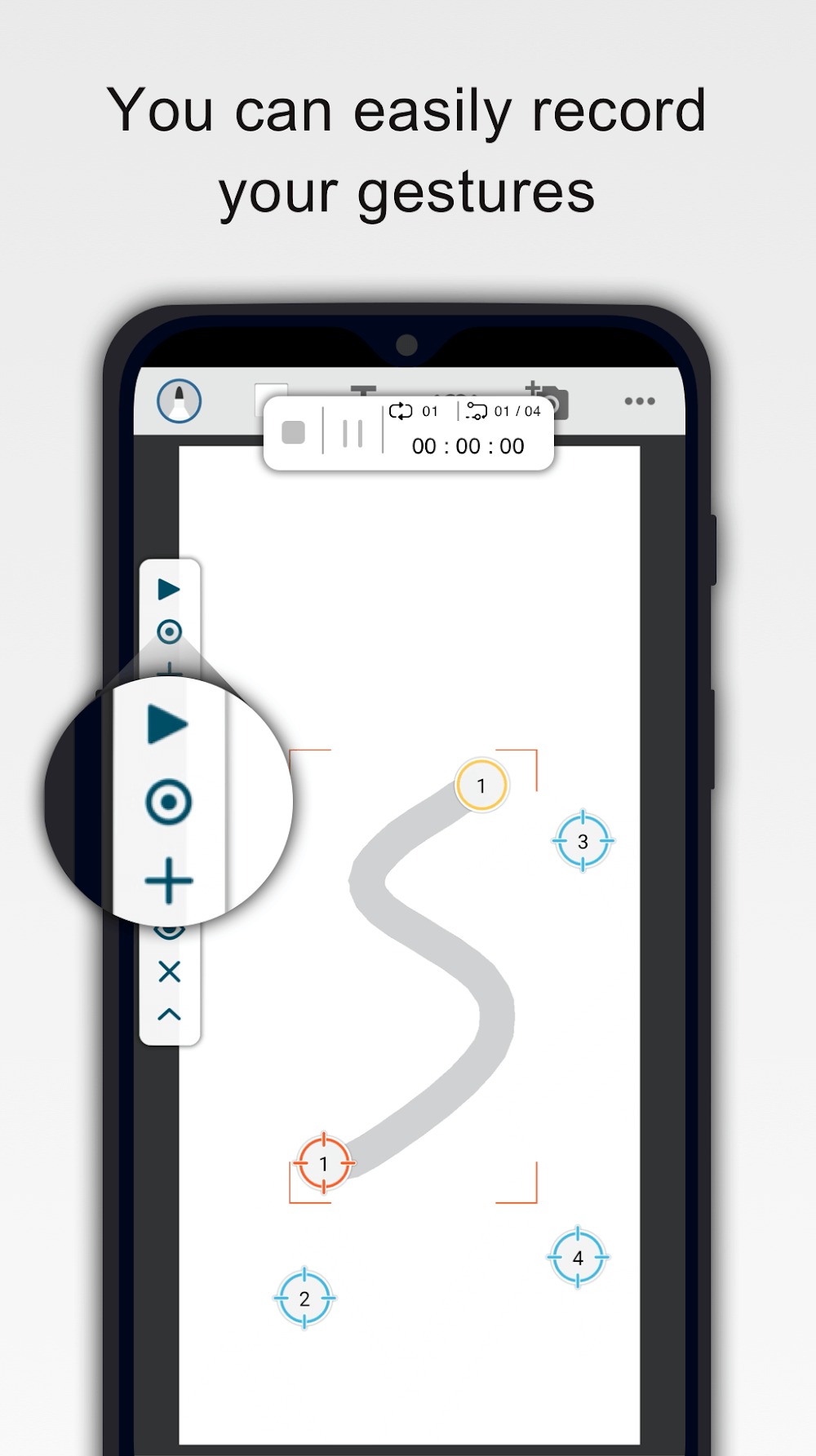
Next, you can record your gestures once, then play them back when needed. During playback you can stop, pause, or resume from the on screen panel. A countdown timer helps you prepare before scripts start.
Timing, duration, and repeats
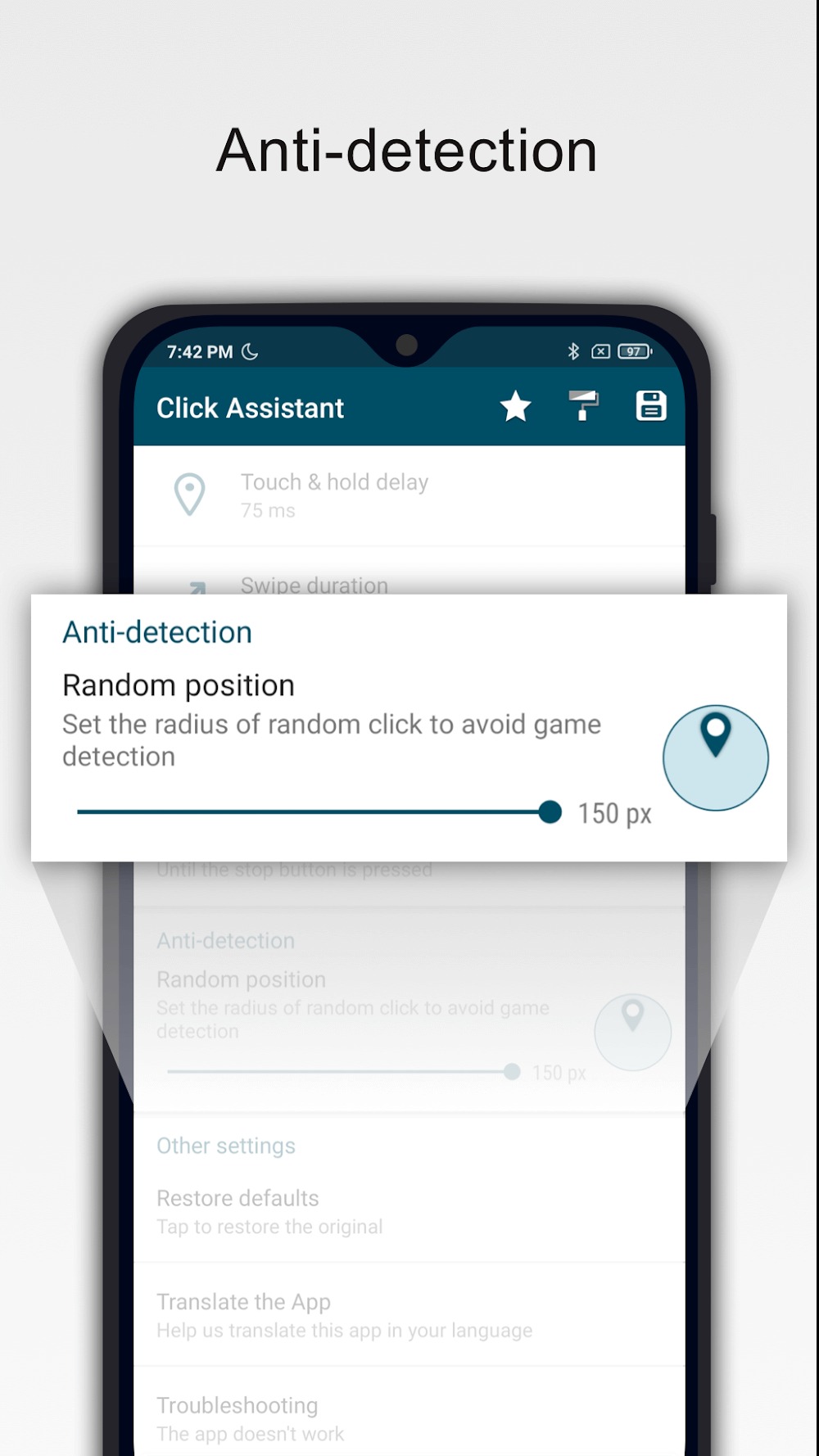
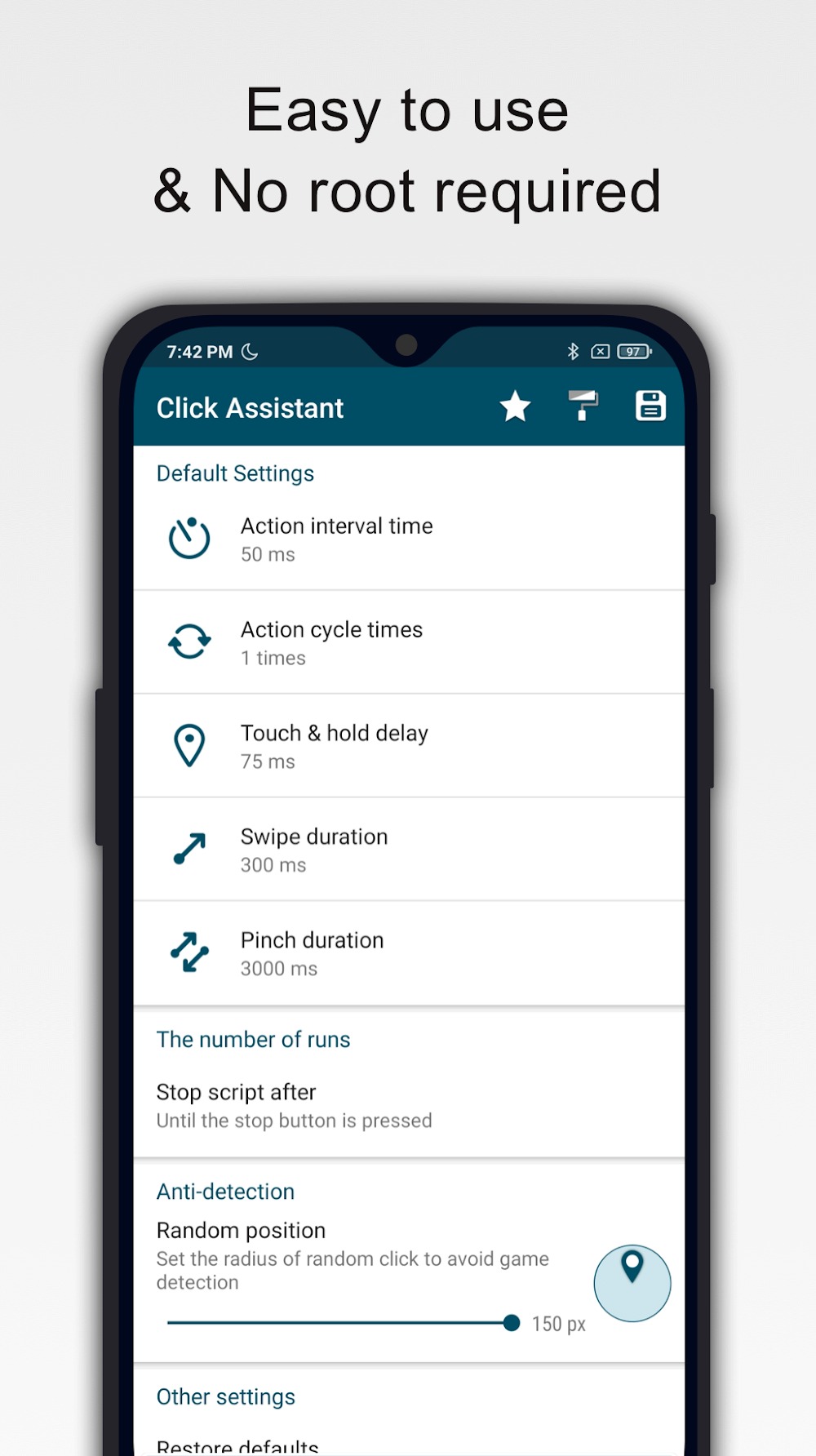
Also, set per action parameters to match your task. You can adjust delay between actions, touch duration, and the number of repetitions to control script speed and length.
Interface options, storage, and requirements
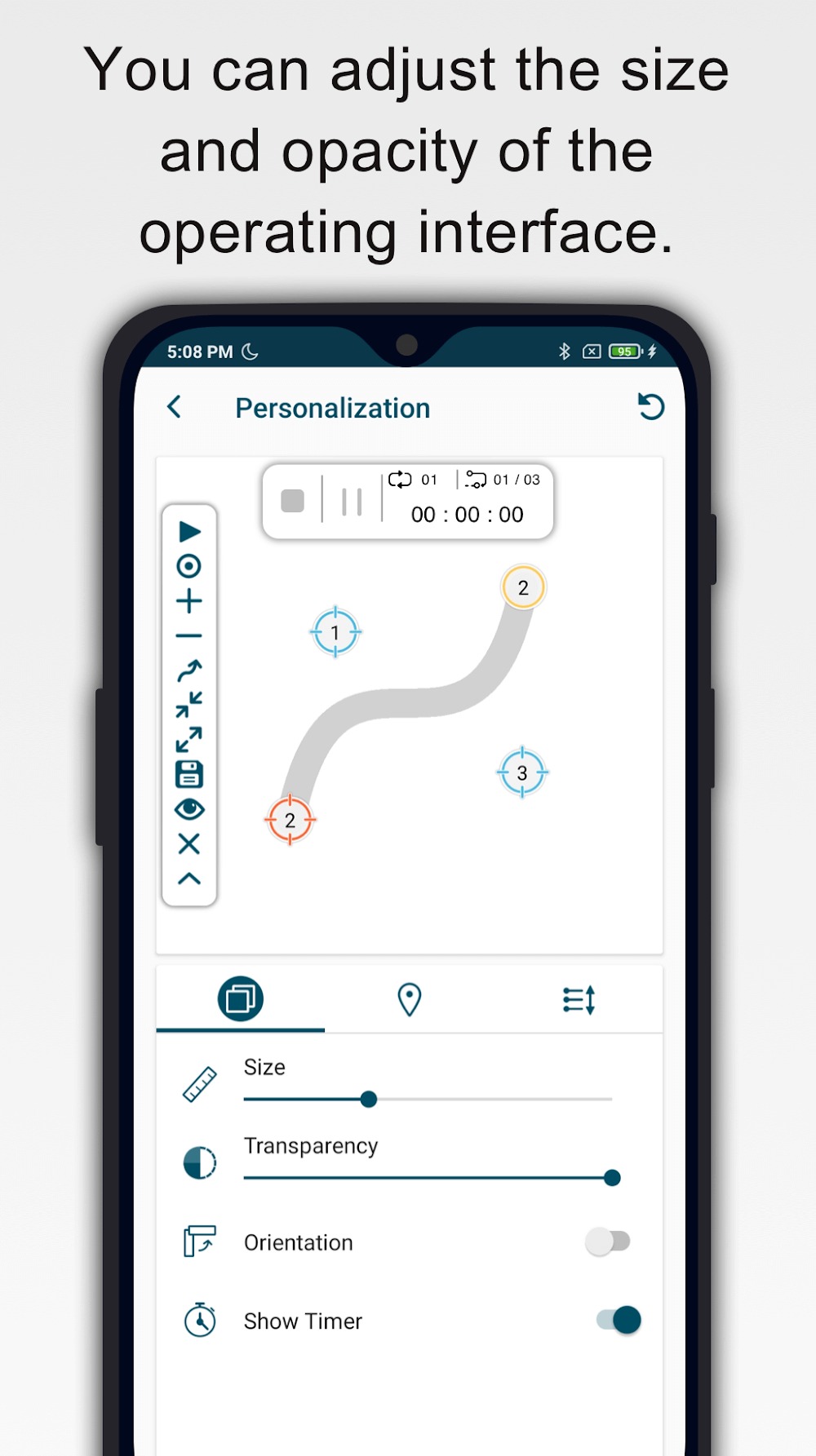
Finally, personalize the interface by changing the size and opacity of controls for better visibility. Save and load scripts to reuse them later without reconfiguring. The app does not require root. It uses the Accessibility Services API to perform clicks and swipes, and on Android 12 or later the accessibility permission must be granted.
Highlights:
MANY TYPES OF CLICKS
If you’re having trouble unlocking the screen or want to reduce the time it takes to open certain settings on your device, use Click Assistant - Auto Clicker immediately. This application includes a variety of modern click styles that you won’t want to miss, such as long slide and touch screen drawing. The app also always responds to automatic unlocking requests, and you can choose from a variety of clicks right on your device.
ACTIVITIES DETERMINED IN ADVANCE
The application allows you to schedule clicks based on what activities you perform on your device. This will allow you to quickly open those activities by drawing or double-clicking. The application also allows you to define a predefined shape for the activity and draw the shape to act quickly. The application also wants you to select from various activities and predefined ways to make work easier and save time.
EASIER JOB MANAGEMENT
Predicting how to click for each activity and assigning and arranging activities for each double-click will save you a lot of time. If you know how to use the right click, you will find it easier to complete the task. Because of its modernity and responsiveness, the application always wants you to take full advantage of this click. The app also includes an audio listening and analysis system that can be used to unlock your device.
Pros and Cons:
Pros
Automates taps, holds, swipes, pinches, and multi-touch gestures
Records gestures and supports curved swipe paths
Saves reusable scripts and position profiles
Provides separate timing and repetition settings for click points
Works without root access
Cons
Complex routines may require repeated alignment and correction
Requires Accessibility Services access for its core controls
FAQs:
Is this app safe to use?
Yes, Click Assistant - Auto Clicker is safe and does not collect or share personal or sensitive data using the accessibility capabilities.
Do I need root access to Click Assistant - Auto Clicker?
No, Click Assistant - Auto Clicker does not require root access on your Android device. It can be used on non-rooted devices, making it accessible to a wider range of users.
Can I customize the actions performed by Click Assistant - Auto Clicker?
Yes, you can customize the actions performed by Click Assistant - Auto Clicker, including the click delay, touch duration, and the number of repetitions. This customization allows you to fine-tune the automation to your specific needs.
Conclusion:
With its emphasis on usability and flexibility, Click Assistant - Auto Clicker stands out as a valuable resource for those seeking to optimize their time and efforts. The combination of multi-touch gestures, personalized settings, and an easy-to-use interface supports a wide range of applications, making it suitable for various user needs.
-
Latest Updates
-
Featured Apps