MiBO
Entertainment
2026-11-10
246.46MB
3.2.0
Android
478
Screenshots
Introduction
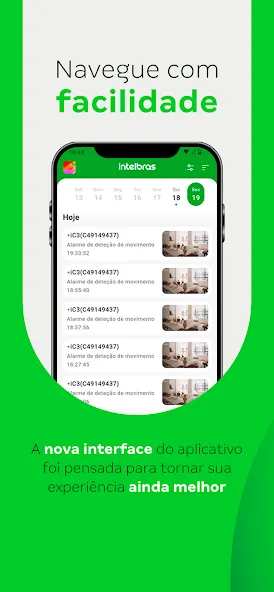
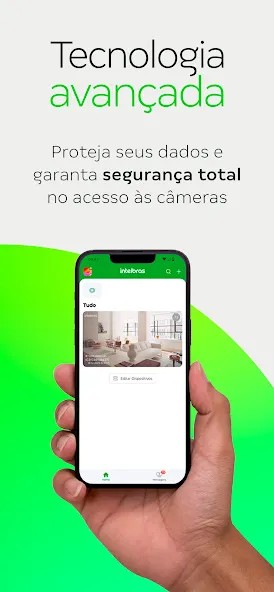
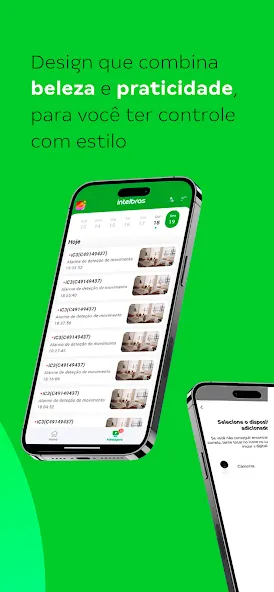
MiBO is a smart home control tool designed for Android devices, allowing users to manage a wide range of smart home products with ease. The app enables the creation of custom automated scenarios—such as triggering specific commands or automatically adjusting lighting for a "movie mode"—seamlessly integrating smart home technology into your daily life. By leveraging your phone’s built-in sensors and connecting to a gateway, MiBO provides intelligent control over your home devices. It also supports scheduled tasks and offers camera management features, including high-definition recording with cloud storage and real-time notifications. It is a highly powerful and versatile tool.
Features
Integrate all your Intelbras smart home devices
The MiBO app allows you to manage your entire range of smart home products from a single platform, simplifying device management and enhancing user convenience.
Create custom automation routines
Set up scenarios tailored to your daily life—for example, having the lights turn on when a door opens, or activating "movie mode" (adjusting lights and turning on the air conditioning) with a single command.
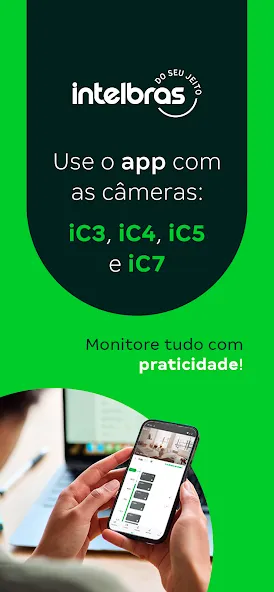
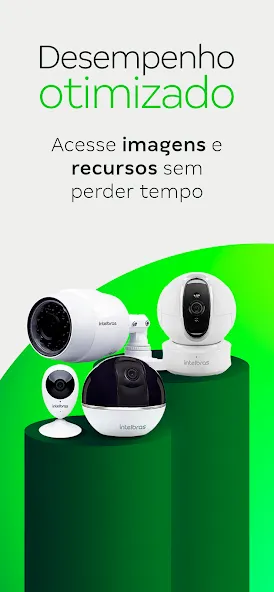
Compatible with Intelbras Wi-Fi cameras
All Intelbras Wi-Fi cameras are fully compatible with your smart home ecosystem, offering greater flexibility and practicality when creating automation scenarios or managing your devices.
Compatible with Alexa and Google Assistant
Control all your Intelbras smart devices using voice commands. Whether you’re relaxing on the sofa or busy with other tasks, simply speak up to adjust the lighting, control the room temperature, check your security system, and much more.
Update Log
Dark Mode: Now supported for sensors, controllers, and gateways.
Automatic Network Recovery: A new feature for ETW smart plugs.
Local Scheduled Tasks: Available for new MiBO devices.
SmartThings: Enhanced integration capabilities.
Full HD Recording: Improved video quality for cloud storage.
Facial Recognition: Supports individual identification, combined with AI-powered descriptive notifications.
Stability and Performance: Fixed several issues and implemented general app optimizations.
FAQS
What features does MiBO offer?
MiBO offers features such as remote monitoring, real-time notifications, voice control compatibility, and integration with other smart home devices.
Is there a mobile app for MiBO?
Yes, MiBO can be controlled via the dedicated mobile app available for both Android and iOS devices.
Can I use MiBO with other smart home ecosystems?
Yes, MiBO is compatible with various smart home ecosystems, including Amazon Alexa and Google Assistant.
What should I do if I experience connection issues?
If you experience connection issues, ensure your Wi-Fi is functioning properly, the device is within range, and restart the device or router if necessary.
Summarize
MiBO is designed to enhance the security and comfort of your home or workplace. It allows you to create custom scenes and automated routines, streamlining your daily tasks. Beyond enabling remote control of your Mibo-series products, the app also lets you share device access with family and friends—fostering collaboration or simply providing you with greater peace of mind.