MiXplorer
Tools
2026-07-24
7.97MB
6.71.5-BETA
Android
595
Screenshots
Introduction
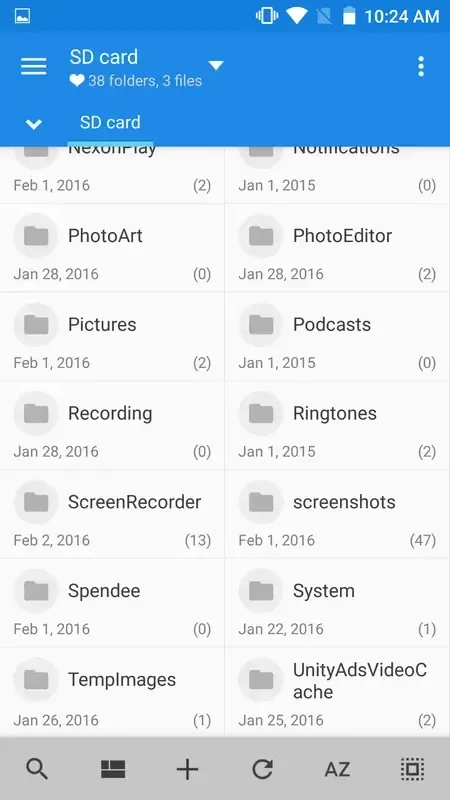
MiXplorer is a file manager for Android devices that helps users perform various operations on their phone files, providing convenience. With this application, users can perform basic functions such as copying, moving, cutting, and pasting files, as well as previewing multimedia content, viewing audio or video files within the app. You can also connect MiXplorer to your cloud storage service account. The application also supports user-customizable themes for a visually comfortable experience.
Features:
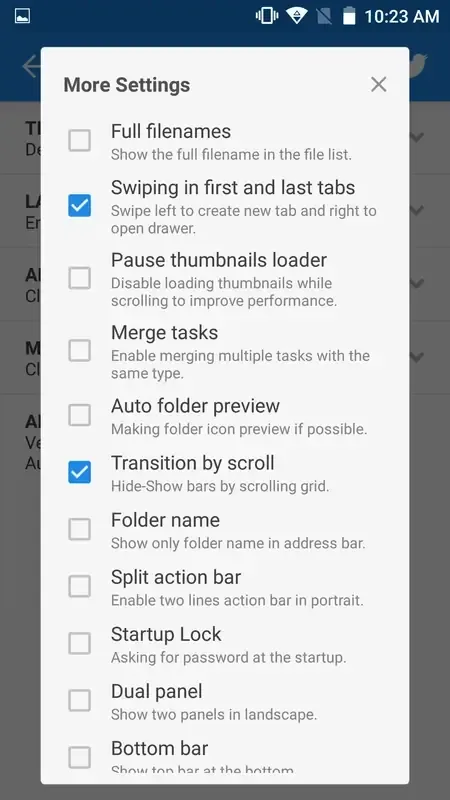
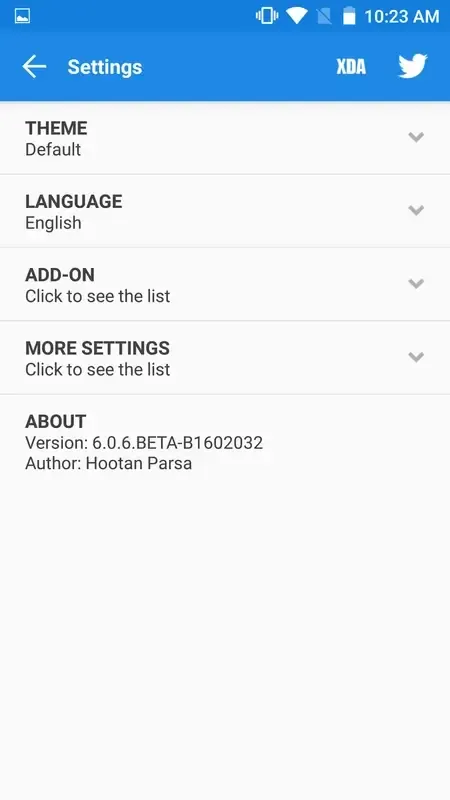
Easily themable with customization option which lets you select any color you like.
Sort, disable and enable all menu options and action buttons.
Unlimited Tabbed browsing and Dual panel in landscape mode and Drag and Drop between panels also supported.
Easily create Tasks to multitask Copy, Move, ... operations.
Different various View Modes and Sorting Options for each folder separately!
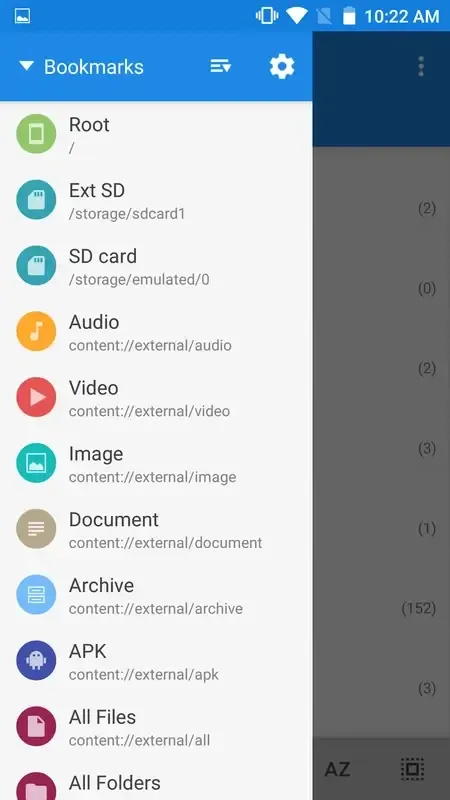
Customizable bookmarks drawer with essential file types already categorized.
Highlights:
MiXplorer offers a long list of features. It has the basics, like the ability to copy, move, cut, and paste files or folders, change the layout of individual folders, and use an advanced search tool. More advanced features include the ability to extract and create compressed files in lots of different formats: 7z, ZIP, TAR, GZIP, RAR, CAB, ISO, ARJ, and so on.
You can also link MiXplorer to your accounts on cloud storage services. The app is compatible with Mega, Dropbox, Box, Yandex, HiDrive, Baidu, Mediafire, Kuaipan, 4Sync, and Google Drive, among others. You can even use the FTP/HTTP server included within the interface itself.
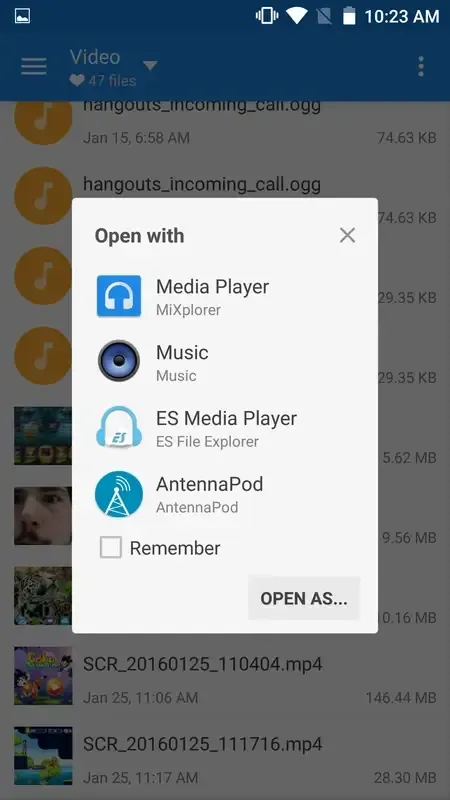
Another great feature is the multimedia content previewer. From the app, you can listen to any audio file or view any image you have stored on your device. You can even preview animated GIFs.
Pros and Cons:
Pros
User-friendly and customizable interface
Wide array of basic and advanced file management features
Integration with numerous cloud storage services
Built-in FTP/HTTP server
Multimedia content previewer
Cons
Some features may be complicated for novice users
Full functionality requires a rooted device
FAQs:
How much storage space do I need to install MiXplorer ?
The download APK file is 7.9 MB, and you'll need additional free space to install the app and store temporary files, updates, and cache data. If the installation fails, free up some storage and try again.
How long does MiXplorer take to download?
MiXplorer is 7.9 MB. On a stable 4G, 5G, or Wi-Fi connection, the download may take anywhere from a few seconds to several minutes, depending on your network speed.
Why do I fail to download or install?
Common causes include insufficient storage, an incompatible Android version, an unstable network connection, a corrupted download, or missing installation permissions.
What are the system requirements for MiXplorer ?
The latest version of MiXplorer requires Android 2.0+ or later. If your device runs an earlier Android version, check whether a compatible older version of the app is available.
Conclusion:
So guys, download and install this Awesome MiXplorer app on your Android device and enjoy it. It's one of the best ever File manager app for Android, which you can use on your Android.This app is working pretty well on any Android running on 2.0+. So no worries, you can use it on your Android Device without any trouble. This app is also completely free to use. So let's download it now on your Android and enjoy it.
-
Latest Updates
-
Featured Apps