Google Photos
Photography
2026-10-11
222.27MB
7.96.0.996044120
Android 4.4+
153
Screenshots
Introduction
Google Photos is a photo management app developed by Google. It integrates a variety of features—such as cloud backup, smart search, and photo editing—into a single application, allowing users to efficiently manage their entire photo collection. The app offers vast cloud storage, enabling users to snap photos to their heart's content without worrying about running out of device space. It also provides a suite of simple yet powerful editing tools—including cropping, rotation, and filters—to help users enhance their photos and make them look stunning.
Features:
Cloud backup and sync
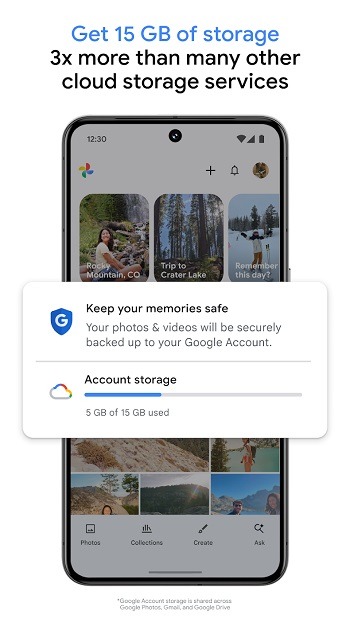
Google Photos backs up photos and videos to your Google Account so you can view them on any signed-in device or on photos.google.com. The service includes 15 GB of free cloud storage shared across your Google services, with the option to upgrade if needed. Once backup is on, new captures upload automatically and stay available even if you switch phones.
Editing with Google AI
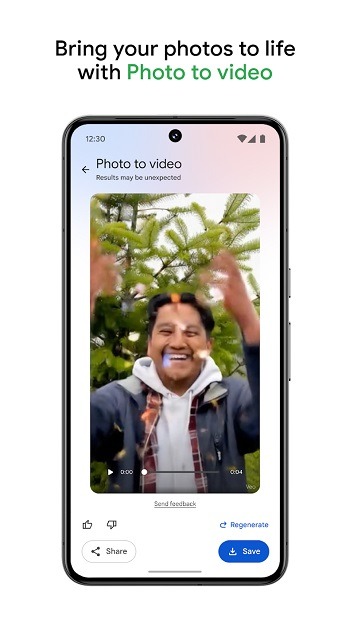
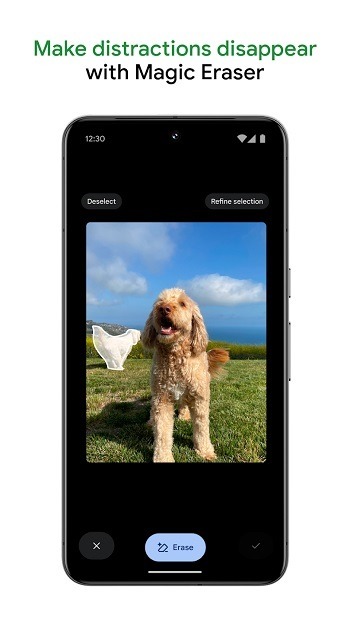
You can clean up and enhance shots using tools like Magic Eraser, Unblur, and Portrait Light. Google Photos also includes creative options such as Remix for collages and Photo to video for simple animations. These tools help fix common issues and produce quick creations without exporting to other apps.
Search and identify with Lens
Finding items is fast because Ask Photos supports natural language queries like “sunset at the beach last summer”. When you need details from a picture, Google Lens can detect text and objects so you can copy text, translate, or look up items. This approach reduces scrolling and helps you act on information captured in your images.
Smart organization controls
Google Photos reduces clutter by grouping duplicates and similar shots into Photo Stacks so the best version is easier to spot. Screenshots and documents can move into dedicated folders, keeping your main feed focused on photos you want to see. For sensitive pictures, a Locked Folder offers a separate place that stays out of the main library view.
Memories, sharing, and prints
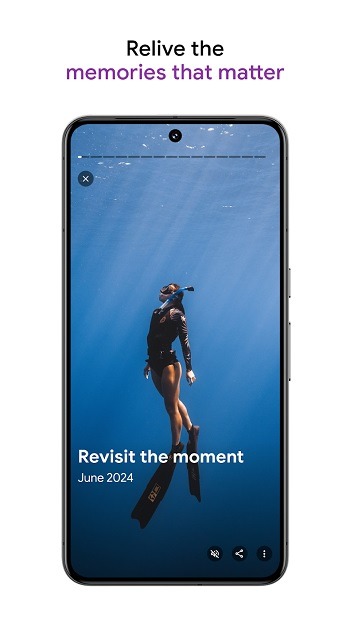
Curated Memories surface past trips, events, and moments so you can revisit them without digging through albums. Sharing works with links or by choosing contacts, and recipients do not need the app to view shared items. You can also order photo books, prints, and canvas if you want physical copies of selected images.
Free up space and keep content secure
When device storage is low, Google Photos can remove local copies that are already backed up with a single tap. Your library also benefits from Google’s security infrastructure, helping protect account data and media in the cloud. This makes it easier to maintain storage on older phones while preserving your original files online.
Highlights:
AI-Powered Organization
One of the most impressive features of Google Photos is how it organizes your images. Using machine learning, it identifies people, places, and objects in your photos. Without manually tagging, the app creates albums and lets you search for images using simple keywords like “beach” or “birthday.” It even suggests albums or collages based on your photo history.
Editing and Enhancements
Google Photos includes a set of simple but powerful editing tools. Users can crop, rotate, adjust brightness, and apply filters without needing another app. There’s also an auto-enhance feature that intelligently improves photo quality. For videos, it allows basic trimming and stabilization, offering just enough control for everyday use.
Easy Sharing and Collaboration
Sharing media is easy with Google Photos. You can send photos via a link or share albums with others. The app supports shared libraries, which means two people can share all photos of a specific person or event. It’s perfect for families or friends who want to keep memories together in one place.
Pros and Cons:
Pros
Convenient way to back up your photos to the cloud.
Advanced catalog functions, including automatic recognition of objects in photos.
Great way to keep your photos all in one place.
Made by Google, ensuring continuous improvement and updates.
Cons
Some editing controls can feel limited or inaccurate.
Possible privacy concerns due to cloud-based storage of backed-up images.
FAQs:
What is Google Photos?
Google Photos is a photo and video gallery app focused on cloud backup, smart search, organization, and basic editing tools in one place.
What is Google Photos used for?
It is used to store, sort, search, edit, and share photos and videos more easily, while syncing your media across devices through a Google account.
Does Google Photos give unlimited storage?
Storage usually depends on your Google account plan, and that space is shared with services like Google Drive and Gmail, so unlimited storage should not be assumed.
Can Google Photos free up space on my phone?
Yes. After files are backed up, the app can help remove local copies from your device so you can recover storage without losing access to your media.
Who should use Google Photos?
It suits people who take lots of photos, want automatic backup, need fast search, or prefer one app for organizing, editing, and sharing everyday memories.
Conclusion:
It is a powerful and intuitive photo management solution for users. Its seamless cloud integration, intelligent organization, and robust feature set simplify how we capture, store, and relive our precious memories. Whether you're a photography enthusiast or someone looking for a hassle-free way to manage your photos, it is a compelling choice.
-
Latest Updates
-
Featured Apps