Video Downloader
Entertainment
2026-10-31
10.53MB
1
Android
386
Other versions





Screenshots

Introduction
Video Downloader is an application designed for downloading videos. It features a clean, minimalist interface that allows users to get started quickly and easily. The app offers excellent compatibility, supporting a wide range of Android devices and enabling the download of various high-definition videos. It also supports batch downloading, allowing users to download multiple videos simultaneously. With fast download speeds and a clear, intuitive process, the app is lightweight, consumes minimal memory, and installs quickly. It also prioritizes security, ensuring the protection of user privacy and data. Users can customize download locations and file formats, helping them work more efficiently and save time.
Features:
Automatic Video Detection
The application features a clean and seamless system design. As you browse the web, the video downloader automatically identifies video files; with a single confirmation, you can quickly initiate batch downloads.
This feature is especially convenient when you want to save tutorials, educational materials, or any other downloadable content to view later.
Streamlined Download Process
Integrating this application into your web browsing experience significantly simplifies the download process. Batch downloading is straightforward: browse for content, preview it, select the files you want, and download—all within a single application.
Support for Multiple File Formats
The video downloader is more than just a tool for videos; it supports a wide range of other file types, including audio, documents, and more.
Offline Video Playback
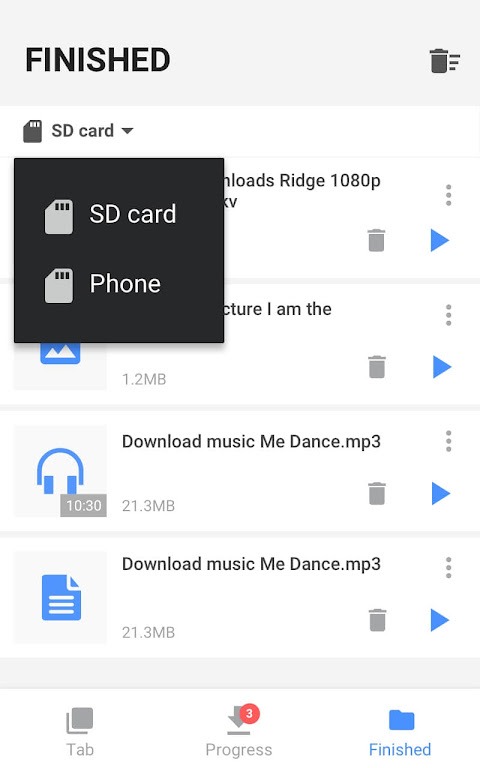
Once you have successfully downloaded a video, you can open and play it directly within the application. This minimizes unnecessary steps, ensuring an efficient experience for both downloading and watching your files.
Background Downloading and Storage Optimization
The background downloading feature is highly practical; it allows you to continue using other tabs or applications while your files download in the background, so you don’t have to wait for the process to finish.
Highlights:
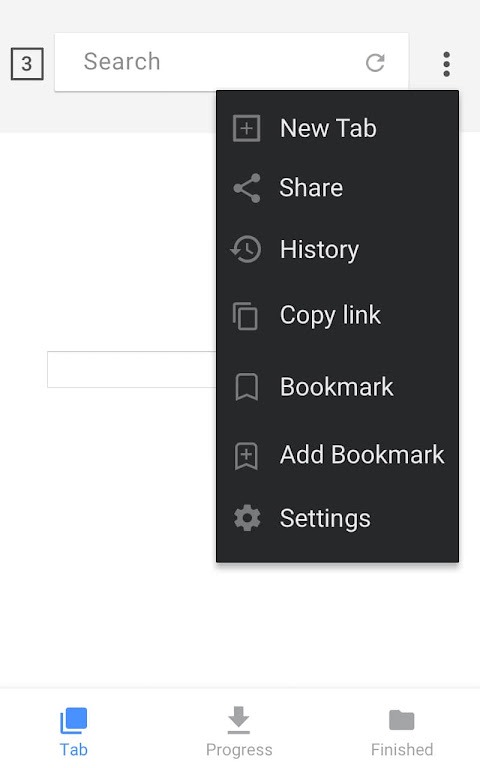
Browse videos with the built-in browser
Play videos offline with the built-in player
All download formats supported, mp3, m4a, mp4, m4v, mov, avi, wmv, doc, xls, pdf, txt, etc.
Auto detect videos and easily download
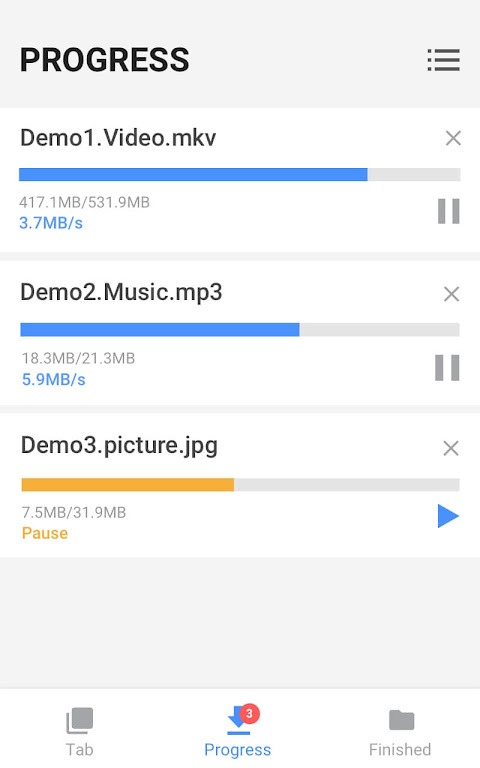
Full-featured download manager to pause, resume and remove downloads
Download several files at the same time
Save downloaded files in a password-protected folder
Download videos in the background
SD card supported
Resume failed downloads
Fast download speed
Check the progress in the download bar
HD video download supported
Large file download supported
Download video, music and pictures
Add bookmarks for your favorite websites
Advantages and disadvantages:
Pros
Supports multiple formats
Supports HD video downloads
Offers fast download speeds
User-friendly interface
Cons
Requires permission and access to the network
Conclusion:
With its clean interface, fast download speeds, and reliable performance, Video Downloader has become an indispensable tool in the digital lives of many. Whether you want to download music clips or full-length movies, the Video Downloader app makes your life that much easier!