Video Downloader
Entertainment
2026-10-13
7.14MB
213.0
Android 6.0 and up
244


Screenshots
Introduction
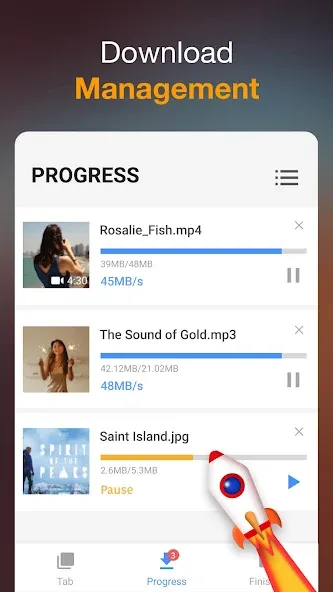
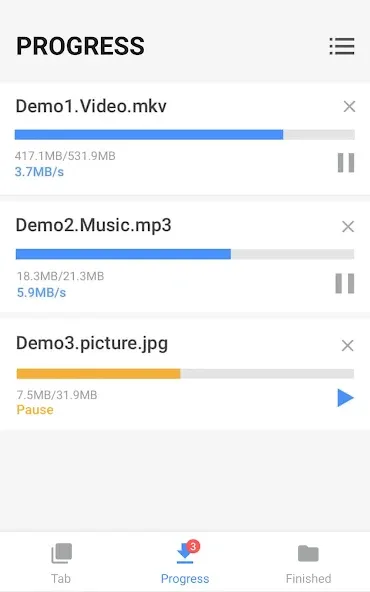
Video Downloader is a browser-based utility app for Android devices. It supports multiple tabs and features an integrated player compatible with various formats, enabling offline video playback. This browser allows for the rapid downloading of high-definition videos and supports multi-threaded downloading, giving users the flexibility to pause, resume, and delete downloads at will. It is compatible with a wide range of file formats—not limited to just videos—and offers a clean, intuitive interface that makes it easy for users to get started quickly.
Features
Built-in multitab browser.
Watch videos offline thanks to its integrated player.
Download videos in HD.
Download several videos at once.
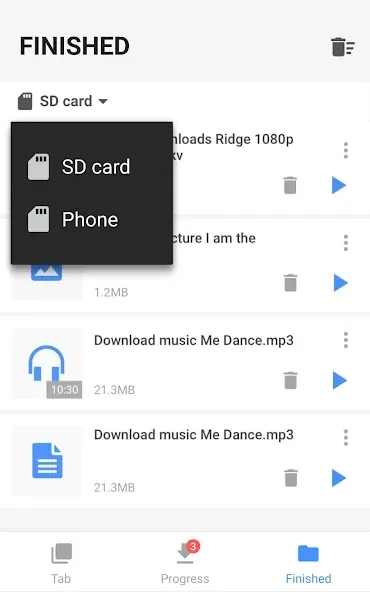
Download manager that allows you to stop, resume, and remove downloads.
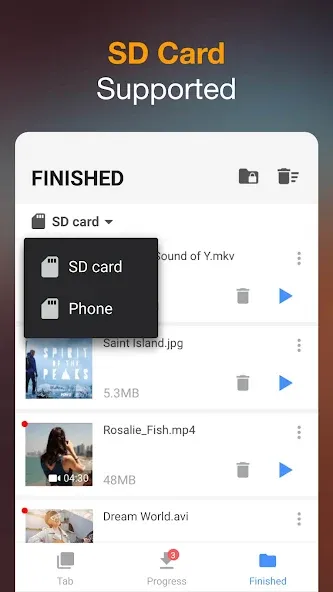
Save downloaded files in a protected folder.
Compatible with multiple file formats, not only videos: MPR, MP4, M4V, MOV, AVI, WMV, DOC, XLS, PDF, TXT…
Advantages and disadvantages
Pros
Includes a search function
Supports multiple file formats
Simple and clean interface
Compatible with several video websites
Cons
Allows only two simultaneous downloads
Lots of advertisements
User comments
Easy to use. Fast download speeds. Saves to your phone. Fewer ads than the other apps. The ads aren't restrictive - you can actually close the ad after viewing it unlike other apps that do not allow you to close the ad and instead redirects you to Google Play and do not even have a closeout button.
I'm giving 5 stars before I use it bc I have used the other version inshot had for like 3 years & there screen recorder, video editor's as well its just been a minute since I needed a video Downloader but everything this company does is 5 stars! They are easily a 5 star company for sure!
This is an awesome app. It downloads videos instantly from different apps, including the Scoopz. However, it needs to be mentioned that it doesn't download Newsbreak or YouTube videos. Other than that, it's marvelous because it downloads fast, easily, and without needing instagram to open. A must for people interested in downloading videos.
Summarize
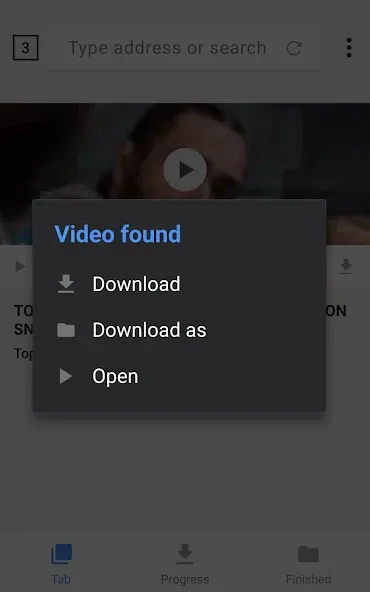
Video Downloader is an outstanding browser that lets you download videos directly to your smartphone. To use it, just browse as you would normally. Then, whenever you see a video on a website you're visiting, you can tap a button to download it. That said, you can't download videos from YouTube, but you can download any video found on any other platform or website.