ToonTap
Photography
2026-08-03
36.67MB
1.40.94
Android
86
Screenshots

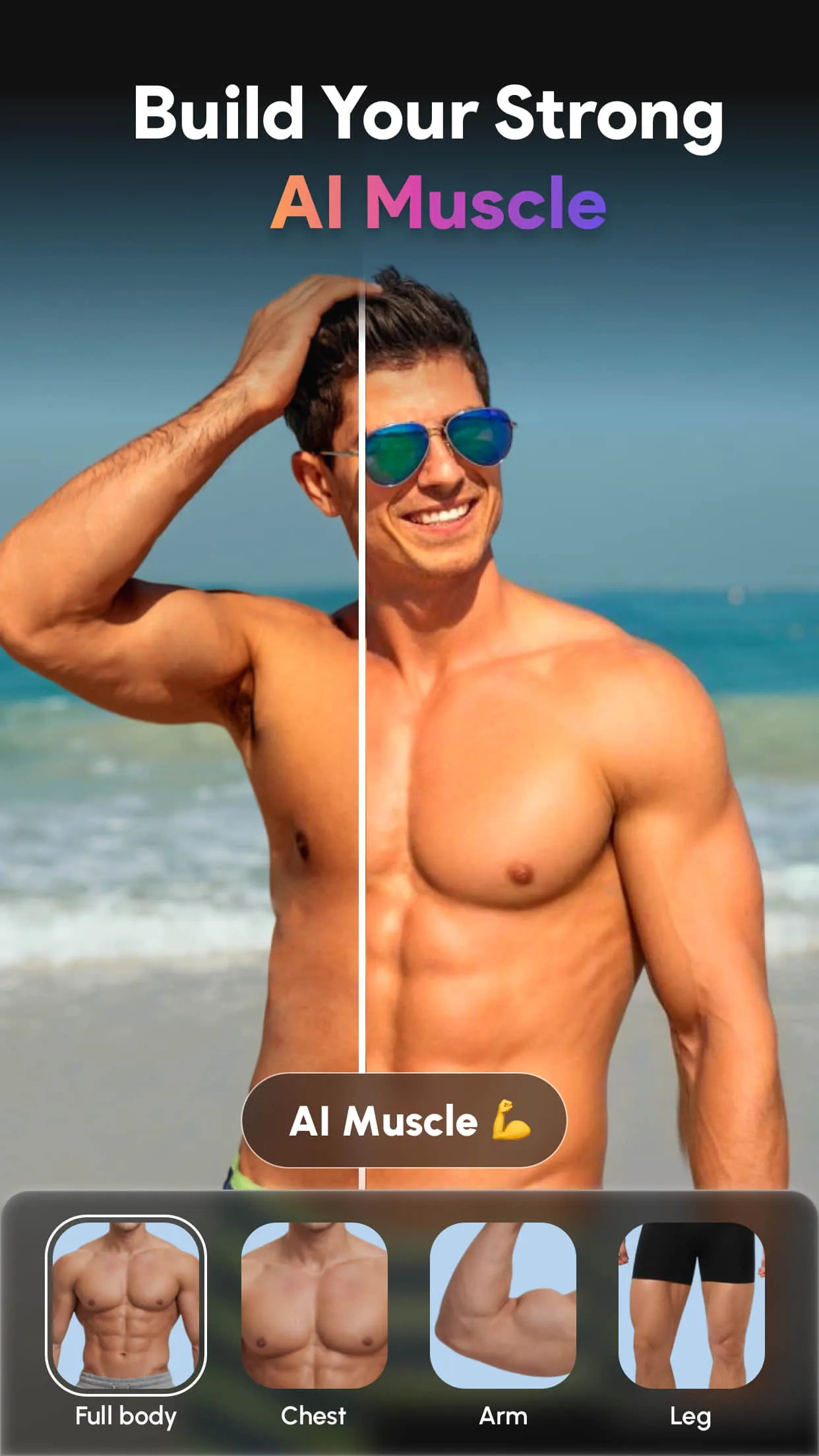
Introduction
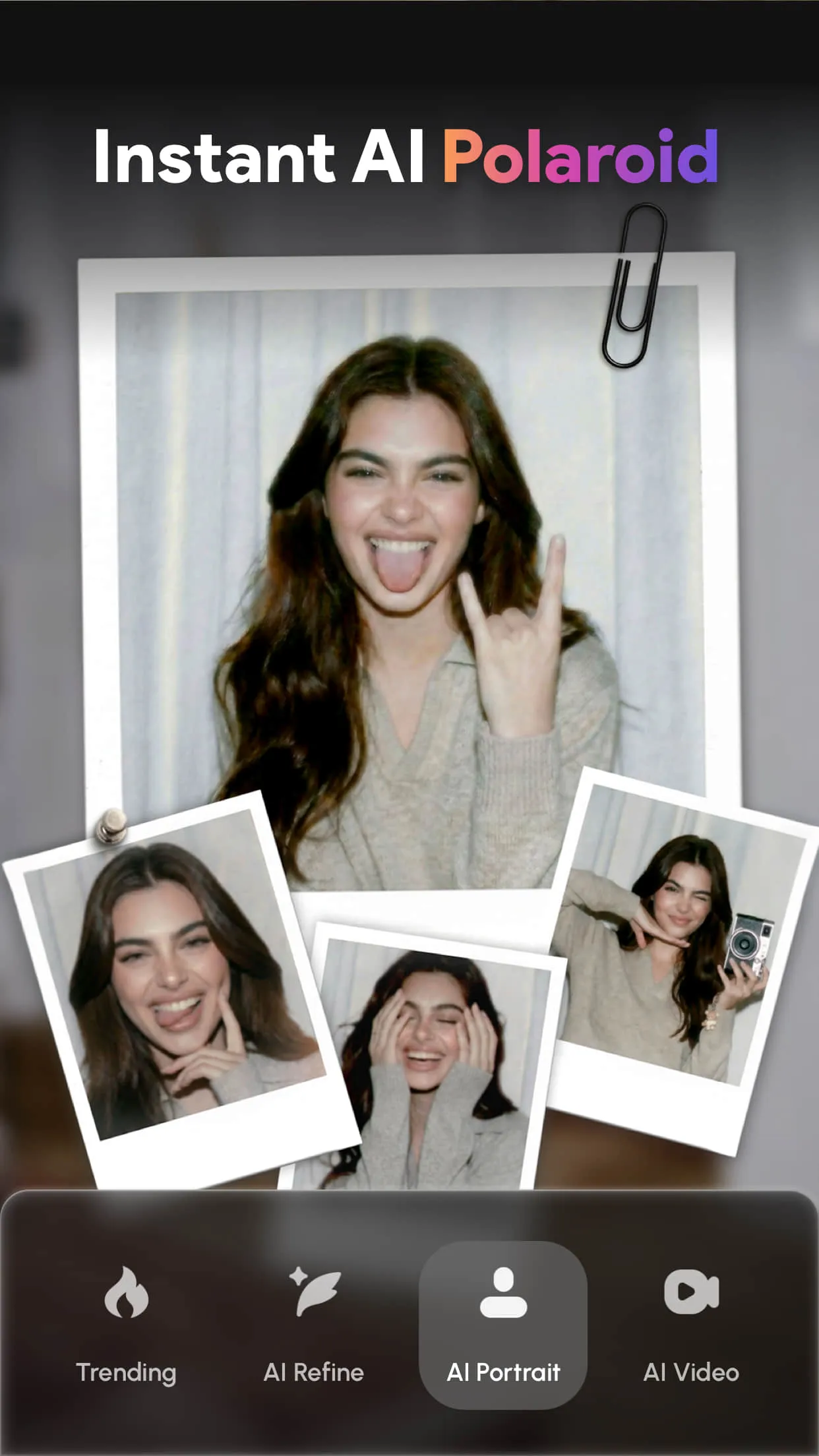
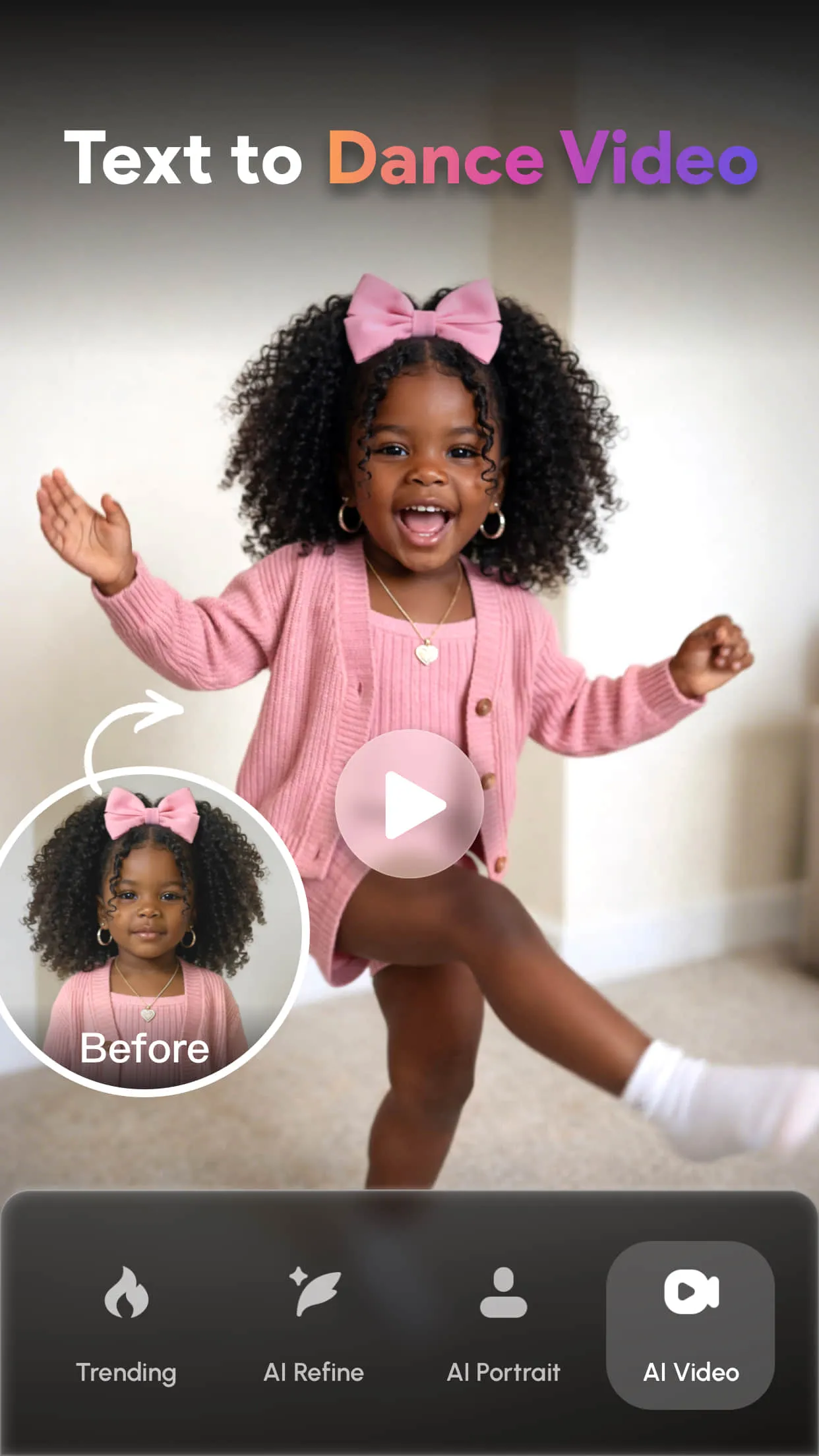
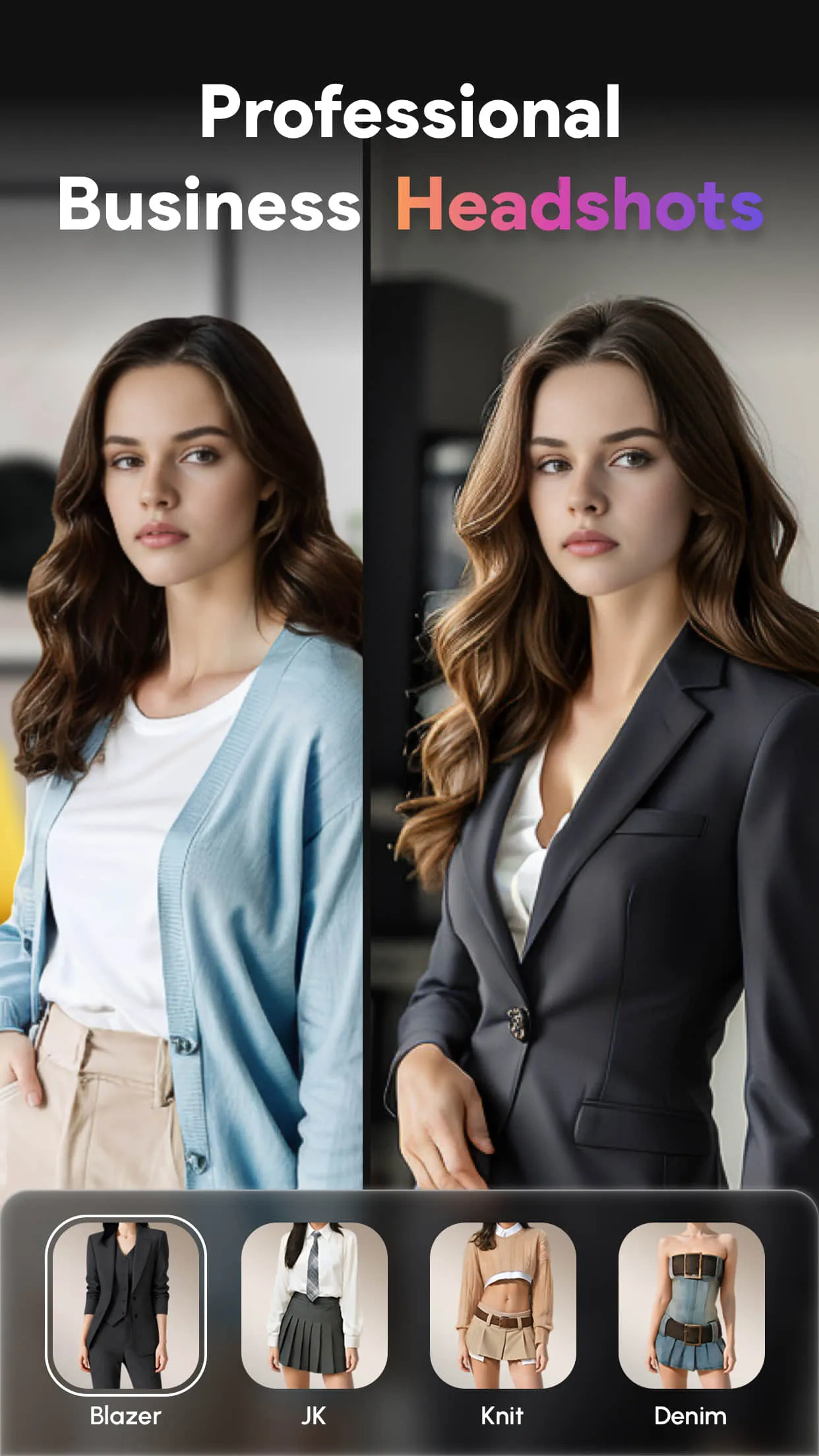
ToonTap is a photo editing tool that lets users turn selfies into cartoon versions, making your photos more cartoonish and fun. This app also helps users improve photo quality, transforming blurry photos into clear, high-definition images. The app is very easy to use; users can easily cartoonize their selfies with just a tap. Users can also add filters and crop their photos to suit their needs.
Features:
AI Filters & Cartoon Photo Editor
Transform selfies and gallery photos into 3D cartoon characters, comic portraits, caricatures, anime-inspired artwork, and other creative styles.
Try cartoon face effects, big-head portraits, character transformations, and 3D figure effects. Choose a style, preview the result, and create a personalized portrait in just a few steps.
Anime Avatar & Profile Picture Maker
Create anime-inspired avatars, chibi characters, comic portraits, toy-like figures, and illustrated profile pictures with AI effects.
Explore fantasy themes such as witches, knights, dragons, and vampires, or try Y2K, cyberpunk, and dreamy watercolor styles. Use your finished portrait as a profile picture or share it with friends and family.
Aging Filter
See how a portrait may look at an older age with the aging effect. Transform a selfie into an older-looking version and explore different age appearances.
Create fun age-transformation photos, compare the results, and share them with friends.
Hairstyle Changer
Preview different hairstyles without changing your real hair. Try long hair, short hair, bangs, buzz cuts, or a bald look to discover which style suits your portrait.
Select a photo, choose a hairstyle effect, and view the transformation in a few simple steps.
Basic Photo Editing Tools
Crop and Rotate: Adjust the size, angle, and composition of your photo.
Photo Adjustments: Fine-tune brightness, contrast, warmth, highlights, and other settings.
Photo Enhancer & HD Photo Editor
Improve photo clarity and bring more detail to blurry, faded, or low-quality images.
Highlights:
CARTOONISH PHOTO EDITOR WITH HUMOROUS ELEMENTS
You need to experiment with this innovative photo editor a little bit, and before you know it, you’ll be able to cartoon yourself like a pro. Choose one of your endearing selfies from the photo library, then use a bunch of different caricature face filters to turn it into a spectacular 3D cartoon character maker for comedic purposes. Easily transform your appearance to look like a cute little anime girl with a simple tap of the filters. Get ready to shock your pals on social media platforms like Instagram, Facebook, WhatsApp, Pinterest, and TikTok.
HIGH-QUALITY PHOTO EDITOR AND ENHANCER
You can make instant improvements to your shot’s quality and view it entirely without any interruptions. The app transforms scratched, pixelated, low-quality photographs into clear, high-definition images. You can improve the quality of your images by increasing the number of pixels they contain. Moreover, you are welcome to restore old pictures and bring back happy memories. Improve the clarity of the photographs so that they are razor sharp, with eyes that are rich in detail and skin that is silky smooth. Restore and colorize the old photographs as though your cherished family members and friends were still here in this world with you.
CHECK OUT NEW HARIDO WITH UNIQUE COLORS
You can instantaneously shift from having short hair to having long hair with only one touch. There’s no reason to leave the house; you can have a fantastic hair salon treatment right in your bathroom. Find out what hair length looks best on you, and go with it!
CROP AND TILT THE PHOTOS HOW YOU WANT
One of the most fundamental tools for editing pictures is called Crop, and it enables you to effortlessly crop and rotate your photos so that they are more suitable for your purposes. You can edit the lighting in the shot by making adjustments to the contrast, warmth, and highlights.
FAQs:
What is ToonTap APK used for?
ToonTap APK is used to edit photos with AI filters, turn selfies into cartoon or anime styles, and improve image quality quickly.
Does ToonTap APK work offline?
Some basic editing features may work offline, but most AI filters and advanced tools need an internet connection.
Who should use ToonTap APK?
It's ideal for casual users, content creators, and anyone who wants quick, stylish photo edits without learning complex tools.
Changelog:
Version 1.40.94
Beach Outfits: Find your beach vibe in AI outfits made for sunny photos and selfies.
Trending Effects: Play with popular AI effects, from cartoon fitchecks to solid hair color.
New Style: Dress up for the party with fresh outfit styles made for sharing.
Enjoy a refreshed home page UI that makes trending AI features easier to find.
Conclusion:
This innovative photo editor lets you quickly transform selfies into impressive cartoon versions. Simply select an image from your gallery and explore a variety of cartoon face filters to create a 3D cartoon character. The app allows you to seamlessly swap faces with characters from animated videos, making you stand out on social media platforms like Instagram, Facebook, or TikTok. Whether refreshing your profile with a charming anime avatar or cartoon portrait, this app is ideal for users looking to add a fresh and unique touch to their online presence.
-
Latest Updates
-
Featured Apps