Root Checker
Tools
2026-07-23
11.4MB
6.5.11
Android
355
Screenshots
Introduction
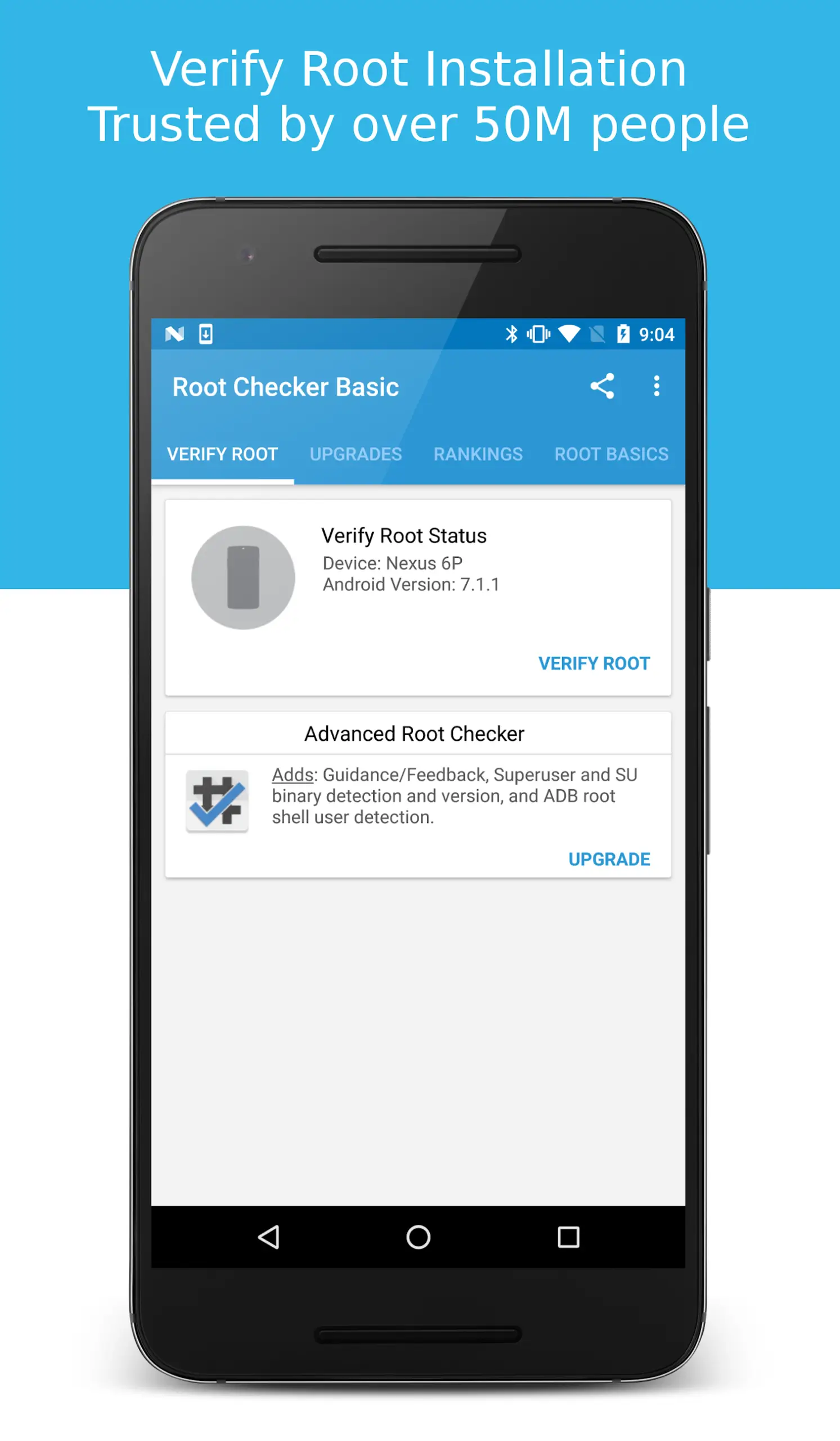
Root Checker is a root detection tool for Android devices. With a single tap, users can check if their Android device has root privileges. This application only checks if the user's device has root privileges; it will not perform the rooting process, making it very safe and reliable for users. The application also has troubleshooting functions, allowing users to determine if root privileges are working properly. Basic guides are included, and the user-friendly interface makes it easy for users to get started.
Features:
One tap root verification
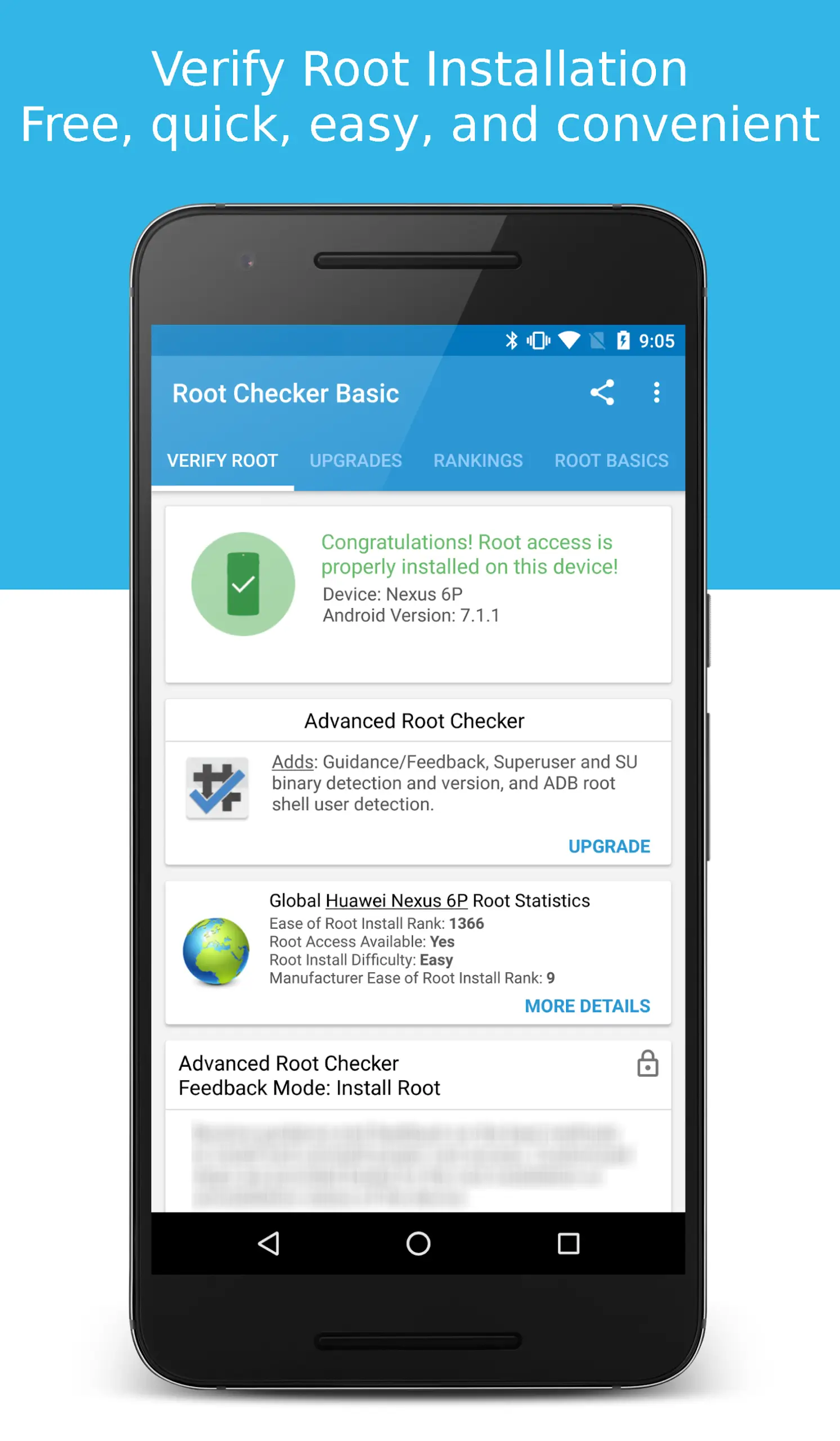
Root Checker runs a fast test that looks for the SU binary in standard locations and then executes a simple command to confirm real root access. You get a clear pass or fail result in seconds.
Prompt validation with Magisk and SuperSU
Root Checker triggers your superuser manager so you can see the Grant or Deny prompt and verify that permissions behave correctly. This helps you confirm that Magisk or SuperSU is set up and responding.
Real command execution test
Instead of only detecting files, Root Checker attempts to run commands that require elevated privileges. Therefore, you can distinguish between installed but broken root and fully working root access.
Verification history for troubleshooting
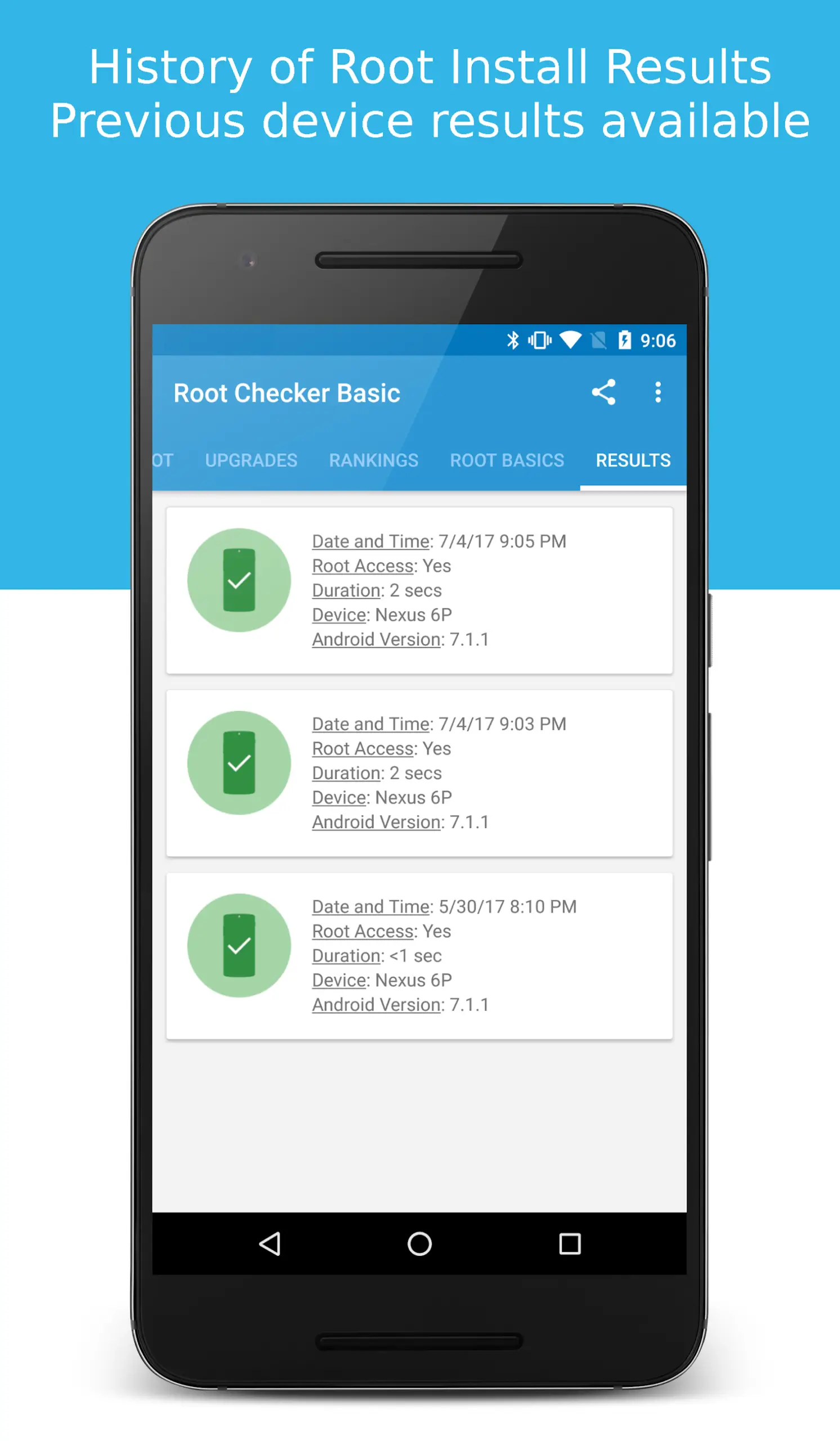
Root Checker keeps a simple history that records date, time, result, device model, and Android version. In addition, you can compare results across updates or ROM changes to spot patterns and issues.
Guides and troubleshooting tips
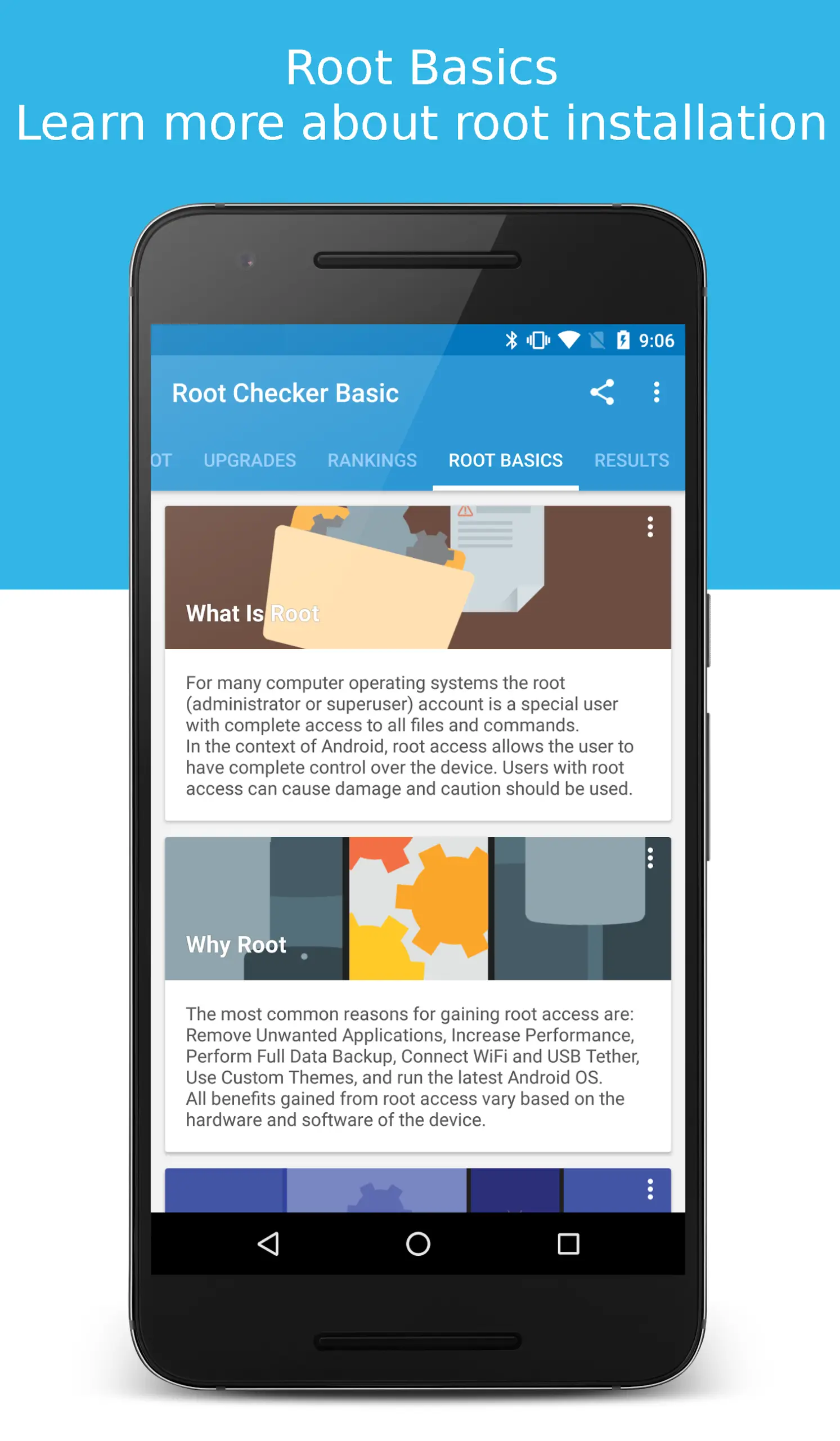
Root Checker includes basic guides that explain common root terms and outline fixes for frequent misconfigurations. Moreover, it points to permission issues that often arise after flashing or restoring backups.
Safe, read only design
Root Checker does not root, unroot, or alter files on your device. Also, it works without ADB or desktop tools, which keeps the process simple and avoids extra steps for beginners.
Highlights:
Verify root access with a single tap
With Root Checker, pressing the verification button is enough to check if the SU binary is present in common system locations. Next, it attempts to execute commands through that binary to confirm that it actually grants superuser privileges and that they're not simply non-functional loose files. If everything is configured correctly, you will see a message indicating that root access is operational; if it fails, you will know that your device is not rooted or that the configuration is invalid, and you will have to go back and review the steps you followed.
Verification history and guides
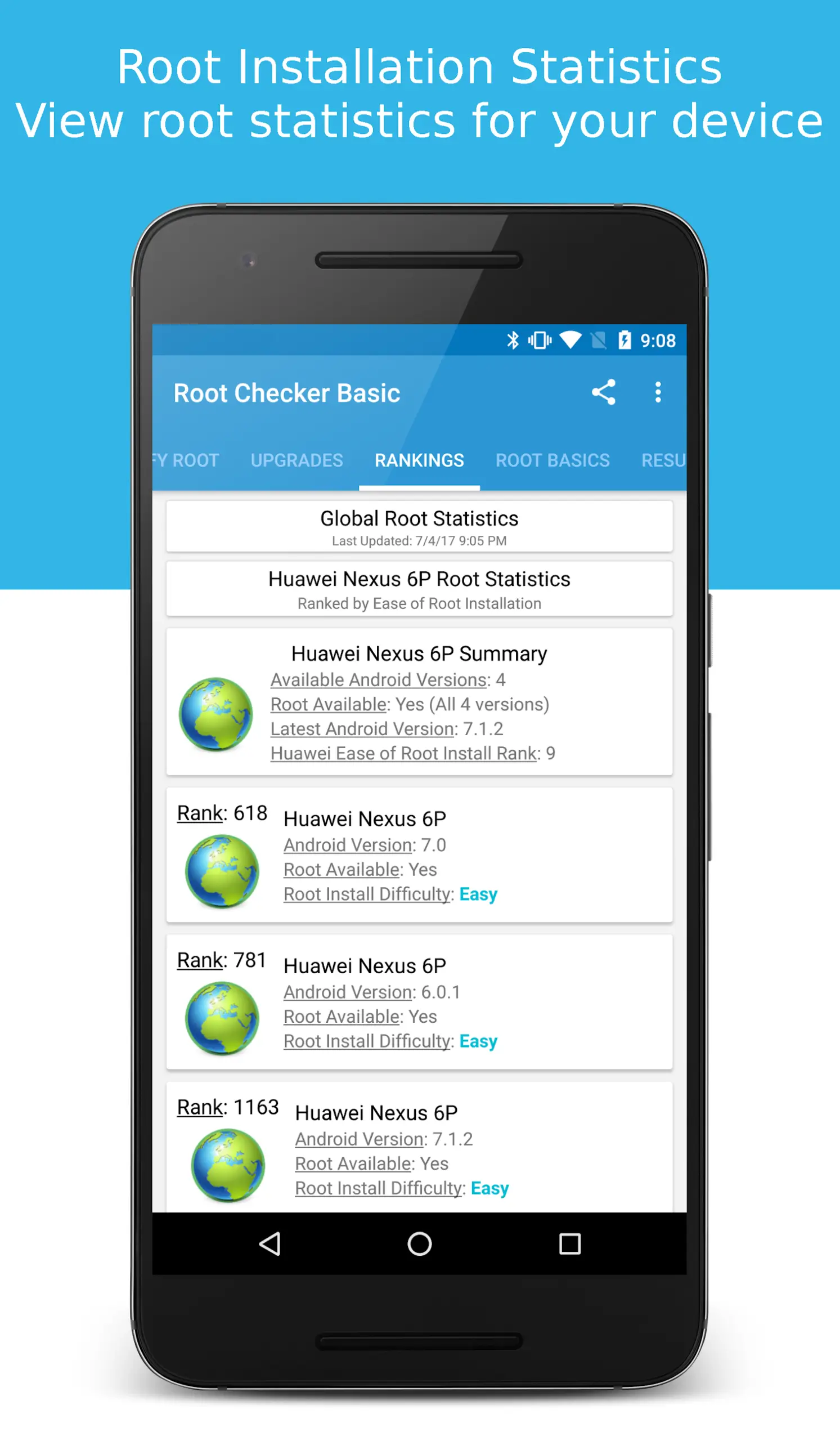
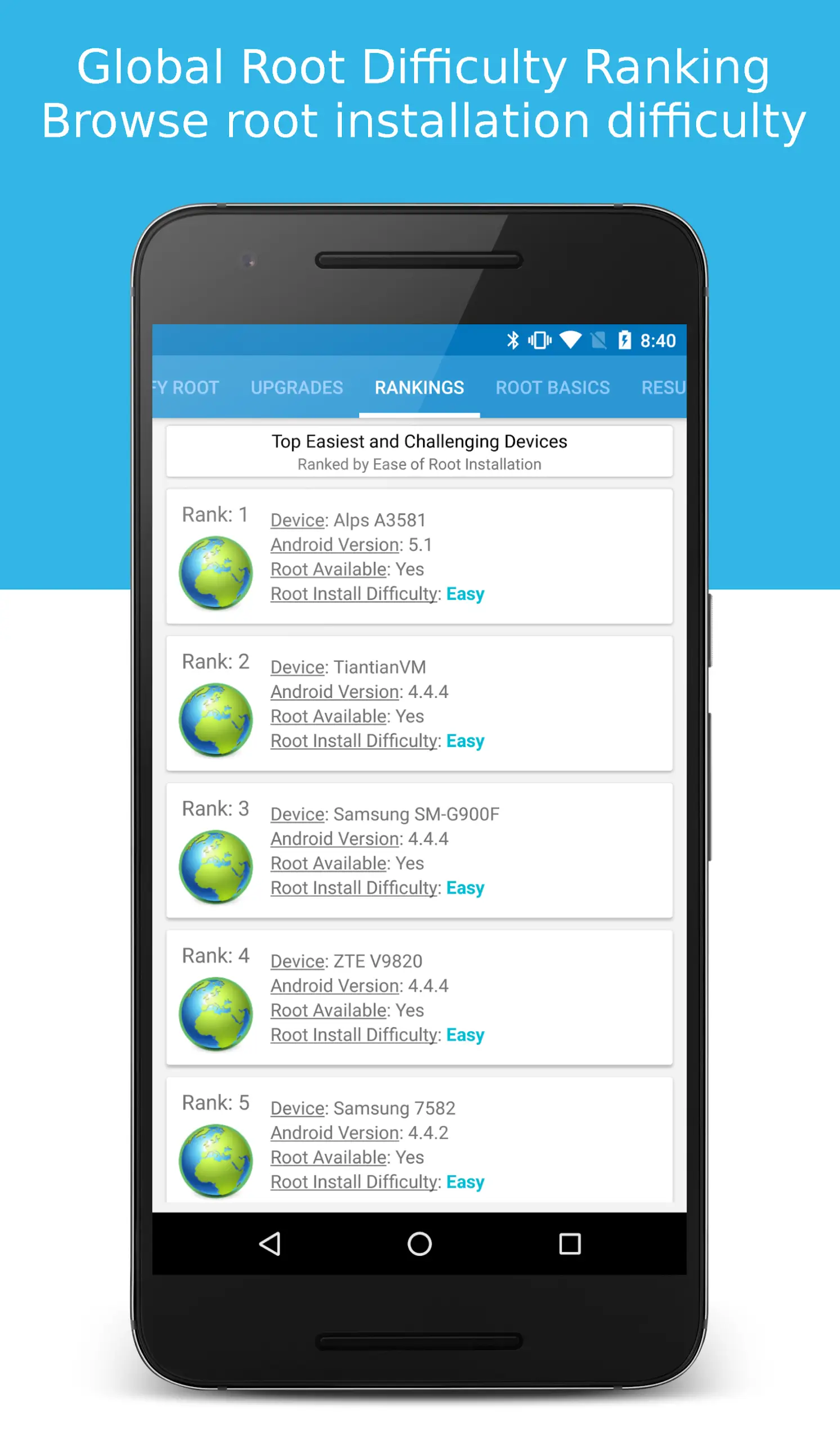
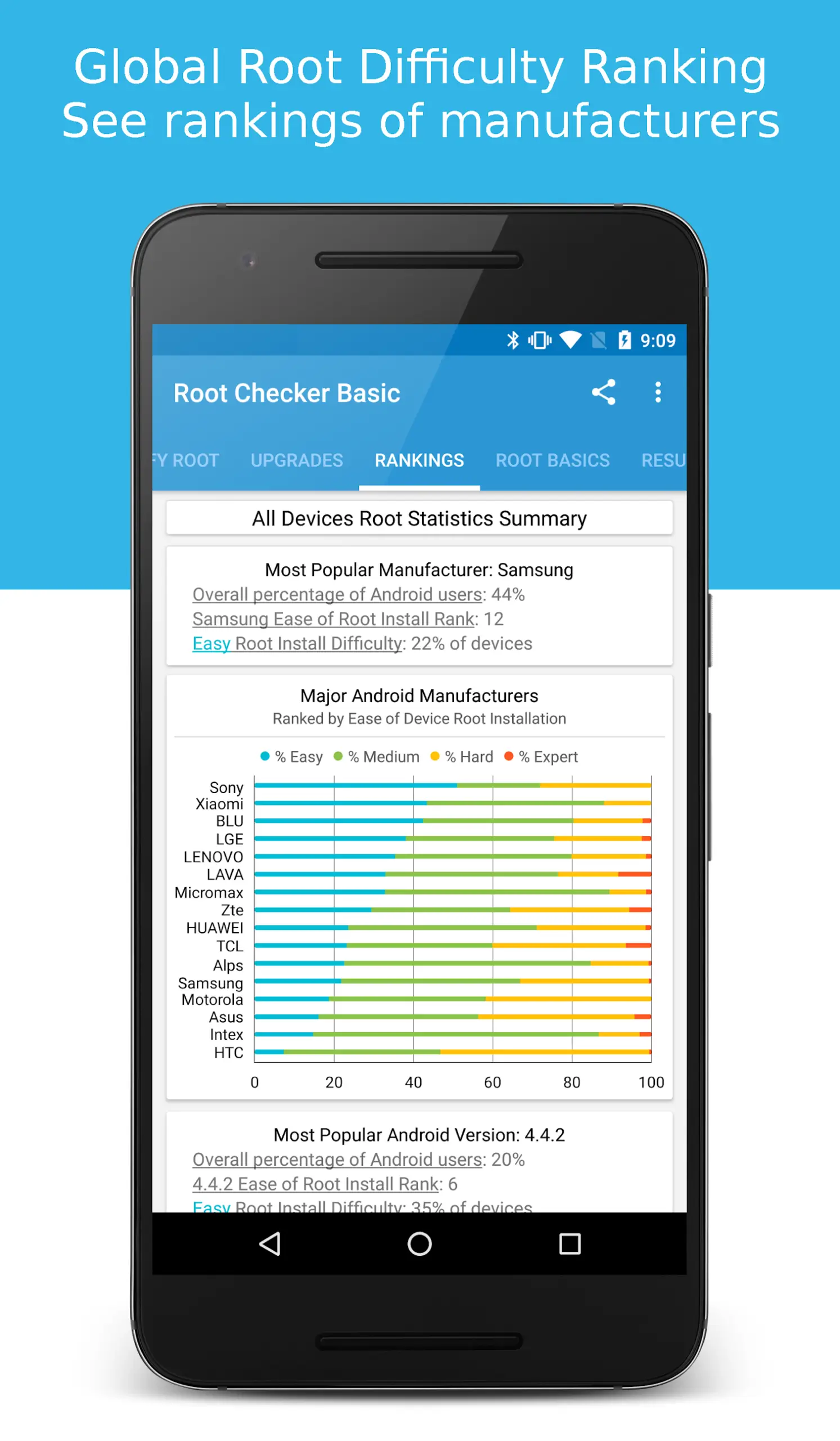
To help you recall previous checks, Root Checker keeps a record of all root permission checks performed through the app. There, you can see the date and time of the request, the result, the duration, the device, and the Android version installed on the device when the check was performed. The app also incorporates rankings where you can see the results obtained by other devices similar to yours, as well as guides and tutorials related to the rooting process. These tutorials can teach you what rooting is, the reasons for doing it, and what you need in order to carry it out successfully.
Consult the SU binary and the superuser manager
With Root Checker you can find out if the SU binary, the key component for granting root permissions on Android, is installed in the right place in your system. Additionally, if you have superuser management apps like SuperSU, Superuser, or Magisk, these should display a notice asking you for permission when Root Checker requests to root. If you accept the request, the app can confirm that the manager is working as it should; if you deny it, it will state that root access has not been granted, which helps you diagnose permission issues.
Pros and Cons:
Pros
Shows your device status with one quick tap
Maintains a history of your previous system checks
Works reliably on a variety of Android models
Handy for checking second-hand phones after purchase
Cons
Only checks your status and cannot perform any system changes
FAQs:
What does Root Checker actually do?
Root Checker verifies whether your Android device has root access by checking for the presence of necessary files and permissions.
Will Root Checker root my device?
No, Root Checker only checks for root access; it does not perform the rooting process itself. Rooting requires separate procedures and tools.
Is Root Checker safe to use?
Yes, Root Checker is designed to be safe. It only requests the necessary permissions and does not collect any personal data.
Conclusion:
Verify proper root (superuser or su) access is configured and working using Root Checker! Free, fast, easy, and used on over 50 million Android devices, Root Checker shows the user whether or not root (superuser) access is properly installed and working.This application provides even the newest Android user with a simple method to check their device for root (administrator, superuser, or su) access. The application provides a very simple user interface that easily notifies the user whether or not they have properly setup root (superuser) access.
-
Latest Updates
-
Featured Apps