Sketchbook
Tools
2026-09-19
78.64MB
6.2.6
Android
551
Screenshots
Introduction
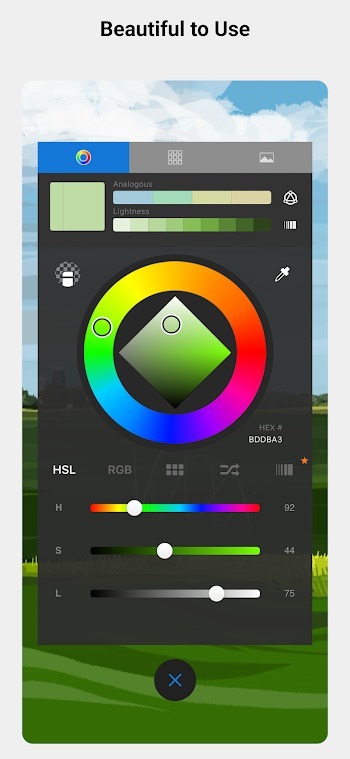
Sketchbook is a drawing tool designed for Android devices, enabling users to create professional-quality artwork right on their phones. The app offers a comprehensive suite of drawing tools, including brushes, rulers, and color-related utilities. It also features extensive customization options, allowing users to tailor brush shapes and textures to their specific drawing habits and preferences; these settings can be saved for quick access to one's preferred style. Additionally, the app supports flexible layers with blending modes, enabling users to separate line art, flat color fills, and special effects, thereby keeping their artwork organized and structured.
Features:
Natural drawing tools
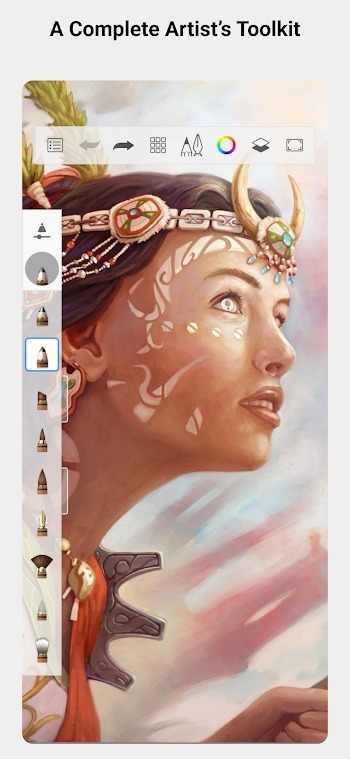
Sketchbook simulates familiar media so strokes feel intuitive. Pencils, markers, airbrushes, and smear behave like real tools, which helps you adjust pressure and movement as you draw. This natural response reduces the need for constant tweaks and keeps your rhythm steady.
Brushes you can tailor
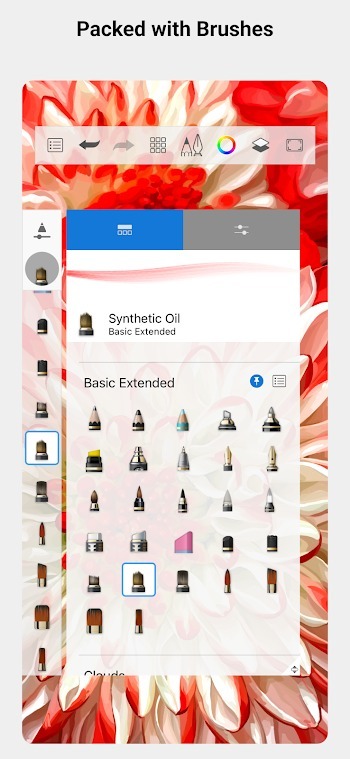
You can customize brush shape, texture, and flow to match the way you draw. Adjusting these settings lets you switch from crisp lines to soft shading without leaving the canvas. Saved preferences help you return to a setup that fits your style.
Guides and rulers for accuracy
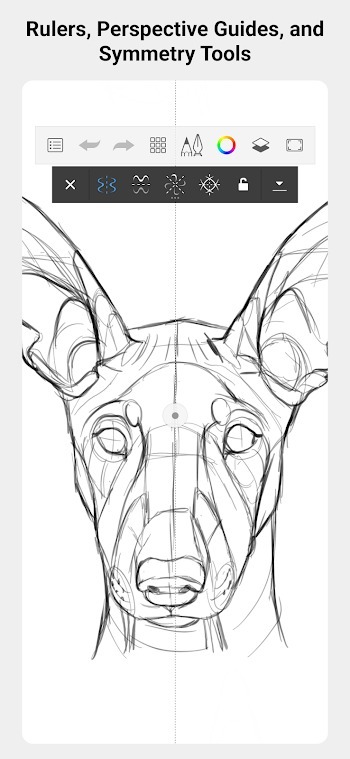
When structure matters, Sketchbook provides guides, rulers, and stroke tools. You can place straight lines, mirror strokes with symmetry, and build clean shapes at any scale. These aids help map perspective and maintain proportions while you sketch.
Flexible layers with blend modes
Sketchbook supports a layer-based workflow so you can separate line work, flats, and effects. Blend modes offer control over how colors interact, which makes it easier to test tones and lighting without altering your base layer. This approach helps with revisions and keeps changes organized.
Distraction-free workspace
The interface stays uncluttered so the canvas stays front and center. You can tuck palettes and tools out of the way to maximize room while you draw. Bringing panels back is quick, which keeps both focus and speed balanced during a session.
Highlights:
The most comprehensive art studio
When you open Sketchbook, you will find a wide range of brushes, pencils, and airbrushes, all of which are customizable. This app allows you to adjust everything from flow and opacity to stroke texture, helping you create smooth gradients or more technical shading. What's more, the layer system with different blending modes makes it much easier to work without fear of ruining your initial sketch.
Technical precision for illustrators
If your thing is character design or architecture, Sketchbook also offers precision tools that will make an even greater difference than other alternatives. Perspective guides, rulers, and predictive stroke tools will help you draw lines and geometric shapes with precision. This way, you will be able to demonstrate your potential by applying your knowledge to industrial and product development.
Pros and Cons:
Pros
Various art tools available
Create layers
Zoom in and rotate art works for a better view
Files can be saved in PSD format
Cons
No presets and filters
Drains battery fast
FAQs:
What is Sketchbook?
Sketchbook is a drawing app for Android, made for sketching, painting, coloring, and creating digital artwork with brushes, layers, rulers, and color tools.
What is Sketchbook APK used for?
Sketchbook APK is used for drawing quick ideas, making digital paintings, creating concept art, practicing linework, coloring illustrations, and editing artwork on a phone or tablet.
Who should use Sketchbook?
Sketchbook is suitable for students, hobby artists, illustrators, designers, and casual users who want a simple drawing app with flexible tools for daily creative work.
Does Sketchbook support layers?
Yes, Sketchbook supports layers, which helps users separate outlines, colors, shadows, highlights, and backgrounds for easier editing and cleaner artwork.
Conclusion:
Sketchbook is a must-have app for anyone who loves digital drawing and painting. It provides a rich array of features that make the drawing experience seamless and enjoyable, whether you are a beginner or a professional. The app’s intuitive interface and advanced tools allow users to focus on their creativity without distractions.





-
Latest Updates
-
Featured Apps