Screenshot touch
Tools
2026-08-07
10.77MB
2.7.8
Android
232
Screenshots
Introduction
Screenshot Touch is a screenshot tool for Android devices. With this app, users can quickly capture the screen and get the content they want simply by tapping it, eliminating the need for cumbersome operations. The app also allows screen recording and integrates audio recording functionality. Furthermore, you can edit screenshots directly, making screenshot management convenient.
Features:
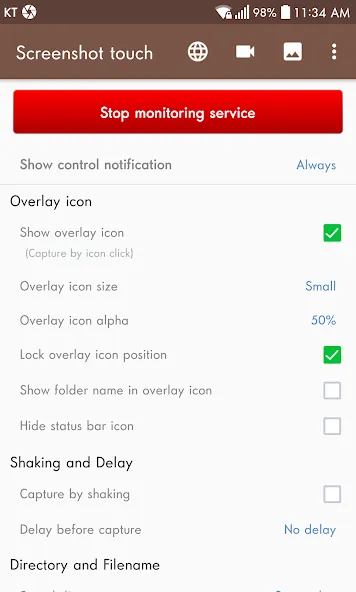
Take screenshots by shaking the terminal.
Change the icon size, transparency and layout.
Delay configuration.
Automatic resizing.
Screen capture in JPEG, PNG, WEBP and HEIF format.
Add shortcuts on the device desktop.
Dark mode.
Take screenshots of complete web pages directly from the app's browser.
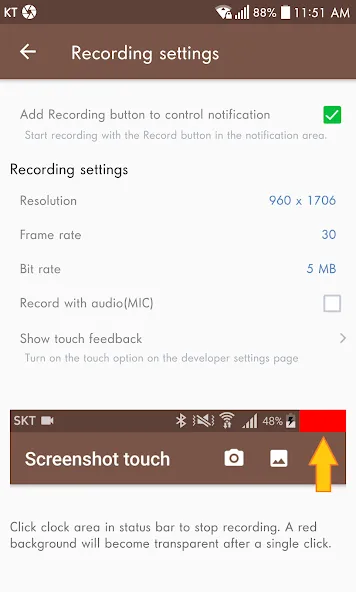
Record video of your screen and customize the characteristics of the clips.
Manage the screenshot gallery.
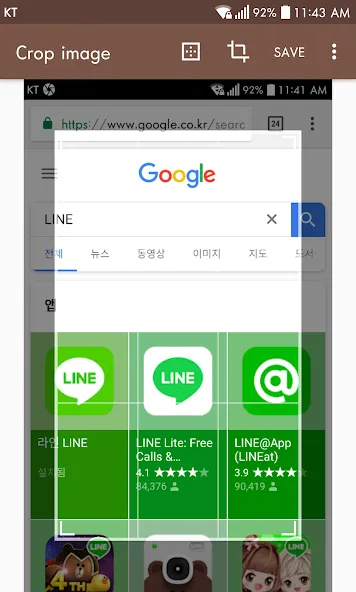
Edit screenshots.
Highlights:
Custom save location: The application gives you a huge storage, with this storage you can store everything in the phone that you want, because the memory is super large and it can hold everything without any problems.
Quality file control: The file format in your application can be adjusted, the application provides you with an editing tool that can convert different file formats quickly. In addition, the quality of the files is also extremely high, giving you the best results.
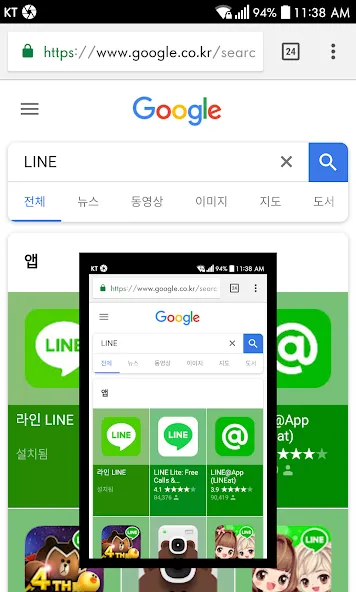
Timed capture feature: You can also take screenshots quickly by simply touching the screenshot without having to do difficult operations like before. Just touch the screen, and you can capture what you want on the screen.
Efficient folder creation: You can create subfolders to categorize the applications on your phone. You can put game apps in the same folder so you can easily find and access the games you want to play.
Automatic screenshot sorting: The app will also automatically rearrange screenshots by time, and you can search for the photos you took earlier faster and more conveniently.
No manual organization: With this app, you don't need to manually arrange like before, the app will automatically arrange and do everything for you without you having to do anything.
Pros and Cons:
Pros
Multiple capture methods (notification, overlay, shake)
Integrated screen recording with audio
Powerful editing and markup tools
Scroll capture for complete web pages
Flexible screenshot organization with multiple folders
Minimal, non-intrusive ads
Highly reliable across devices and Android versions
Cons
Cannot capture secure (protected) screens
Some advanced features require in-app purchase
Setup for scrolling capture may require initial guidance
Tips and Tricks:
Utilize Floating Widget
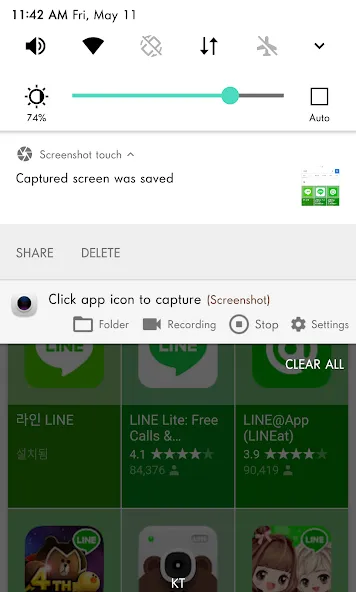
The floating widget allows you to capture screenshots instantly without navigating to the app, saving time and effort.
Experiment with Annotation Tools
Take full advantage of the app's annotation features to create visually appealing and informative screenshots.
Regular Updates
Ensure you keep the app updated to enjoy the latest features and security improvements.
Conclusion:
Screenshot Touch is a handy app that it'll allow you to draw on any screenshot you've taken. That way you can quickly underline texts or important screen elements to draw attention to them.. It turns capturing websites, screenshots or videos of your screen, etc ... into a very simple process.
-
Latest Updates
-
Featured Apps