Samsung Camera
Photography
2026-07-23
61.28MB
17.0.00.12
Android
228
Screenshots
Introduction
Samsung Camera is the pre-installed camera app on Samsung smartphones, but it has also been optimized for compatibility with other Android devices. This powerful app boasts fast startup and quick focusing, ensuring users don't miss a single moment. It also includes a variety of filters and editing tools for quick photo enhancement. The intuitive interface makes it easy to find various camera functions, offering excellent usability and convenience. If you simply want to take photos quickly and easily, Samsung Camera is the perfect choice.
Features:
Fast capture with a clean interface
Samsung Camera opens quickly and focuses fast, so you can take a photo in a moment. The interface uses clear icons and simple gestures that keep the viewfinder uncluttered. This helps you stay focused on the scene without digging through menus.
Optimized for Galaxy sensors and One UI
Samsung Camera is tuned for Galaxy sensors, lenses, and processing. It works closely with One UI controls, so zoom, modes, and settings feel consistent across your phone. As a result, supported Galaxy models deliver stable performance and reliable image quality.
Advanced shooting with Expert RAW support
On supported devices, Samsung Camera connects with the companion Expert RAW app for RAW capture and pro style editing. You can move from standard shooting to manual control and 16 bit RAW files when your project needs more flexibility. This creates a smooth path from quick snaps to detailed post processing.
Improved low light and night results
Samsung Camera helps in dim scenes with multi frame processing and stabilization options on capable phones. Night mode is easy to find and it balances exposure and noise. Therefore you can capture clearer photos when light is limited.
Built in maintenance and updates
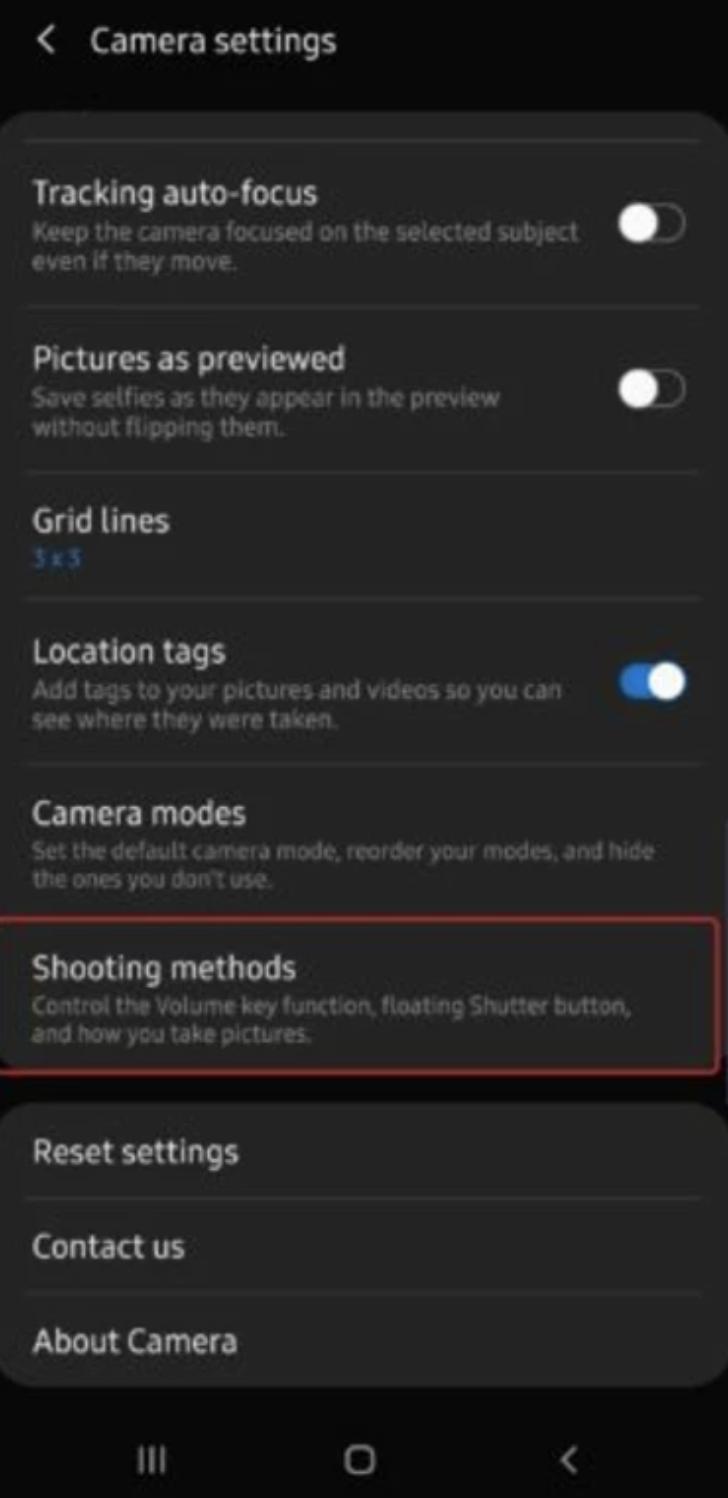
Samsung Camera includes tools that help you resolve common issues. You can reset settings in the app if something looks off, and you can check About Camera for updates. These steps often fix errors such as Camera Failed or preview not showing.
Clear privacy and permission controls
Samsung Camera follows the system Camera access toggle and app permissions. You can review permissions in Settings whenever you need to. This gives you straightforward control over what the app can access.
Highlights:
One of the main features of Samsung Camera is its Pro mode, which allows users to manually adjust settings like ISO, shutter speed, white balance, and exposure compensation. This gives photographers more control over their shots and helps them achieve professional-looking results. Additionally, there are several preset modes available for different scenarios such as food photography, night scenes or portraits.
Another great feature of this app is its ability to shoot in 4K resolution video with HDR capabilities. It also has slow-motion recording options at up to 960 frames per second (fps) which can produce stunning effects when played back at regular speed.
Samsung Camera also includes various filters and editing tools so that users can enhance their photos without leaving the app. You can crop your images, add text overlays or stickers, adjust brightness/contrast/saturation levels and much more.
Pros and Cons:
Pros
Makes snapping pictures easy and quick
Solid focus on mainstream camera features
Capable built-in image editor
Regularly updated
Cons
Not ideal for serious smartphone photographers
Certain alterations could be too dramatic
Doesn’t offer a lot of manual controls
No GIF or histogram support
Tips:
Samsung Camera is the pre-installed camera that all Samsung smartphones use to take pictures. You can take a picture in a matter of seconds to immortalize any moment of your life with the click of a button.
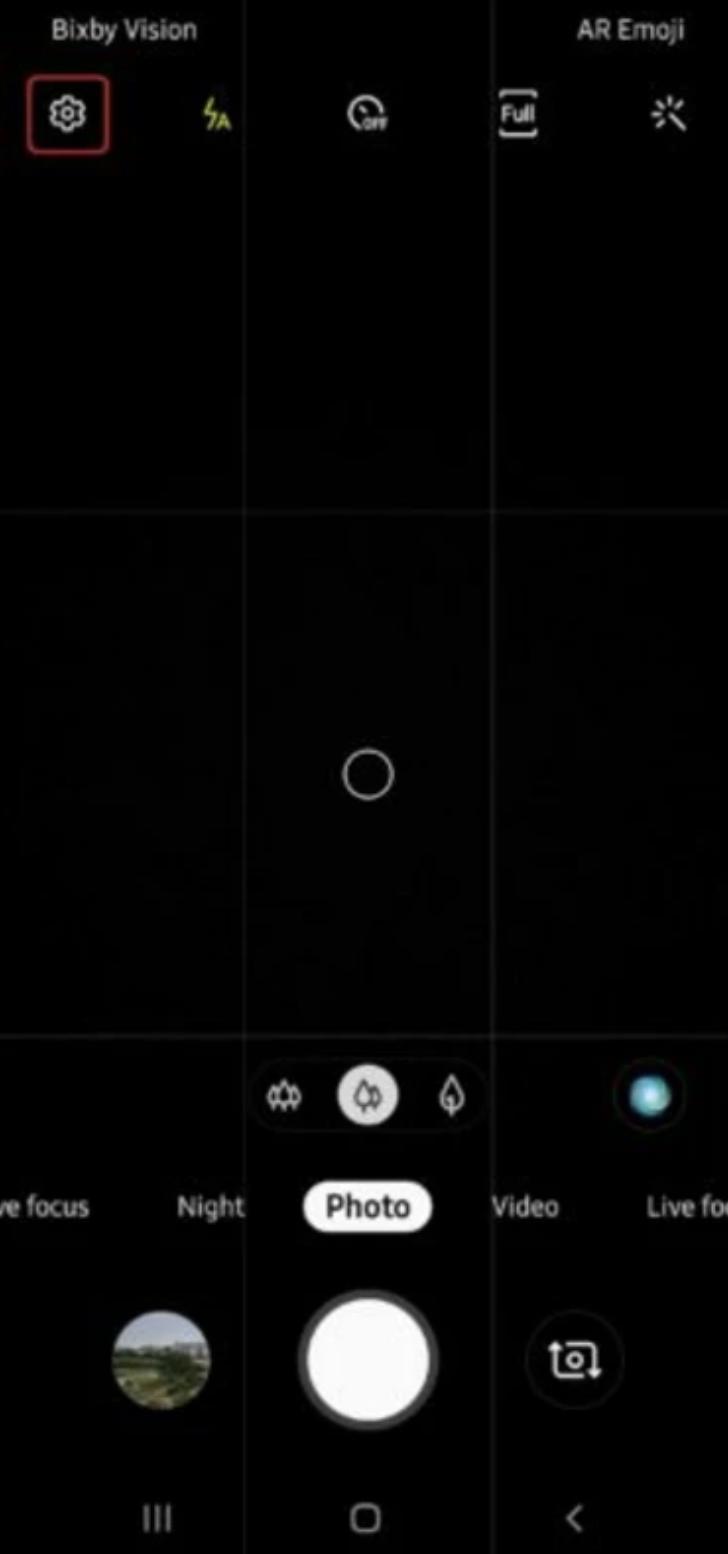
From the main settings menu, you can modify certain values that let you control the level of light, apply filters or use a chronometer, among many others. In order to discover them or apply any of them, just tap on any of the different options to activate them.
On the other hand, Samsung Camera lets you take pictures using the front or back camera, using the flash if needed or record a video. All these features are also distributed on either side of the screen, so taking a picture using the correct features is really easy. Tap on these features to access them in seconds and don't ever miss the chance to take a good picture.
Conclusion:
Samsung Camera is a versatile and user-friendly application designed for capturing high-quality images and videos on Android devices. Featuring an intuitive interface, it allows users to effortlessly access various camera functionalities, including light adjustments, filters, and a timer. The app supports both front and rear cameras, making it suitable for all types of photography, from selfies to landscapes. Additionally, the built-in image editor enhances the post-processing capabilities, allowing users to refine their shots directly within the app.
-
Latest Updates
-
Featured Apps