Root Explorer
Productivity
2026-09-14
5.00MB
3.9
Android
598
Screenshots
Introduction
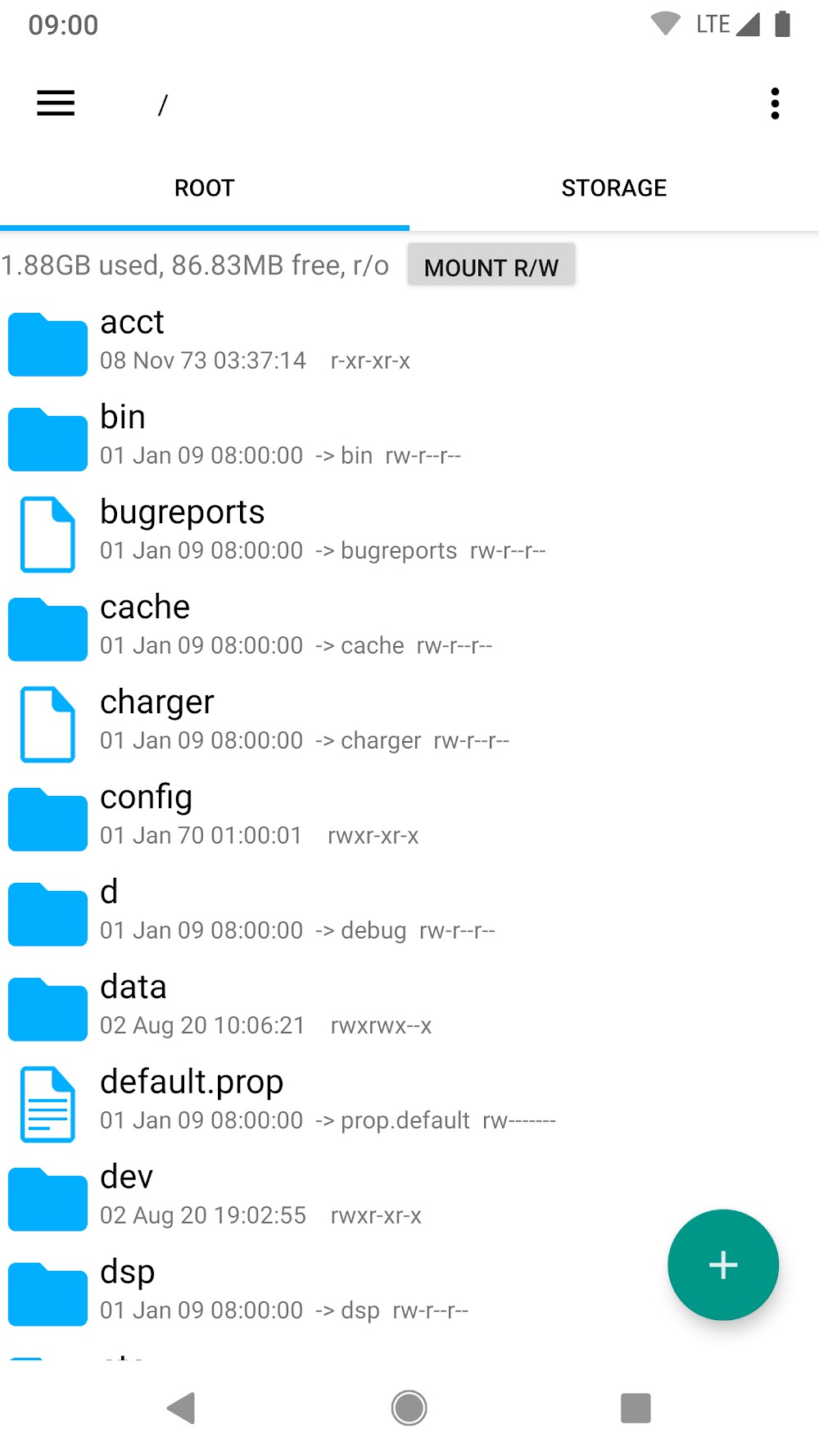
Root Explorer is a highly efficient file management app for Android that offers full access to the file system, helping users handle a wide range of tasks and boost productivity. Users can store large numbers of files, tag them for easy organization, and access them quickly. The app supports various file formats and allows users to compress files into archives for storage or conversion. With its clean, user-friendly interface, the app is easy to pick up and use; it simplifies file management—including viewing hidden folders and organizing files—and can even serve as a helpful learning tool. It is a mobile application designed specifically for Android devices.
Features:
Access All Files: Unlike standard file managers limited to modifying specific data areas, Root Explorer grants full access to hidden data within the root directory.
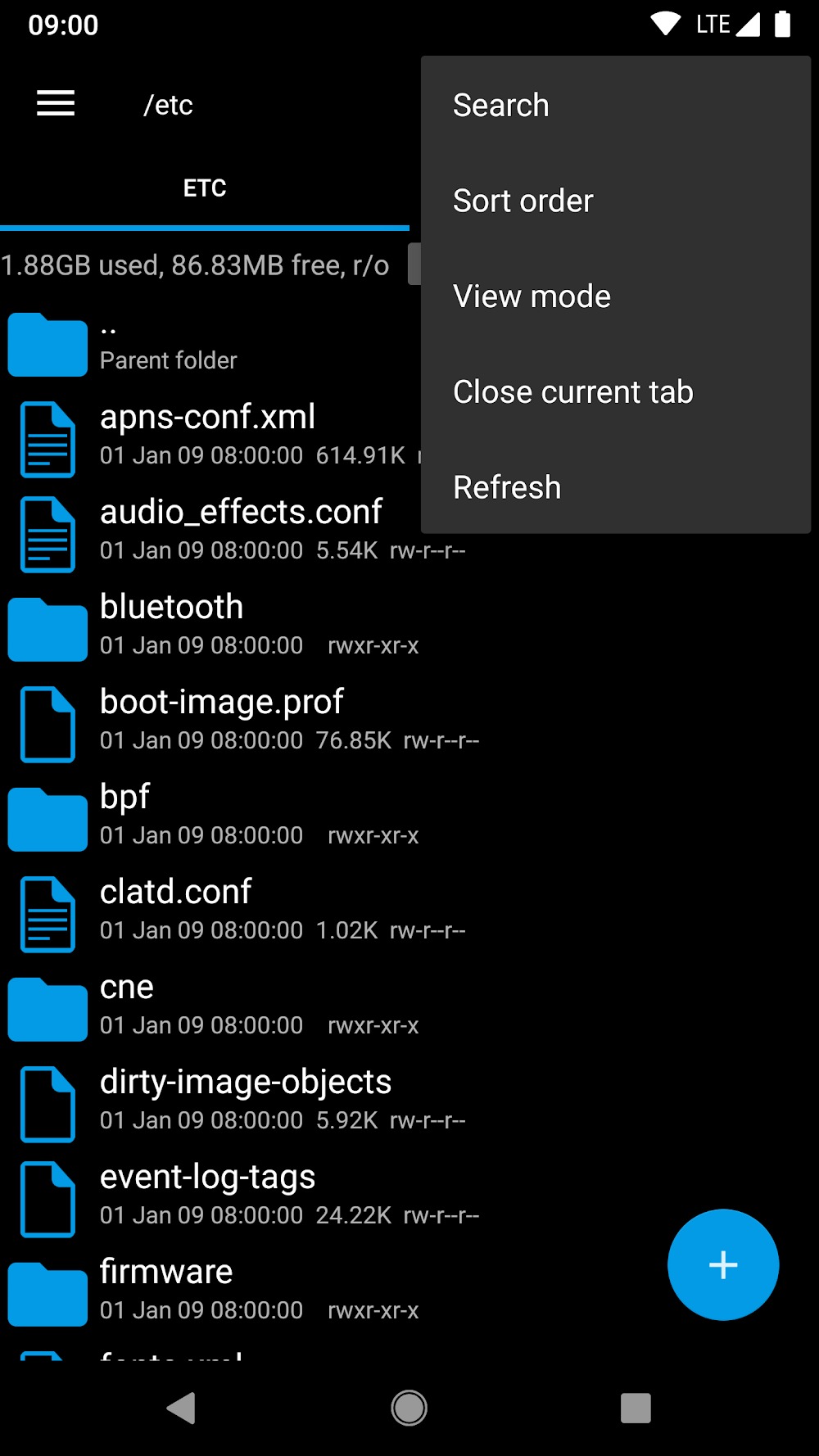
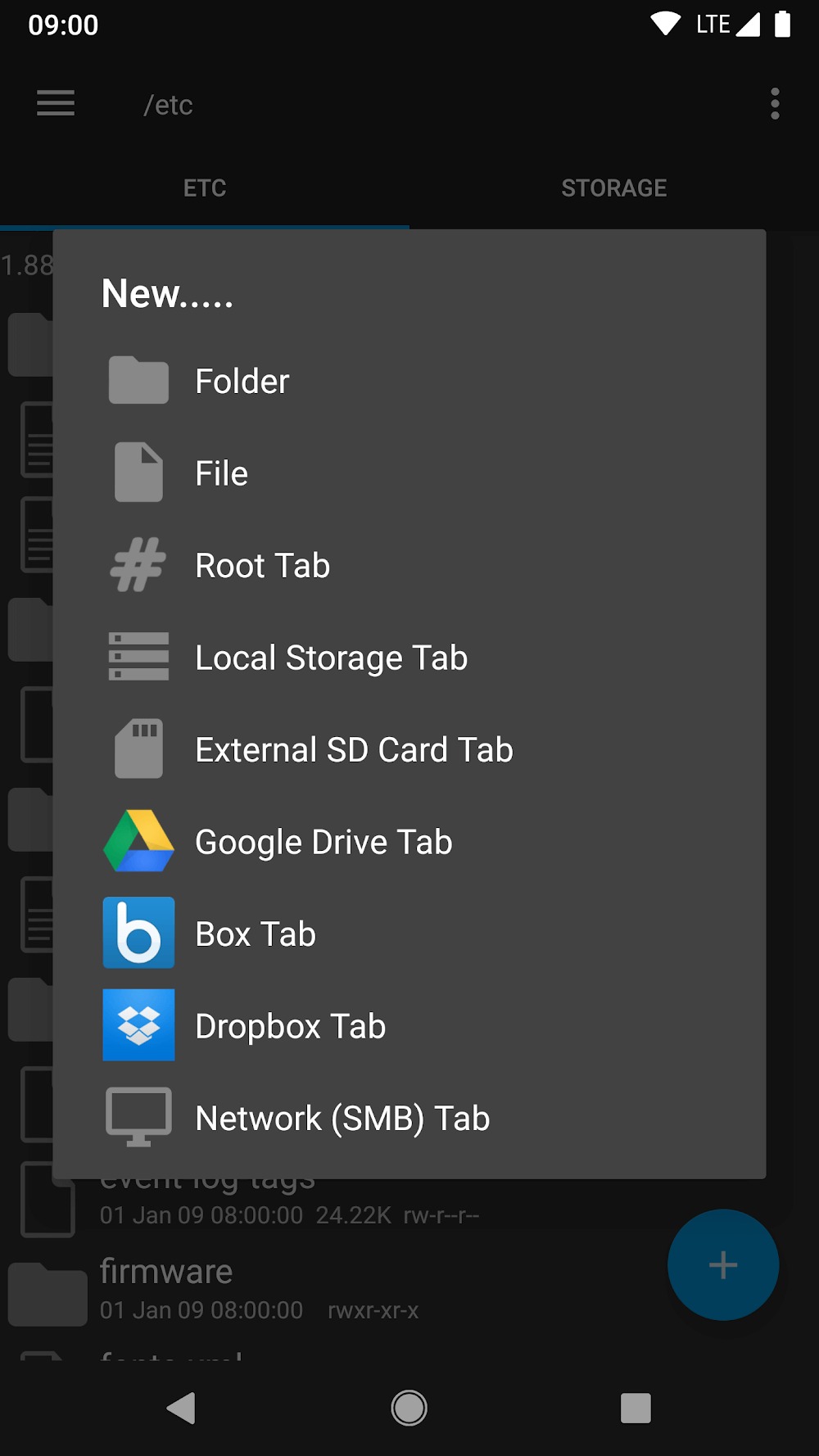
Multi-tab Support: Just like a web browser! This feature lets you quickly switch between different locations on your device without losing your place.
SQLite Database Viewer: For those familiar with databases, this built-in viewer makes managing them a breeze!
Text Editor: Need to quickly edit a configuration or text file? No need for external apps; simply use Root Explorer's built-in text editor.
Zip/RAR Support: Easily open ZIP or RAR files directly within the app—no separate extraction tools required!
Cloud Storage Integration: Access your Dropbox, Google Drive, or Box accounts directly from the app, making it effortless to manage both online and offline storage.
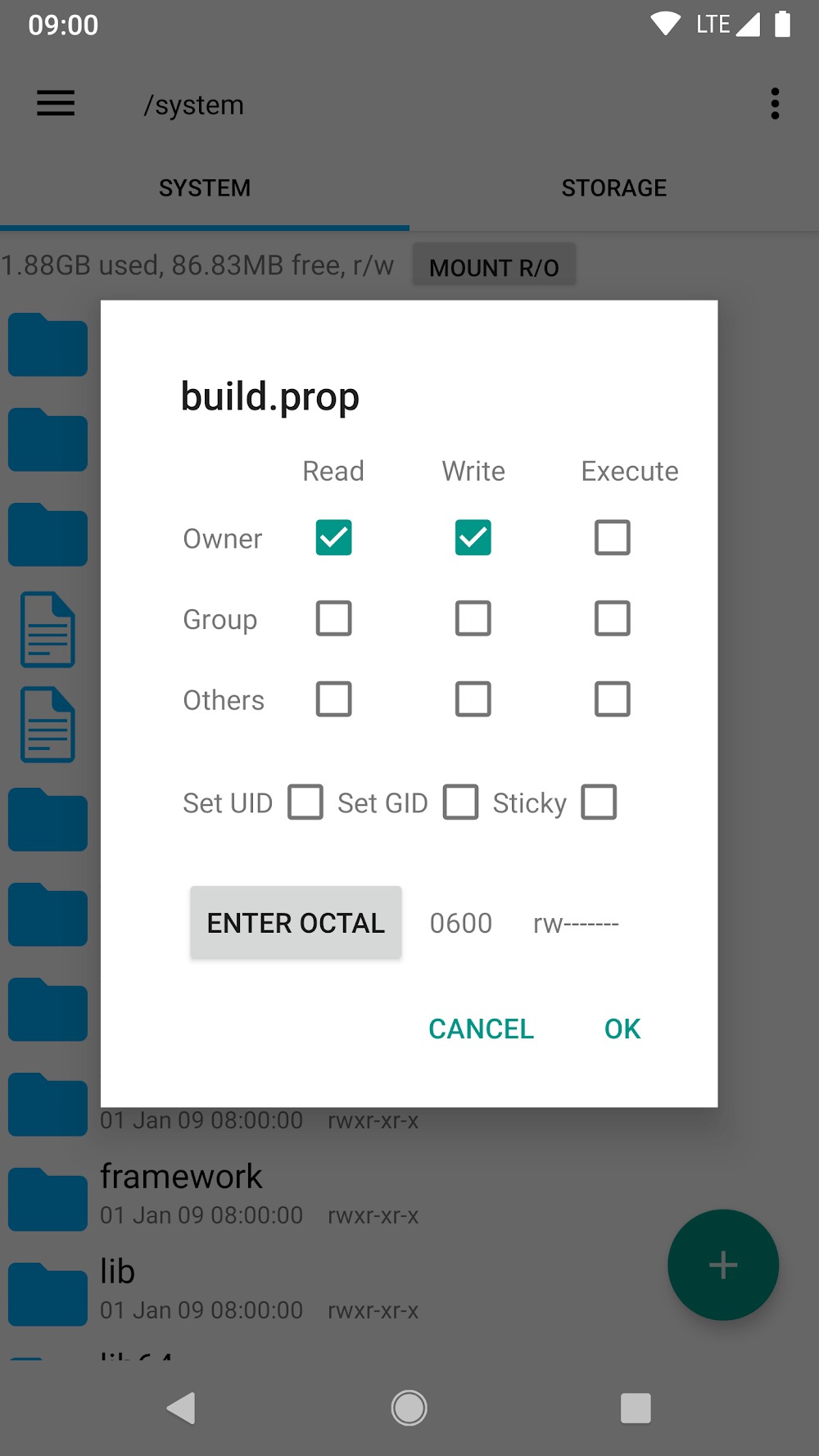
Permissions Modifier: Quickly adjust permissions associated with various apps—but remember, with great power comes great responsibility!
Highlights:
Manage device files just like on a desktop.
Includes options for cutting, copying, pasting, moving, deleting, renaming, searching, sharing, sending, locking, and bookmarking files.
Supports the use of multiple tabs.
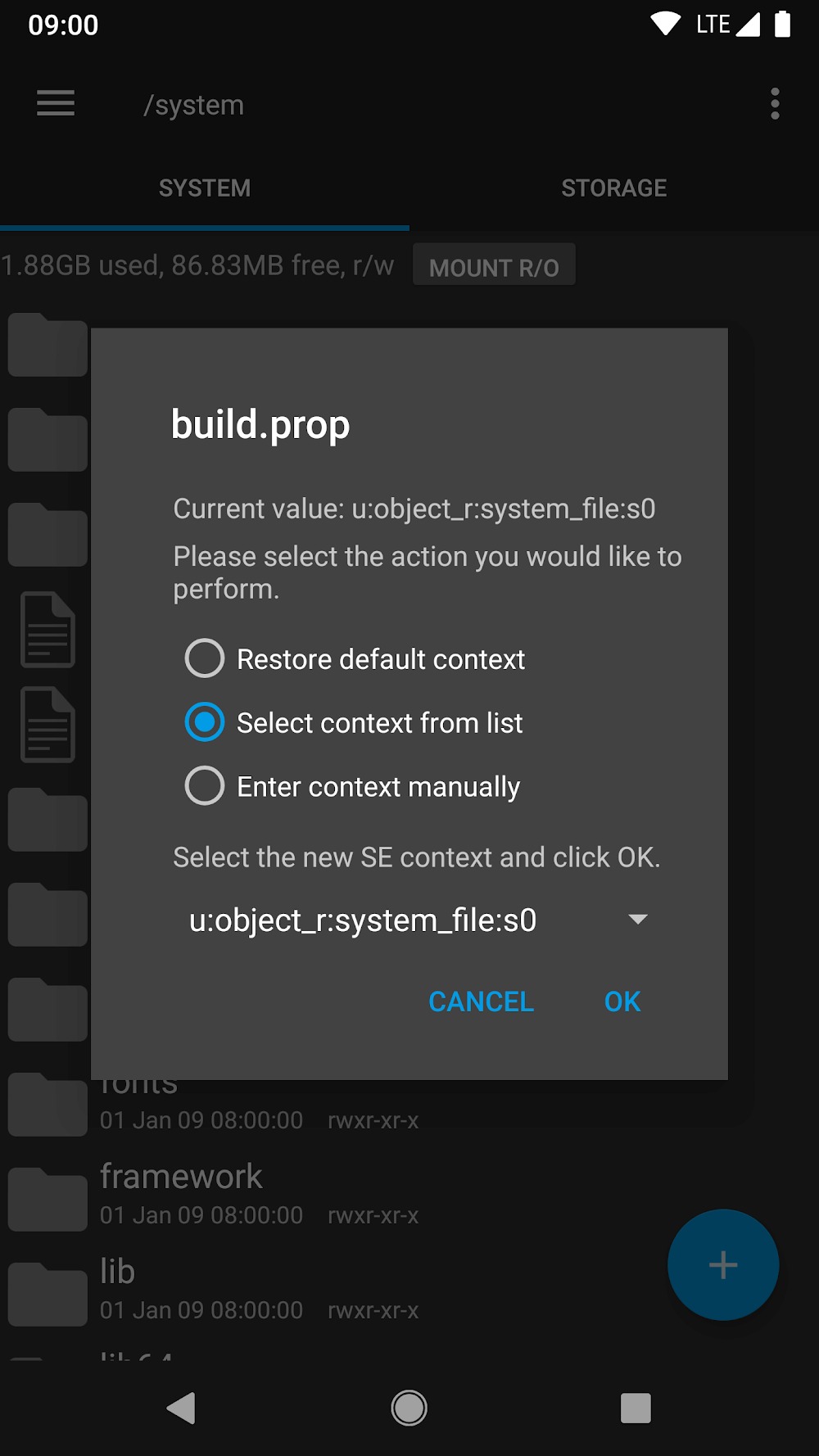
Allows access to the root folder and to change permissions if you are a superuser.
Features a fast search function for finding files on the smartphone easily.
It is a powerful but lightweight app.
The interface can be modified with 6 different themes.
A text editor that supports HTML and XML text files.
Open compressed files in rar, zip, tar, 7zip, and winrar.
If users want more options, there is a much more complete Premium version available.
FAQs:
What is Root Explorer?
Root Explorer is an advanced Android file manager designed for rooted devices, allowing users to access, modify, and manage system-level files and directories.
Is Root Explorer safe?
Yes, it is safe when used correctly. However, modifying system files without sufficient expertise can lead to device instability, so creating a backup is recommended.
Does Root Explorer require root access?
Yes, root access is required to unlock its full functionality, including viewing hidden directories and editing protected system files.
What features does Root Explorer offer?
It includes multi-tab browsing, a text editor, archive support, SQLite database viewing, permission management, and cloud or network integration.
Advantages and disadvantages:
Pros
Broad device compatibility
Cloud storage and network integration capabilities
Feature-rich
Transparent 24-hour refund policy
Responsive customer support
Cons
Includes paid features
Summarize:
If your device is rooted and you are looking for a file manager that handles complex tasks efficiently without feeling cluttered, Root Explorer APK is worth your attention. It offers a perfect blend of control, structure, and flexibility, integrating seamlessly with a rooted Android system. For users aiming to unlock their device's full potential, it provides a reliable solution.





-
Latest Updates
-
Featured Apps