Smallpdf
Productivity
2026-09-26
307.81MB
1.71.0
Android
168
Screenshots
Introduction
Smallpdf is a PDF management app for Android devices that allows for quick scanning of documents and photos, conversion to PDF format, the creation of PDF albums from your photo gallery, and the merging of multiple files. It compresses files to save storage space on your phone and features a user-friendly interface that supports digital signatures. Users can get up and running quickly and take advantage of cloud storage capabilities. The app ensures privacy protection and supports cross-platform use, prioritizing user security while offering seamless internet connectivity. There are no limits on file size.
Features
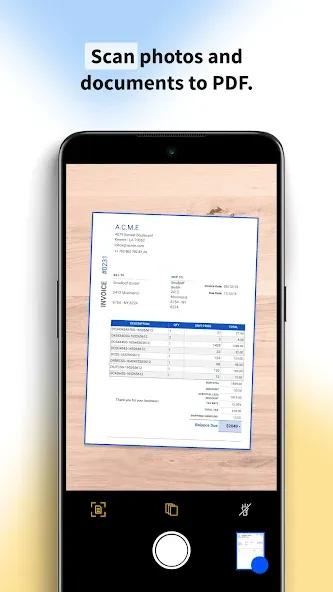
Scan photos and documents to PDF for easy storage and seamless sharing.
Create PDF galleries from your photos in just a few steps.
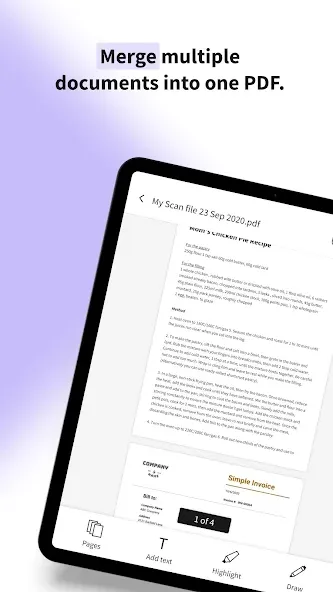
Merge multiple files into one PDF and rearrange pages as you wish.
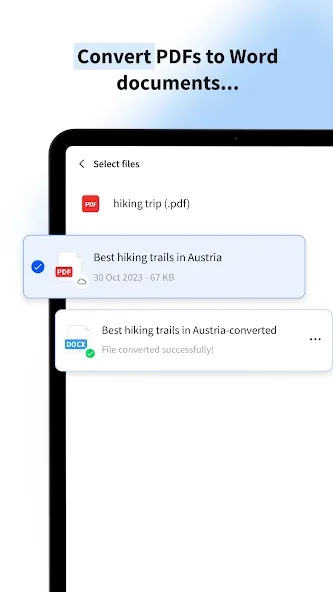
Convert your PDF files to Word documents…
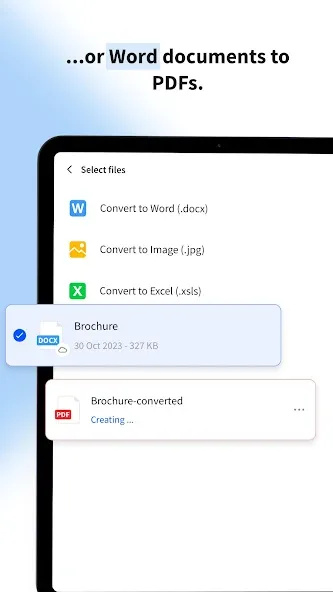
…or your Word documents to PDFs without losing the original formatting.
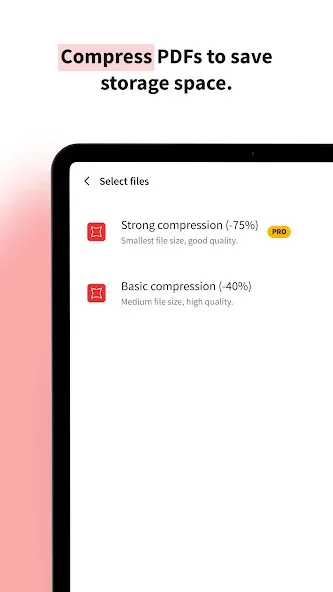
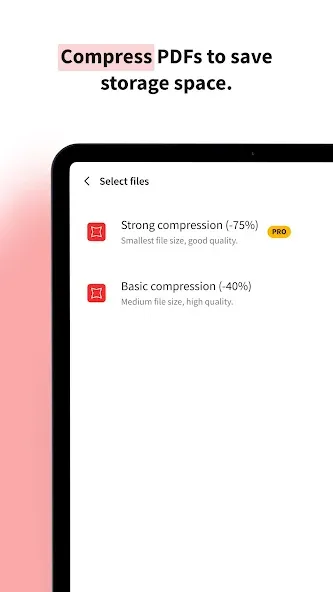
Compress PDFs to reduce their size by up to 75% for easier sharing via email and saving storage space on your phone.
Read, edit, and annotate PDFs.
Sign PDF documents without printing them.
Advantages
User-Friendly Interface: Intuitive and easy to navigate, making PDF tasks simpler than ever.
Cloud Integration: Access and save your files directly from Google Drive, Dropbox, and other cloud services. Local device storage is available too.
Privacy and data protection: All uploaded files deleted 1 hour after processing (unless saved locally or to the cloud)
Cross-Platform Availability: All major operating systems. Available on iOS, Android, and desktop. Work on your PDFs anytime, anywhere.
Fast and Reliable: Quick processing times ensure you can get your work done efficiently.
High Security: We prioritize your privacy and data security, complying with GDPR standards.
FAQS
Q: Is an Internet Connection Required?
A: Certain features may require an internet connection, especially those involving cloud-based operations like file conversion or merging.
Q: Is my data secure?
A: It emphasizes user privacy and data security. Files uploaded to the app are typically encrypted, and the service aims to ensure the confidentiality of users' documents. However, users are encouraged to review the app's privacy policy for detailed information on data security and encryption protocols.
Q: Are there limitations on file size for processing within the app?
A: While the app allows for various operations on documents, there might be certain file size limitations for free usage. Larger files or more extensive features might require a subscription or purchase.
User comments
I was skeptical at first to try this app because it is not mentioned often. The app does everything except let me delete existing text in a pdf. It let me add text, delete pages, rearrange pages, highlight text, and strikeout text. Finally, I was able to extract and merge pages. It was easy to learn since you are able to experiment knowing if it didn't work out you could undo. A robust undo implementation is a must when you are performing many edits to a document.
Stop wasting hours trying to find an app to just help you deal with pdf's because you found it. I have tried tested and then deleted exactly 22 PDF manager apps(yes I know!) Every time they will not let me do what I want to with my files even when they said they would. I am pretty sure a great number of them are actually the exact same app in a different jacket. This will be my last ever one and the only one I ever use now, it does what it says it will & more and even I can use it with ease.
Finally, just what I needed. This app is really easy to use. But I suggest that the "rename" feature should be shown directly after we finished editing, instead of having to rename it after the file has been uploaded (like the system before several updates, quite frankly i prefer the previous version).
Summarize
It is a comprehensive solution for managing PDF documents on the go. With its array of features, from basic compression to advanced editing and file conversion, this app caters to a wide spectrum of user needs. Its intuitive interface and varied tools make it an asset for anyone dealing with PDF documents regularly, whether for work or personal purposes.
-
Latest Updates
-
Featured Apps