Polarr Pro
Photography
2026-10-17
76.75MB
6.11.8
Android 8.0 and up
175
Screenshots
Introduction
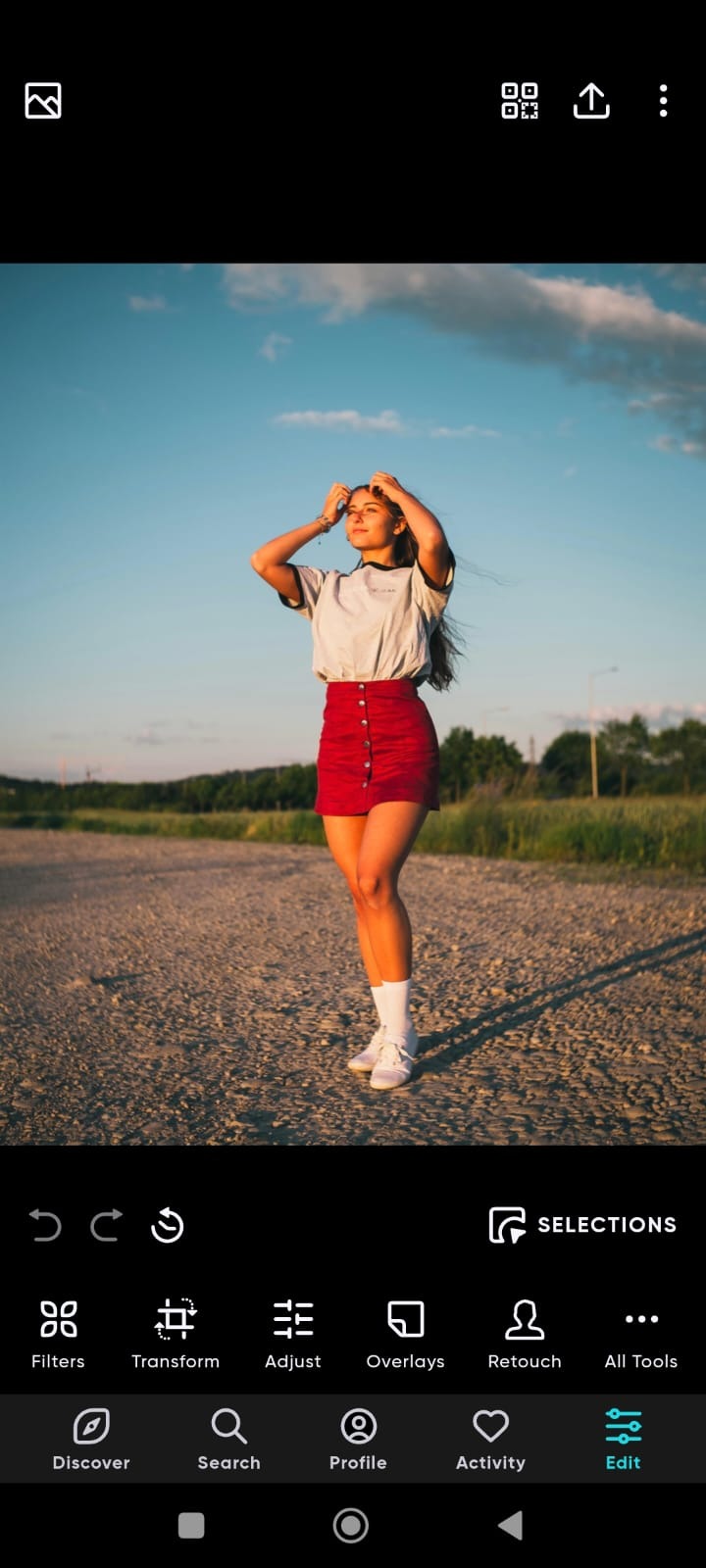
Polarr Pro is a photo editing tool designed for Android devices. It comes with over 100 built-in filters, and you can also create your own. The app allows for the layering of various effects, including weather overlays and textures. It enables quick photo editing and supports color masking, detailed parameter adjustments, and portrait retouching. This version includes professional-grade features, allows for watermark-free exports, and supports the use of QR codes for custom filters.
Features
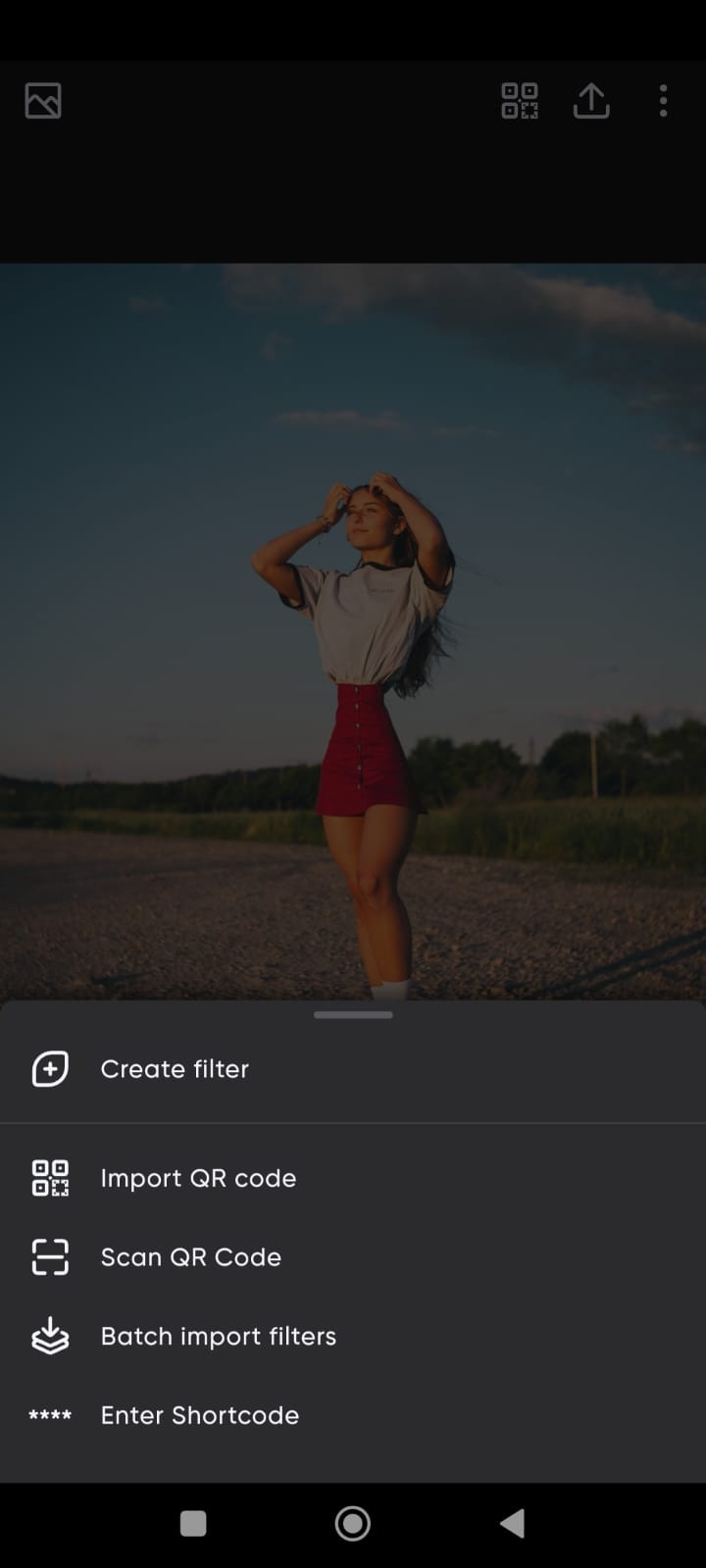
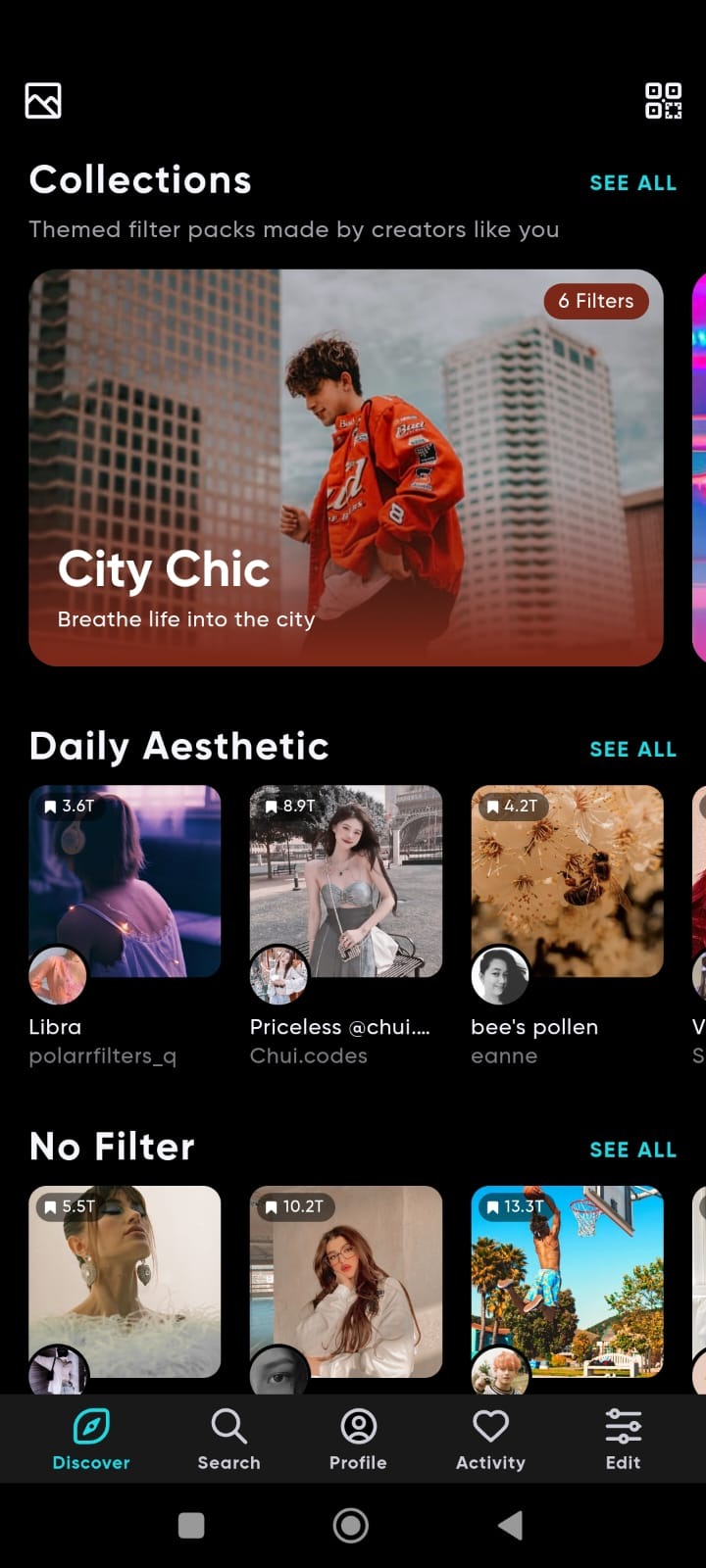
Create Filters: There are more than 100+ filters available in the Polarr Pro app. You can also create filters and save them to use later. Users can also import filters of others when they signup into this app.
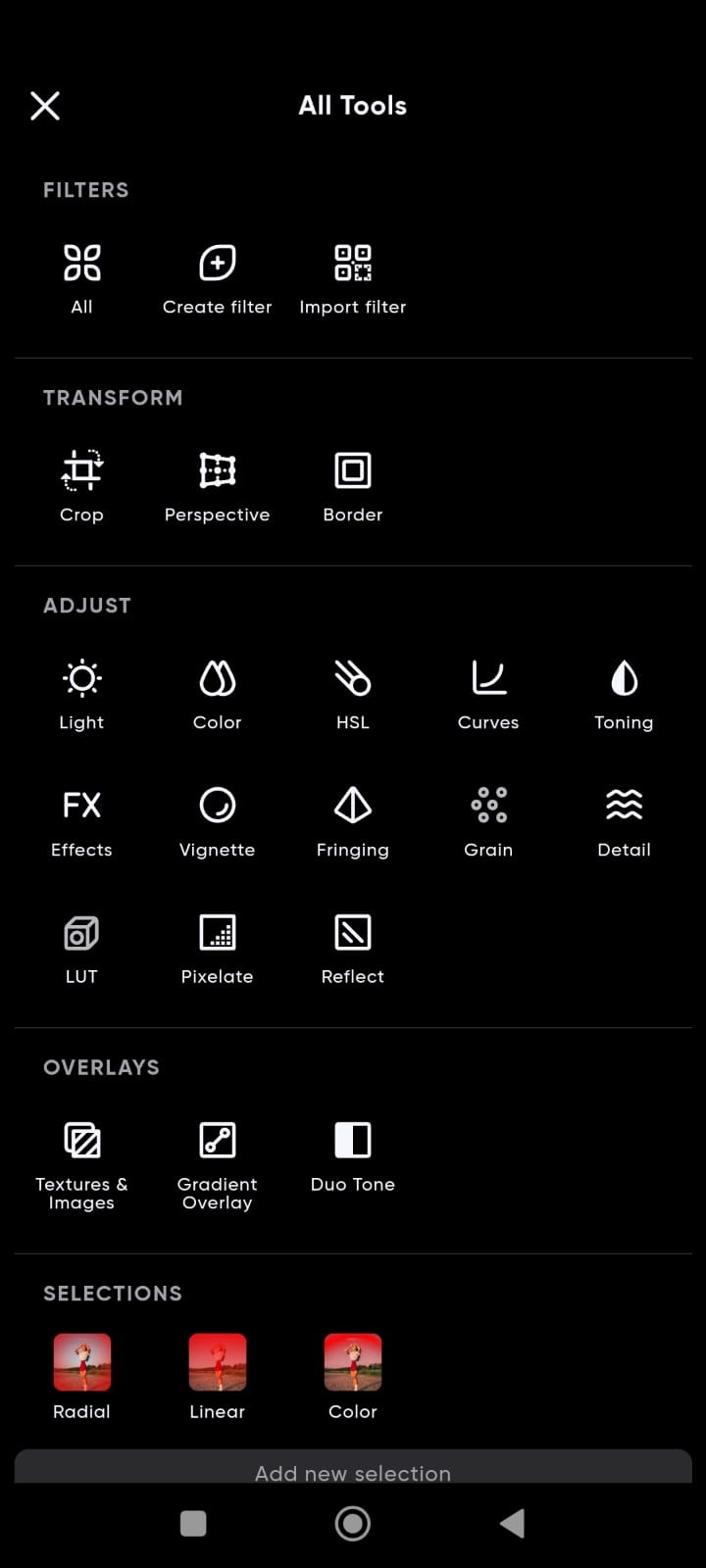
Overlays: There are many overlays, such as Sky, Weather, Clouds, Leaks, Flares, Backdrops, Texture and much more. All overlays can be edited with opacity and other ratios. You can also set gradient overlays and edit their properties.
Previews: This is a pre-edited filter by Polarr Pro and other editors. With the help of Previews, you can easily edit your images with one click. Previews can be very helpful if you want your to image to be edited within a minute.
Colour masks: You can choose the colour or objects separately and change their colour according to your choice. The colour masks can be easily edited both on the overall image as well as separate parts of an image.
Adjustments: You can adjust the minor edits of images such as hue, brightness, colour, light, grain, curves, pixelate, vignette, etc. These adjustments can be changed for separate parts as well as the whole image in Polarr Pro App.
Retouch: Face retouching can be done easily when this app detects the face in the image. Changes in eyes, teeth, wrinkles, skin tone, and much more can be changed in this app.
Pro features Unlocked: This is a mod app where you get all features unlocked and no watermark when you download images after editing from Polarr Pro apk.
Advantages and disadvantages
Pros
Creator filters can include masks, overlays, retouching, and AI-selected objects
Detailed controls for color, curves, HSL, LUTs, and grain
Custom filters are easy to share through QR codes
Selective masks support precise local adjustments
Cons
Many useful tools require a recurring subscription
Performance can suffer on older or lower-spec Android devices
Highlights
Selective AI objects: Sky, Person, Background, Vegetation, Building, Ground, Animal, etc
Selective masks: Brush, Radial, Gradient, Color, Luminance
Overlays: Gradient, Duotone, Weather, Texture, Backdrops, Custom Overlay, etc
Retouch: Skin, Liquify, Face shapes (mouth, teeth, nose, chin, etc)
Global adjustments: Light, Color, HSL, Toning, Effects, Fringing, Details, Curves, Vignette, Grain, LUT
Productivity: Batch photo exports, Face detection, A.I. object segmentation
User comments
The functionality is nearly on par with Lightroom. It would be even better if it could handle DNG files directly on the phone—that would be a massive boost for the G4.
A fantastic app that delivers excellent editing results. I do hope the performance gets optimized, though; it tends to consume a lot of system resources when there are many steps in the editing process.
You can adjust a wide range of colors, create your own color presets, and even import them via QR codes. I find it very straightforward and incredibly useful—highly recommended!
Summarize
Polarr Pro is a photo-editing app that lets you do much more than just use filters and apply small corrections. This app can give a truly professional finish to all your pictures using dozens of different tools to help you achieve the desired result.
-
Latest Updates
-
Featured Apps