
Polarr Photo Editor
Photography
2026-08-24
76.75MB
6.12.0
Android
381
Screenshots
Introduction
Polarr Photo Editor is an advanced image editing software. It features a more user-friendly interface design, making it more beginner-friendly. The system provides tutorials, making it very simple and easy to use. Users can customize their photos, freely choosing settings such as format and brightness to achieve satisfactory results. It also utilizes powerful AI to help users generate high-quality photos with a single click. Users can save or export photos, making life more convenient and powerful, helping users solve everyday problems.
Function:
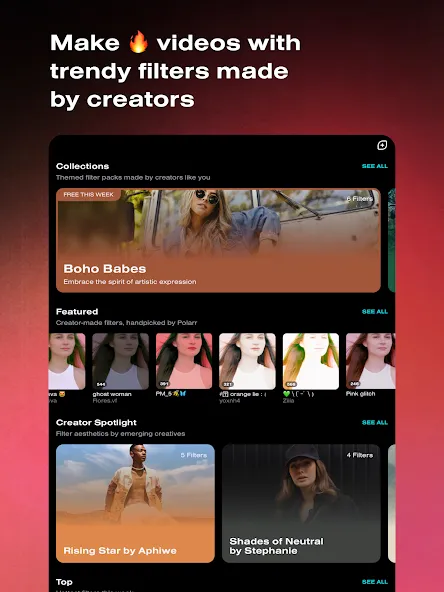
Weekly updates: Filters will be updated weekly to suit user needs. Filters will be renewed so that users can choose and use them for the editing process.
Millions of filters: Researchers and editing experts are researching new filters and currently the application has millions of different filters.
QR codes: Smart application that allows you to create your own filter QR codes to make the search and selection process easier.
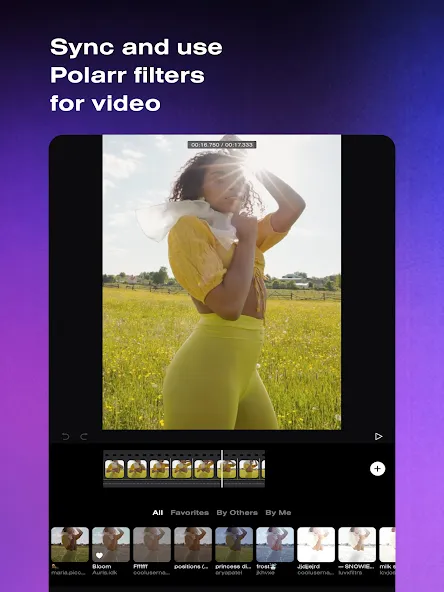
Photo filters: Filters will be used on both images and videos to facilitate the editing process.
Video filters: The application allows you to add different creative filters to photos and 24FPS videos.
Highlights:
Simple and easy to use: Easily enhance your photos and make them stand out with just a few clicks.
Abundant tools and effects: Polarr Photo Editor offers a variety of tools and effects to help you customize your photos and create unique images.
Professional results: Even if you don't have professional editing skills, you can easily achieve professional-grade photo effects with Polarr Photo Editor.
Time-saving and efficient: Editing photos with Polarr Photo Editor is quick and efficient, allowing you to create stunning images instantly.
FAQs:
What is the best Polarr Photo Editor for Android?
This app gives you a wide variety of tools with accessibility to all kinds of platforms across the board. After editing you also get a comparison mode “before” and “after”. This way you get a proper understanding of your edits.
What kind of tools do we get from the Polarr Photo Editor app?
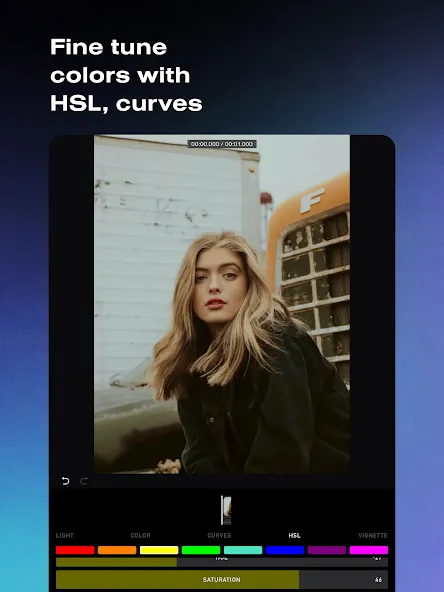
Among the tools, you will find curves, HSL, presets, custom filters, and more. The app is available in both the free version and the Pro. The difference is almost invisible, except for some new filters and effects.
What other effects can we add to our photos with this app?
You can also correct the contrast, brightness, and saturation; subtly change the lighting; adjust the sharpness, perspective, and distortion; apply color overlays, and even create your custom filters.
Advantages and disadvantages:
Pros
Intuitive interface suitable for all experience levels
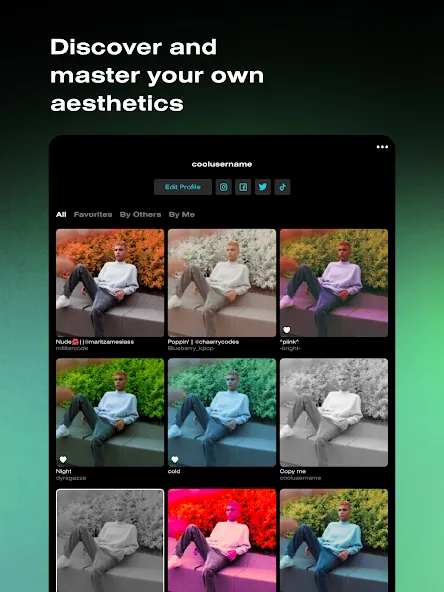
Extensive filter selection with custom filter creation
Innovative filter sharing via QR Codes
Powerful local adjustment and masking tools
High-resolution export capabilities
Cons
Requires devices with higher specs
Conclusion:
Polarr Photo Editor has all the necessary editing tools anyone needs. You can easily create amazing image editing with this app. there are presets that acts as a filter for your image. Once you put your image to edit, will provide 100+ edits to choose from within a second. Download Polarr Photo Editor and create eye-catching photo edits effortlessly.
-
Latest Updates
-
Featured Apps









