
PixVerse
Photography
2026-08-15
123.34MB
3.19.8
Android
546
Screenshots
Introduction
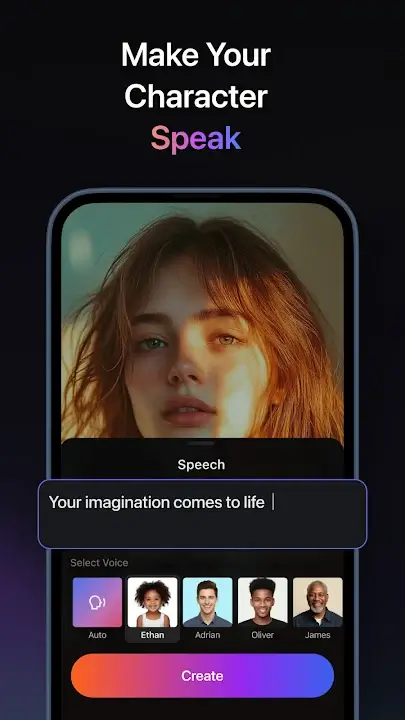
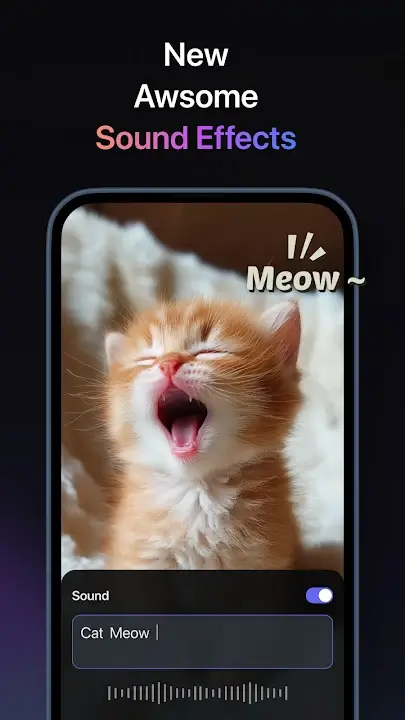
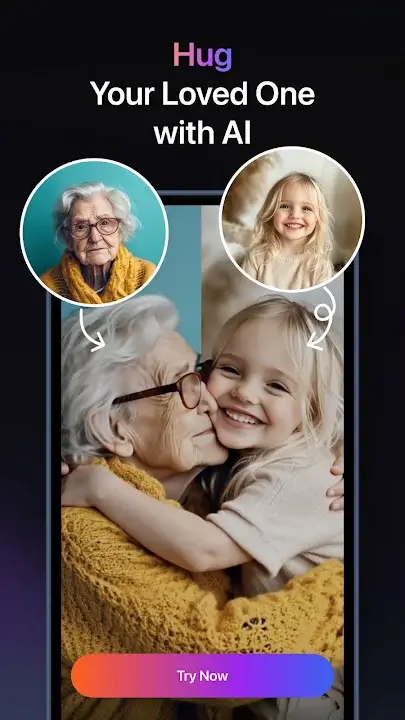
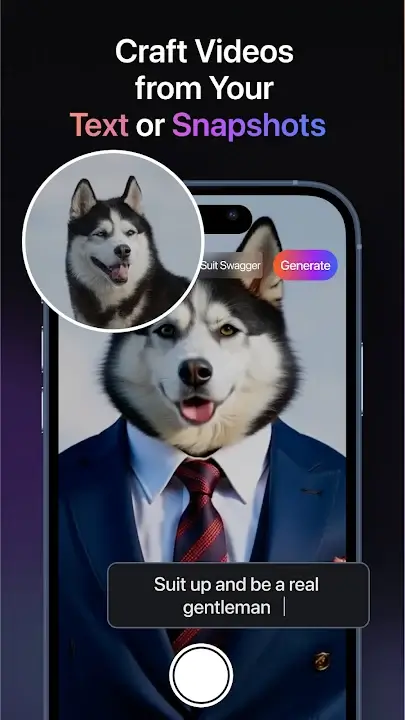
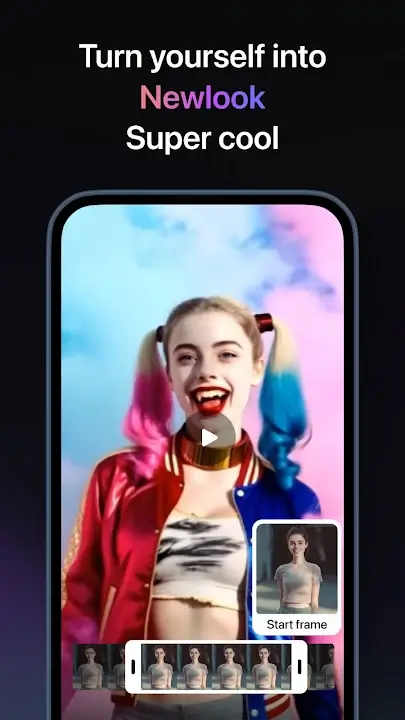
PixVerse is an AI video creation app for Android devices. Powered by robust AI capabilities, it offers great convenience for video creation; users can simply input text prompts to generate high-quality AI images or transform them into cinematic videos featuring various styles. The app also enables users to animate still images into dynamic videos. With a wide range of built-in templates available, the video creation process is streamlined and accelerated. Thanks to AI assistance, the workflow is incredibly simple, significantly boosting efficiency.
Features:
Text-to-Image: Create high-quality AI images from text prompts, including characters, scenes, styles, products, and creative concepts.
Text-to-Video: Turn prompts into cinematic videos in different styles with PixVerse V6 and other advanced AI models.
Image-to-Video: Animate photos and transform still images into dynamic videos.
AI Templates: Start fast with trending templates for dance, transformations, product promos, social media videos, and more.
Modify Video: Edit selected parts of a video using references such as images, clips, or modes.
Upscale: Enhance images and videos to clearer, higher-resolution quality, with video upscaling support up to 4K Ultra HD.
Motion Control: Upload a character image and a reference motion video to guide character movement.
Transition: Connect the first and last frames of a video with a smooth AI-generated transition.
Endless Video Extension: Continue your video by describing the next scene.
Reference: Upload multiple reference images to guide video generation for characters, objects, scenes, and styles.
Highlights:
Turn written prompts into cinematic videos with strong fidelity and fine detail.
Animate photos with realistic motion, continuity, and physics-aware trajectories.
Edit style, subjects, or backgrounds using simple text instructions and presets.
Control key frames, extend clips, and keep characters consistent across shots.
One-click viral effects: AI Dance, Old Photo Revival, and Live in Style filters.
Usage:
Select Your Input: Choose whether you want to create a video from text or images.
Add Your Content: Enter the text or select the images you want to use.
Customize Your Video: Use the unlocked premium tools to add effects, filters, and transitions.
Generate and Save: Click the generate button and let the AI work its magic. Once done, save your video to your device.
FAQs:
Q: What is the app?
A: It is an AI-powered video generator that transforms images and text into creative videos.
Q: Does the app require an internet connection?
A: Some features work offline, but AI-powered functions need an internet connection.
Q: Can I export videos in HD quality?
A: Yes, it supports high-resolution video exports.
Conclusion:
One essential tool ready to change video output is PixVerse. Those who enjoy content production, social media, or who value art produced by artificial intelligence will find it perfect. Get it right now to discover hitherto unheard-of realms of inspiration!
-
Latest Updates
-
Featured Apps









