
Photoshop Express
Photography
2026-08-18
194.64MB
18.1.35
Android
191
Screenshots
Introduction
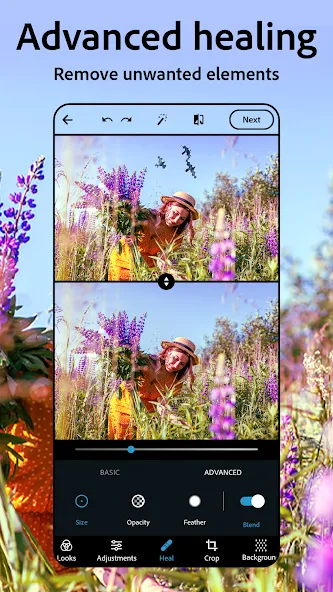
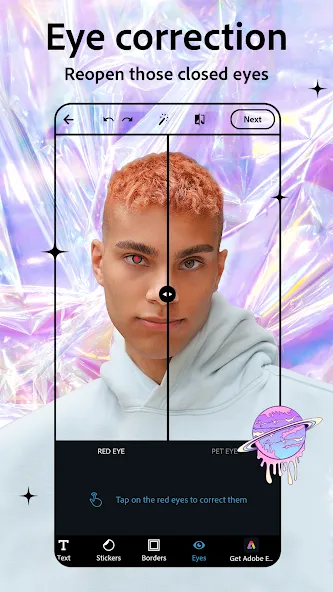
Photoshop Express is a powerful photo editing app for Android devices, offering a wide range of tools such as airbrushing, blemish removal, spot healing, red-eye correction, and the clone stamp. Users can adjust the mood of their photos using filters and—once satisfied with the image—add text, create collages, and customize borders and colors to create a unique, personalized look. After finishing their creations, users can easily share their photos directly to major social media platforms with just a single tap—making the process incredibly convenient and fast.
Features:
Retouch and cleanup
Photoshop Express Photo Editor provides airbrush tools, blemish remover, spot healing, red eye correction, and clone stamp to clean up selfies and portraits. You can remove objects, replace backgrounds, or restyle images with AI tools to simplify busy scenes. Edits apply with clear sliders and buttons so you can focus on the subject.
Filters and adjustments
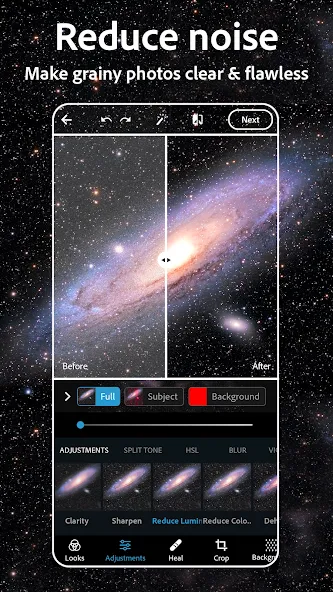
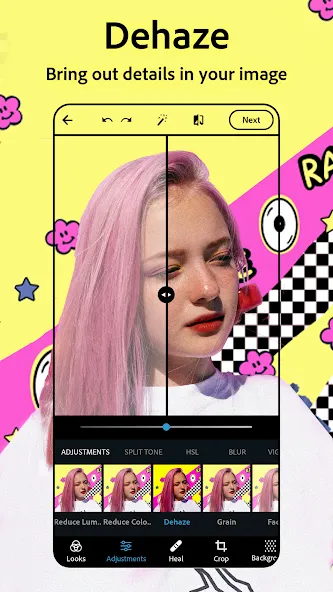
After cleanup, move to filters and adjustments to set a mood. Choose vintage style filters or presets for quick results. You can dehaze scenes, reduce blur and background noise, and sharpen details for clarity. Radial or full blur helps shift focus or suggest movement when needed.
Text and collages
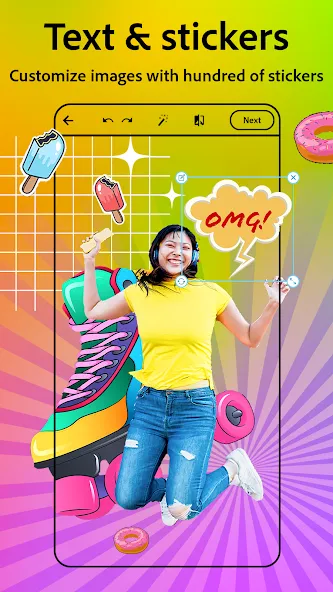
When the image looks right, add text with fonts and layouts to create captions or memes. Use the collage maker to combine photos in ready grids with adjustable borders and colors. Custom stamps and watermarks help label your work for personal or shared projects.
Import and sharing
The Photoshop Express Photo Editor APK supports uploads from RAW, TIFF, and PNG formats. When your edit is ready, share to Instagram, TikTok, Pinterest, Snapchat, Facebook, Line, or Telegram directly from the app. Some features require a paid Premium subscription for access.
Highlights:
Smooth, shiny skin: Remove unnecessary things on your skin to make it bright, smooth and give you confidence.
Basic to advanced editing: Apply one or more features to give your image a positive change and help demonstrate your editing skills.
Use AI support: AI is powerful in identifying things on images and helps users use features it recommends, such as removing objects.
Use diverse layouts: Collage images can appear to help you tell many details of a different story with pre-made layouts.
Create what you want: Change the image in the most positive direction by combining many things you want and creating harmony between them.
Use multiple resources in multiple ways: Create a series of different types of images, from beautiful images to funny memes.
Supports a wide range of formats: Professional image editing applications always support more formats than you think and include features to handle them.
Choose products suitable for social networks: Social networks have different requirements in terms of characteristics and image content that can be handled easily.
Always use the highest quality images: The highest quality images are always ready for you to use or share on another platform.
Function:
One-touch Filters or Looks: Get additional filters for fun, fresh looks
Noise Reduction: Minimize unwanted grain and speckling in the night and low-light photos
Defog: Reduce fog and haze in photos
Perspective Correction: Fix the skewed perspective photos with just a click! Choose from auto (balanced or full auto), vertical, or horizontal correction options.
Pros and Cons:
Pros
Extremely easy to use
Integration with Adobe Revel
Some interesting filters
Cons
Editing features are very basic
Doesn't save files to their source folder
Conclusion:
Photoshop Express delivers a straightforward editing experience focused on speed and accessibility. Its combination of essential tools and automated adjustments makes it suitable for casual users who want fast results. With lightweight performance and easy controls, it remains a practical option for everyday photo editing without the complexity of professional-grade software.
-
Latest Updates
-
Featured Apps









