
Phonto
Photography
2026-08-08
44.34MB
1.7.133
Android
429
Screenshots

Introduction
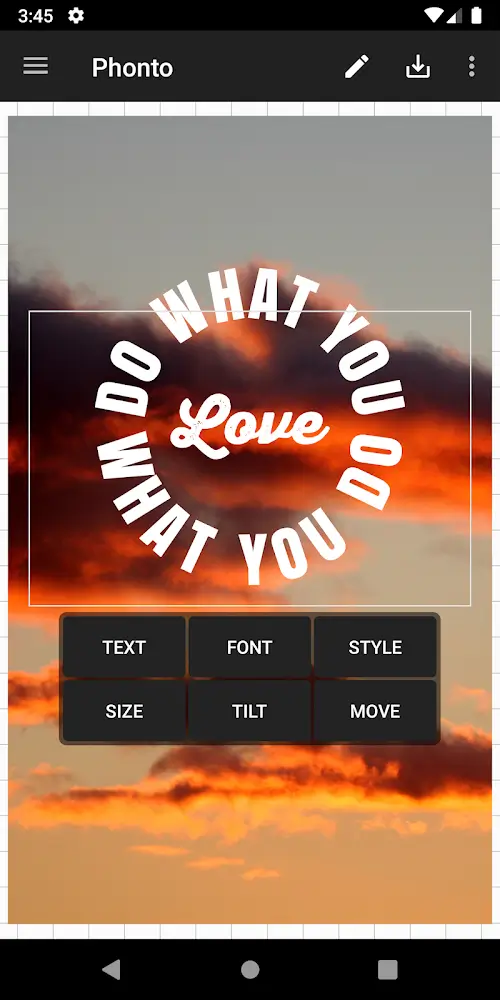
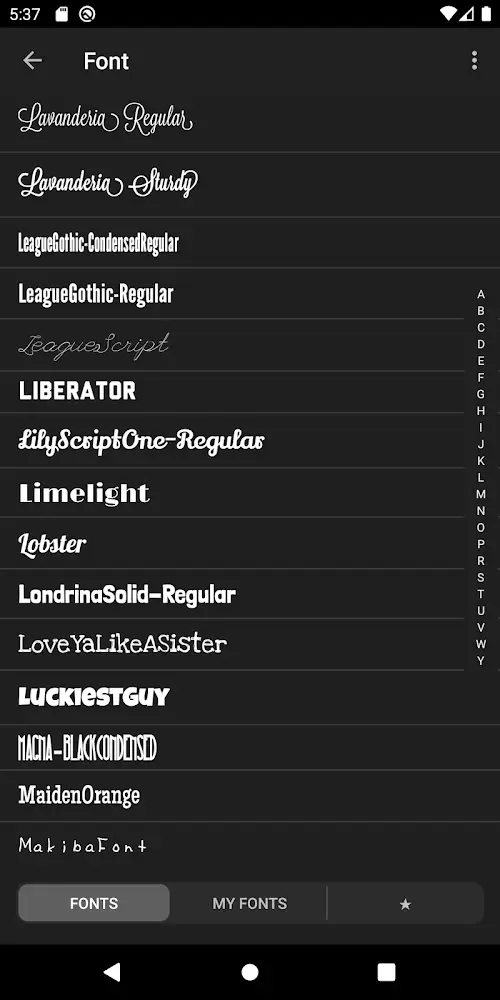
Phonto is an image editing software that allows users to easily insert text into images. The app offers over 200 fonts for users to choose from and use directly. Users can also add their own fonts to suit their needs. The app provides various customization options, allowing users to freely adjust text size and color. Users can also easily and quickly share photos to major social media platforms.
Features:
Fonts and font import
Phonto includes more than 200 fonts ready to use. You can add your own by opening font files with .ttf, .otf, or .zip extensions inside the app. Always review the font license first to confirm usage rights before installing.
Text appearance controls
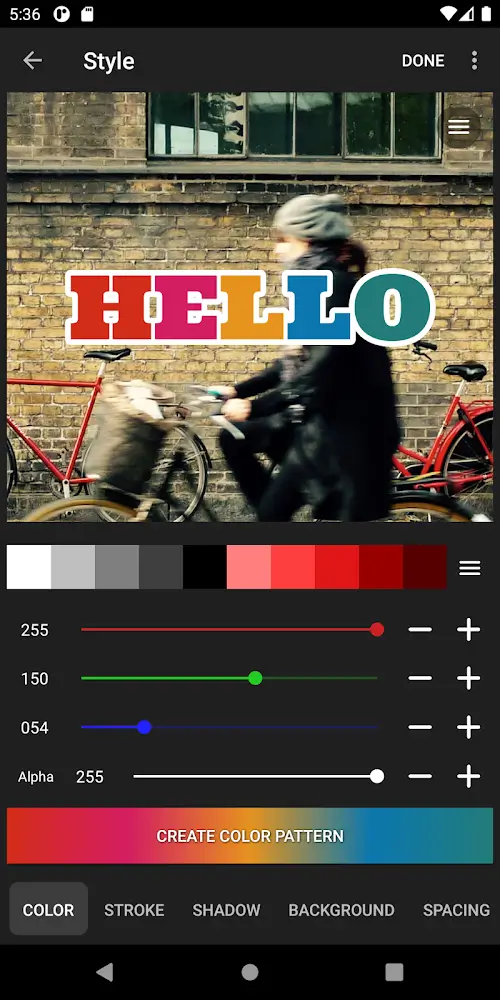
Change text size and color
Add shadow for contrast
Apply stroke with adjustable color and width
Set a background color behind text
Layout and blending
Rotate text for alignment
Adjust letter spacing and line spacing for readability
Choose blend modes that fit the photo
Ad-Free option
If you prefer an uninterrupted workspace, the Ad-Free option removes advertisements. Go to Settings and select Ad-Free Option to purchase and enable it.
Highlights:
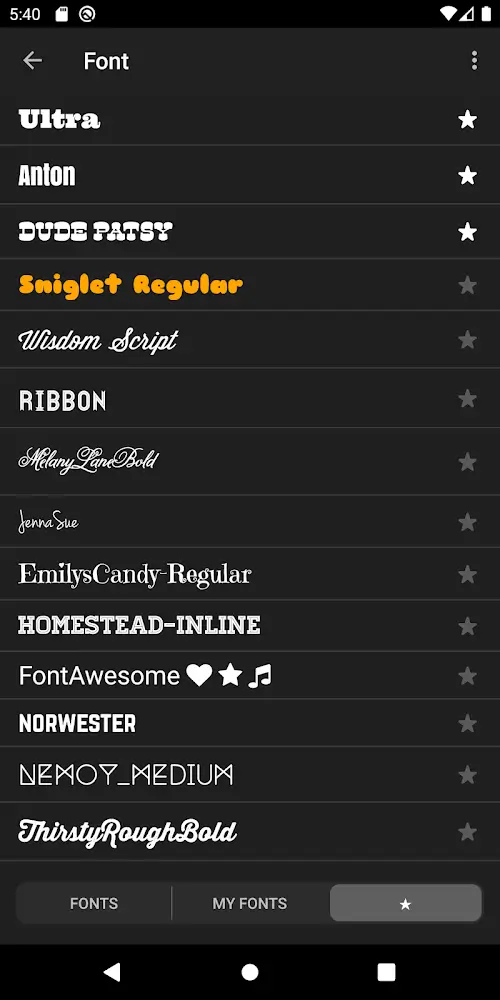
There are more than 200 typefaces accessible, and you may add other fonts if you like.
Text size, color, and gradient may all be customized.
The stroke, shadow, and background color of the text may all be customized.
A text box may be rotated, and it can also be put on a curve or from a viewpoint.
Text kerning and line spacing may both be changed on the fly.
Parts of the text may be removed.
The topic of the image may be changed.
There are many shapes to choose from (balloon, rectangle, star, and heart).
The background picture may be changed.
Not only can you use photos to write words, but you can also use simple images to create text.
Photos may be shared on social media sites such as Facebook, Twitter, and Instagram.
Pros and Cons:
Pros
Makes adding text captions to images and photos simple.
Easier to use than photo editor apps.
Provides many options to customize appearance of text.
Comes with 200 different fonts.
Cons
Working with very large image files may cause app to crash.
User Reviews:
I'm really surprised that there are so few reviews for this app. I've owned this app 12+ years and I still use it several times a week to mess around on and make cool picture quotes. Prior to all the latest updates, you were only able to use a 1:1 ratio which was just a boring square. Now you are able to choose from various ratio sizes and make the picture fit to your chosen size. There's also a ton more fonts to choose from - and the best part that I LOVE about this app, is that you can add your own fonts to it! Just go to any free font website, download the font of your choice, and then click on the saved download. It will give you the option to click on the app when the window pops up and it ask if you would like to download it to Phonto and then that's it! Super easy and an endless amount of free fonts are out there. I also love the fact that you can easily delete the fonts you don't want anymore because sometimes I download fonts that turn out to be not what I expected and I am able to simply swipe left on the font and it deletes it instantly. I highly recommend this app. It allows so many options to choose from, yet it's all in a simple type of platform. It takes no time before you are able to pick it up.
Conclusion:
Incorporating Phonto into your digital creative process allows for a richer experience in photo editing. The range of features available ensures that users can achieve the desired results, making it an essential app for anyone looking to add text to their images effectively.
-
Latest Updates
-
Featured Apps









